
1. Introduction
This manual provides essential information for the safe and effective use of your CMF by Nothing Headphone Pro. Please read it thoroughly before using the product and retain it for future reference.

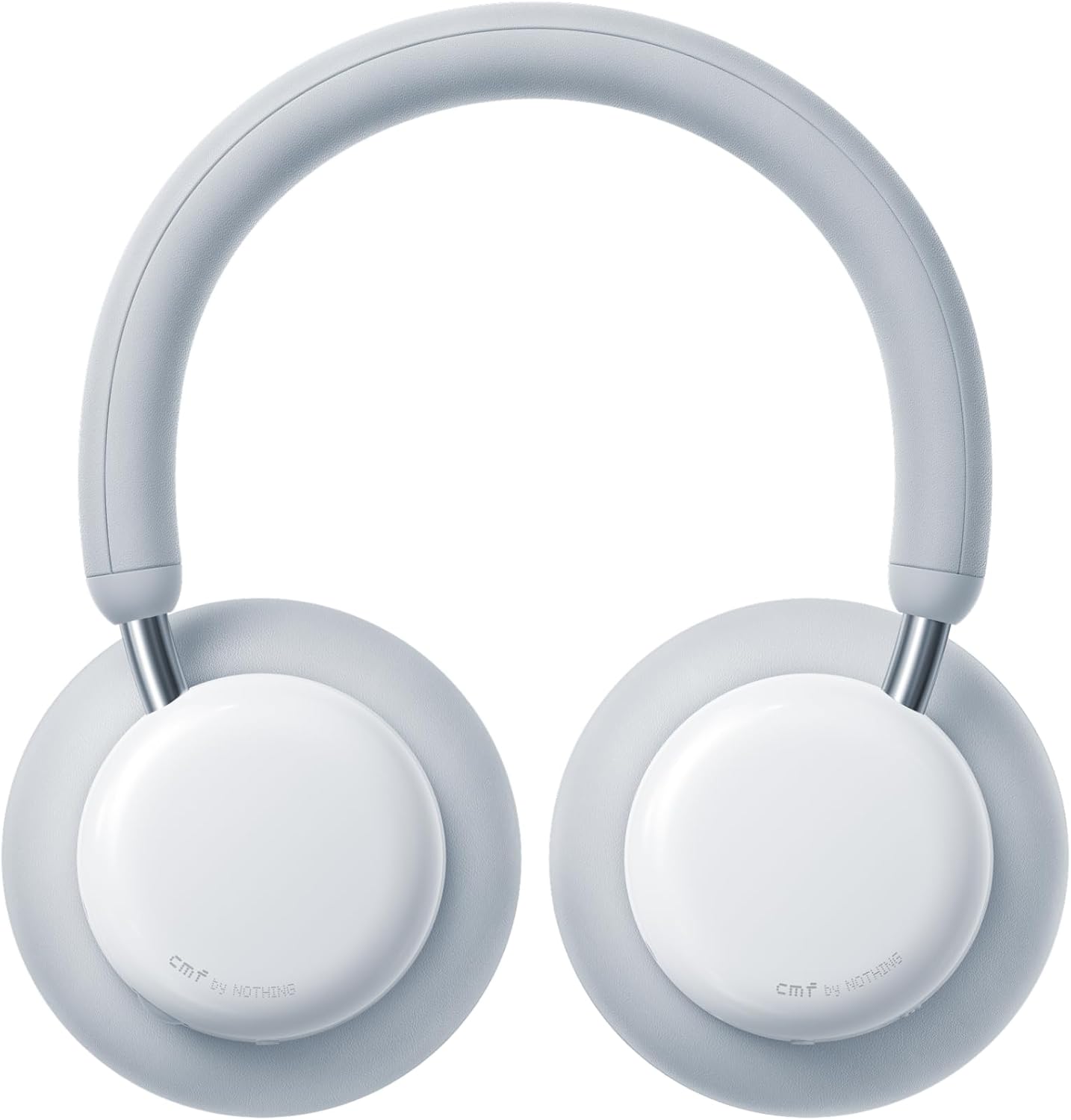
The CMF by Nothing Headphone Pro in Light Grey, showcasing its sleek design.
2. Package Contents
Verify that all items are present in the package:
- CMF by Nothing Headphone Pro (x1)
- Carry Pouch (x1)
- 3.5mm Audio Cable (1.2M) (x1)
- Quick Start Guide (x1)
Note: A USB-C charging cable is not included and must be supplied separately.
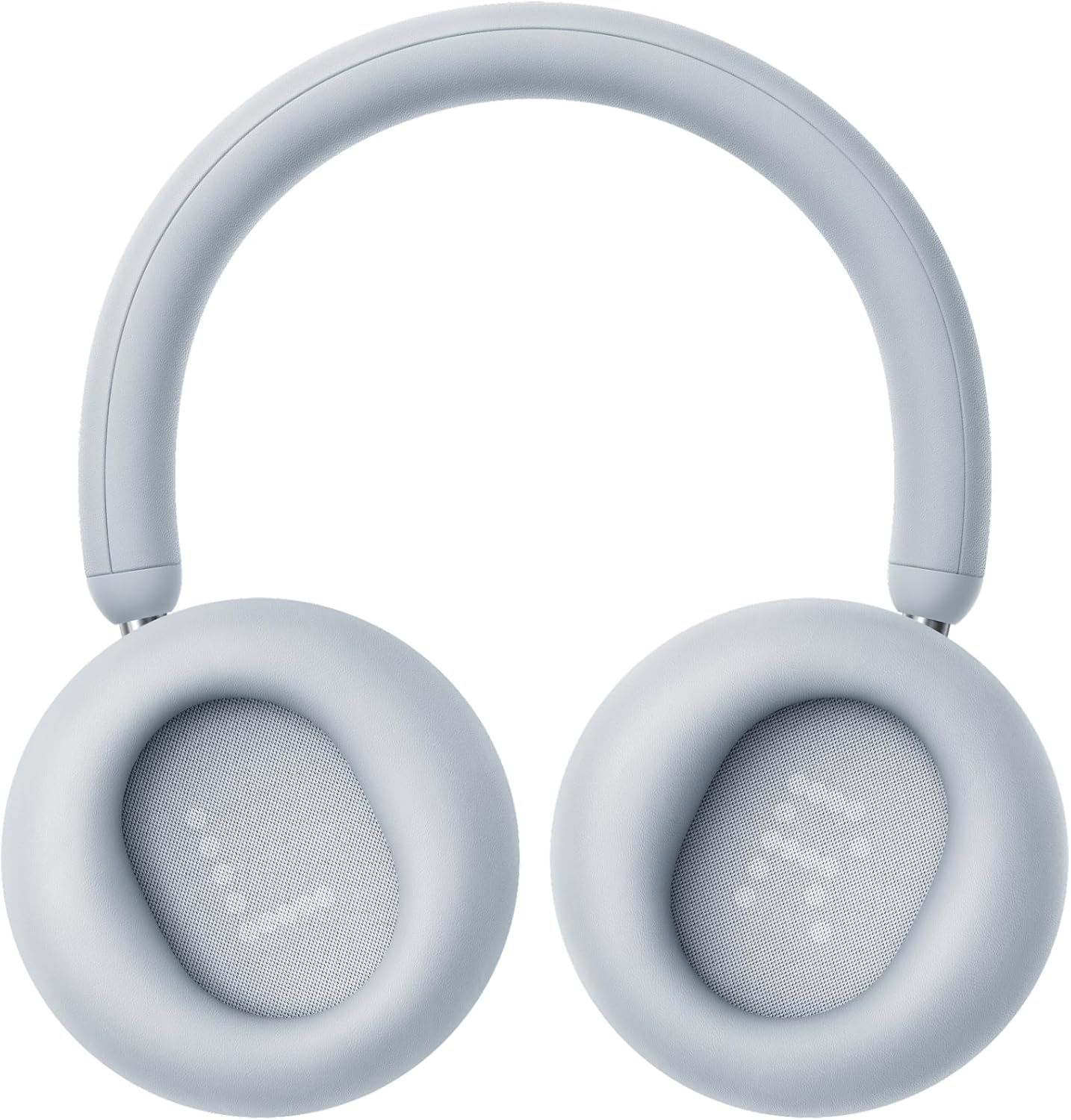
Image showing the headphones, carry pouch, 3.5mm audio cable, and quick start guide included in the box.
3. Product Features
- Hi-Res & LDAC Audio: Customized 40mm drivers deliver high-resolution audio.
- Adaptive Active Noise Canceling (ANC): Up to 40dB ANC with quad-noise sensors.
- Transparency Mode: Allows ambient sounds to pass through for situational awareness.
- Extended Battery Life: Up to 50 hours with ANC on, 100 hours with ANC off.
- Rapid Charging: 5 minutes of charge provides 4 hours of listening.
- Physical Bass & Treble Tuning: Dedicated slider for real-time audio adjustment.
- Custom EQ & Spatial Audio: Personalize sound profiles and experience immersive audio via the Nothing X app.
- Comfort Design: Memory foam earpads and lightweight frame for all-day comfort.
- Interchangeable Earcups: Easily swap earcups for customization or replacement.
- Dual Connection: Seamlessly switch between two connected devices.
4. Setup
4.1 Charging the Headphones
Before first use, fully charge the headphones. Connect a USB-C cable (not included) to the charging port on the left earcup and to a power source. The LED indicator will show charging status.

Close-up of the USB-C charging port on the headphone.
4.2 Powering On/Off
- To Power On: Press and hold the Power/Bluetooth button on the left earcup until the LED indicator lights up.
- To Power Off: Press and hold the Power/Bluetooth button until the LED indicator turns off.
4.3 Bluetooth Pairing
- Ensure the headphones are powered off.
- Press and hold the Power/Bluetooth button for approximately 3-5 seconds until the LED indicator flashes blue rapidly, indicating pairing mode.
- On your device (smartphone, tablet, computer), enable Bluetooth and search for available devices.
- Select "CMF Headphone Pro" from the list of devices.
- Once connected, the LED indicator will turn solid blue.
4.4 Nothing X App Installation
For full customization and advanced features, download the Nothing X app from your device's app store (Android/iOS). The app allows you to:
- Adjust Active Noise Cancellation (ANC) levels.
- Customize the Equalizer (EQ) and create personal sound profiles.
- Enable Spatial Audio modes (Cinema, Concert).
- Remap physical button functions.
- Update firmware.
Screenshot of the Nothing X app interface, showing customization options for the headphones.
5. Operating Instructions
5.1 Physical Controls
The headphones feature intuitive physical controls for easy operation:
- Volume Roller (Right Earcup): Scroll to adjust volume. Press once to Play/Pause music or Answer/End calls. Long-press to switch between Noise Control modes (ANC, Transparency, Off).
- Customizable Button (Right Earcup): Default function can be customized via the Nothing X app (e.g., activate voice assistant, toggle Spatial Audio, open ChatGPT).
- Energy Slider (Left Earcup): Slide up for brighter highs, slide down for deeper lows. This physically adjusts bass and treble.
- Power/Bluetooth Button (Left Earcup): Press and hold to power on/off or enter Bluetooth pairing mode.
- 3.5mm Audio Jack (Left Earcup): For wired listening with the included audio cable.

Detailed view of the physical controls on the earcup, including the scroll wheel and buttons.
5.2 Noise Control
The CMF by Nothing Headphone Pro offers various noise control options:
- Active Noise Cancellation (ANC): Blocks out ambient sounds. Can be set to Adaptive, High, Mid, or Low via the Nothing X app.
- Transparency Mode: Allows you to hear your surroundings while listening to audio.
- Off: Disables both ANC and Transparency Mode.
Switch between these modes by long-pressing the Volume Roller or through the Nothing X app.
5.3 Audio Customization
Enhance your listening experience using the Nothing X app:
- Equalizer (EQ): Adjust audio frequencies to your preference. Choose from preset EQs or create a custom one.
- Personal Sound Profile: Utilize Audiodo technology to create a sound profile tailored to your hearing.
- Spatial Audio: Immerse yourself in a soundscape with Cinema and Concert modes, optimizing soundstage width, depth, and clarity.
6. Maintenance
6.1 Cleaning
Regular cleaning helps maintain the headphones' condition:
- Wipe the headphones with a soft, dry cloth.
- Do not use harsh chemicals or abrasive materials.
- Keep charging ports free of dust and debris.
6.2 Earcup Replacement
The earcups are designed to be interchangeable. To replace them, gently twist the earcup counter-clockwise to detach it. Align the new earcup and twist clockwise until it clicks into place.

Illustration demonstrating the interchangeable earcups, allowing for customization and easy replacement.
7. Troubleshooting
- No Power: Ensure headphones are charged. Connect to a power source using a USB-C cable.
- Cannot Pair: Ensure headphones are in pairing mode (rapidly flashing blue LED). Turn off and on your device's Bluetooth. Try pairing with another device.
- No Sound: Check volume levels on both headphones and connected device. Ensure headphones are correctly paired. If using wired connection, ensure the 3.5mm cable is fully inserted.
- ANC Not Effective: Ensure earcups are properly seated over your ears. Adjust ANC levels via the Nothing X app.
- App Connection Issues: Ensure Bluetooth is enabled and headphones are connected to your device. Restart the Nothing X app.
8. Specifications
| Feature | Specification |
|---|---|
| Model Name | CMF Headphone Pro |
| Item Model Number | B175 |
| Brand | CMF BY NOTHING |
| Connectivity Technology | Bluetooth 5.4, LDAC, Wireless |
| Audio Driver Size | 40 Millimeters (Custom Driver) |
| Noise Control | Active Noise Cancellation (up to 40 dB) |
| Battery Life (ANC On) | Up to 50 Hours |
| Battery Life (ANC Off) | Up to 100 Hours |
| Fast Charging | 5 min charge for 4 hours playback |
| Headphones Jack | 3.5 mm Jack |
| Control Type | App Control, Button, Scroll Wheel, Slider |
| Material | Faux Leather, Plastic |
| Item Weight | 283 Grams (approx. 10 ounces) |
| Product Dimensions | 7.42 x 3.77 x 6.63 inches |
| Water Resistance Level | Water Resistant |
9. Product Overview Video
An official product video providing a brief overview of the CMF by Nothing Headphone Pro's key features and design.
10. Warranty and Support
For warranty information and customer support, please refer to the official CMF by Nothing website or contact their customer service directly. Keep your proof of purchase for any warranty claims.


