1. Important Safety Instructions
Before operating the UREVO Foldimix 5L Walking Pad Treadmill, please read and understand all safety instructions. Failure to follow these instructions may result in injury or damage to the product.
- Maximum User Weight: Do not exceed the maximum user weight of 400 lbs (approximately 181 kg).
- Placement: Place the treadmill on a flat, stable surface. Ensure at least 2 feet (0.6 meters) of clear space behind the treadmill and 1 foot (0.3 meters) on each side.
- Children and Pets: Keep children and pets away from the treadmill during operation.
- Power Cord: Ensure the power cord is not pinched or damaged. Do not use extension cords.
- Emergency Stop: Familiarize yourself with the emergency stop function before use.
- Medical Conditions: Consult a physician before starting any new exercise program, especially if you have pre-existing medical conditions.
- Footwear: Always wear appropriate athletic footwear when using the treadmill.
2. Package Contents
Verify that all components are present in the package:
- UREVO Foldimix 5L Walking Pad Treadmill (Main Unit)
- Power Cord
- User Manual (this document)
- Assembly Tools (if required for minor assembly)
3. Setup
- Unpacking: Carefully remove the treadmill from its packaging. Retain packaging materials for future storage or transport.
- Placement: Position the treadmill on a firm, level surface, ensuring adequate clearance around the unit as described in the safety instructions.
- Unfolding (if applicable): If the treadmill is in a folded state, gently unfold it according to the instructions provided on the unit or in a quick-start guide. Ensure all locking mechanisms are securely engaged.
- Adjusting the Handrail: The handrail can be raised or lowered to match your height. Loosen the adjustment knobs, set the handrail to a comfortable height, and securely tighten the knobs.
- Power Connection: Plug the power cord into the treadmill's power input, then into a grounded electrical outlet.

Image: The UREVO Foldimix 5L Walking Pad Treadmill in operation, demonstrating its use for both walking and running, with the auto incline feature visually indicated.
4. Operating Instructions
4.1 Powering On/Off
- Power On: Press the power button located on the console. The display will illuminate.
- Power Off: Press and hold the power button until the display turns off, or simply unplug the unit from the power outlet.
4.2 Basic Operation
- Start: Press the 'Start' button to begin the treadmill belt movement. The belt will typically start at a low speed.
- Adjust Speed: Use the '+' and '-' buttons on the console to increase or decrease the belt speed. The maximum speed is 7.6 Miles per Hour (approximately 12 km/h).
- Adjust Incline: The treadmill features an auto incline function, adjustable up to 9%. Use the incline control buttons on the console to change the incline level.
- Stop: Press the 'Stop' button to gradually bring the treadmill belt to a halt. For emergency stops, use the designated emergency stop button or pull the safety key.

Image: A user running on the treadmill, illustrating the adjustable incline feature up to 9% and its impact on calorie expenditure.
4.3 Special Features
- AI Rhythm Tempo Run: This feature adjusts the treadmill's pace to match AI-generated music, providing a dynamic workout experience. Refer to the console interface for activation and settings.
- Quiet Operation: The treadmill is designed for quiet use, operating at a noise level below 40 dB, minimizing disturbance during workouts.
- App Synchronization: The treadmill can sync workout data with health applications such as Apple Health and Google Fit. Follow the instructions in the treadmill's display or a dedicated app for pairing and data transfer.
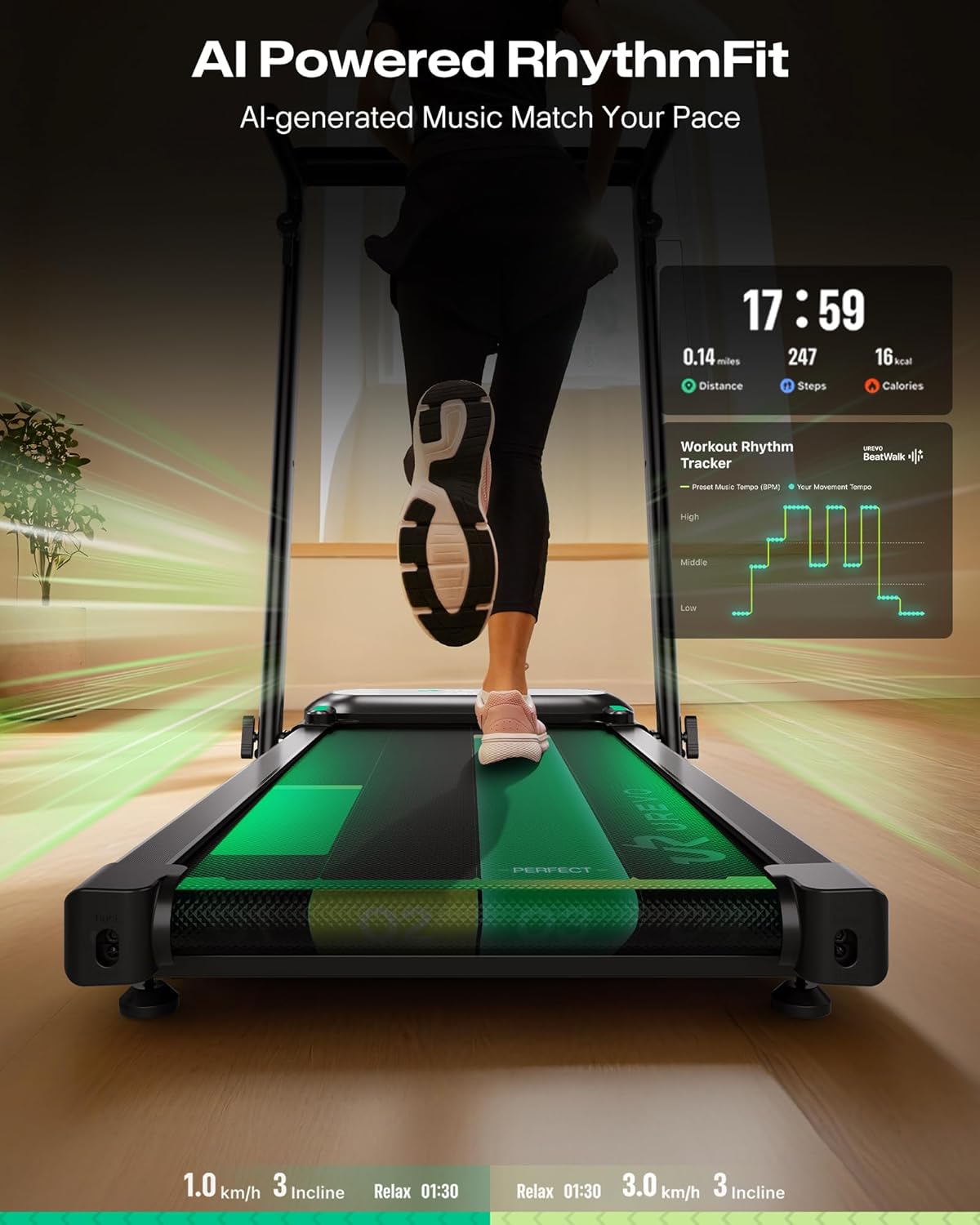
Image: The treadmill's display showing the AI Powered RhythmFit feature, which synchronizes workout pace with music.
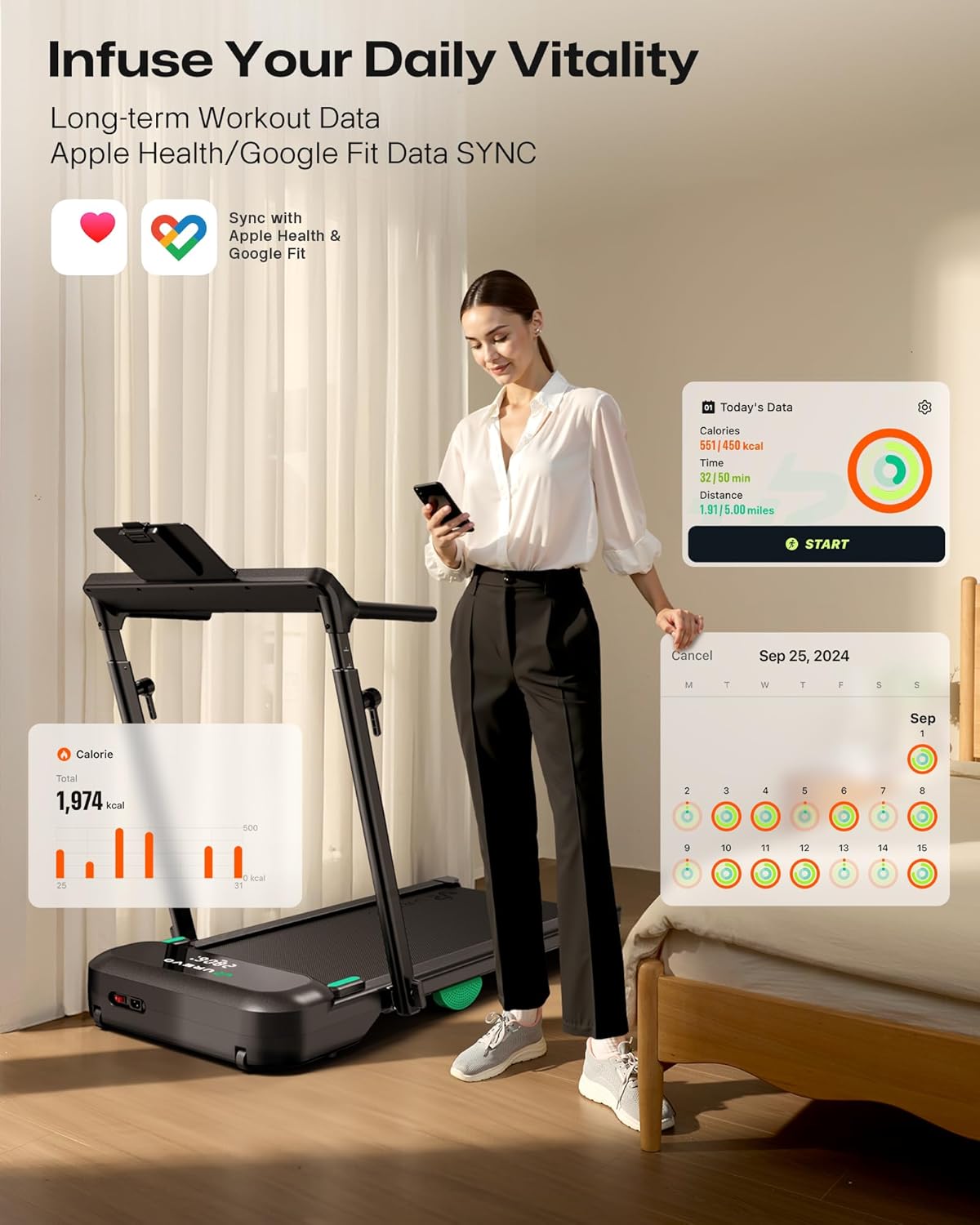
Image: A user interacting with the treadmill's display, demonstrating the synchronization of workout data with Apple Health and Google Fit applications.

Image: A user walking on the treadmill, with an overlay indicating its quiet operation at less than 40 decibels.
5. Maintenance
5.1 Cleaning
- Regularly wipe down the treadmill with a damp cloth. Avoid using abrasive cleaners or solvents.
- Keep the running belt and motor cover free of dust and debris.
5.2 Lubrication
The running belt may require periodic lubrication to ensure smooth operation and extend its lifespan. Refer to the specific instructions provided with your treadmill's lubrication kit or contact customer support for guidance.
5.3 Belt Adjustment
If the running belt becomes misaligned or slips, it may need adjustment. Consult the troubleshooting section or contact customer support for detailed instructions on how to properly tension and center the belt.
5.4 Storage
The Foldimix design allows for compact storage. To fold the treadmill, follow the reverse steps of the unfolding process, ensuring all components are securely locked in the folded position. Store in a dry, safe place.

Image: An internal diagram of the treadmill's motor system, highlighting the dual brushless motors designed for durability and extended service life.
6. Troubleshooting
If you encounter issues with your UREVO Foldimix 5L Walking Pad Treadmill, refer to the common problems and solutions below. If the problem persists, contact customer support.
- Treadmill Not Powering On:
- Ensure the power cord is securely plugged into both the treadmill and a working electrical outlet.
- Check the circuit breaker for your outlet.
- Belt Slipping or Hesitating:
- The running belt may require tension adjustment. Refer to the maintenance section or contact support.
- Lubrication may be needed.
- Unusual Noises:
- Ensure all bolts and screws are tightened.
- Check for any foreign objects under the belt or near the motor.
- Display Not Working Correctly:
- Try powering off and restarting the treadmill.
- Ensure all cable connections to the console are secure.
7. Specifications
| Feature | Specification |
|---|---|
| Model Number | URTM047 |
| Brand | UREVO |
| Product Dimensions (L x W x H) | 133.1 x 62.48 x 15.49 cm (52.4 x 24.6 x 6.1 inches) |
| Item Weight | 34.02 kg (75 lbs) |
| Material | Alloy Steel |
| Colour | Black |
| Horsepower | 2.5 HP |
| Maximum Speed | 7.6 Miles per Hour (approx. 12 km/h) |
| Incline Levels | Auto Incline, up to 9% |
| Maximum User Weight | 400 lbs (approx. 181 kg) |
| Noise Level | < 40 dB |
| Special Features | AI Rhythm Tempo Run, Adjustable Height Handrail |
| Included Components | User Manual |
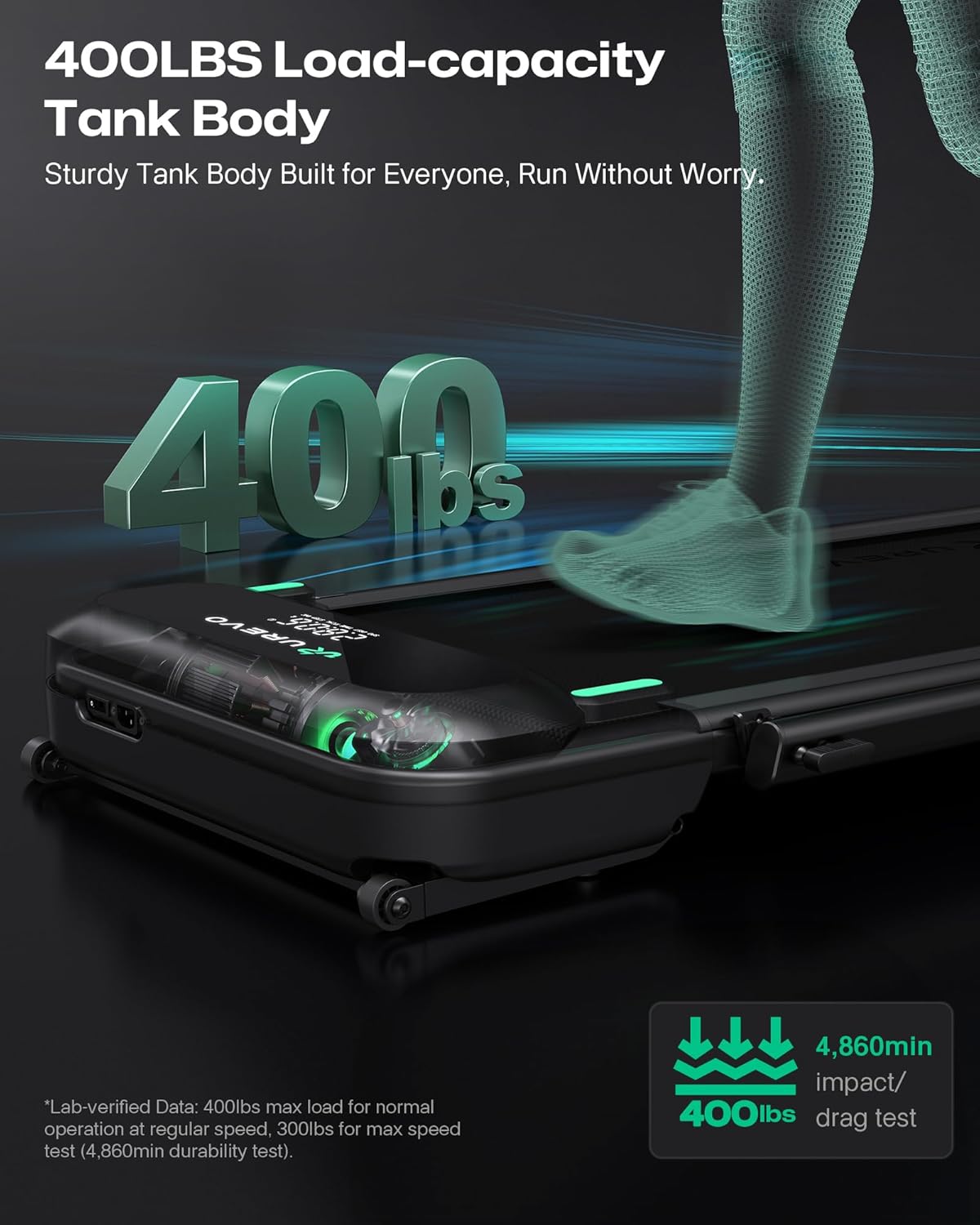
Image: The treadmill's robust construction, emphasizing its 400 lbs load capacity, designed for stability and durability.
8. Warranty and Support
UREVO products are manufactured to high-quality standards. For specific warranty information regarding your Foldimix 5L Walking Pad Treadmill, please refer to the warranty card included with your purchase or visit the official UREVO website.
If you require technical assistance, have questions about operation, or need to report a defect, please contact UREVO customer support. Contact details can typically be found on the UREVO website or in your product packaging.


