
1. Introduction
Thank you for choosing the QNGEE Bluetooth MP3 Player. This manual provides detailed instructions to help you understand and operate your new device effectively. Please read this manual thoroughly before use and retain it for future reference.
1.1 What's in the Box
- 1x QNGEE MP3 Player
- 1x User's Manual
- 1x Wired Headphone
- 1x USB Cable (Type-C)
2. Product Overview
The QNGEE-M8 is a compact and portable digital audio player featuring a 1.8-inch full touch screen. It supports various functions including music playback, FM radio, voice recording, e-book reading, video playback, and picture viewing, with Bluetooth 5.0 connectivity.
2.1 Device Layout

Image: Front and back view of the QNGEE Bluetooth MP3 Player. The front features a touch screen display, while the back shows product information and control buttons on the sides.
The device features a power button, volume controls, and navigation buttons on its sides, complementing the touch screen interface for intuitive operation.
3. Setup
3.1 Charging the Device
Before first use, fully charge the MP3 player. Connect the provided USB Type-C cable to the device and a 5V/500mA charger or a computer's USB port. Charging typically takes 2 to 3 hours.

Image: An illustration showing the QNGEE MP3 Player connected to a charging cable, with icons indicating 2.5 hours for full charge, 8 hours for earphone playback, and 5 hours for Bluetooth playback.
3.2 Power On/Off
- To Power On: Press and hold the power button located on the side of the device until the screen illuminates.
- To Power Off: Press and hold the power button until the power-off option appears on the screen, then confirm.
3.3 Transferring Files
Connect the MP3 player to your computer using the USB Type-C cable. The device will appear as a removable disk. You can then drag and drop music, video, picture, and e-book files directly into the appropriate folders on the player.
3.4 Expanding Storage
The device has 16GB of built-in memory. To expand storage, insert a TF (microSD) card into the designated slot. The player supports TF cards up to 128GB. (Note: TF card is not included.)

Image: An illustration highlighting the 16GB internal memory and the capability to expand storage up to 512GB using a TF card. Various music file icons are shown around the device.
4. Operating Instructions
4.1 Basic Navigation
The QNGEE-M8 features a full touch screen for navigation. Tap icons to select functions and swipe to browse menus. Physical buttons on the sides provide additional control for volume and basic navigation.
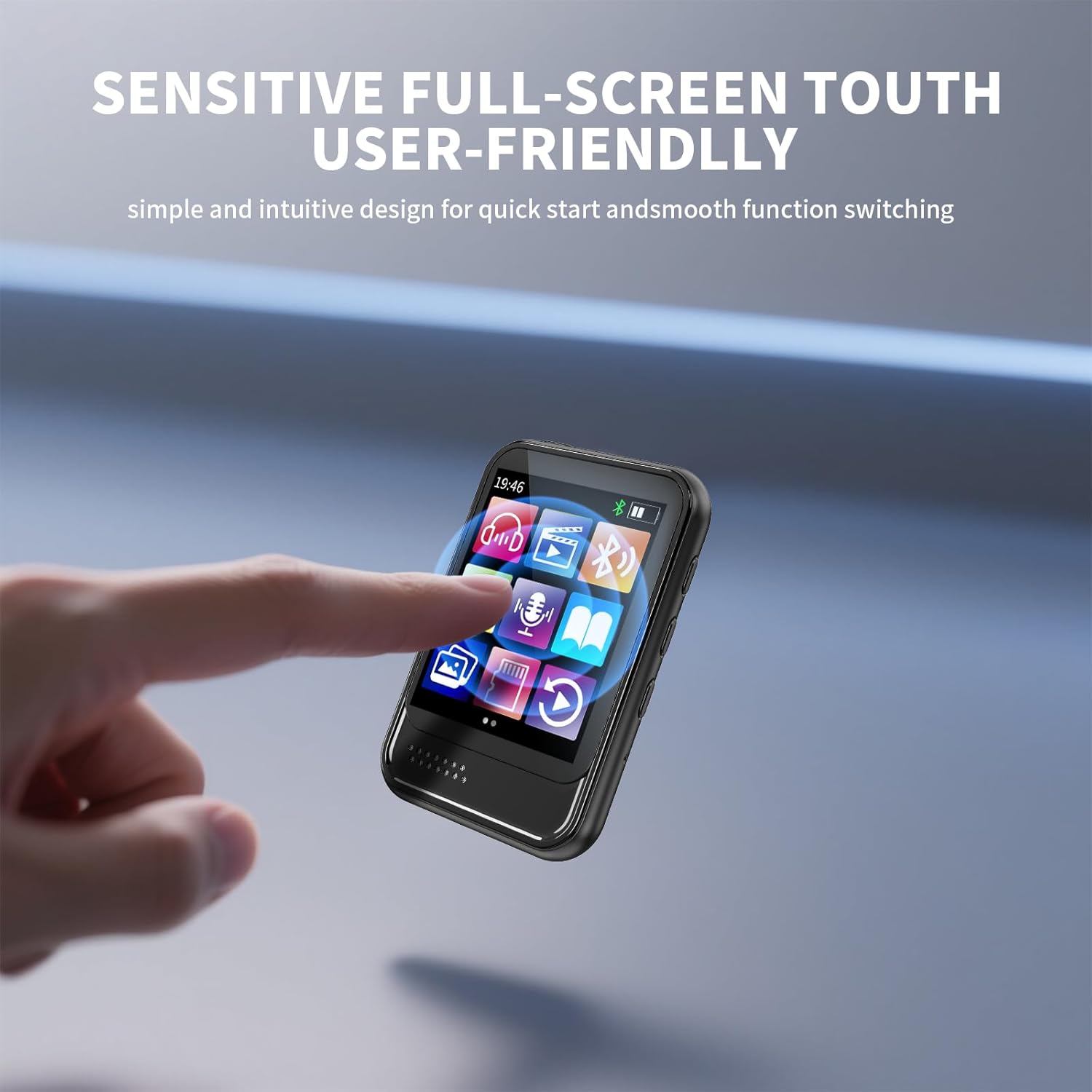
Image: A hand interacting with the sensitive full-screen touch interface of the QNGEE MP3 Player, demonstrating user-friendly operation.
4.2 Music Playback
From the main menu, select the 'Music' icon. You can browse your music by artist, album, genre, or all songs. The player supports MP3, WMA, APE, FLAC, WAV, DRM, and ACELP audio formats.
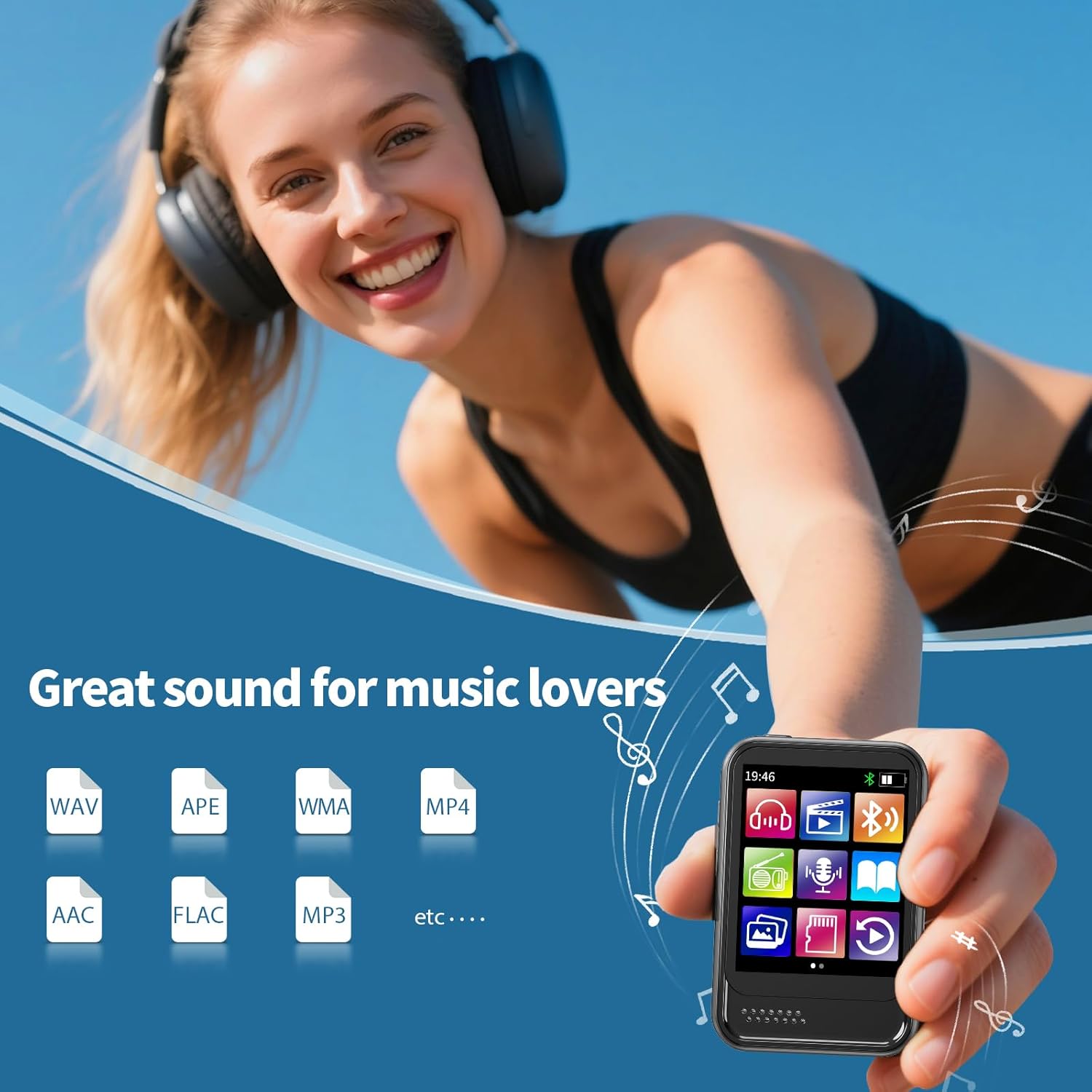
Image: A person listening to music with headphones, with the QNGEE MP3 Player in the foreground. Icons for WAV, APE, WMA, MP4, AAC, FLAC, and MP3 formats are displayed, indicating broad compatibility.
4.3 Bluetooth Connectivity
The MP3 player supports Bluetooth 5.0 for connecting to Bluetooth speakers or headphones. To pair:
- Ensure your Bluetooth speaker or headphones are in pairing mode.
- On the MP3 player, navigate to 'Settings' and select 'Bluetooth'.
- Turn Bluetooth 'On' and scan for available devices.
- Select your device from the list to pair.
Note:
- This MP3 player is not compatible with connecting to mobile phones or laptops via Bluetooth.
- If you experience pairing issues, consult the troubleshooting section or contact customer support.

Image: The QNGEE MP3 Player displaying a Bluetooth connection icon, surrounded by images of a Bluetooth speaker, Bluetooth headphones, and Bluetooth earbuds, illustrating wireless audio options.
4.4 FM Radio
To use the FM Radio function, connect the wired headphones (included) to the player. The headphones act as an antenna. Select the 'FM Radio' icon from the main menu. You can auto-scan for stations or manually tune.
4.5 Voice Recorder
Select the 'Voice Recorder' icon to access the recording function. The device features a built-in dual capacitor microphone for clear audio capture.
4.6 E-book Reader
The player supports TXT format e-books. Transfer TXT files to the 'Ebook' folder on the device and select the 'E-book' icon to read.
4.7 Video Playback
The player supports AMV and AVI video formats. Transfer compatible video files to the device and select the 'Video' icon for playback.
4.8 Picture Viewer
View BMP and JPG format pictures by transferring them to the device and selecting the 'Picture' icon.
4.9 Settings
Access the 'Settings' menu to adjust various parameters:
- Volume Adjustment: 31 digital volume levels.
- Screen Brightness: Levels 00-11 (higher number for higher brightness).
- Variable Playback Speed: -8 to +8.
- Languages: English, French, Italian, Dutch, Portuguese, Chinese, Japanese, Turkish, and more.

Image: The QNGEE MP3 Player's screen displaying icons for various functions including Music, Video, FM Radio, E-book, Bluetooth, Picture, Folder, Voice Recording, Settings, Stopwatch, Calendar, and Alarm.
5. Specifications
| Feature | Detail |
|---|---|
| Model No. | QNGEE-M8 |
| Dimensions | 65 × 40 × 15 mm (2.56 × 1.57 × 0.59 inches) |
| Weight | 32g (1.13 Ounces) |
| Screen Size | 1.8-inch full touch screen |
| Internal Memory | 16GB |
| Expandable Memory | Supports TF card up to 128GB |
| Bluetooth Version | 5.0 |
| USB Port | USB Type-C |
| Battery Capacity | 330 mAh 3.7V |
| Charging Time | 2-3 hours (with 5V/500mA charger) |
| Audio Formats | MP3, WMA, APE, FLAC, WAV, DRM, ACELP |
| Video Formats | AMV, AVI |
| E-book Format | TXT |
| Picture Formats | BMP, JPG |
| Microphone | Built-in dual capacitor microphone |
| Headphone Output | 10mW@32Ω; 20mW@16Ω (Supports 16Ω or 32Ω headphones) |
| Operating System Support | Windows 98/XP/VISTA/7/8/10 |
6. Troubleshooting
- Device does not power on: Ensure the battery is charged. Connect to a power source and try again.
- Cannot transfer files: Verify the USB cable is securely connected to both the player and the computer. Ensure the computer recognizes the device. Try a different USB port or cable.
- Bluetooth pairing fails: Ensure the target Bluetooth device is in pairing mode and within range. Turn off and on Bluetooth on both devices. Remember, the player does not connect to phones or laptops via Bluetooth.
- No sound from FM Radio: Ensure wired headphones are plugged in, as they serve as the antenna.
- Screen is unresponsive: Try restarting the device by holding the power button. If the issue persists, ensure the screen is clean and dry.
7. Safety Information
- Do not expose the device to extreme temperatures, direct sunlight, or high humidity.
- Avoid dropping or subjecting the device to strong impacts.
- Do not attempt to disassemble or repair the device yourself. This may void the warranty and cause damage.
- Use only the provided USB cable for charging.
- Listen at moderate volume levels to prevent hearing damage.
8. Warranty and Support
For warranty information or technical support, please refer to the documentation provided at the time of purchase or contact QNGEE customer service through the retailer where the product was purchased.
