
1. Introduction
Thank you for purchasing the WSTER WS-1965 Bluetooth Replica Speaker. This portable speaker combines a unique retro rocket car design with modern audio technology, offering HD sound, TWS pairing, LED party lights, FM radio, USB/TF card playback, and a built-in microphone for hands-free calls. Please read this manual carefully to ensure proper operation and to fully enjoy the features of your new speaker.
2. Package Contents
- WSTER WS-1965 Bluetooth Replica Speaker
- Power Cable
- Quick Start Guide
3. Product Overview
The WS-1965 speaker is designed to resemble a classic rocket car, featuring detailed aesthetics and integrated controls. Below is an overview of its key components and dimensions.

Figure 3.1: Front view of the WSTER WS-1965 Bluetooth Replica Speaker.

Figure 3.2: Dimensions of the WSTER WS-1965 Bluetooth Replica Speaker. The speaker measures approximately 10.75 inches (27.3 cm) in length, 4.17 inches (10.6 cm) in width, and 3.15 inches (8 cm) in height.
Controls and Ports:
- Power Button: Typically located on the device, used for turning the speaker on/off and mode switching.
- Play/Pause Button: Controls music playback and call answering/ending.
- Volume Up/Next Track Button: Short press for next track, long press for volume up.
- Volume Down/Previous Track Button: Short press for previous track, long press for volume down.
- USB Port: For USB drive playback.
- TF Card Slot: For TF (MicroSD) card playback.
- AUX Input: For wired audio connection.
- Charging Port: For connecting the power cable to charge the device.
4. Setup
4.1 Charging the Speaker
Before first use, fully charge the speaker. Connect the provided power cable to the charging port on the speaker and the other end to a compatible USB power adapter (not included). The charging indicator will show the charging status and turn off or change color once fully charged.
4.2 Power On/Off
- To Power On: Press and hold the Power button for a few seconds until you hear an audible prompt or see the display light up.
- To Power Off: Press and hold the Power button again for a few seconds until you hear an audible prompt or the display turns off.
5. Operating Instructions
5.1 Bluetooth Pairing
To connect your speaker to a Bluetooth-enabled device:
- Ensure the speaker is powered on and in Bluetooth mode. If not, briefly press the Power/Mode button to switch to Bluetooth mode (indicated by "BLUE" on the display).
- On your mobile device, enable Bluetooth and search for available devices.
- Select "WS-1965" from the list of devices.
- Once connected, you will hear an audible confirmation, and the display will show "BLUE" or a similar indicator.
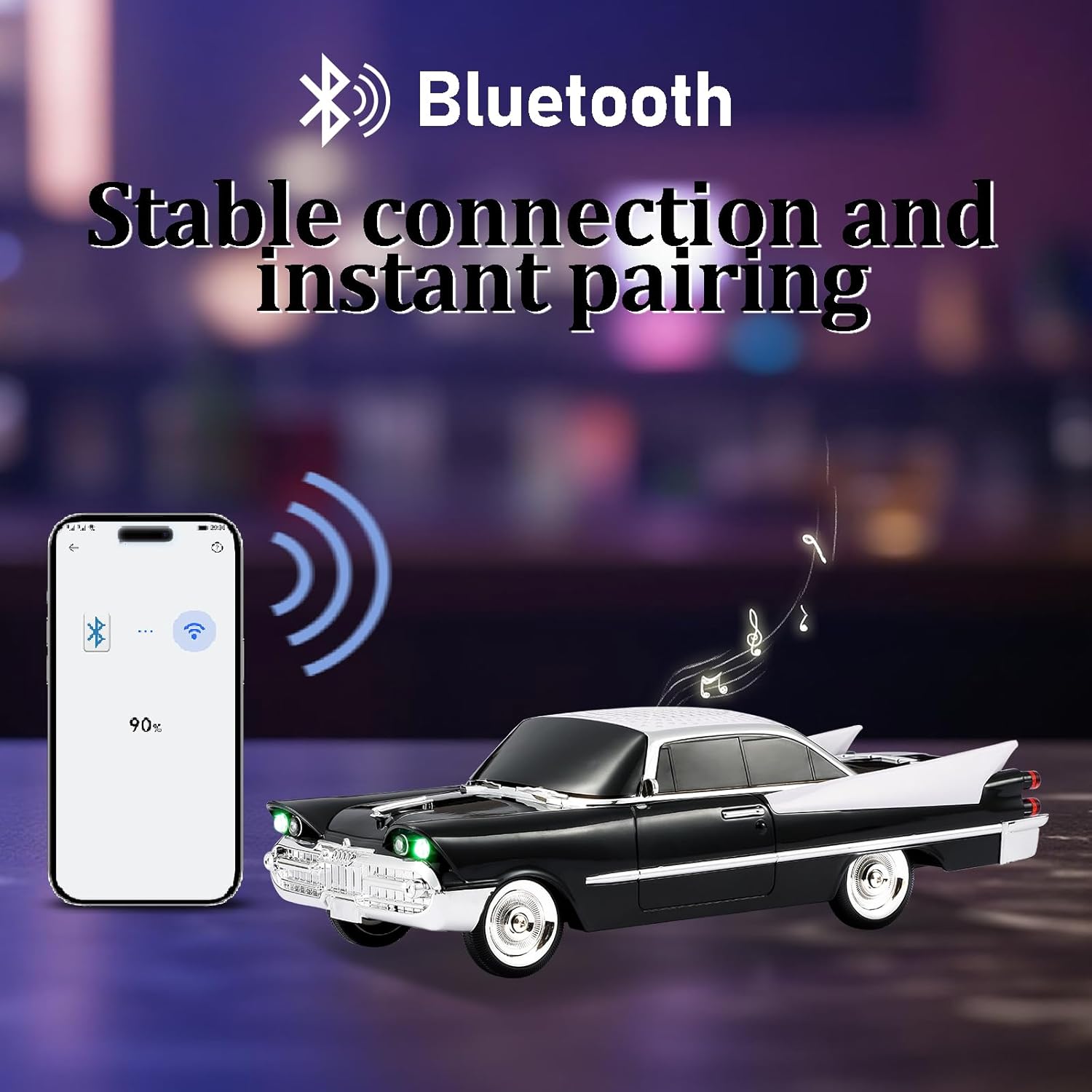
Figure 5.1: Bluetooth connection process.
5.2 TWS (True Wireless Stereo) Pairing
To pair two WS-1965 speakers for a stereo sound experience:
- Ensure both WS-1965 speakers are powered on and in Bluetooth mode, but not connected to any other device.
- On one of the speakers (this will be the primary speaker), double-click the Play/Pause button. You will hear a "beep" sound.
- The two speakers will automatically search and pair with each other. Once paired, you will hear a confirmation sound.
- Now, connect your mobile device to the primary speaker via Bluetooth as described in section 5.1. Both speakers will play audio in stereo.
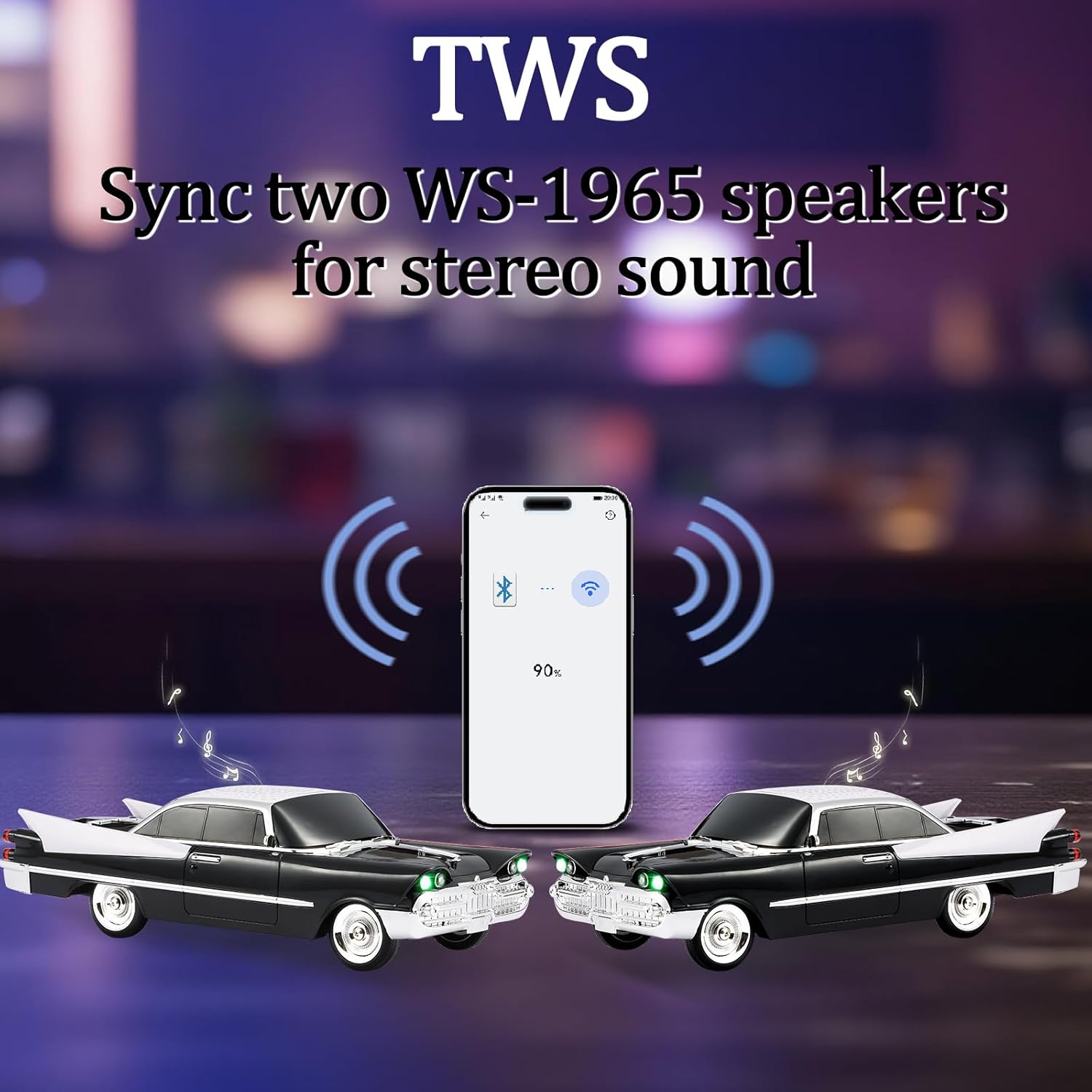
Figure 5.2: TWS pairing of two WS-1965 speakers.
5.3 FM Radio Mode
To use the FM radio function:
- Briefly press the Power/Mode button repeatedly until the speaker enters FM Radio mode (indicated by "FM" on the display).
- To automatically search and save available stations, press and hold the Play/Pause button. The speaker will scan and store stations.
- Once scanning is complete, use the Previous Track and Next Track buttons to navigate through the saved stations.
5.4 USB/TF Card Playback
To play music from a USB drive or TF (MicroSD) card:
- Insert a USB drive into the USB port or a TF card into the TF card slot.
- The speaker will automatically switch to USB or TF card playback mode and begin playing music.
- Use the Play/Pause, Previous Track, and Next Track buttons to control playback.
5.5 Hands-Free Calling
When connected to your phone via Bluetooth, the speaker supports hands-free calling:
- Answer a Call: Briefly press the Play/Pause button when a call comes in.
- End a Call: Briefly press the Play/Pause button during a call.
- Reject a Call: Press and hold the Play/Pause button when a call comes in.
5.6 LED Party Lights
The speaker features built-in LED party lights that activate automatically during playback, enhancing the audio experience with visual effects.

Figure 5.3: Speaker with active LED lights.
6. Maintenance
- Keep the speaker away from water, moisture, and extreme temperatures.
- Clean the speaker with a soft, dry cloth. Do not use abrasive cleaners or solvents.
- Store the speaker in a cool, dry place when not in use for extended periods.
- Avoid dropping or subjecting the speaker to strong impacts.
7. Troubleshooting
| Problem | Possible Cause | Solution |
|---|---|---|
| Speaker does not power on. | Low battery or no charge. | Charge the speaker fully. |
| No sound. | Volume too low; device not paired; incorrect mode. | Increase volume on speaker and connected device. Ensure proper Bluetooth pairing or switch to correct input mode (USB, TF, AUX). |
| Bluetooth pairing fails. | Speaker too far from device; Bluetooth not enabled; interference. | Move devices closer. Ensure Bluetooth is on for both. Restart speaker and device. |
| Poor FM radio reception. | Weak signal; environmental interference. | Relocate the speaker to an area with better signal. Extend any external antenna if available. |
8. Specifications
| Feature | Detail |
|---|---|
| Model Name | WS-1965 |
| Brand | WSTER |
| Speaker Type | Portable Speaker |
| Material | Acrylonitrile Butadiene Styrene (ABS) |
| Product Dimensions | 10.75"D x 4.17"W x 3.15"H |
| Item Weight | 607.6 Grams (1.34 pounds) |
| Wireless Communication Technology | Bluetooth |
| Bluetooth Version | 5.4 |
| Speaker Maximum Output Power | 10 Watts |
| Frequency Response | 18 KHz |
| Audio Output Mode | Stereo |
| Special Features | Bluetooth Connection, Built-in Microphone, FM Radio, LED Light, TWS |
| Batteries | 1 Nonstandard Battery (included) |
9. Official Product Videos
Watch these official videos for visual guidance on operating your WSTER WS-1965 speaker.
WSTER WS-1965 Bluetooth Replica Speaker Overview
This video provides a general overview and demonstration of the WSTER WS-1965 Bluetooth Replica Speaker, showcasing its design and features.
WSTER Speaker Instructions (Part 1)
Detailed instructions on how to operate the WSTER speaker, covering various functions and modes.
WSTER Speaker Instructions (Part 2)
Further instructional content for the WSTER speaker, demonstrating advanced features and usage scenarios.
10. Warranty and Support
For warranty information and customer support, please refer to the contact details provided in your Quick Start Guide or visit the official WSTER website. Keep your purchase receipt as proof of purchase for any warranty claims.
For additional support, you may visit the WSTER Store on Amazon.
