
1. Introduction
This manual provides essential information for the safe and effective operation of your YeeSite LED Stage Wash Light Bar. Please read these instructions thoroughly before installation and use, and retain them for future reference. This product is designed for professional stage lighting applications, offering versatile color mixing and control options.
2. Safety Instructions
- Ensure the power supply voltage matches the product's requirements (AC110–240V).
- Do not open the device casing. Refer all servicing to qualified personnel.
- Avoid direct eye exposure to the light source.
- Keep the device away from water, moisture, and extreme temperatures.
- Ensure proper ventilation to prevent overheating. Do not block the fan or vents.
- Mount the fixture securely using the provided brackets.
- Disconnect power before cleaning or maintenance.
3. Package Contents
Verify that all items are present in the package:
- 2 x 12LEDs RGBW Wash Light Bars
- 2 x Brackets
- 1 x User Manual
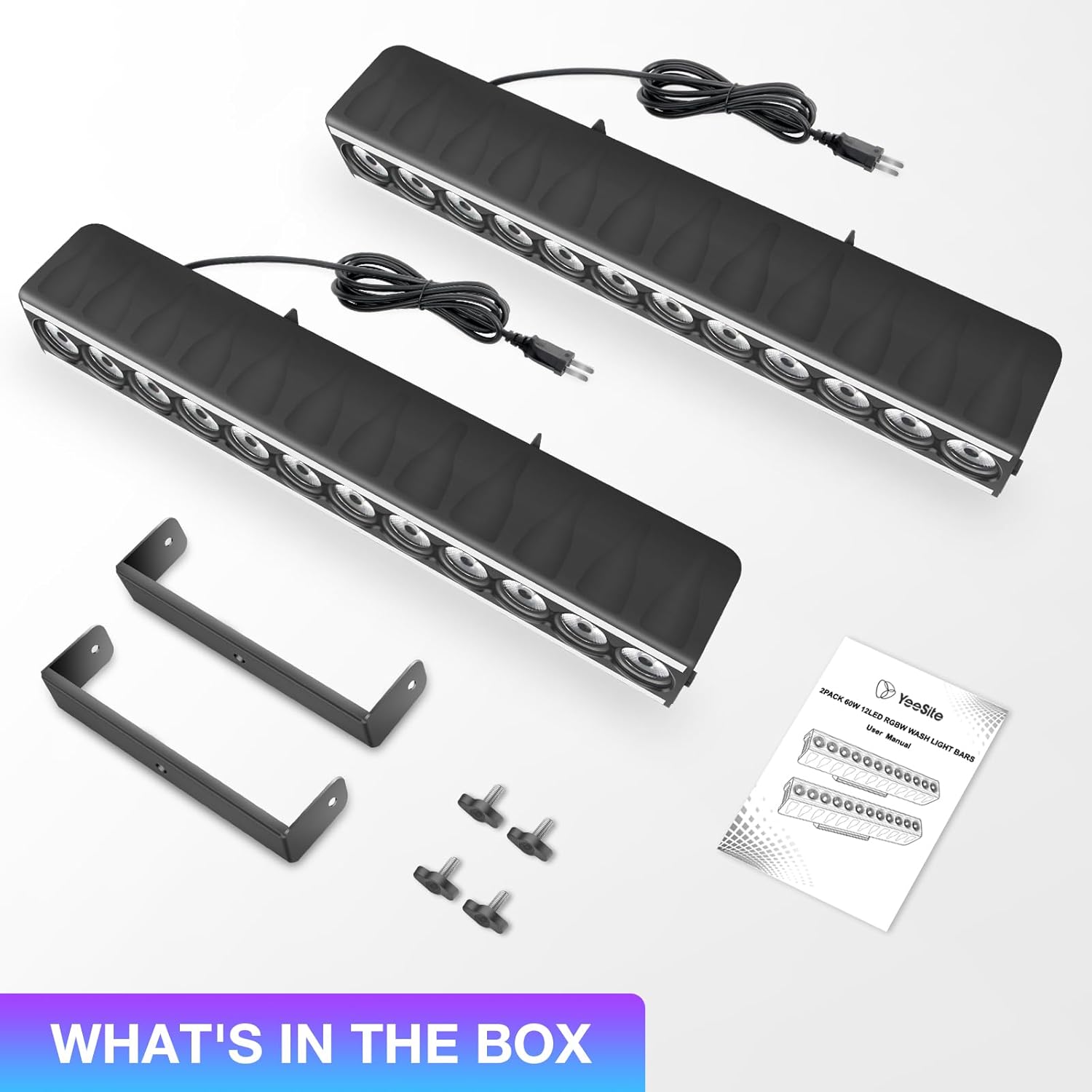
Image: Package contents showing two light bars, mounting brackets, and the user manual.
4. Product Features
- Dual-Zone Lighting Design: Each light bar features 12 central RGBW LEDs for wall washing and RGB strips on both sides, enabling multi-zone effects.
- Multiple Lighting Modes: Supports Auto Mode, 4 sound-activated modes, Strobe, Master/Slave sync, and DMX512 control (8/15/24/46 CH).
- Sound-Activated Control: Dedicated sound modes for RGB strip, RGBW LEDs, and random effects with adjustable sensitivity.
- Built-in Temperature-controlled Fan: Automatic fan activation between 50–65°C to prevent overheating.
- Easy Mounting: Includes brackets for flexible installation.

Image: Dual-zone lighting design with central RGBW LEDs and side RGB strips.
5. Setup
- Mounting: Attach the included brackets to the light bar using the provided screws. Securely mount the light bar to a truss, wall, or stand. Ensure the mounting surface can support the weight of the fixture.
- Power Connection: Connect the power cable to a compatible AC110–240V power outlet. The light bar features an ON/OFF switch for quick power control.
- DMX Connection (Optional): For DMX control, connect a DMX cable from your DMX controller to the DMX IN port of the first light bar. To link multiple units, connect a DMX cable from the DMX OUT port of the first unit to the DMX IN port of the next unit.
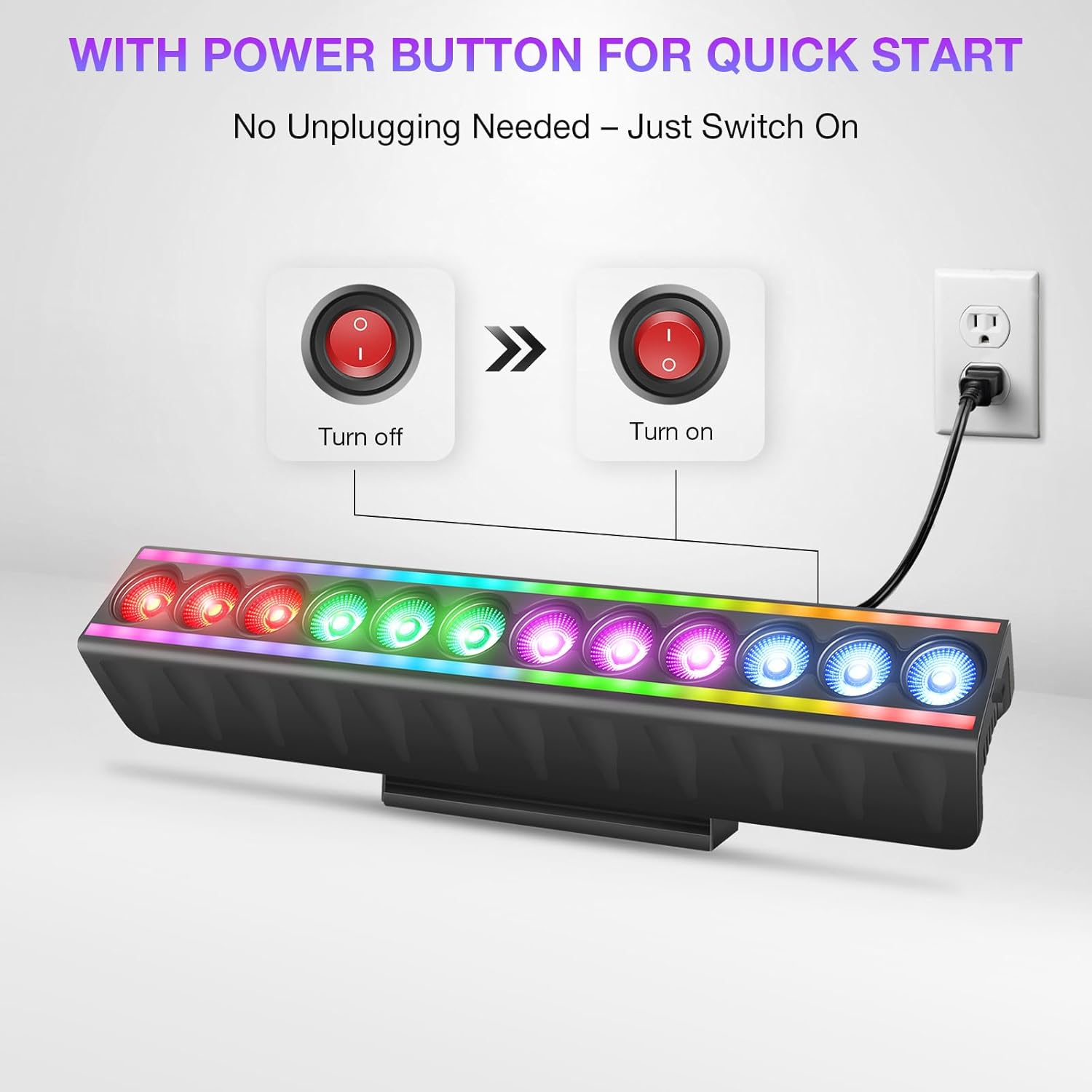
Image: Power button and connection for quick start.
6. Operating Modes
The LED Stage Wash Light Bar offers several operating modes:
- Auto Mode: The fixture cycles through pre-programmed light shows automatically.
- Sound-Activated Mode: The lights react to ambient sound or music. There are 4 distinct sound-activated modes.
- Strobe Mode: Produces a flashing light effect.
- Master/Slave Mode: Link multiple units where one acts as the master, controlling the others (slaves) for synchronized effects.
- Show Mode: Access over 70 built-in shows (51 for RGB strip, 23 for RGBW LED wash) without DMX programming.
- DMX512 Control: For advanced control using an external DMX controller.
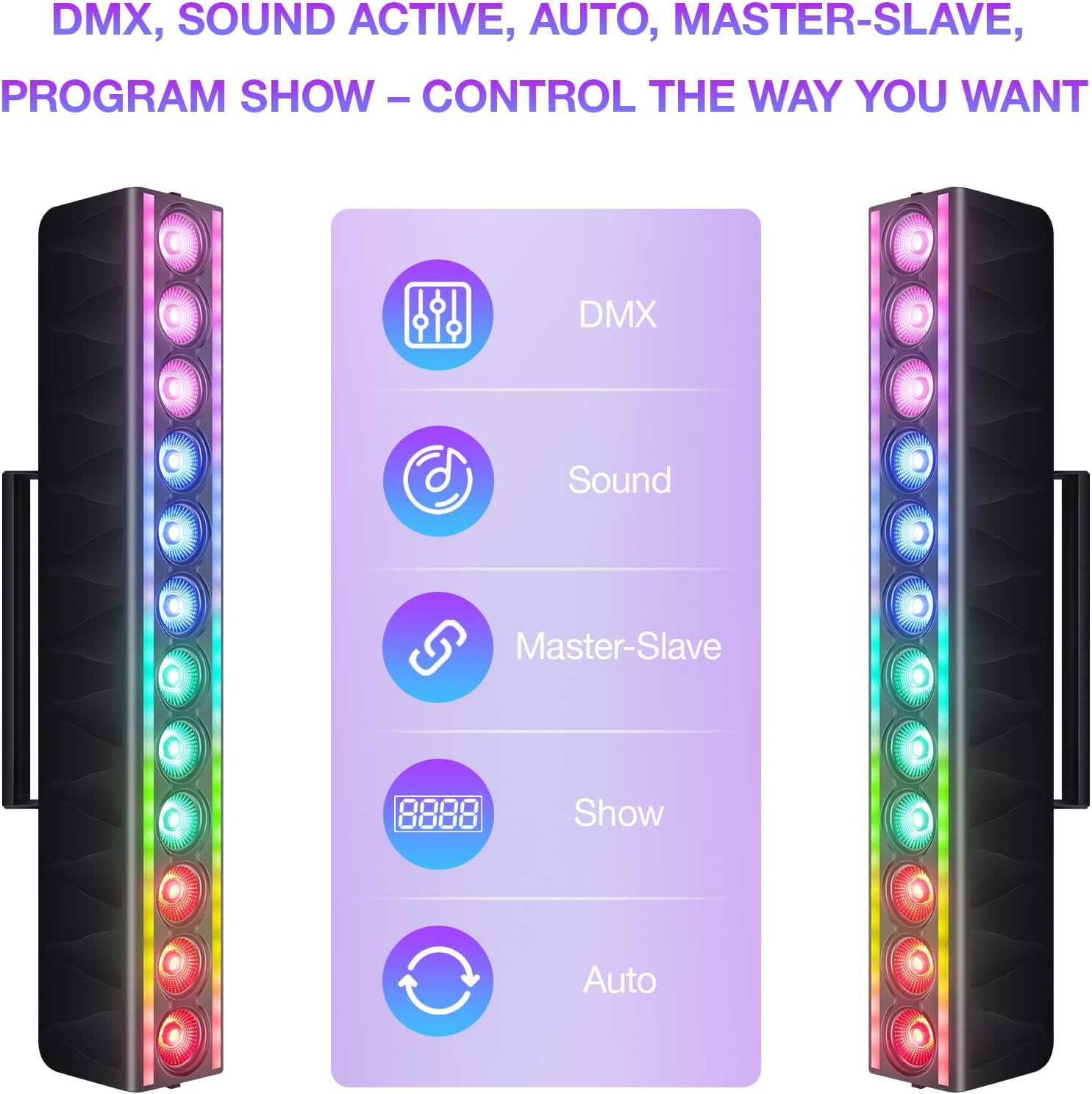
Image: Control options for the light bar.
7. DMX Control
The light bar supports DMX512 protocol, allowing for precise control over its functions. It offers multiple channel modes:
- 8-Channel Mode: Basic control over color mixing and effects.
- 15-Channel Mode: Enhanced control, including individual color intensity.
- 24-Channel Mode: More granular control over various parameters.
- 46-Channel Mode: Full control, allowing customization of every LED zone for both RGB strips and RGBW LEDs.
Refer to the DMX chart in the full user manual for detailed channel assignments and values.

Image: DMX control setup with multiple light bars.
8. Maintenance
- Cleaning: Regularly clean the exterior of the fixture with a soft, dry cloth. Do not use abrasive cleaners or solvents.
- Fan Operation: The built-in fan activates automatically when the internal temperature reaches 50–65°C. Ensure the fan and vents are clear of obstructions to maintain optimal cooling.
- Inspection: Periodically inspect power cables and DMX connections for any signs of damage. Replace damaged cables immediately.

Image: Smart temperature control with auto fan cooling.
9. Troubleshooting
| Problem | Possible Cause | Solution |
|---|---|---|
| Light bar does not power on. | No power supply; power cable damaged; ON/OFF switch off. | Check power connection; replace cable if damaged; ensure switch is ON. |
| No light output in DMX mode. | Incorrect DMX address; DMX cable issue; DMX controller problem. | Verify DMX address setting; check DMX cable connections; test with another DMX controller. |
| Lights are not synchronized in Master/Slave mode. | Incorrect mode setting; faulty DMX connection between units. | Ensure one unit is set to Master and others to Slave; check DMX cables between units. |
| Light bar overheats. | Blocked ventilation; fan malfunction. | Ensure vents are clear; contact support if fan is not operating. |
10. Specifications
| Feature | Detail |
|---|---|
| Brand | YeeSite |
| Model Number | YS-079-12WL-S |
| Light Source Type | Light Emitting Diode (LED) |
| Color | RGBW Stage Light Bar |
| Wattage | 120 Watts |
| Brightness | 500 Lumen |
| Voltage | 110-240 Volts AC |
| Material | Plastic |
| Product Dimensions | 20"L x 9"W x 6"H |
| Item Weight | 6.89 pounds |
| Mounting Type | Bracket Mount |
| DMX Channels | 8/15/24/46 CH |
11. Warranty and Support
For warranty information and technical support, please refer to the documentation included with your product or visit the official YeeSite website. Keep your purchase receipt as proof of purchase for any warranty claims.
Contact Information:
- Brand Store: YeeSite Amazon Store


