
Introduction
The Asvine V800 Fountain Pen features a vacuum filling system and a smooth Number 8 fine nib, designed for a consistent writing experience. This manual provides detailed instructions for the proper use, maintenance, and care of your fountain pen.
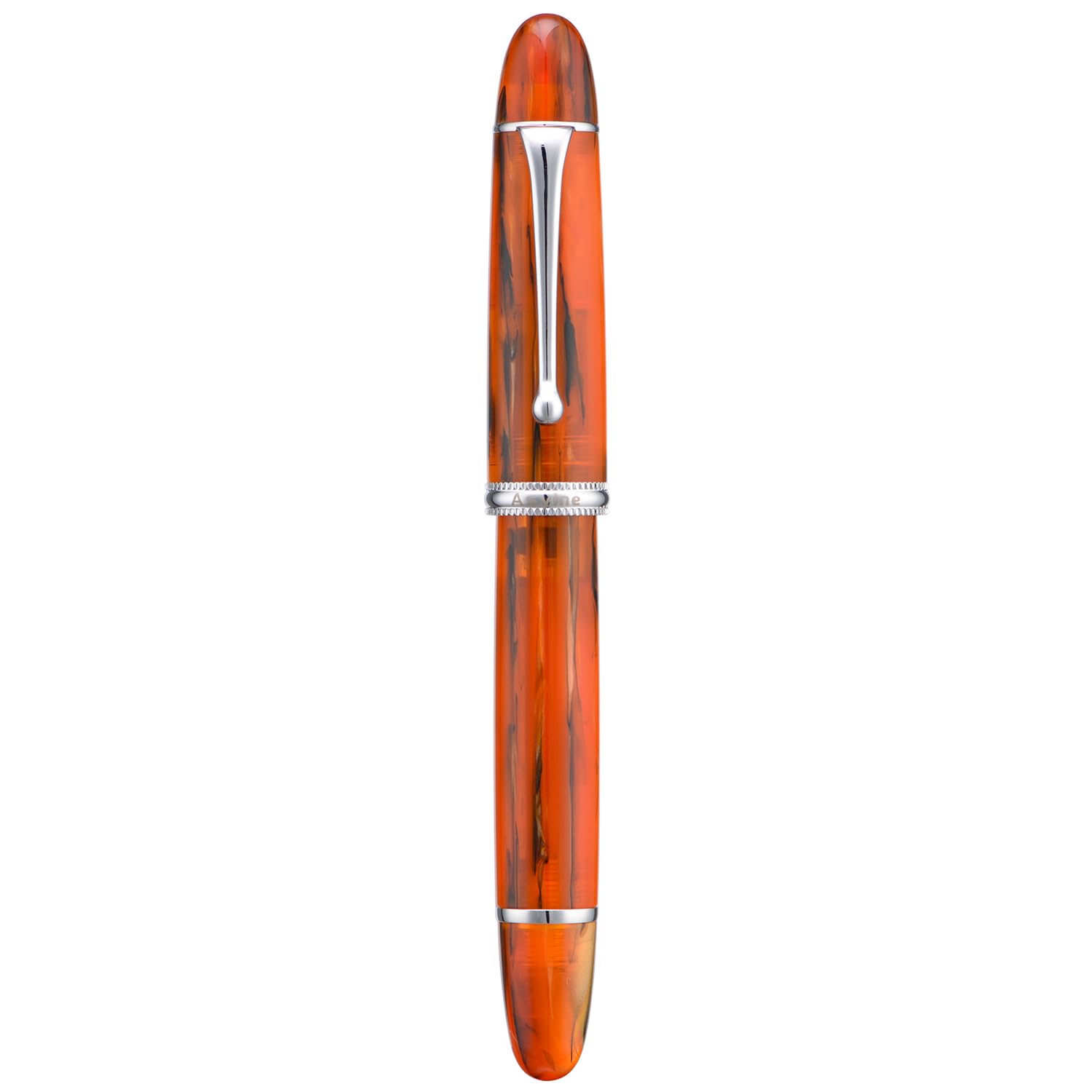
Image: The Asvine V800 Fountain Pen in amber acrylic with a fine nib.
What's in the Box
Upon unboxing your Asvine V800 Fountain Pen, you should find the following items:
- Asvine V800 Fountain Pen
- Wrench for maintenance
- 2 sets of Gaskets
- Gift Box

Image: The Asvine V800 Fountain Pen, wrench, and instruction manual presented in its gift box.
Setup and Ink Filling
The Asvine V800 features a vacuum filling system for a large ink capacity. Follow these steps to fill your pen with ink:
- Uncap the Pen: Carefully remove the pen cap.
- Prepare for Filling: Unscrew the blind cap at the end of the barrel and pull the piston rod up completely.
- Immerse Nib: Fully immerse the pen's nib and part of the feed into your bottle of fountain pen ink.
- Draw Ink: Push the piston rod down firmly to create a vacuum, drawing ink into the barrel. Repeat this step 2-3 times to ensure a full fill.
- Seal the System: Screw the blind cap back down tightly. This seals the ink reservoir, preventing leakage during transport.
Important Note for Writing: When writing for extended periods, unscrew the blind cap a few turns to allow ink to flow freely from the barrel to the nib. When carrying the pen, ensure the blind cap is screwed down tightly to prevent ink leakage.
Video: This video demonstrates the ink filling process for the Asvine V800 Fountain Pen's vacuum filling system.
Operating Instructions
The Asvine V800 is designed for a smooth writing experience. Ensure the pen is properly inked before use. For optimal ink flow during writing, slightly unscrew the blind cap at the end of the barrel. This allows air to enter the ink reservoir, facilitating consistent ink delivery to the nib. When finished writing or transporting the pen, always screw the blind cap back down tightly to prevent leaks.
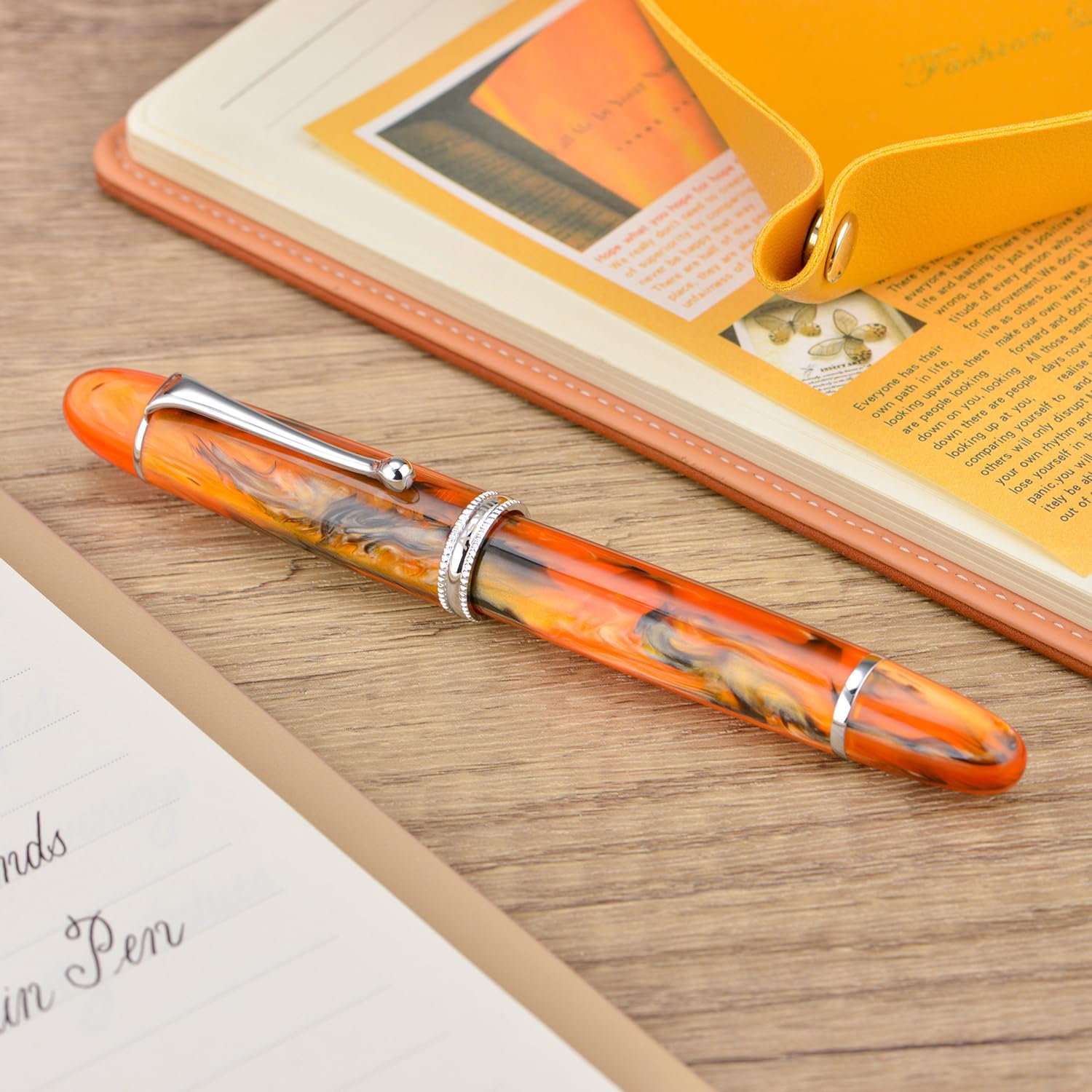
Image: A hand demonstrating writing with the Asvine V800 Fountain Pen.
Maintenance
Regular cleaning and maintenance will ensure the longevity and performance of your Asvine V800 Fountain Pen. It is recommended to clean your pen when changing ink colors or if ink flow becomes inconsistent.
General Cleaning
- Empty the ink from the pen by pushing the piston rod down while the nib is immersed in water.
- Fill the pen with clean water and expel it several times until the water runs clear.
- For a more thorough cleaning, you can disassemble the nib and feed section by gently unscrewing it from the barrel. Rinse all components under cool running water.
- Allow all parts to air dry completely before reassembling and refilling with ink.
O-Ring and Gasket Replacement
Over time, the O-rings and gaskets in the vacuum filling system may wear out. Your pen comes with spare sets for replacement. Refer to the video below for detailed instructions on how to replace these components using the provided wrench.
Video: This video demonstrates the process of replacing the O-ring and gasket for the vacuum filling system of the Asvine V800 Fountain Pen.

Image: The Asvine V800 Fountain Pen disassembled, illustrating the vacuum filling mechanism and its components.
Troubleshooting
| Problem | Possible Cause | Solution |
|---|---|---|
| No ink flow or skipping | Blind cap is too tight; dried ink in nib/feed; low ink level. | Slightly unscrew the blind cap; clean the nib and feed thoroughly; refill the pen with ink. |
| Ink leakage | Blind cap is loose; damaged O-ring/gasket. | Ensure blind cap is screwed tightly; replace O-ring/gasket using the provided wrench and spares. |
| Rough writing experience | Nib misalignment; ink residue on nib. | Gently check nib alignment (if comfortable); clean the nib thoroughly. |
Specifications
| Feature | Detail |
|---|---|
| Brand | Asvine |
| Model Number | V800 |
| Filling System | Vacuum Filling System |
| Nib Size | Number 8 Fine Nib (0.5 Millimeters) |
| Material Type | Acrylic |
| Item Weight | 1.16 ounces |
| Product Dimensions | 5.91 x 0.63 x 0.67 inches |
| Closure Type | Screw Off Cap |
| Ink Color | No Ink Included |
Warranty and Support
For warranty information or technical support, please refer to the documentation included with your purchase or visit the official Asvine website. Keep your purchase receipt as proof of purchase for any warranty claims.