
Introduction
The Reyke Wallet Tracker Card K2 is a slim, rechargeable item finder designed to help you locate your valuables quickly and efficiently. Compatible exclusively with Apple iOS devices, it integrates seamlessly with the Apple Find My network, leveraging millions of Apple devices worldwide to assist in locating your items. Its ultra-thin profile, wireless charging capability, and robust IP68 waterproof rating make it an ideal companion for wallets, luggage, passports, and other personal items.
- Slim SmartCard: At just 1.8mm thin, it fits effortlessly into any wallet, ID card holder, luggage tag, or electronic device case.
- Wireless Charging: Enjoy the convenience of wireless charging. A single full charge provides up to 5 months of battery life, indicated by a color-changing LED. This reusable design offers an economical tracking solution.
- Find Nearby: Within a Bluetooth range of up to 164 feet, you can trigger the built-in speaker to emit an audible alert, guiding you directly to your misplaced item via the 'Find My' app.
- Left-Behind Remind: Receive instant notifications on your iPhone when your tracker card moves out of Bluetooth range, helping you prevent accidental loss. The 'Find My' app will display the last known location before disconnection.
- Lost Mode: If an item is lost, activate Lost Mode through the 'Find My' app. The vast Apple Find My network will anonymously help locate your item, and you'll receive a notification when it's detected by another Apple device.
- Share This Item: (iOS 17+ required) Share your item's location with up to 5 trusted individuals, allowing them to view its whereabouts on a map.
- Privacy Protection: Your location data and history are kept anonymous and encrypted within the Apple Find My network, ensuring your privacy.
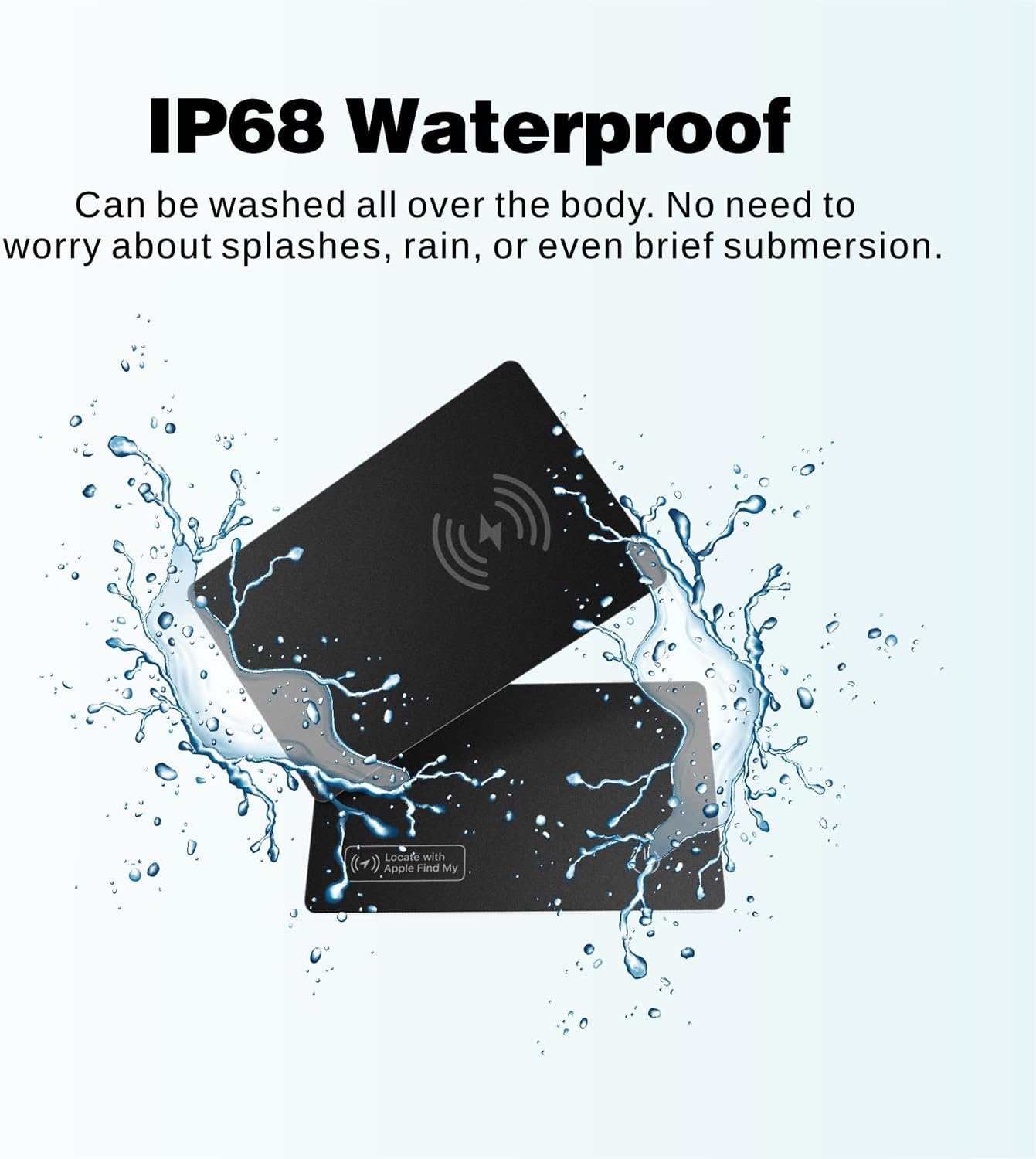
- IP68 Waterproof & Dust Resistant: Built to withstand daily life, the Reyke Wallet Tracker Card is protected against water immersion up to 3 feet for 30 minutes, and is fully dust resistant.
Setup
Follow these steps to set up your Reyke Wallet Tracker Card with your Apple iOS device.
- Power On: Press and hold the power button (located on the card) for 3 seconds until you hear a confirmation sound. The card is now in pairing mode.
- Open Find My App: On your iPhone, iPad, or Mac, open the 'Find My' app. Ensure your device is updated to the latest iOS version (iOS 17 or later is recommended for full functionality).
- Add Item: In the 'Find My' app, tap the 'Items' tab, then tap the '+' icon, and select 'Add Other Item'.
- Connect: Place the Reyke Wallet Tracker Card close to your iOS device. The app will detect the 'Smart Card' or 'Reyke Tracker'. Tap 'Connect'.
- Name Your Item: Choose a recognizable name and an emoji for your tracker (e.g., "My Wallet", "Luggage"). Tap 'Continue'.
- Finish Setup: Confirm the addition to your Apple ID. The tracker is now linked and ready to be located.


Operating Instructions
Once your Reyke Wallet Tracker Card is set up, you can utilize its various features to keep track of your belongings.
Locate Your Item (Find Nearby)
If your item is within Bluetooth range (up to 164 feet), you can make the tracker emit a sound to help you find it.
- Open the 'Find My' app on your iOS device.
- Select the 'Items' tab and choose your Reyke Wallet Tracker Card.
- Tap 'Play Sound'. The tracker will emit an audible alert, guiding you to its location.
Left-Behind Remind
Receive alerts when you leave your item behind.
- In the 'Find My' app, select your tracker.
- Under 'Notifications', enable 'Notify When Left Behind'.
- You will receive a notification on your iPhone if the tracker moves out of Bluetooth range, showing its last known location.

Lost Mode
If your item is lost and out of Bluetooth range, you can use the Apple Find My network to help locate it.
- In the 'Find My' app, select your tracker.
- Under 'Lost Mode', tap 'Enable'.
- You can enter a contact phone number or email address. If someone finds your item, they can use an NFC-enabled device to view your contact information.
- You will receive a notification when your item is located by another Apple device in the network.
Share This Item (iOS 17+ Only)
Share the location of your tracker with family and friends.
- Ensure your iOS device is updated to iOS 17 or later.
- In the 'Find My' app, select your tracker.
- Tap 'Share This Item' and follow the on-screen instructions to add up to 5 borrowers.
- Borrowers will be able to see the item's location on a map but will not receive tracking notifications as the item moves with them.
Charging
The Reyke Wallet Tracker Card features convenient wireless charging and a long-lasting battery.
- Battery Life: A full charge provides up to 5 months of usage.
- Charging Method: Place the tracker card on a compatible wireless charger. Ensure the side with the wireless charging icon (lightning bolt) is facing downwards for optimal charging.
- LED Indicator: A red LED light will illuminate to indicate that the card is charging. Once fully charged, the LED indicator will turn blue and remain on.


Specifications
| Feature | Detail |
|---|---|
| Model Number | K2 |
| Dimensions | 4.33 x 3.27 x 0.35 inches |
| Thickness | 1.8mm |
| Item Weight | 1.44 ounces |
| Battery | 1 Lithium Ion battery (included) |
| Battery Life | Up to 5 months on a single charge |
| Charging | Wireless Charging |
| Bluetooth Range | Up to 164 feet (50 meters) |
| Waterproof Rating | IP68 (Immersion in water up to 3 feet for 30 minutes) |
| Compatibility | Apple iOS devices (iOS 14.5+ recommended, iOS 17+ for sharing features) |
| Material | Plastic |
Maintenance
The Reyke Wallet Tracker Card is designed for durability and minimal maintenance.
- Cleaning: Due to its IP68 waterproof and dust-resistant rating, the card can be easily wiped clean with a damp cloth if it gets dirty. Avoid using harsh chemicals or abrasive materials.
- Storage: Store the card in a cool, dry place when not in use for extended periods.
- Battery Care: Recharge the card when the LED indicator signals low battery to ensure continuous tracking functionality.
Troubleshooting
If you encounter issues with your Reyke Wallet Tracker Card, try the following steps:
- Not Connecting:
- Ensure the tracker card is powered on (long press the power button).
- Make sure Bluetooth is enabled on your iOS device.
- Bring the tracker card close to your iOS device during the pairing process.
- Check if the 'Find My' app is updated to the latest version.
- No Sound:
- Verify the tracker card is within Bluetooth range of your iOS device.
- Check the volume settings on your iOS device.
- Battery Issues:
- Ensure the card is placed correctly on the wireless charger (charging icon facing down).
- Check if the wireless charger is powered on and functioning.
- Allow sufficient time for the card to charge (LED will turn red, then blue when full).
- Inaccurate Location:
- Location accuracy depends on the density of the Apple Find My network in the area. In remote areas, location might be less precise.
- Ensure your iOS device has an active internet connection for the 'Find My' app to update location data.
Warranty and Support
The Reyke Wallet Tracker Card is Apple MFi Certified, ensuring it meets Apple's stringent performance and quality standards. For specific warranty information and support, please refer to the documentation included with your product or contact Reyke customer service directly.
For further assistance, please visit the Reyke Store on Amazon.


