
Metz MNE8000Z
Metz MNE8000Z 55-inch QD-MiniLED Smart TV Instruction Manual
Model: MNE8000Z | Brand: Metz
Introduction
This manual provides essential information for the safe and efficient operation of your Metz MNE8000Z 55-inch QD-MiniLED Smart TV. Please read it thoroughly before using the product and retain it for future reference.

Image: Front view of the Metz MNE8000Z 55-inch QD-MiniLED Smart TV, highlighting key features like 4K 144Hz, Dolby Vision Atmos, 2.1.2ch Sound, and Google TV.
Important Safety Information
Always follow basic safety precautions when using this television to reduce the risk of fire, electric shock, and injury.
- Do not expose the TV to rain or moisture.
- Do not block ventilation openings.
- Ensure proper grounding for the power cord.
- Keep the TV away from heat sources.
- Unplug the TV during lightning storms or when unused for long periods.
- Refer all servicing to qualified service personnel.
What's in the Box
Verify that all components are present upon unpacking:
- Metz MNE8000Z 55-inch QD-MiniLED Smart TV
- Power Cable
- Stand
- User Manual
- Remote Control
- Batteries for Remote Control (2x)
- Stand Screws

Image: Diagram showing the dimensions of the Metz MNE8000Z TV and a list of included accessories.
Setup Guide
1. Attaching the Stand
- Carefully place the TV face down on a soft, flat surface to prevent screen damage.
- Align the stand with the mounting holes on the bottom of the TV.
- Secure the stand using the provided screws.
2. Connecting Power
Connect the power cable to the TV's power input and then to a wall outlet.
3. Initial Setup (Google TV)
Upon first power-on, the TV will guide you through the initial setup process:
- Language Selection: Choose your preferred language.
- Network Connection: Connect to your Wi-Fi network or use an Ethernet cable.
- Google Account Sign-in: Sign in with your Google account to access Google TV features, apps, and personalized recommendations.
- Channel Scan: Scan for available DVB-T/T2/C/S/S2/Analogico channels.

Image: Screenshot of the Google TV interface, showing various streaming apps and content recommendations.
4. Connecting External Devices
The TV features multiple ports for connecting external devices:
- HDMI (x3): For connecting Blu-ray players, game consoles, soundbars, etc. Supports HDMI 2.1 for 4K 144Hz gaming.
- USB (x2): For connecting USB drives to play media or for software updates.
- Digital Audio Out (Optical): For connecting to external audio systems.
- LAN: For a wired internet connection.
- AV IN: For older analog devices.
- Headphone: For private listening.
- CI Slot: For Conditional Access Modules (CAMs) for encrypted channels.
Operating Your TV
1. Basic Controls (Remote Control)
Use the provided remote control to navigate the TV's interface. The remote includes standard buttons for power, volume, channel, input selection, and smart TV functions.
Find My Remote Feature: If you misplace your remote, the TV has a built-in beeper function. Activate it to locate your remote quickly.
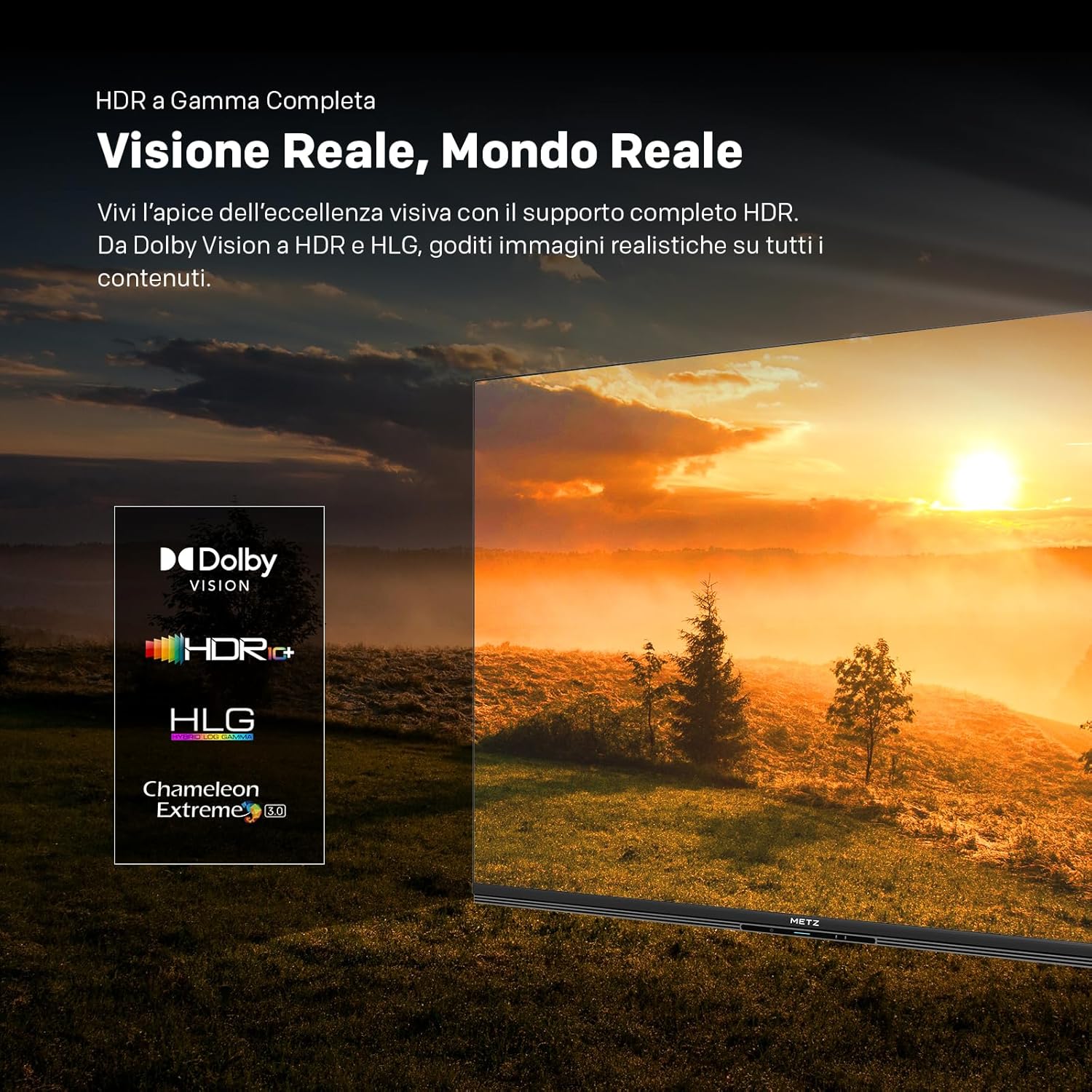
Image: Illustration of the "Find My Remote" feature, showing the TV screen displaying remote control options and a remote emitting a "Beep beep beep" sound.
2. Picture Settings
Your Metz MNE8000Z TV features advanced display technologies for optimal picture quality:
- QD-Mini LED Technology: Combines Quantum Dot colors with precise Mini LED local dimming for deep blacks, bright whites, and exceptional contrast.
- Local Dimming: Dynamically adjusts brightness in specific zones for enhanced contrast and detail.
- HDR Support: Compatible with Dolby Vision, HDR10+, HDR10, and HLG for realistic images with expanded contrast and color. The TV also features automatic SDR to HDR conversion.
- QLED+ Display: Offers over a billion vibrant colors for a rich and immersive viewing experience.
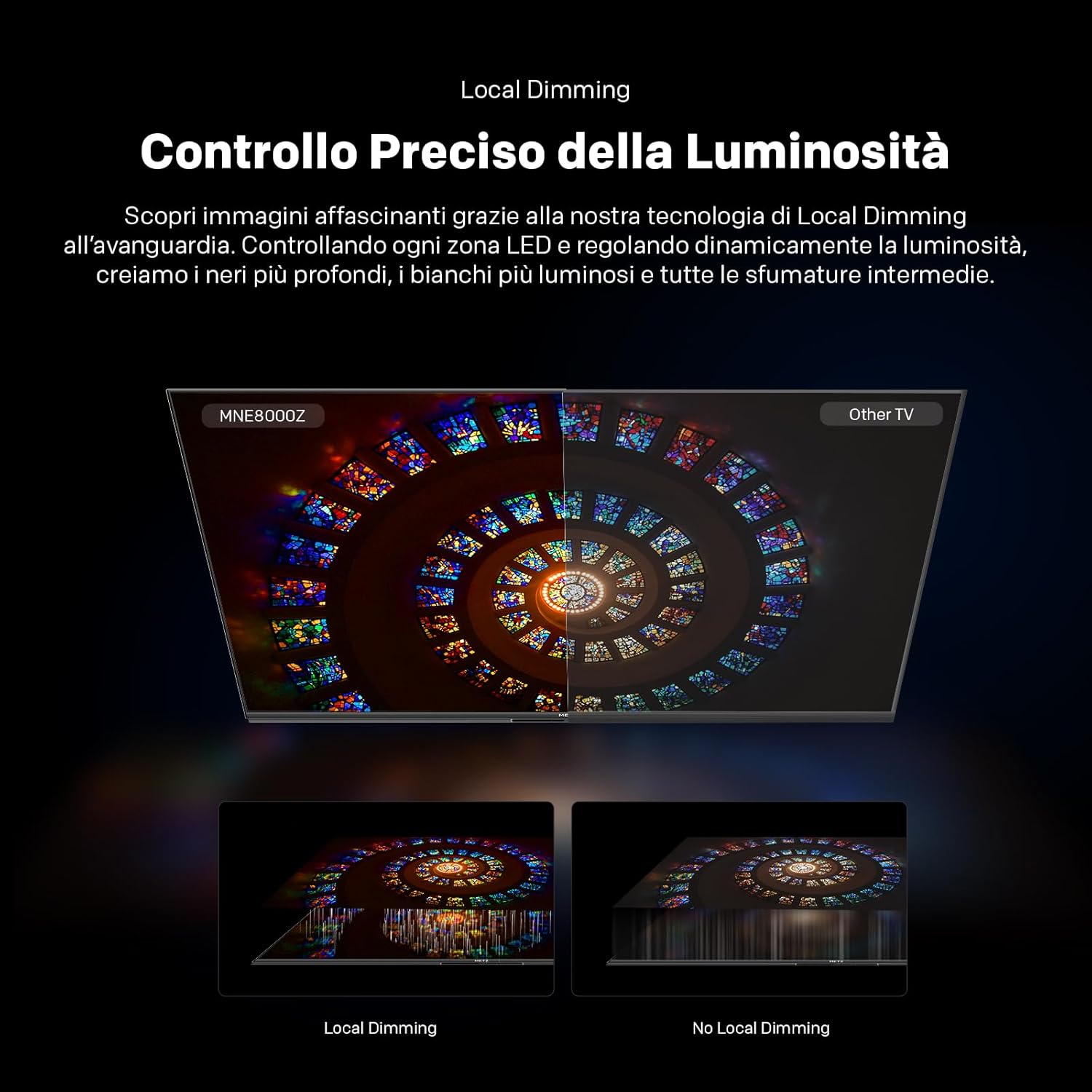
Image: Visual representation of QD-Mini LED technology, illustrating how quantum dots and mini LEDs work together to produce vibrant colors and precise lighting.
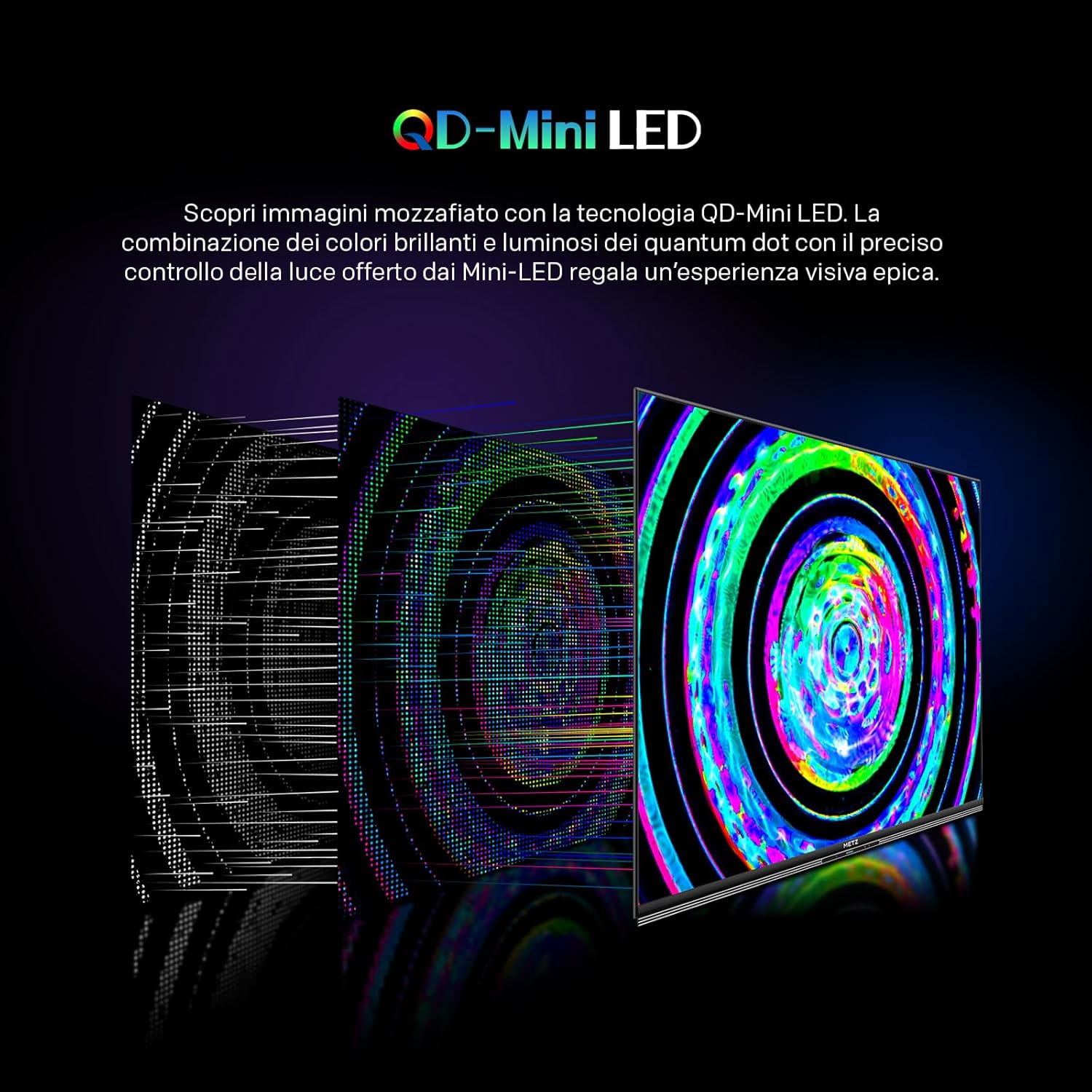
Image: Comparison showing the effect of Local Dimming on the MNE8000Z versus a TV without it, demonstrating deeper blacks and brighter whites.

Image: Scene depicting a sunset with logos for Dolby Vision, HDR10+, HDR, HLG, and Chameleon Extreme 3.0, indicating comprehensive HDR support.
3. Sound Settings (Magic Sound)
Experience premium audio with the integrated Magic Sound system:
- 2.1.2 Channel System: Features an integrated soundbar and a 20W subwoofer for immersive and powerful audio.
- Dolby Atmos: Advanced audio technology that simulates sound azimuth for a more realistic and natural sound experience.
- Wonder Audio: Custom-tuned audio from METZ Acoustical Lab for personalized and immersive sound profiles (Bass, Mid, Treble, Surround).

Image: Rear view of the TV highlighting the 2.1.2CH audio system with 7 total speakers, 50W total power, and 180-degree sound field.

Image: Family watching TV with Dolby Atmos enabled, illustrating immersive sound.
4. Smart TV Features (Google TV)
Powered by Google TV, your television offers a wide range of smart features:
- Content Access: Access over 700,000 movies and series, 10,000+ apps, and 300+ live channels.
- Googlecast: Stream content from your mobile devices directly to the TV.
- Voice Control: Use the remote's voice command function to search for content, get answers, and manage activities via Google Assistant.
5. Gaming Features
Designed for an optimal gaming experience:
- 144Hz Refresh Rate: Provides fluid and precise motion for gaming and fast-paced content.
- HDMI 2.1: Supports advanced gaming features.
- VRR (Variable Refresh Rate): Eliminates screen tearing and stuttering for smoother gameplay.
- ALLM (Auto Low Latency Mode): Automatically reduces input lag, ensuring commands are synchronized with the screen in real-time.
- Game Console Settings: Personalized settings interface for gamers when connected via HDMI.

Image: Comparison illustrating the smoothness of 144Hz refresh rate versus 60Hz, showing a car in motion.
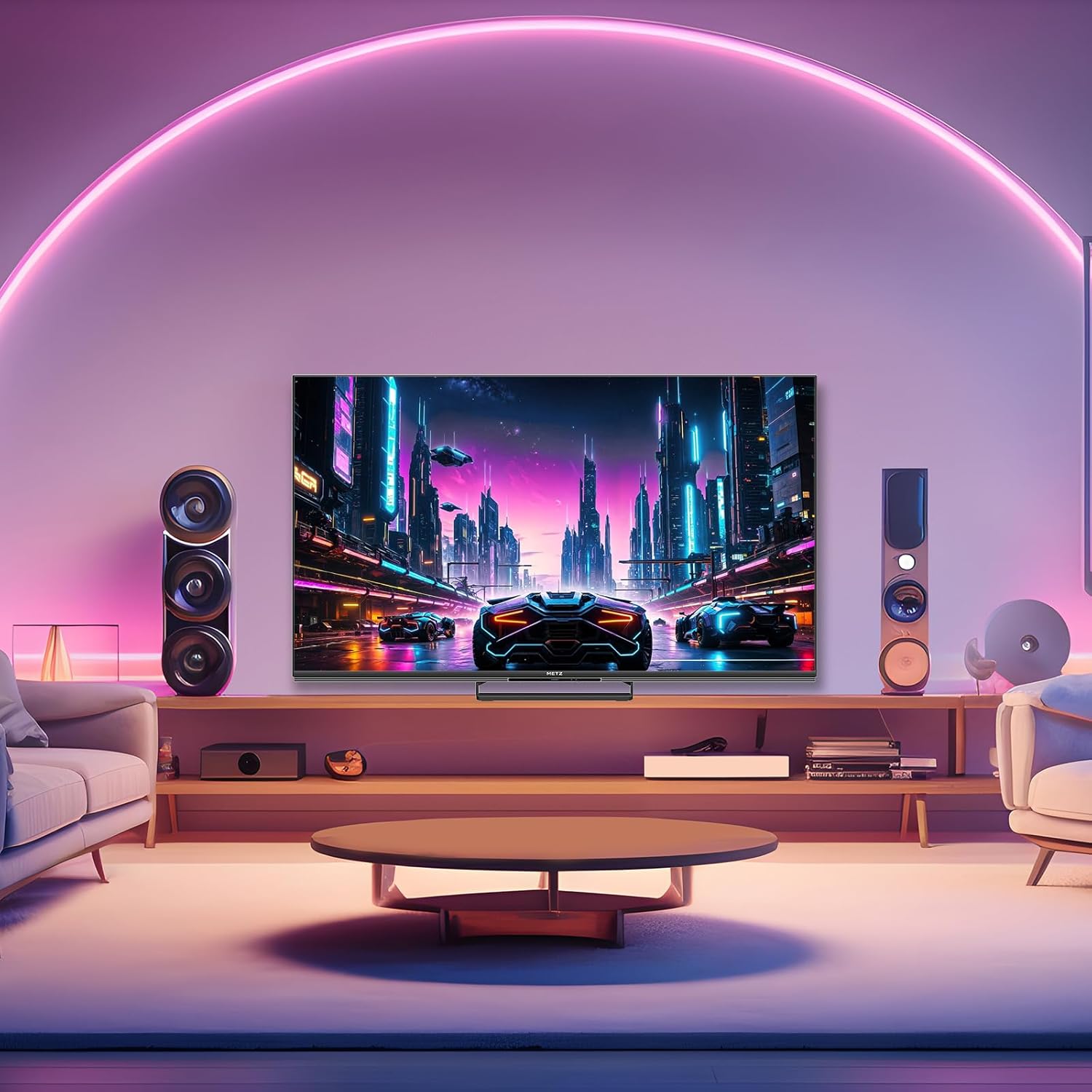
Image: Comparison of VRR (Variable Refresh Rate) enabled vs. disabled, showing a motorcycle with and without screen tearing.

Image: Split screen showing a first-person shooter game with ALLM enabled (left, smooth) and ALLM disabled (right, with noticeable lag).
6. Sports Mode (MEMC)
Enhance your sports viewing experience:
- MEMC (Motion Estimation, Motion Compensation): Inserts frames between existing frames to increase the total number of frames, resulting in smoother motion for fast-paced action.
- Sports Mode: Optimizes picture quality and fluid performance for sports content, ensuring you don't miss any action.

Image: Illustration of MEMC technology, showing a soccer player's kick with multiple frames to demonstrate enhanced motion fluidity.
7. Eye Care Features
The TV is designed with features to protect your eyes during long viewing sessions:
- Blue Light Reduction: Minimizes harmful blue light emissions.
- Anti-Flicker: Reduces screen flickering for comfortable viewing.
- Adaptive Ambient Light: Adjusts screen brightness based on room lighting conditions.

Image: TV displaying a nature scene, with icons representing Blue Light Reduction, Anti-Flicker, and Adaptive Ambient Light, along with a TÜV Rheinland certification logo.
Maintenance
To ensure the longevity and optimal performance of your TV, follow these maintenance guidelines:
- Cleaning the Screen: Gently wipe the screen with a soft, lint-free cloth. For stubborn marks, use a screen cleaner specifically designed for TVs, applied to the cloth, not directly to the screen.
- Cleaning the Cabinet: Use a soft, dry cloth to wipe the TV cabinet. Do not use abrasive cleaners, waxes, or solvents.
- Ventilation: Ensure the ventilation openings on the back and sides of the TV are not blocked to prevent overheating.
- Power Cord: Regularly check the power cord for any damage. If damaged, contact qualified service personnel for replacement.
Troubleshooting
Before contacting customer support, try these common troubleshooting steps:
| Problem | Possible Solution |
|---|---|
| No power | Check if the power cable is securely connected to the TV and the wall outlet. Try a different outlet. |
| No picture, but sound is present | Ensure the correct input source is selected. Check cable connections to external devices. |
| No sound, but picture is present | Check volume levels and mute settings. Verify audio cable connections. If using external audio, ensure it's correctly configured. |
| Remote control not working | Replace batteries. Ensure there are no obstructions between the remote and the TV. |
| Poor picture quality | Check antenna/cable connections. Adjust picture settings (brightness, contrast, sharpness). Ensure the source content is high quality. |
| Smart TV features not working | Check internet connection. Restart the TV. Ensure Google account is properly signed in. |
Specifications
| Feature | Detail |
|---|---|
| Model Number | MNE8000Z |
| Screen Size | 55 inches (140 cm) |
| Display Technology | QD-MiniLED, QLED |
| Resolution | 4K (3840 x 2160 pixels) |
| Refresh Rate | 144 Hz (Native) |
| HDR Support | Dolby Vision, HDR10+, HDR10, HLG |
| Audio System | 2.1.2 Channel, Integrated Soundbar, 20W Subwoofer, Dolby Atmos, Wonder Audio |
| Connectivity | 3x HDMI (HDMI 2.1 support), 2x USB, Ethernet (LAN), Digital Audio Out, AV In, Headphone, CI Slot, Bluetooth, Wi-Fi |
| Smart TV Platform | Google TV, Googlecast |
| Special Features | MEMC, VRR, ALLM, Game Mode, Blue Light Filter, Anti-Flicker, Adaptive Ambient Light, Find My Remote, Voice Control |
| Dimensions (with stand) | 123.3 x 26.1 x 76.2 cm (L x D x H) |
| Dimensions (without stand) | 123.3 x 8.7 x 72.2 cm (L x D x H) |
| Weight (with stand) | 15.1 kg |
| Weight (without stand) | 14.7 kg |
| Energy Efficiency Class | F (SDR), G (HDR) |
| Energy Consumption (SDR) | 76 kWh/1000h |
| Energy Consumption (HDR) | 156 kWh/1000h |
| EPREL Product Page | View EPREL |

Image: EU Energy Label for the Metz MNE8000Z 55-inch TV, showing energy efficiency class F for SDR and G for HDR, along with energy consumption figures.
Warranty and Support
For warranty information and customer support, please refer to the official Metz website or contact your local dealer.
Returns Policy: If you wish to return a product within 30 days of receipt because you have changed your mind, please consult the Amazon help page on returns. If you have received a defective or damaged product, please consult the Amazon help page on defective items. For specific information on purchases made on the Marketplace, please consult the Amazon help page on Marketplace purchases.
For further assistance, visit the Metz Store on Amazon.
Related Documents - MNE8000Z
 |
Philips 55MLED800 4K QD MiniLED TV with Google TV & Dolby Vision/Atmos Discover the Philips 55MLED800 4K QD MiniLED TV. Experience stunning visuals with Quantum Dot technology, Dolby Vision & Atmos, Google TV, and 144Hz gaming. |
 |
Philips 75MLED800 4K QD MiniLED TV: Immersive Entertainment and Epic Gaming Experience stunning visuals and immersive sound with the Philips 75MLED800 4K QD MiniLED TV. Featuring Quantum Dot technology, Dolby Vision & Atmos, Google TV, and 144Hz gaming for an unparalleled viewing and gaming experience. |
 |
TCL C61K Series Premium QD-MiniLED 4K Google TV - Features & Specifications Discover the TCL C61K Series Premium QD-MiniLED 4K Smart TV featuring Google TV. This brochure details advanced picture and sound technologies, gaming capabilities, extensive connectivity, and precise dimensions for all screen sizes. |
 |
Philips 55MLED800 4K QD MiniLED TV - Brilliant Picture, Smart Features Discover the Philips 55MLED800 4K QD MiniLED TV. Experience stunning visuals with Quantum Dot technology, Dolby Vision & Atmos, and seamless smart features powered by Google TV. Perfect for movies, sports, and gaming with 144Hz refresh rate and HDMI 2.1. |
 |
Philips 50MLED800 4K QD MiniLED Smart TV with Google TV & Dolby Vision Explore the Philips 50MLED800, a 50-inch 4K QD MiniLED Smart TV. Featuring Quantum Dot technology, Google TV, Dolby Vision, Dolby Atmos, and the P5 Perfect Picture Engine for stunning visuals, immersive sound, and seamless smart entertainment. |
 |
Philips 100MLED800 4K QD MiniLED TV: Features, Specifications, and Highlights Discover the Philips 100MLED800 4K QD MiniLED TV, featuring Quantum Dot technology for vibrant colors, P5 Perfect Picture Engine for stunning clarity, Google TV™ for smart entertainment, and advanced gaming capabilities with 144Hz and VRR. Includes Dolby Vision & Atmos support. |
Ask a question about this manual
Ask about setup, troubleshooting, compatibility, parts, safety, or missing instructions. Manuals+ will review the question and use this page’s manual context to help answer it.