
1. Introduction
This manual provides essential information for the safe and efficient operation of your Cecotec Bolero GrandSommelier 800H CoolCrystal E Wine Cooler. Please read these instructions thoroughly before installation and use, and retain them for future reference. This appliance is designed for storing wine bottles at optimal temperatures, featuring a thermoelectric cooling system, touch control, and LED lighting.
2. Safety Instructions
To ensure safe operation, always adhere to the following precautions:
- Read all instructions before using the appliance.
- Ensure the appliance is properly grounded.
- Do not operate the appliance if the power cord or plug is damaged.
- Keep ventilation openings clear and unobstructed.
- Do not store explosive substances, such as aerosol cans with flammable propellants, in this appliance.
- Unplug the appliance from the power outlet before cleaning or performing any maintenance.
- This appliance is not intended for use by persons (including children) with reduced physical, sensory or mental capabilities, or lack of experience and knowledge, unless they have been given supervision or instruction concerning use of the appliance by a person responsible for their safety.
- Children should be supervised to ensure that they do not play with the appliance.
3. Setup and Installation
3.1 Unpacking
Carefully remove all packaging materials, including foam and adhesive tape. Inspect the appliance for any damage incurred during transit. Keep packaging materials out of reach of children.
3.2 Placement
Place the wine cooler on a firm, level surface that can support its weight when fully loaded. Ensure there is adequate space for ventilation around the appliance. A minimum of 10 cm (4 inches) clearance should be maintained on the sides and back to allow for proper air circulation. Avoid placing the unit in direct sunlight or near heat sources such as ovens, radiators, or heating vents, as this can affect cooling performance and energy efficiency.
3.3 Initial Preparation
After transporting the appliance, allow it to stand upright for at least 2-4 hours before plugging it into a power source. This allows the cooling system fluids to settle. Before first use, clean the interior of the wine cooler with a damp cloth and a mild detergent. Dry thoroughly.
3.4 Power Connection
Connect the appliance to a dedicated 220 Volt, 50 Hz power outlet. Ensure the plug (Type E – 2-pin hybrid EU) is fully inserted and secure. Do not use extension cords or adapters.

Figure 1: Interior view showing shelves and fan for air circulation.
4. Operating Instructions
4.1 Control Panel Overview
The wine cooler features a touch control panel located on the front door for easy temperature adjustment and light control.

Figure 2: Touch control panel for temperature settings.
4.2 Setting the Temperature
To adjust the internal temperature:
- Press the '+' button to increase the desired temperature.
- Press the '-' button to decrease the desired temperature.
The temperature can be set within a range of 8°C to 18°C. The display will show the set temperature. The actual internal temperature will gradually adjust to the set value. Allow several hours for the unit to reach the desired temperature, especially after initial setup or if the door has been open for an extended period.

Figure 3: Adjusting temperature using the touch controls.
4.3 Internal LED Lighting
The wine cooler is equipped with low-energy internal LED lighting. To turn the light on or off, press the light bulb icon on the touch control panel. This feature allows for clear visibility of your wine collection without affecting the internal temperature.
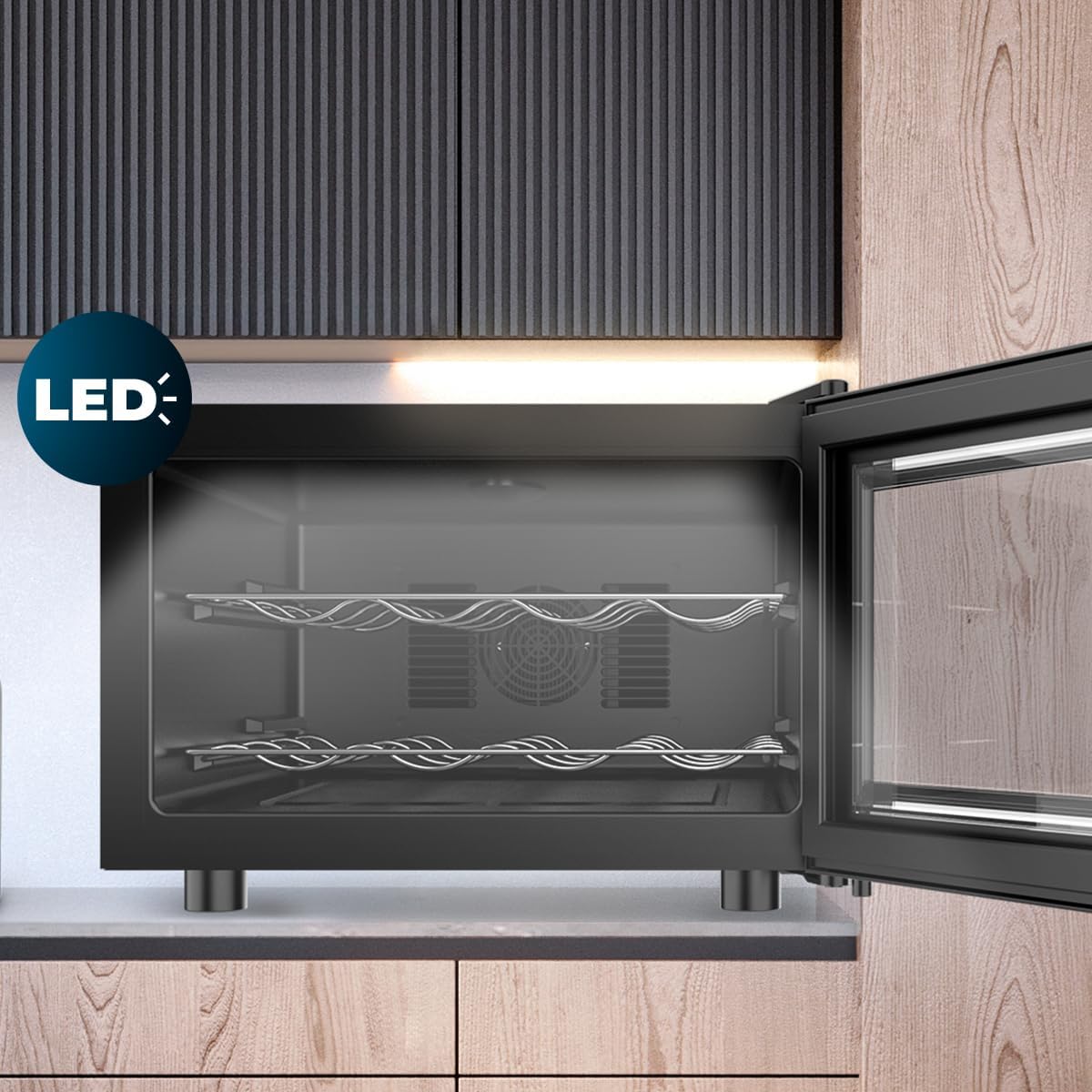
Figure 4: Internal LED lighting for visibility.
4.4 Loading Bottles
Once the desired temperature is reached, carefully place your wine bottles horizontally on the metal shelves. The unit has a capacity for 8 standard wine bottles. Ensure bottles are stable and do not obstruct the door from closing properly.
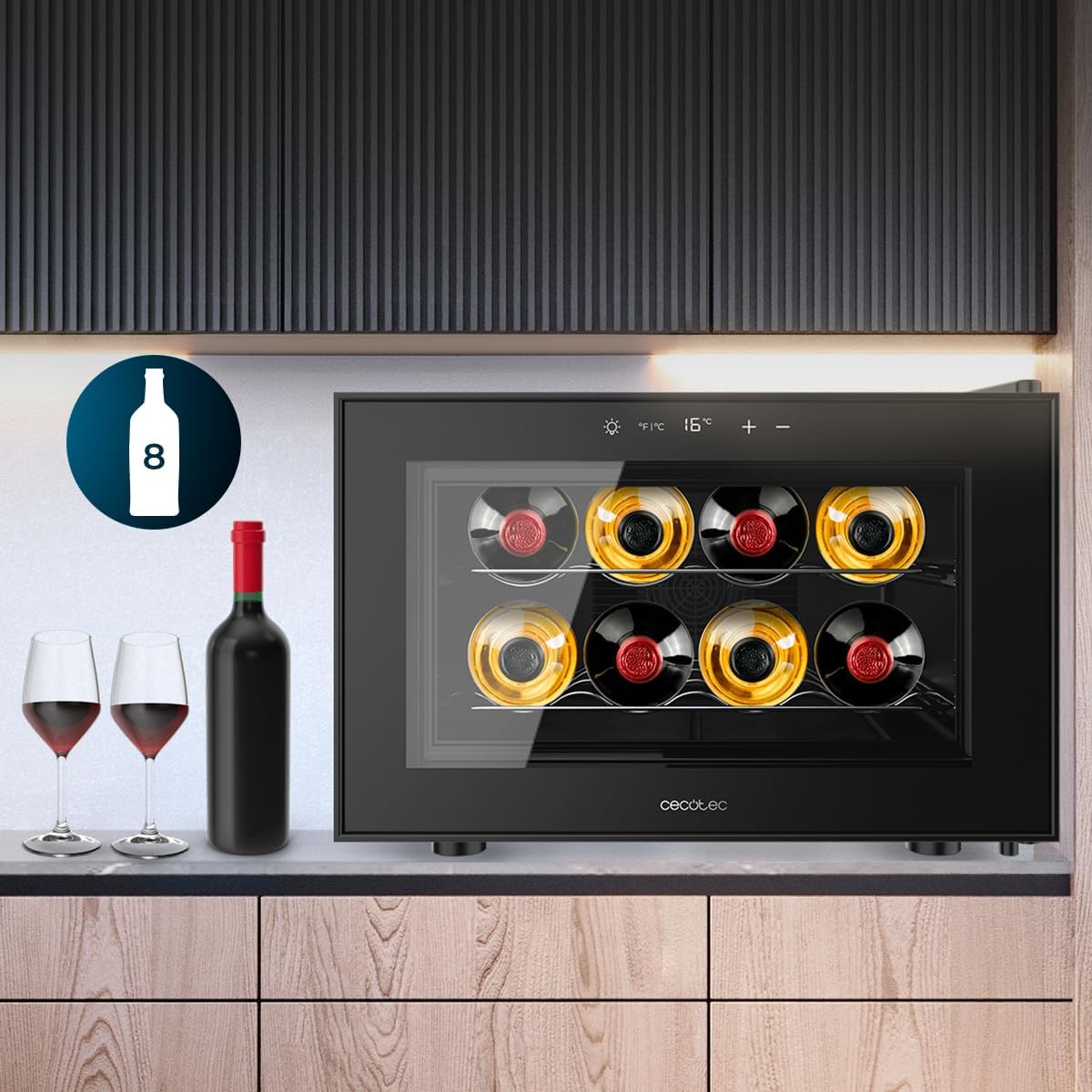
Figure 5: Wine cooler displaying its 8-bottle capacity.
4.5 Quiet Operation
The thermoelectric cooling system is designed for very quiet operation, producing only 35 dB of noise, and minimizes vibrations to protect your wine.

Figure 6: Appliance operating with low noise.
5. Maintenance
5.1 Cleaning the Interior
To prevent odors and maintain hygiene, clean the interior of your wine cooler regularly:
- Always unplug the appliance before cleaning.
- Remove all bottles and shelves.
- Wipe the interior surfaces with a soft cloth dampened with a solution of mild detergent and warm water.
- Rinse with clean water and dry thoroughly with a soft cloth.
- Clean the door gasket regularly to ensure a proper seal.
5.2 Cleaning the Exterior
Wipe the exterior surfaces with a soft, dry cloth. For stubborn stains, use a mild, non-abrasive cleaner. Avoid using harsh chemicals or abrasive materials that could damage the finish.
5.3 Defrosting
This appliance features a frost-free defrosting system, minimizing the need for manual defrosting. Any accumulated frost will melt automatically and evaporate.
5.4 Long-Term Storage
If the appliance will not be used for an extended period:
- Unplug the power cord.
- Clean the interior thoroughly.
- Leave the door slightly ajar to prevent odors and mold growth.
6. Troubleshooting
Before contacting customer service, please check the following common issues and solutions:
- Appliance not operating:
- Ensure the power cord is securely plugged into a working outlet.
- Check the household fuse or circuit breaker.
- Temperature not cold enough:
- Verify the door is closed completely and the seal is intact.
- Avoid frequent or prolonged door openings.
- Ensure the ambient room temperature is not excessively high.
- Check if the unit is overloaded with bottles, obstructing air circulation.
- Confirm adequate ventilation space around the appliance.
- Ensure the temperature setting is appropriate for your needs.
- Excessive noise:
- Ensure the appliance is placed on a level surface.
- Check that the appliance is not touching a wall or other objects.
- Verify that internal components (e.g., shelves) are properly seated.
- Internal light not working:
- Press the light button on the control panel.
- If the issue persists, contact customer service.
7. Specifications
| Feature | Specification |
|---|---|
| Model Name | Bolero GrandSommelier 800H CoolCrystal |
| Model Number | A01_EU01_109604 |
| Brand | Cecotec |
| Dimensions (D x W x H) | 50 cm x 42 cm x 30.4 cm |
| Capacity | 23 Liters (8 bottles) |
| Temperature Range | 8°C - 18°C |
| Cooling Method | Thermoelectric |
| Noise Level | 35 dB |
| Energy Class | E |
| Annual Energy Consumption | 75 kWh/year |
| Voltage | 220 Volts |
| Number of Shelves | 2 (metal) |
| Defrost System | Frost-free |
| Item Weight | 10.56 Kilograms |
| Included Components | Wine cooler, instruction manual |
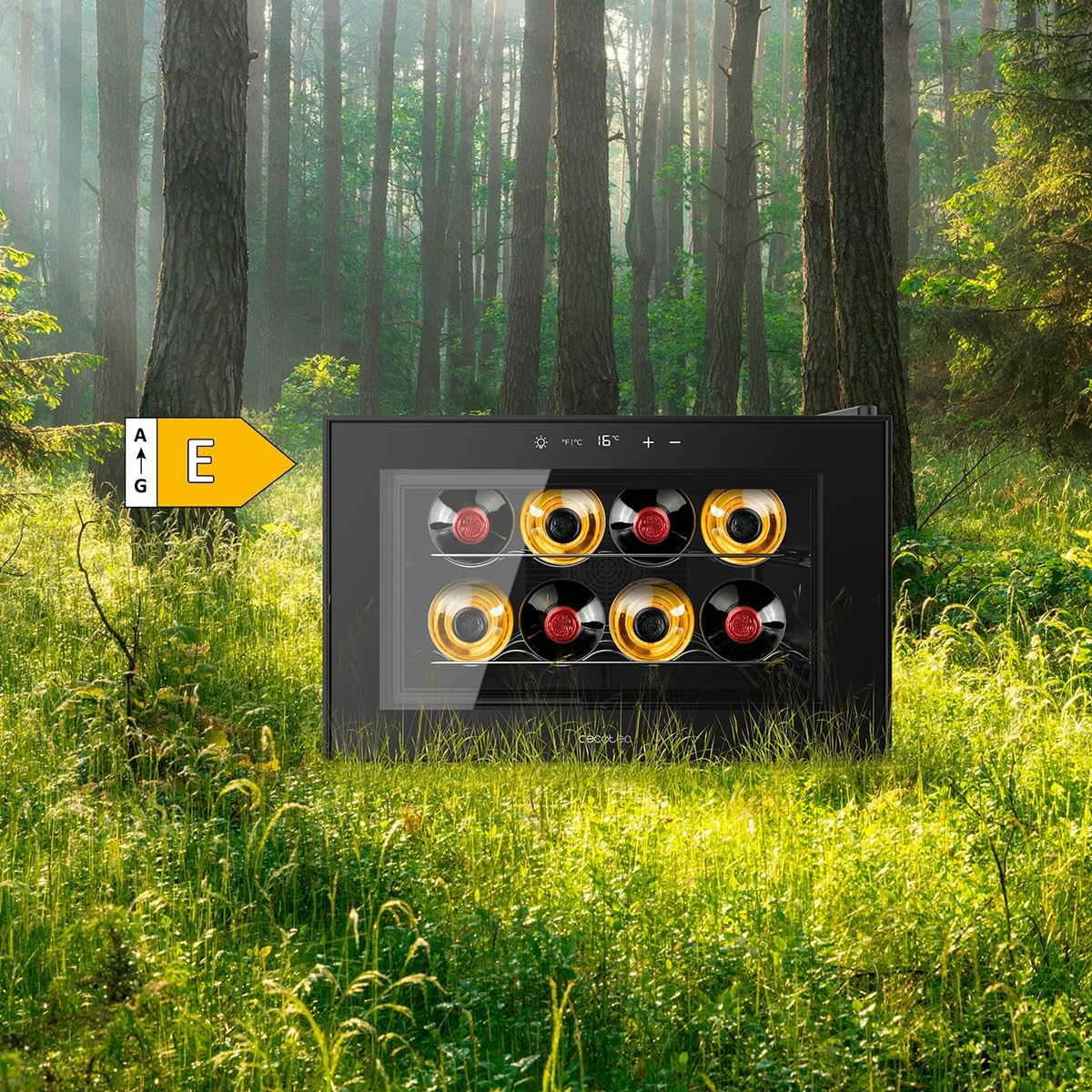
Figure 7: Energy efficiency rating of the appliance.
8. Warranty and Support
For warranty information, please refer to the warranty card included with your product. For technical assistance, spare parts, or any other inquiries, please contact Cecotec customer service. Keep your purchase receipt as proof of purchase.

