
1. Introduction
Thank you for choosing the MIDOLA Active Noise Cancelling Kids Headphones B-07. These headphones are designed to provide a safe and enjoyable audio experience for children, featuring advanced Active Noise Cancelling (ANC) technology, Bluetooth 5.4 connectivity, and adjustable volume limits. This manual provides essential information for setup, operation, and maintenance to ensure optimal performance and longevity of your headphones.
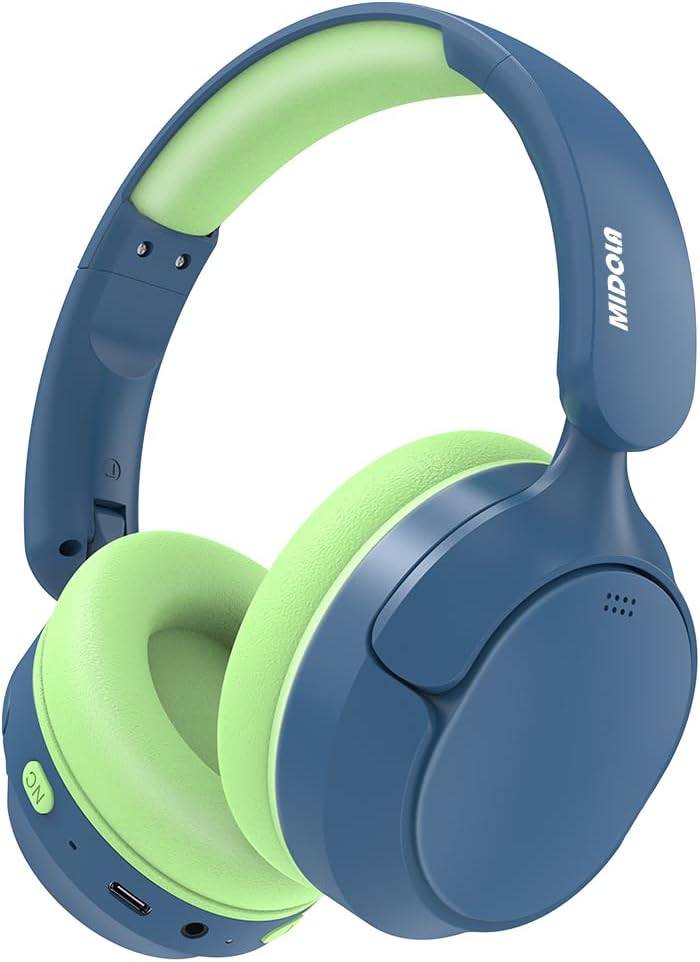
Image 1.1: MIDOLA Active Noise Cancelling Kids Headphones (Deep Blue)
2. What's in the Box
Please check the package contents to ensure all items are present:
- MIDOLA Active Noise Cancelling Kids Headphones (B-07)
- 3.5 mm Aux Cord
- Type-C Charging Cable
- User Manual
- Cartoon Stickers

Image 2.1: Package contents showing the headphones, charging cable, aux cord, stickers, and user guide.
3. Product Overview
3.1 Key Features
- Active Noise Cancelling (ANC): Gently blocks distractions to improve focus.
- Bluetooth 5.4: Provides stable wireless connection up to 15 meters.
- 2-Stage Volume Limit: Switchable between 85dB and 94dB for hearing protection.
- Long Battery Life: Up to 68 hours of music playback (50 hours with ANC on).
- Type-C Fast Charging: Fully charges in 2 hours.
- Comfortable & Foldable Design: Soft earmuffs and adjustable headband for ages 3-16.
- Built-in Microphone: For online classes and communication.
3.2 Headphone Components
Familiarize yourself with the various parts and controls of your headphones:
- Power Button: Turns headphones on/off.
- Volume Up/Next Track Button: Increases volume or skips to the next track.
- Volume Down/Previous Track Button: Decreases volume or goes to the previous track.
- ANC Button: Activates or deactivates Active Noise Cancelling.
- Volume Limit Switch (DB Switch): Toggles between 85dB and 94dB volume limits.
- Type-C Charging Port: For charging the headphones.
- 3.5mm Audio Jack: For wired connection using the Aux cord.
- Built-in Microphone: For voice input.
- Adjustable Headband: Allows for a customized fit.
- Soft Earmuffs: Provides comfort during extended use.
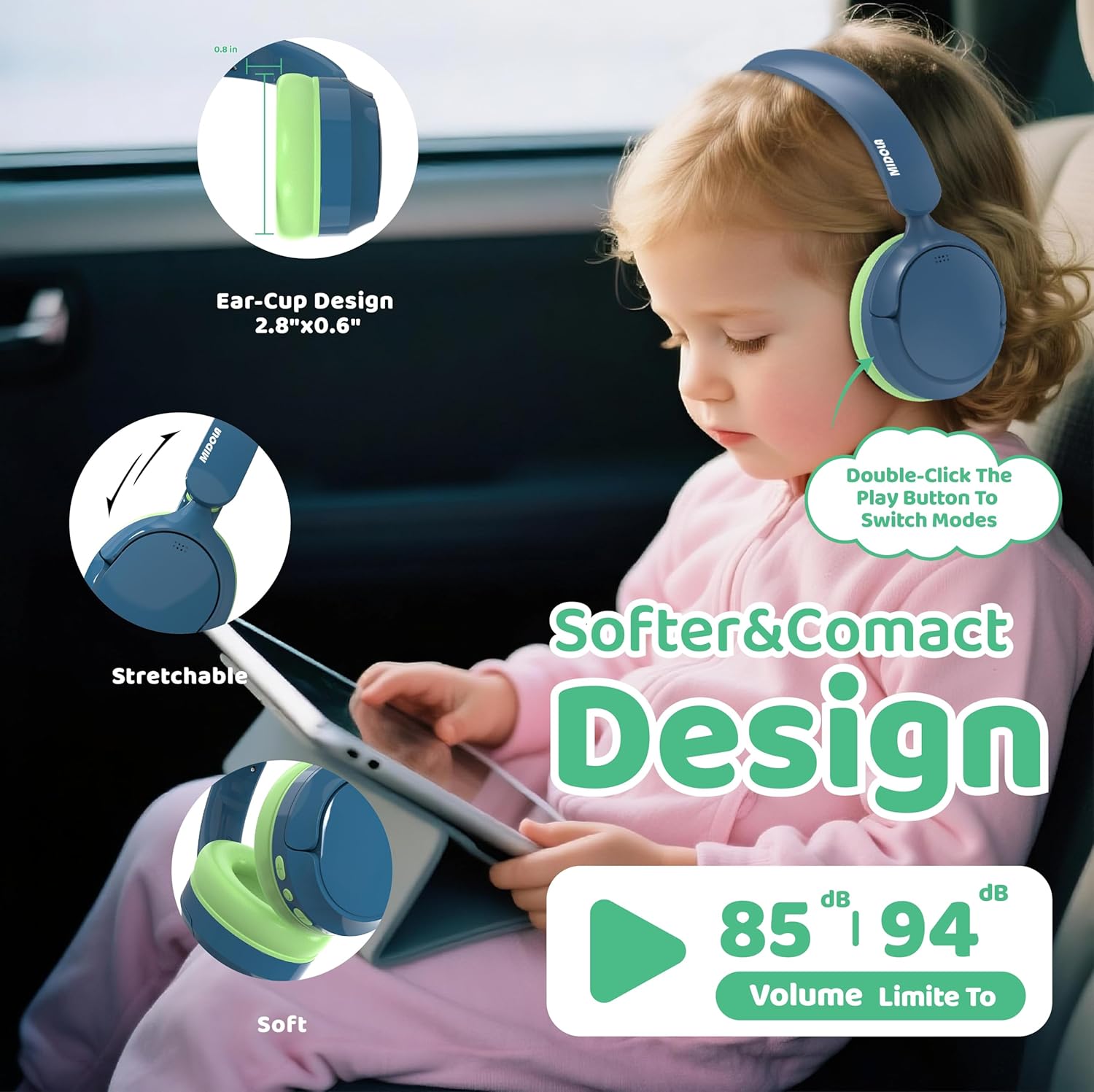
Image 3.1: Detailed view of headphone controls and ports.
4. Setup
4.1 Charging the Headphones
Before first use, fully charge the headphones.
- Connect the supplied Type-C charging cable to the charging port on the headphones.
- Plug the other end of the cable into a USB power source (e.g., computer, wall adapter).
- The LED indicator will show charging status (refer to user guide for specific light patterns).
- A full charge takes approximately 2 hours.
4.2 Bluetooth Pairing
To connect your headphones wirelessly:
- Ensure the headphones are turned off.
- Press and hold the Power Button until the LED indicator flashes blue and red, indicating pairing mode.
- On your device (smartphone, tablet, PC), enable Bluetooth and search for available devices.
- Select "MIDOLA B-07" from the list.
- Once connected, the LED indicator will show a solid blue light or flash slowly.
4.3 Wired Connection
For a wired connection, use the provided 3.5mm Aux cord:
- Plug one end of the 3.5mm Aux cord into the audio jack on the headphones.
- Plug the other end into the 3.5mm audio output of your device.
- In wired mode, Bluetooth and Active Noise Cancelling features are typically disabled.

Image 4.1: Broad compatibility with various devices.
5. Operating Instructions
5.1 Power On/Off
- Power On: Press and hold the Power Button for 2-3 seconds until the LED indicator lights up.
- Power Off: Press and hold the Power Button for 3-5 seconds until the LED indicator turns off.
5.2 Volume Control
- Increase Volume: Press the "+" button.
- Decrease Volume: Press the "-" button.
5.3 Active Noise Cancelling (ANC)
The ANC feature helps reduce ambient noise for better focus.
- Activate ANC: Press the dedicated ANC Button. The LED indicator for ANC will light up.
- Deactivate ANC: Press the ANC Button again. The ANC LED indicator will turn off.
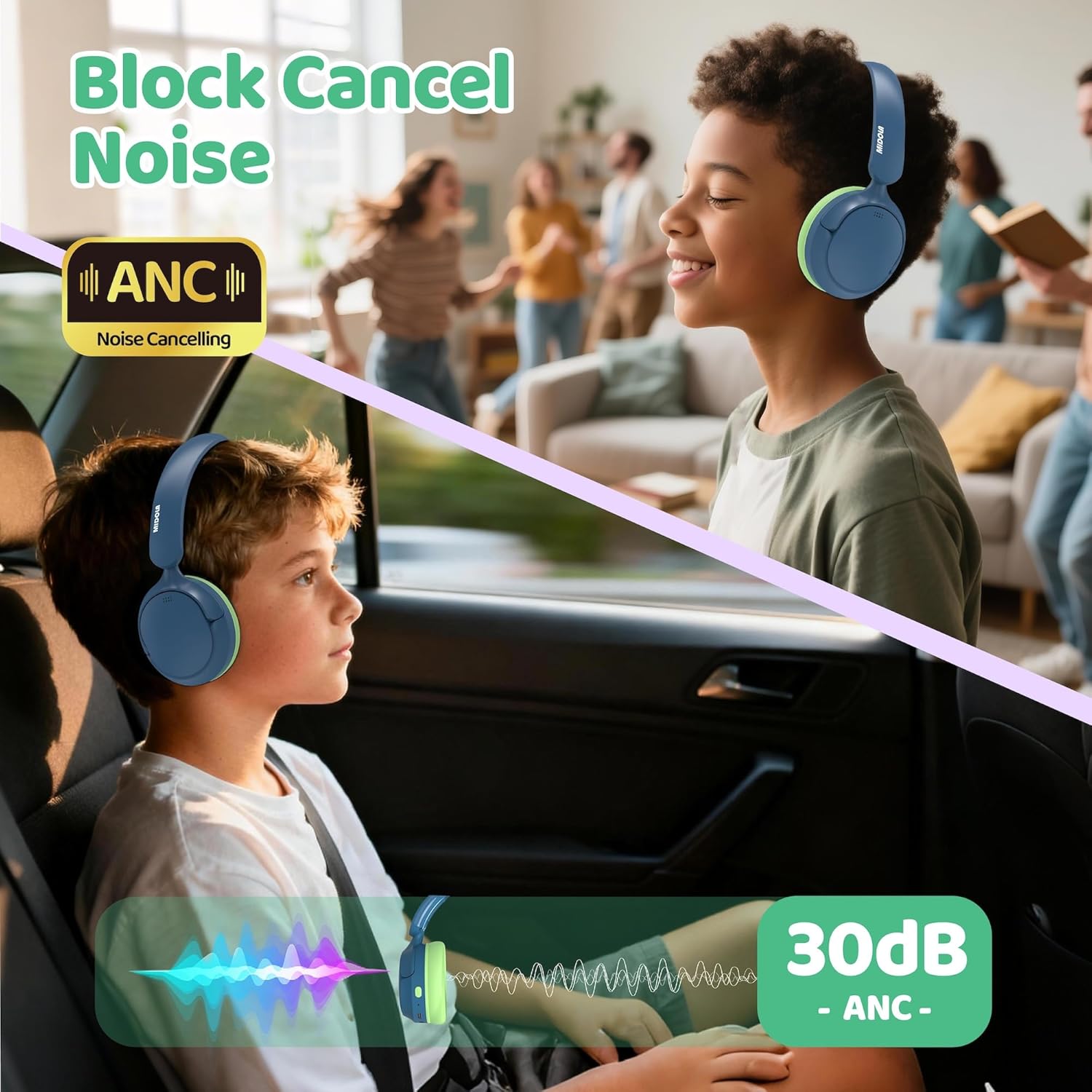
Image 5.1: Active Noise Cancelling in action.
5.4 Volume Limit Switch (85dB/94dB)
These headphones feature a 2-stage volume limit to protect children's hearing.
- Switch DB Limit: Double-click the Play button to switch between 85dB and 94dB modes.
- The 94dB setting requires parent supervision.
Image 5.2: Soft and compact design with volume limit switch.
5.5 Call Functions
When connected via Bluetooth, the built-in microphone allows for call management:
- Answer/End Call: Press the Power Button once.
- Reject Call: Press and hold the Power Button for 2 seconds.
6. Maintenance
6.1 Cleaning
- Wipe the headphones with a soft, dry cloth.
- Do not use liquid cleaners or abrasive materials.
- Ensure charging port and audio jack are free of dust and debris.
6.2 Storage
- Store headphones in a cool, dry place away from direct sunlight.
- Utilize the foldable design for compact storage when not in use.
7. Troubleshooting
| Problem | Possible Solution |
|---|---|
| Headphones won't turn on | Ensure headphones are charged. Press and hold the Power Button for 3-5 seconds. |
| Cannot pair via Bluetooth | Ensure headphones are in pairing mode (flashing blue/red LED). Turn off and on Bluetooth on your device. Move closer to the device. |
| No sound in wired mode | Check if the 3.5mm Aux cord is fully inserted into both the headphones and the device. Test with another audio source. |
| ANC not working | Ensure the ANC button is pressed and its indicator light is on. ANC is typically disabled in wired mode. |
| Volume too low/high | Adjust volume using the "+"/"-" buttons. Check the volume limit switch (85dB/94dB). Adjust device volume. |
8. Specifications
| Feature | Detail |
|---|---|
| Model Name | B-07 |
| Brand | MIDOLA |
| Connectivity Technology | Wireless (Bluetooth), Wired (3.5mm Aux) |
| Bluetooth Version | 5.4 |
| Bluetooth Range | 15 Meters |
| Noise Control | Active Noise Cancellation |
| Volume Limit | 85dB / 94dB (Switchable) |
| Battery Life | Up to 68 Hours (50 Hours with ANC) |
| Charging Time | 2 Hours (Type-C Fast Charging) |
| Earpiece Shape | Over Ear |
| Material | Plastic (Outer Shell & Headband), Fabric/Silicone/Memory Foam (Earmuffs) |
| Item Weight | 10.5 ounces |
| Age Range (Description) | Toddler, Kid, Teen, Adult |
9. Warranty and Support
For warranty information and customer support, please refer to the product packaging or the official MIDOLA website. MIDOLA offers US-based customer service with a 24-hour response time for any inquiries or assistance needed.
