
1. Introduction
Thank you for choosing the ECOROAD ES4 Electric Scooter. This manual provides essential information for the safe operation, assembly, maintenance, and troubleshooting of your new scooter. Please read this manual thoroughly before your first ride to ensure optimal performance and safety.
The ECOROAD ES4 is designed for urban commuting and light trail use, featuring an 800W motor, a top speed of 25 MPH, and a range of up to 25 miles. It supports riders up to 330 lbs and includes 8.5-inch pneumatic off-road tires, dual suspension, and smart app control with vibrant RGB lighting.
2. What's in the Box
- Electric Scooter x 1
- Brand Card x 1
- Instruction Manual x 1
- Safety Guide x 1
- Charger x 1
3. Setup
3.1 Unboxing and Initial Assembly
Carefully remove all components from the packaging. The scooter comes partially assembled. You will need to attach the handlebar and the rear mudguard.
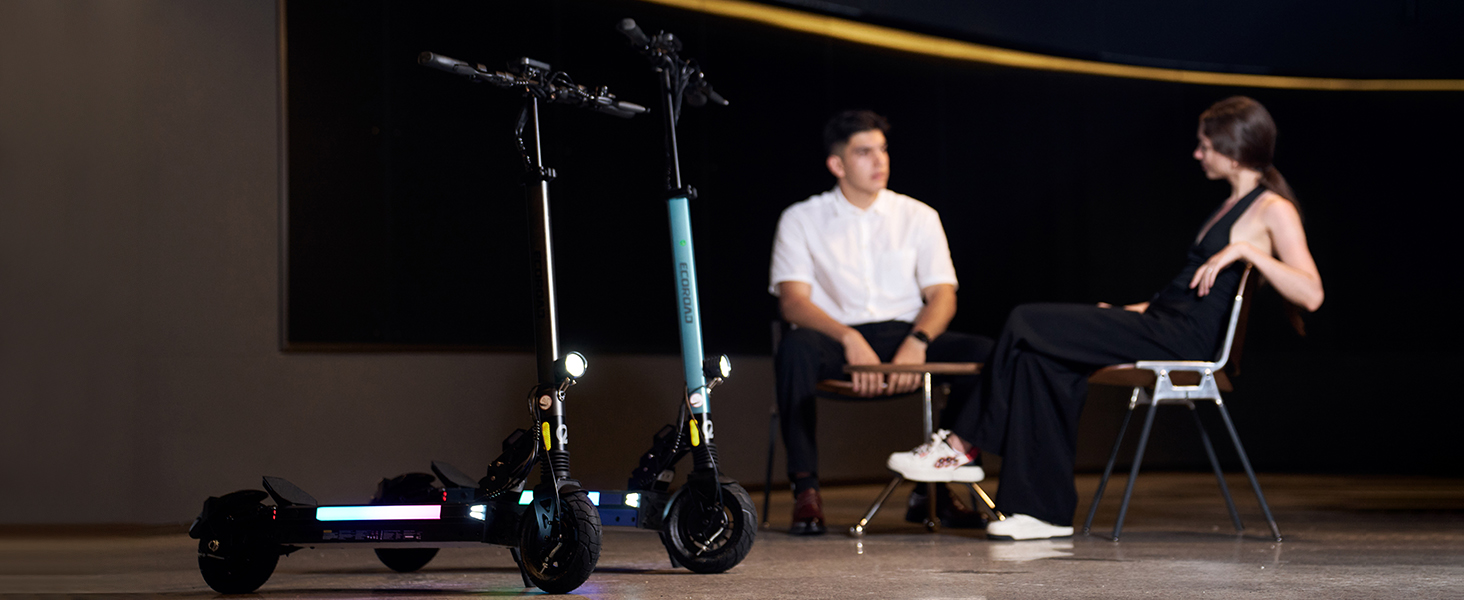
Image: The ECOROAD ES4 Electric Scooter in its folded state, highlighting the robust folding mechanism for portability.
3.2 Handlebar Assembly
Attach the handlebar to the stem and secure it using the provided tools. Ensure all screws are tightened firmly to prevent wobbling during operation.
3.3 Rear Mudguard Installation
Install the rear mudguard over the rear wheel using the provided screws and tool. This protects against splashes during rides.
Video: A detailed guide on the installation process of the ECOROAD ES4 Electric Scooter, including handlebar and mudguard attachment.
3.4 Folding and Unfolding
To fold the scooter, locate the folding latch near the base of the stem. Press the latch and gently fold the stem downwards until it clicks into place. To unfold, release the latch and raise the stem until it locks securely in the upright position. The handlebars can also be folded inwards for a more compact storage solution by unscrewing the locking mechanisms on each side.
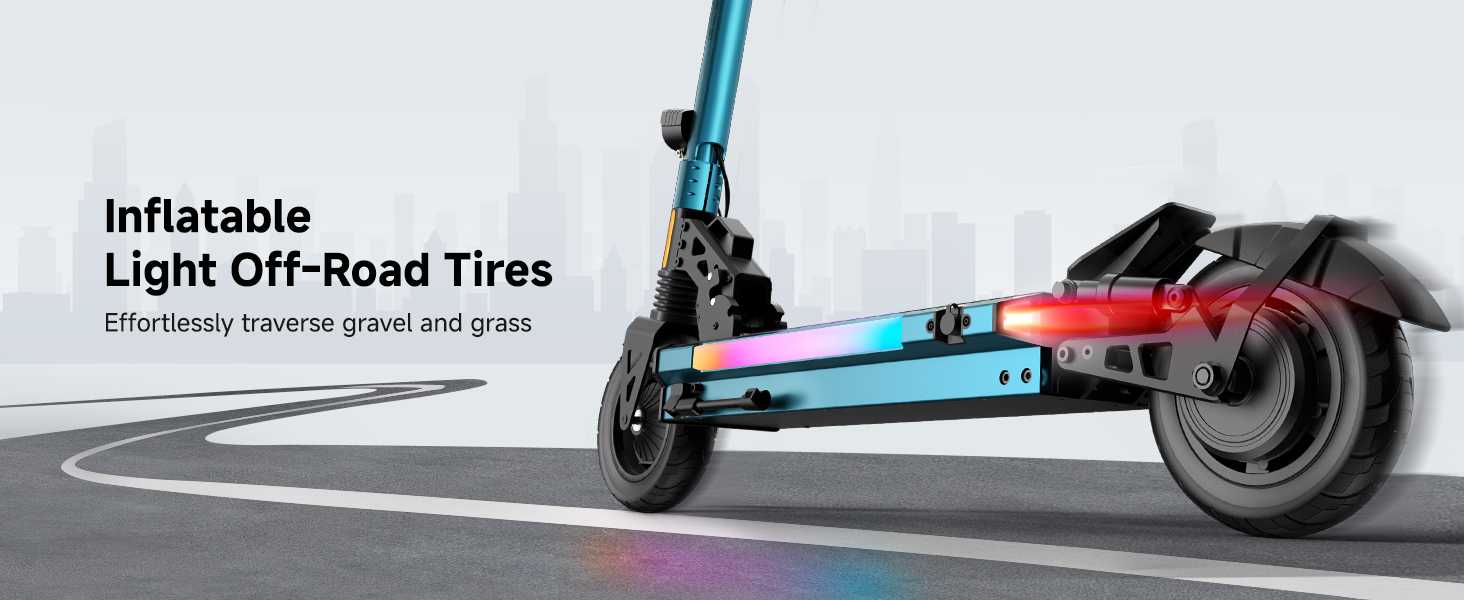
Image: A user demonstrating the simple 3-second folding mechanism of the ECOROAD ES4 Electric Scooter.
4. Operating Instructions
4.1 Power On/Off and Display
Press and hold the power button on the handlebar display to turn the scooter on or off. The integrated LED display shows real-time speed, battery level, trip distance, total distance, run time, and other vital information. It also indicates light status and driving mode.
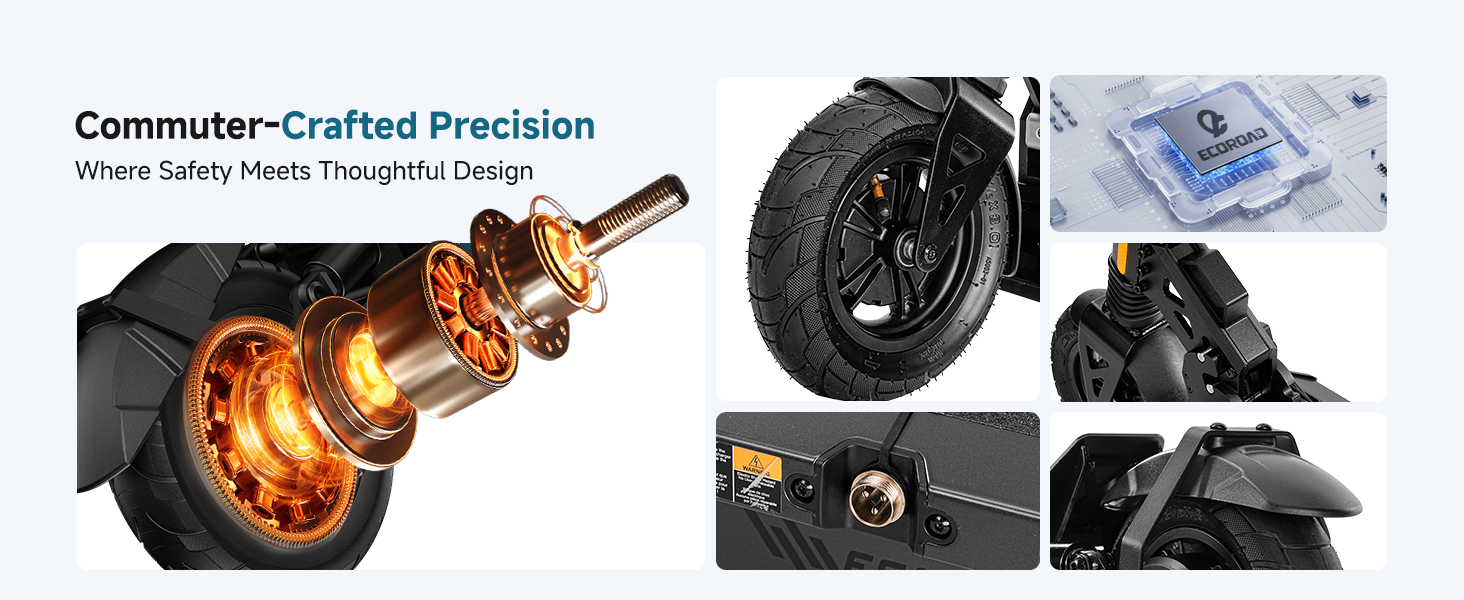
Image: The large, clear display of the ECOROAD ES4, showing current speed, battery level, and other operational data.
4.2 Speed Modes
The ES4 offers four distinct speed modes to suit various riding preferences and conditions:
- Mode 1: Up to 6 MPH
- Mode 2: Up to 12 MPH
- Mode 3: Up to 18 MPH
- Mode 4: Up to 25 MPH
Switch between modes using the 'M' button on the control panel. Lower speed modes conserve battery and are ideal for new riders or crowded areas.
4.3 Lighting System
The scooter is equipped with a comprehensive LED visibility system for safe riding day and night:
- Quad Headlights: Bright front lights illuminate your path.
- RGB Deck Lights: Vibrant, color-changing lights along the deck enhance visibility and style.
- Brake-Activated Taillights: Rear lights illuminate when braking, alerting others.
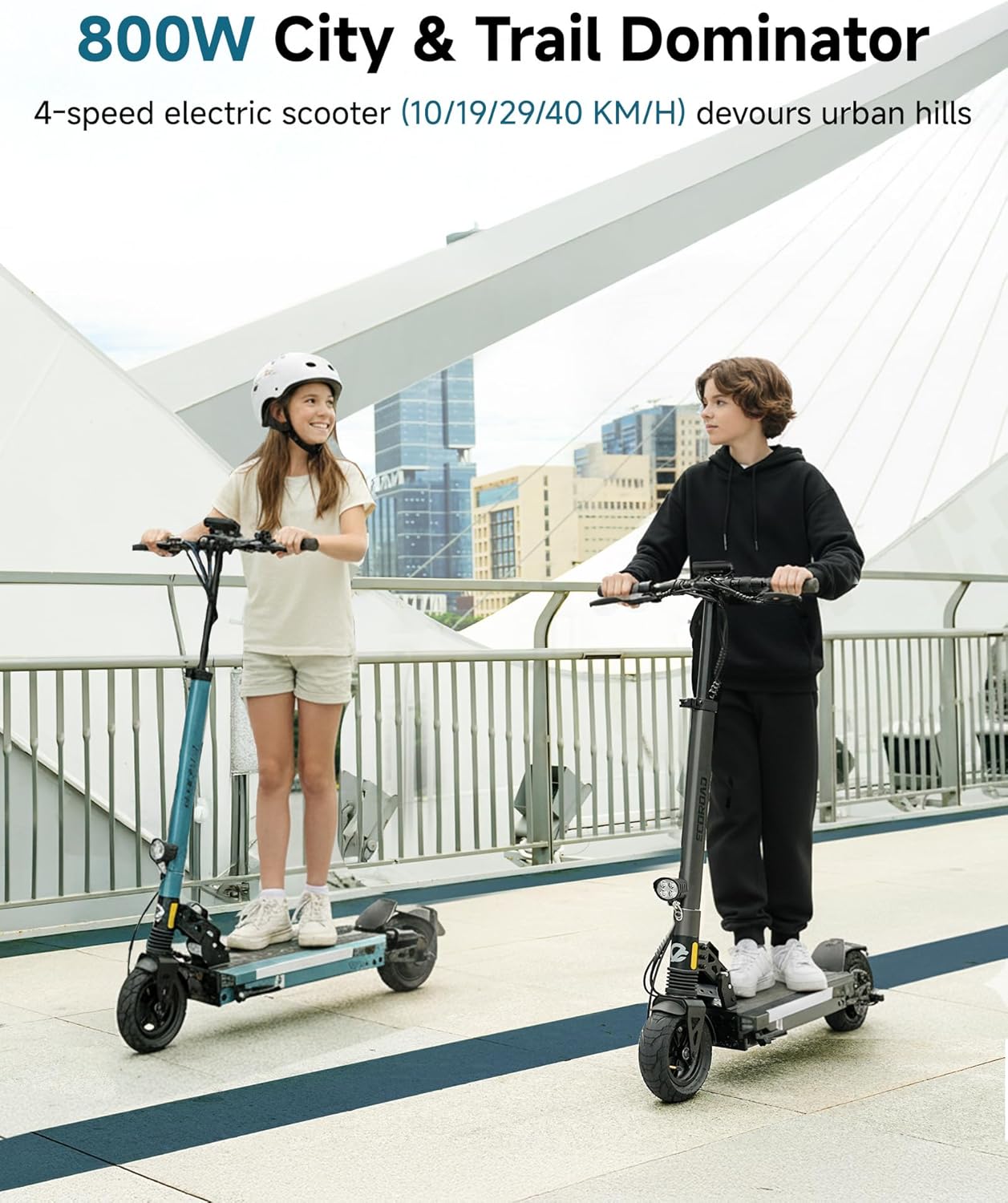
Image: The ECOROAD ES4 Electric Scooter showcasing its full LED lighting system, including bright headlights and colorful RGB deck lights, ensuring visibility in low-light conditions.
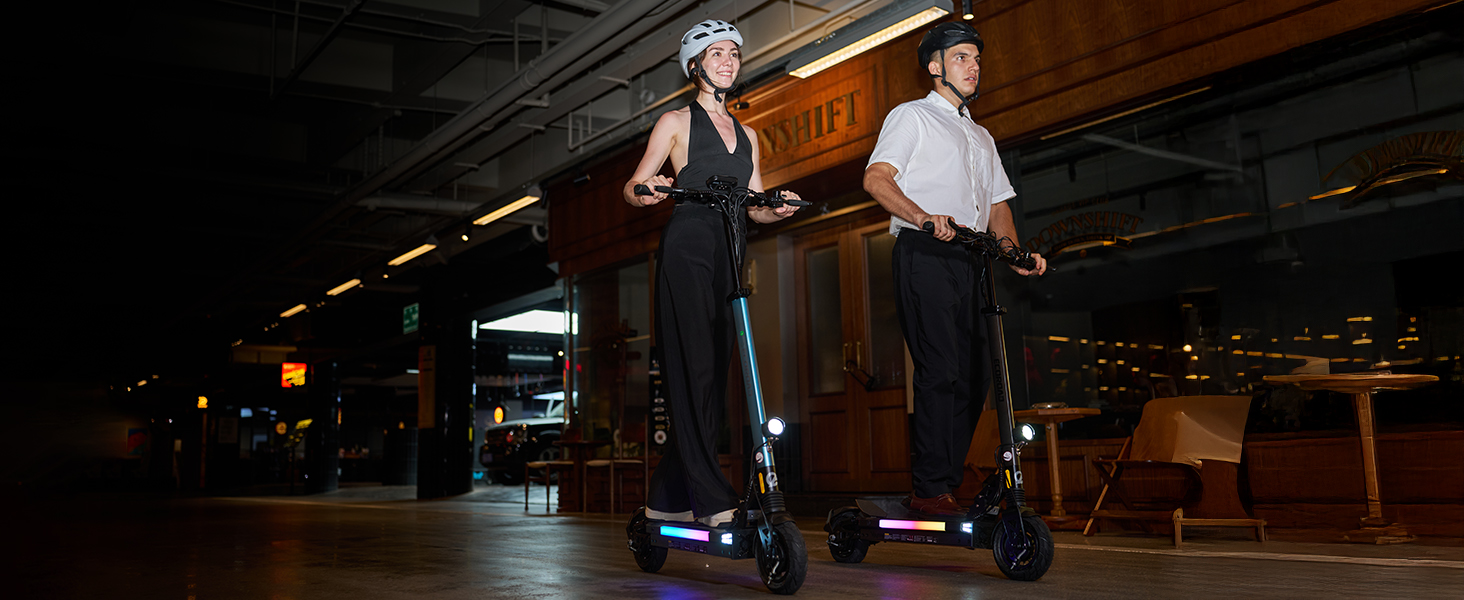
Image: Detailed view of the ECOROAD ES4's powerful quad LED headlights and integrated RGB ambient side lights.
4.4 Cruise Control
Activate cruise control by maintaining a steady speed for approximately 5 seconds. The scooter will then hold this speed. To disengage, simply apply the brakes or press the throttle.
4.5 App Control
Download the companion app to unlock additional features and customize your riding experience. The app allows you to:
- Anti-theft lock the scooter.
- Track your route and mileage.
- Customize speed settings and other parameters.
Image: The ECOROAD mobile application interface, showing connectivity to the scooter and various control options.
5. Charging Operation
The ECOROAD ES4 is equipped with a high-capacity 48V battery, providing a range of up to 25 miles on a single charge. The charging port is located on the left side of the scooter deck. Connect the provided 2A charger to the port and then to a power outlet. A full charge typically takes approximately 4 hours.

Image: The ECOROAD ES4 Electric Scooter connected to its charger, illustrating the charging process.
6. Maintenance
6.1 Tires
The scooter features 8.5-inch pneumatic off-road tires. Regularly check tire pressure and inflate to the recommended PSI for optimal performance and safety. Inspect tires for any signs of wear or damage before each ride.
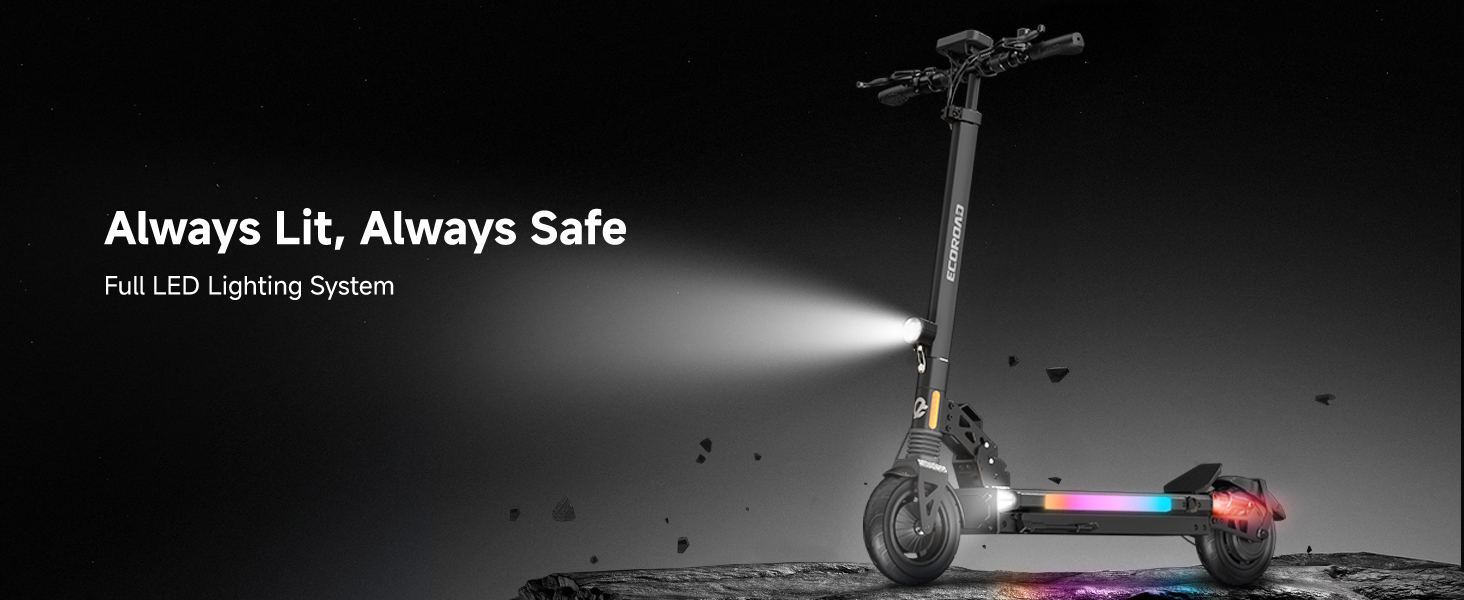
Image: Detailed view of the durable 8.5-inch inflatable light off-road tires, designed for various terrains.
6.2 Brakes
The ES4 is equipped with front and rear hub brakes, complemented by a hidden power-off brake system. Periodically inspect brake cables and pads for wear. Adjust brake tension as needed to ensure responsive stopping power.
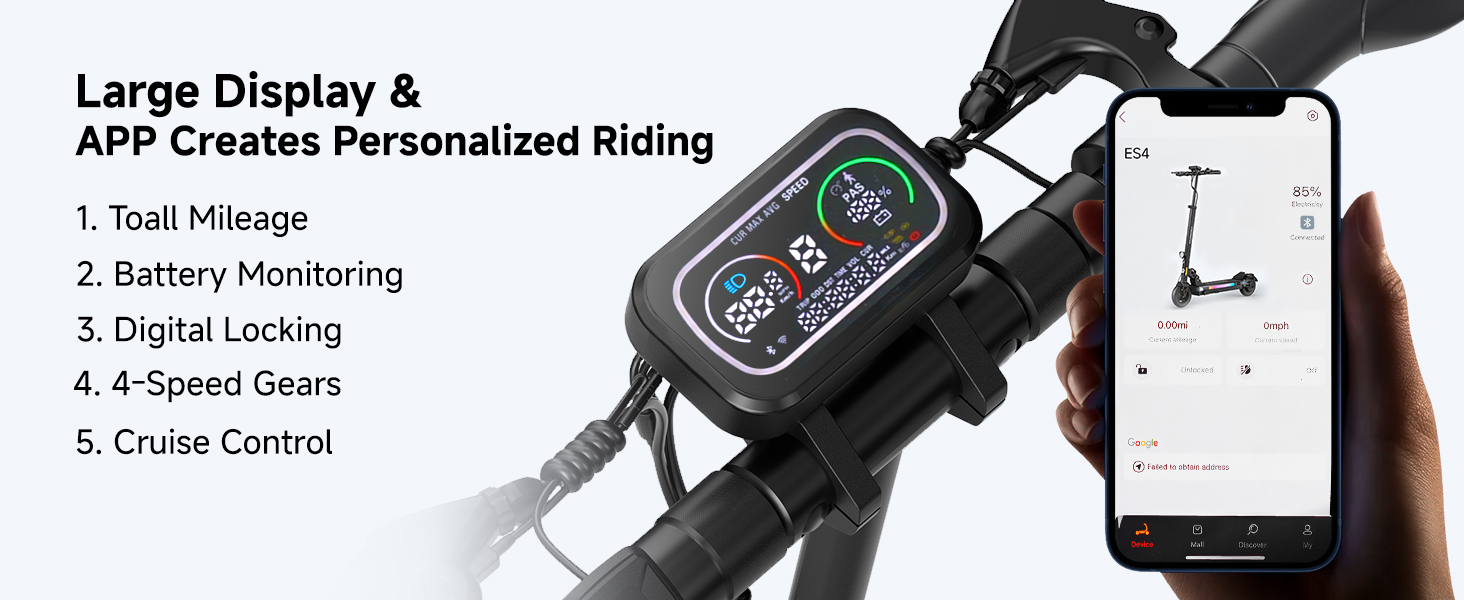
Image: The high-performance disc brakes of the ECOROAD ES4, designed for safe and efficient stopping.
6.3 Suspension
The dual shock system provides a comfortable and stable ride. Regularly check the suspension components for any signs of damage or excessive wear. Keep the suspension clean from dirt and debris.
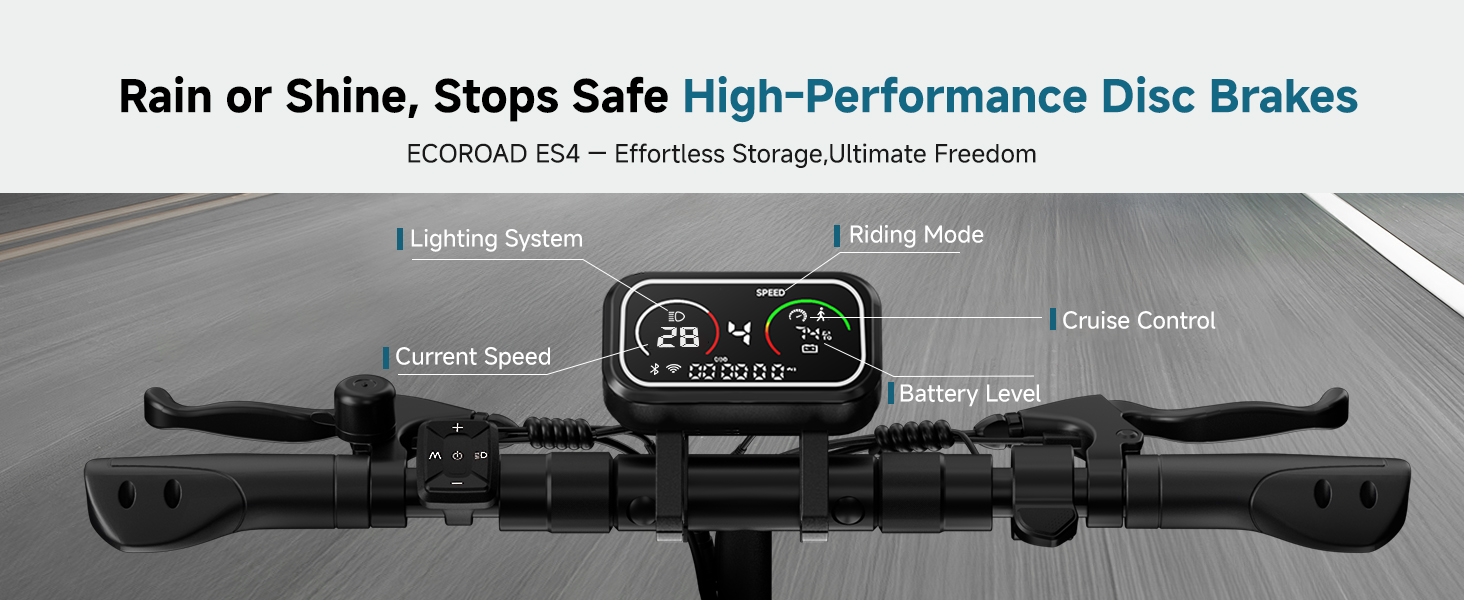
Image: Detailed view of the front spring suspension and rear dual shock system, ensuring a smooth ride.
7. Troubleshooting
If you encounter any issues with your ECOROAD ES4 Electric Scooter, please refer to the following common troubleshooting tips:
- Scooter not turning on: Ensure the battery is charged and the power button is pressed firmly.
- Reduced range or power: Check tire pressure, ensure the battery is fully charged, and consider riding in a lower speed mode.
- Brakes not responsive: Inspect brake cables for tension and brake pads for wear. Adjust or replace as necessary.
- App connectivity issues: Ensure Bluetooth is enabled on your smartphone and the scooter is within range. Restart both devices if needed.
For persistent issues, please contact ECOROAD customer support.
8. Specifications
| Feature | Specification |
|---|---|
| Brand | ECOROAD |
| Model Name | ES4 |
| Motor Power | 800W |
| Max Speed | 25 MPH |
| Max Range | 25 Miles |
| Battery | 48V 10.4AH |
| Charge Time | 4 Hours |
| Weight Limit | 330 Pounds |
| Tires | 8.5" Pneumatic Off-Road |
| Brake Style | Front and rear hub brake + hidden power-off brake |
| Suspension Type | Spring Suspension (Dual Shock System) |
| Frame Material | Aluminum |
| Product Dimensions | 50"L x 22.3"W x 43.5"H |
| Item Weight | 25.4 Pounds |
9. Warranty and Support
9.1 Warranty Information
The ECOROAD ES4 Electric Scooter comes with a 180-day limited manufacturer warranty for different parts. Please refer to the included warranty card for full details and terms.
9.2 Customer Support
For any questions, technical assistance, or warranty claims, please contact ECOROAD customer support:
- Email: support@ecoroad.com
- Service Hotline: +1-877 701 5009

Image: The ECOROAD customer service team, ready to assist with any inquiries or support needs.


