
Amplim DT-8836M
Amplim DT-8836M Digital Forehead Thermometer User Manual
Model: DT-8836M
Introduction
Welcome to the Amplim DT-8836M Digital Forehead Thermometer user manual. This device is designed for accurate, non-contact temperature measurement for all ages, including infants, children, and adults. Please read these instructions carefully before use to ensure safe and proper operation.
Important Safety Information
- Use of this thermometer is not intended as a substitute for consultation with your physician.
- The average normal forehead temperature is around 97.6 - 98.6°F. Forehead temperature is typically 0.5-1.0°F lower than oral temperature.
- Ensure the thermometer is acclimated to ambient temperature for 30 minutes when moving between environments.
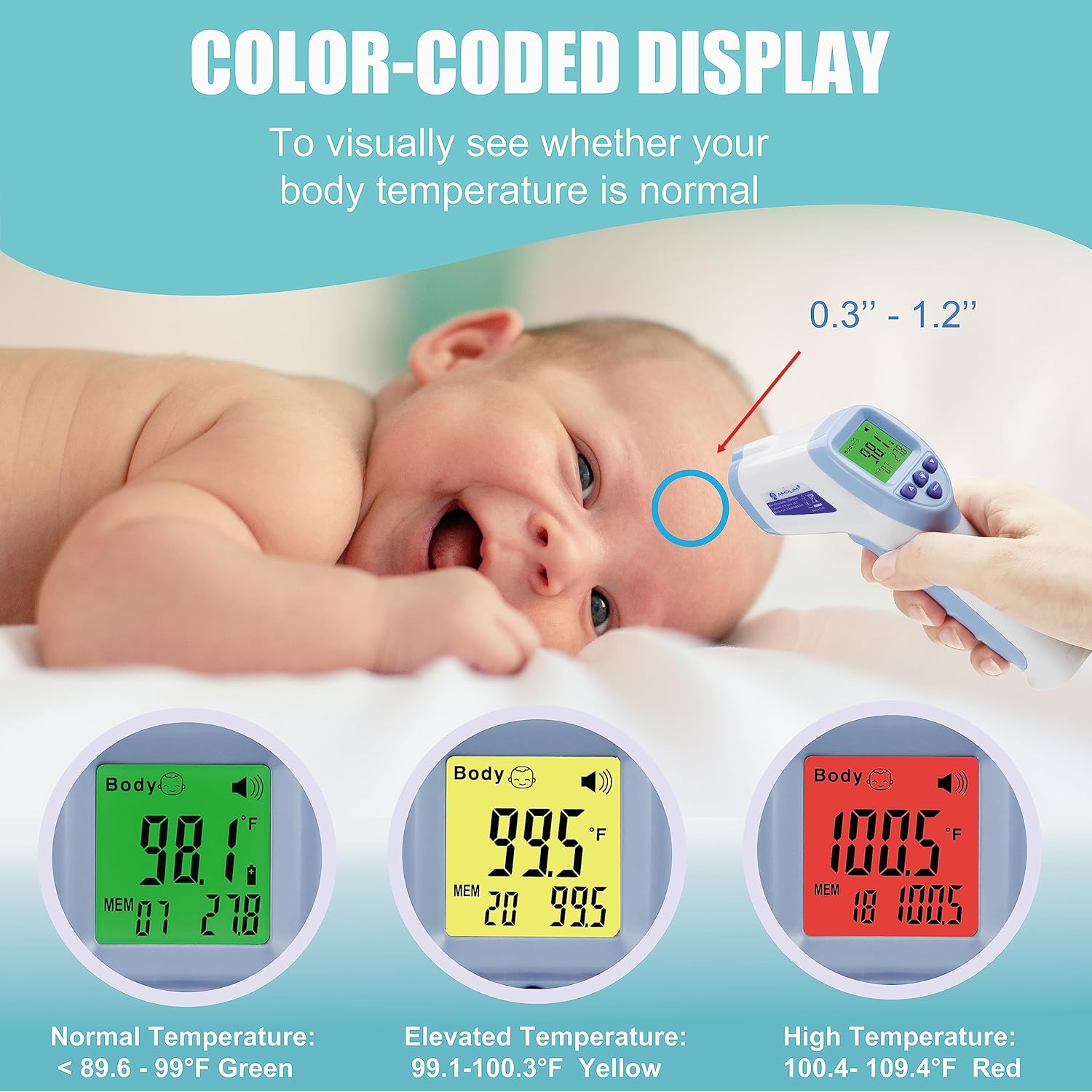
- Maintain a measurement distance of 0.3" - 1.2" from the forehead for accurate readings.
- Do not change fever temperature settings unless advised by a medical professional.
- The device is FDA-Cleared and meets CE standards.
Product Features
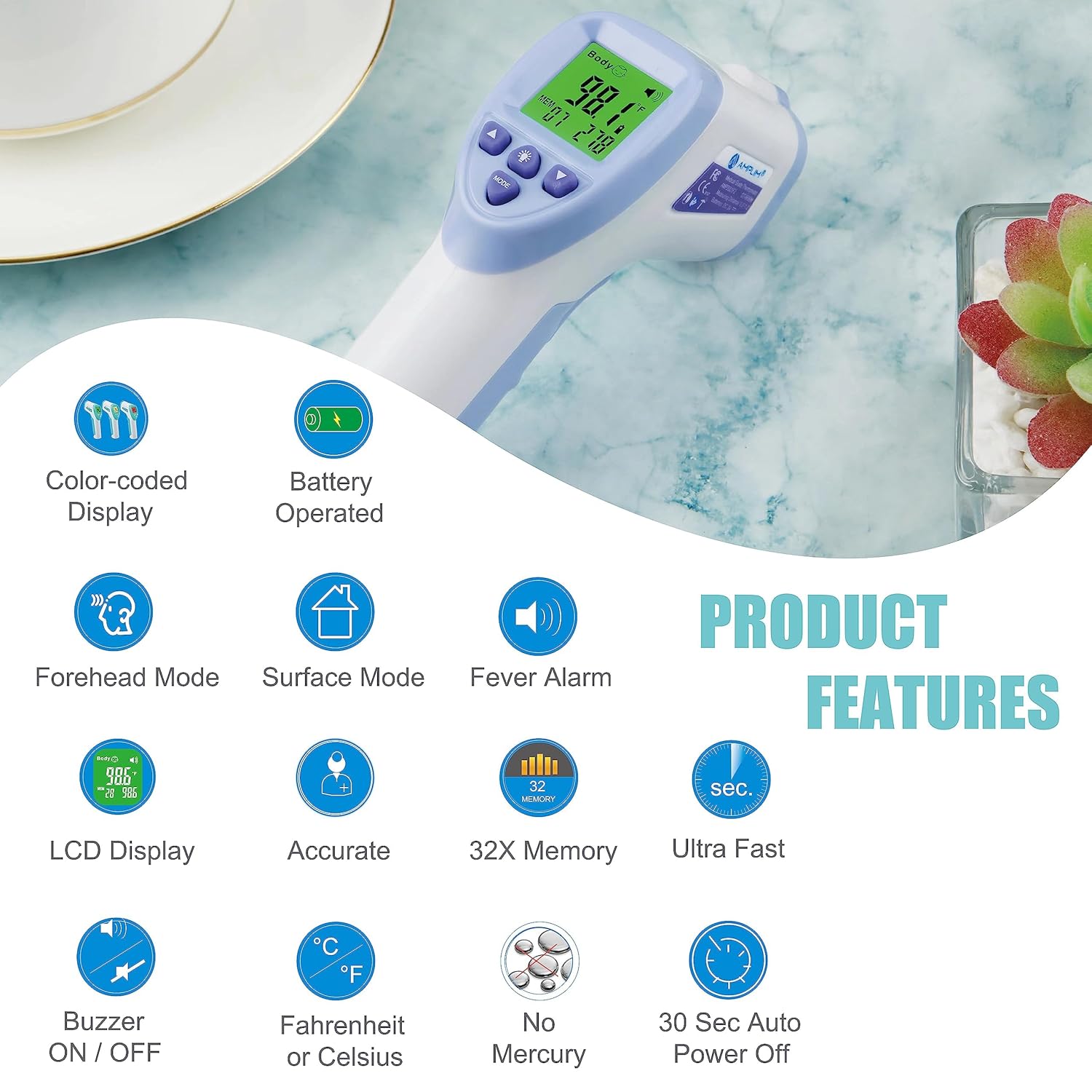
- Medical Grade Accuracy: Hospital-approved for professional-grade results.
- Touchless Measurement: Advanced infrared technology for quick 1-second readings without skin contact.
- Smart Color LCD Display: Color-coded display for easy interpretation of temperature (Green for normal, Yellow for elevated, Red for high fever).
- Memory Storage: Stores the last 32 readings.
- Versatile Modes: Includes Forehead Mode, Surface/Room Mode, and Baby Mode.
- Temperature Units: Switchable between Celsius (°C) and Fahrenheit (°F).
- Audible Alarm: Sounds for fever temperatures.
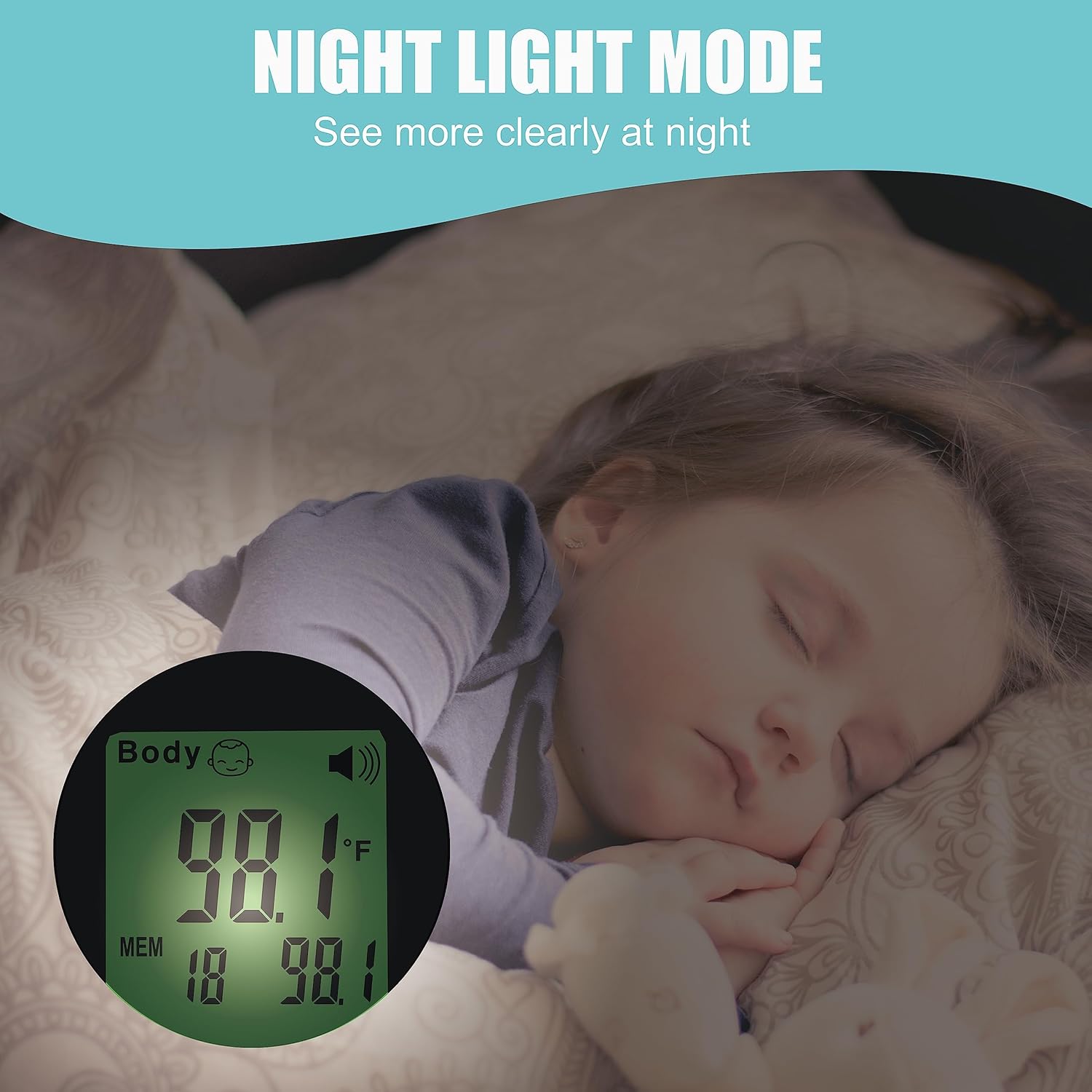
- Night Light: For clear visibility in low-light conditions.
- Auto-Off: Energy-saving feature, automatically turns off after 15 seconds.
- Battery Operated: Uses 2 AAA batteries (included).
- Sleek and Portable Design.
Package Contents
- 1 x Amplim DT-8836M Infrared Thermometer
- 2 x AAA Batteries
- 1 x User Manual
- 1 x 1-year Warranty Card
- 1 x Certificate
Setup and Battery Installation
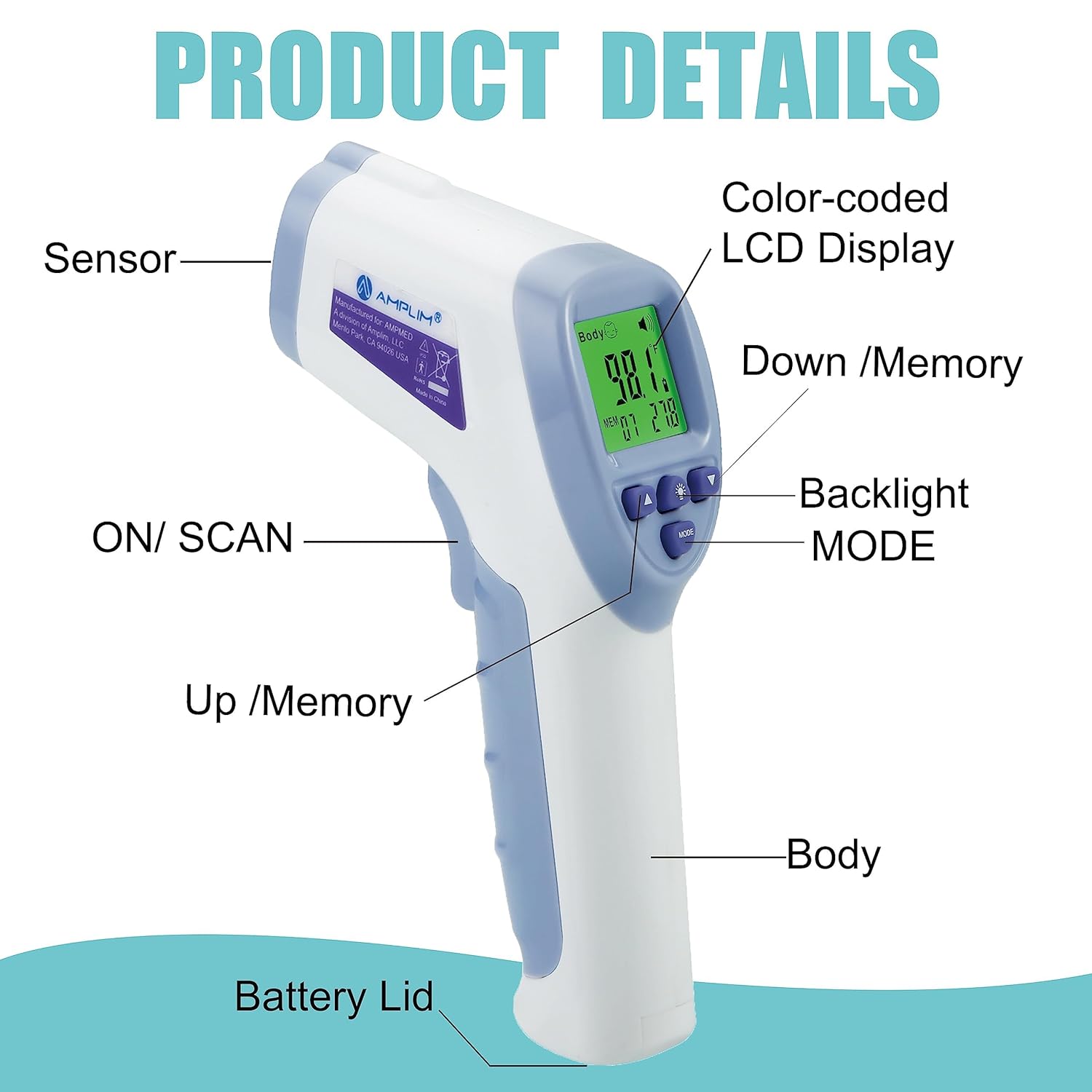
- Open the battery compartment lid located at the bottom of the handle.
- Insert the two AAA batteries, ensuring correct polarity (+ and - terminals).
- Close the battery compartment lid securely.
- The thermometer is now ready for use.
Operating Instructions
Forehead Mode (Body Temperature)
- Ensure the thermometer is in Forehead Mode (indicated by "Body" on the display).
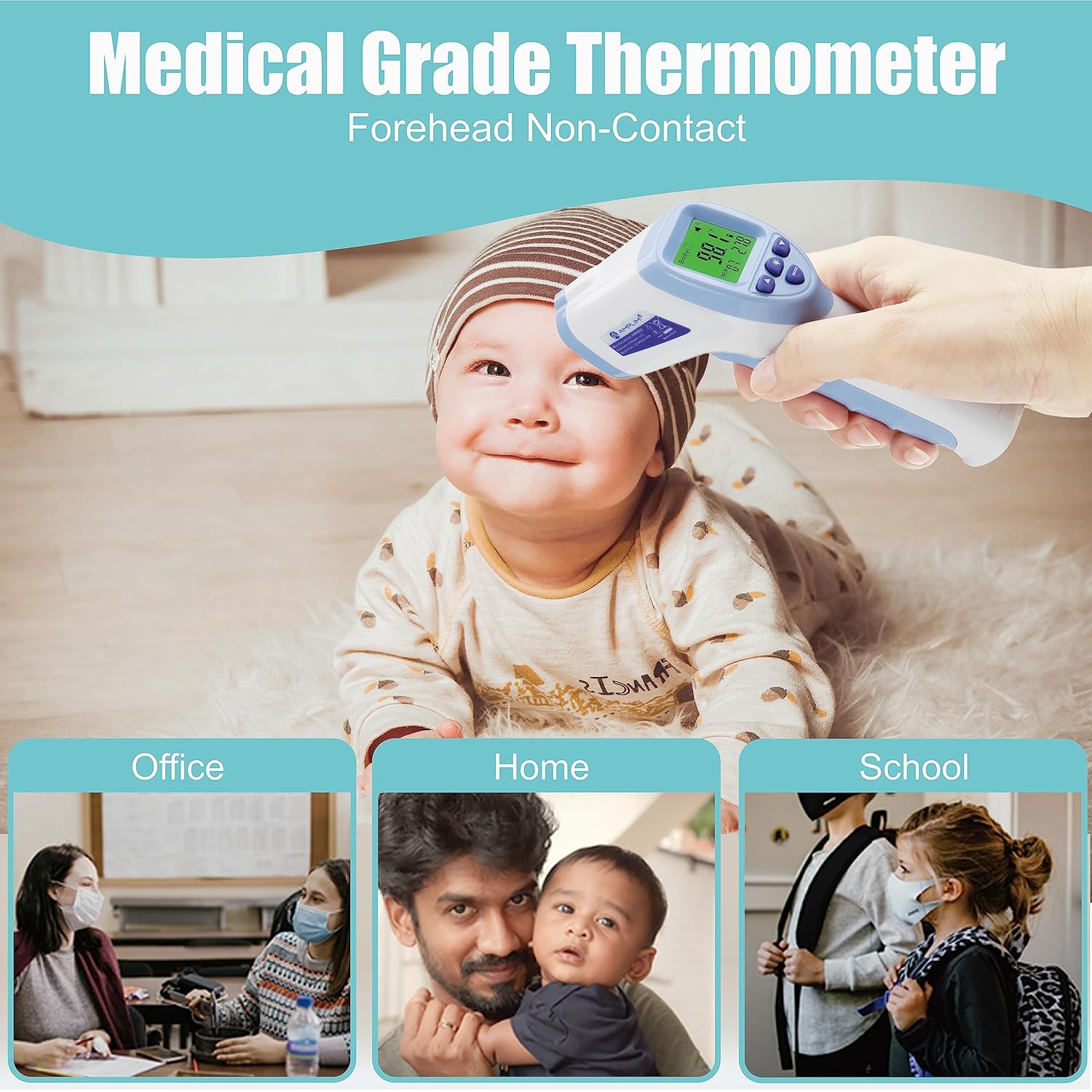
- Aim the thermometer at the center of the forehead, maintaining a distance of 0.3" - 1.2" from the skin. Ensure no hair or perspiration is on the forehead.
- Press and release the "SCAN" button.
- A long beep will indicate that the measurement is complete, and the temperature will be displayed.
- Allow 3-5 seconds between measurements for optimal accuracy.

Surface/Room Mode (Object Temperature)
- With the thermometer powered on, press the "MODE" button to switch to Surface/Room Mode.
- Aim the thermometer 0.3" - 1.2" from the surface of the object you wish to measure.
- Press and release the "SCAN" button.
- The display will show the object's temperature.
Switching Between Fahrenheit (°F) and Celsius (°C)
When the thermometer is turned on, press the "Memory Mode/Setting Button" to toggle between °F and °C.
Buzzer ON/OFF
When the thermometer is turned on, hold the "Memory Mode/Setting Button" for 2-3 seconds to toggle the buzzer ON or OFF.
Baby Mode
When the thermometer is powered on, hold the "Baby Mode" button to change to Baby Mode, which is suitable for babies aged 0-36 months.
Recalling Previous Readings
When the thermometer is powered off, press the "Memory Mode/Setting Button" to view stored memory. Use the Up/Down buttons to navigate through the last 32 readings.
To clear all memories, hold the UP and DOWN buttons simultaneously for 3 seconds.
Maintenance and Care
- Cleaning: Wipe the thermometer clean with a soft, dry cloth after each use. Do not use abrasive cleaners or immerse the device in water.
- Storage: Store the thermometer in a cool, dry place away from direct sunlight and extreme temperatures. Remove batteries if storing for extended periods.
Troubleshooting
| Error Message | Description/Solution |
|---|---|
| "Lo" or "Hi" | Temperature is too low or too high for the measurement range. Ensure correct distance and ambient temperature. |
| "Err" | Indicates a system error. Try restarting the device or replacing batteries. |
| No Display | Check battery installation and replace if necessary. |
Technical Specifications
- Model Name: DT-8836M
- Brand: Amplim
- Special Feature: 15 Sec Auto Power Off, °F/°C Switchable, No Mercury
- Color: BlueWhite
- Age Range: Newborn, Infant, Toddler, Kid, Youth, Adult, All ages
- Outer Material: Plastic
- Specification Met: CE, FDA
- Display Type: LCD
- Connectivity Technology: Infrared
- Product Care Instructions: Wipe Clean
- Unit Count: 1.0 Count
- Power Source: Battery Powered (2 AAA batteries included)
- Item Length: 6.3 Inches
- Upper Temperature Rating: 104 Degrees Fahrenheit
- Response Time: 1 second
- Reusability: Reusable
- Style: Contemporary
- Indoor/Outdoor Usage: Indoor
- Item Weight: 2.88 ounces
Warranty and Support
The Amplim DT-8836M Digital Forehead Thermometer comes with a 1-year warranty. For warranty registration or customer support, please contact Amplim directly.
Email: customersupport@amplim.com
Please include your order number in the email for faster assistance.
Ask a question about this manual
Ask about setup, troubleshooting, compatibility, parts, safety, or missing instructions. Manuals+ will review the question and use this page’s manual context to help answer it.