
Introduction
This manual provides essential instructions for the setup, operation, maintenance, and troubleshooting of your JBL Grip Compact Bluetooth Speaker. Please read this manual thoroughly before using your device to ensure optimal performance and longevity.
The JBL Grip is a portable Bluetooth speaker designed to deliver bold JBL Pro Sound with features like ambient lighting, IP68 waterproof and dustproof rating, and multi-speaker connection via Auracast™.
What's in the Box
- 1 x JBL Grip Speaker
- 1 x Quick Start Guide (QSG)
- 1 x Safety Sheet
- 1 x Warranty Card
Note: A charging adapter is not included. Please use a compatible USB charger.
Product Overview
Familiarize yourself with the components of your JBL Grip speaker.

Image 1: Front view of the JBL Grip speaker, displaying the JBL logo and primary control buttons (play/pause, volume up/down).

Image 2: Side view of the JBL Grip speaker, highlighting the 'GRIP' text, USB-C charging port, and the ambient light control button.

Image 3: Top panel of the JBL Grip speaker, featuring the power button, Bluetooth pairing button, and Auracast button.
Setup
1. Charging the Speaker
Before first use, fully charge your JBL Grip speaker. Connect the USB-C charging cable (not included) to the speaker's USB-C port and to a compatible USB power adapter.
- Charging Time: Approximately 3 hours for a full charge.
- The LED indicator will show charging status.
2. Powering On/Off
- To power on: Press and hold the Power button on the top panel until the indicator light illuminates.
- To power off: Press and hold the Power button again until the indicator light turns off.
Operating Instructions
1. Bluetooth Pairing
- Power on the JBL Grip speaker.
- Press the Bluetooth button on the top panel. The LED indicator will flash blue, indicating it is in pairing mode.
- On your device (smartphone, tablet, etc.), enable Bluetooth and search for available devices.
- Select "JBL Grip" from the list of devices.
- Once connected, the LED indicator will turn solid blue.
2. Music Playback
- Play/Pause: Press the Play/Pause button (triangle icon) on the front panel.
- Volume Up: Press the Volume Up button (+ icon).
- Volume Down: Press the Volume Down button (- icon).
- Next Track: Double-press the Play/Pause button.
- Previous Track: Triple-press the Play/Pause button.
3. Ambient Light Control
The JBL Grip features an integrated ambient light on its back panel. Use the dedicated light button on the side to cycle through different themes and colors.
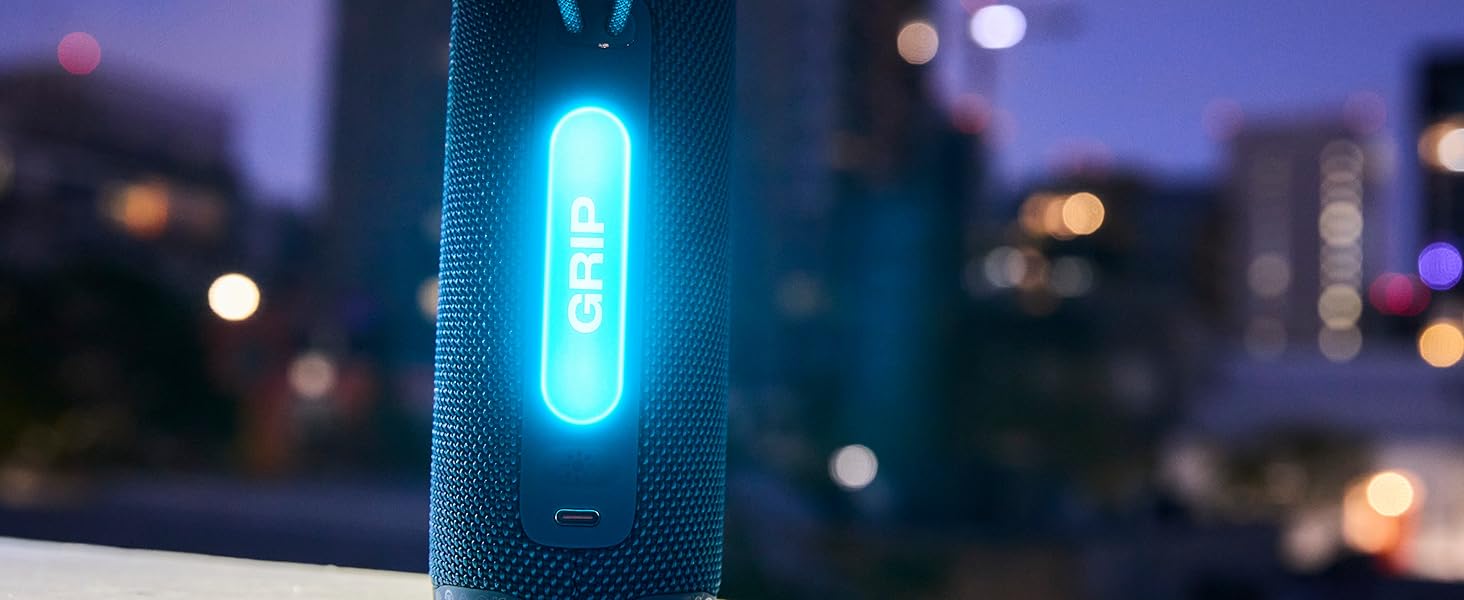
Image 4: The JBL Grip speaker showcasing its ambient light feature, illuminating the 'GRIP' text on the side panel.
- Press the Light button to change light themes.
- Further customization of brightness and light options is available via the JBL Portable app.
4. Multi-Speaker Connection with Auracast™
Auracast allows you to connect multiple JBL Auracast-enabled speakers for a wider soundstage or to fill a larger space with synchronized audio.
- Ensure all JBL Auracast-enabled speakers are powered on.
- On the primary speaker (connected to your device), press the Auracast button.
- On the secondary speakers, press their respective Auracast buttons to join the broadcast.
- The speakers will automatically connect and synchronize audio playback.
5. JBL Portable App
Download the JBL Portable app for additional features and customization:
- Customize sound with a 7-band EQ.
- Adjust light color options and intensity.
- Receive firmware updates and product support.
Maintenance
Cleaning
- Ensure the speaker is powered off and disconnected from any charging source before cleaning.
- Wipe the speaker with a soft, damp cloth. Do not use abrasive cleaners or solvents.
- For stubborn dirt, a mild soap solution can be used, followed by wiping with a clean, damp cloth.
- Allow the speaker to dry completely before use or charging.
Storage
- Store the speaker in a cool, dry place away from direct sunlight and extreme temperatures.
- If storing for an extended period, charge the battery to approximately 50% every few months to maintain battery health.
Water and Dust Resistance (IP68)
The JBL Grip is IP68 rated, meaning it is waterproof and dustproof. This allows for immersion in water up to 1.5 meters (5 feet) for up to 30 minutes and is fully protected against dust ingress.
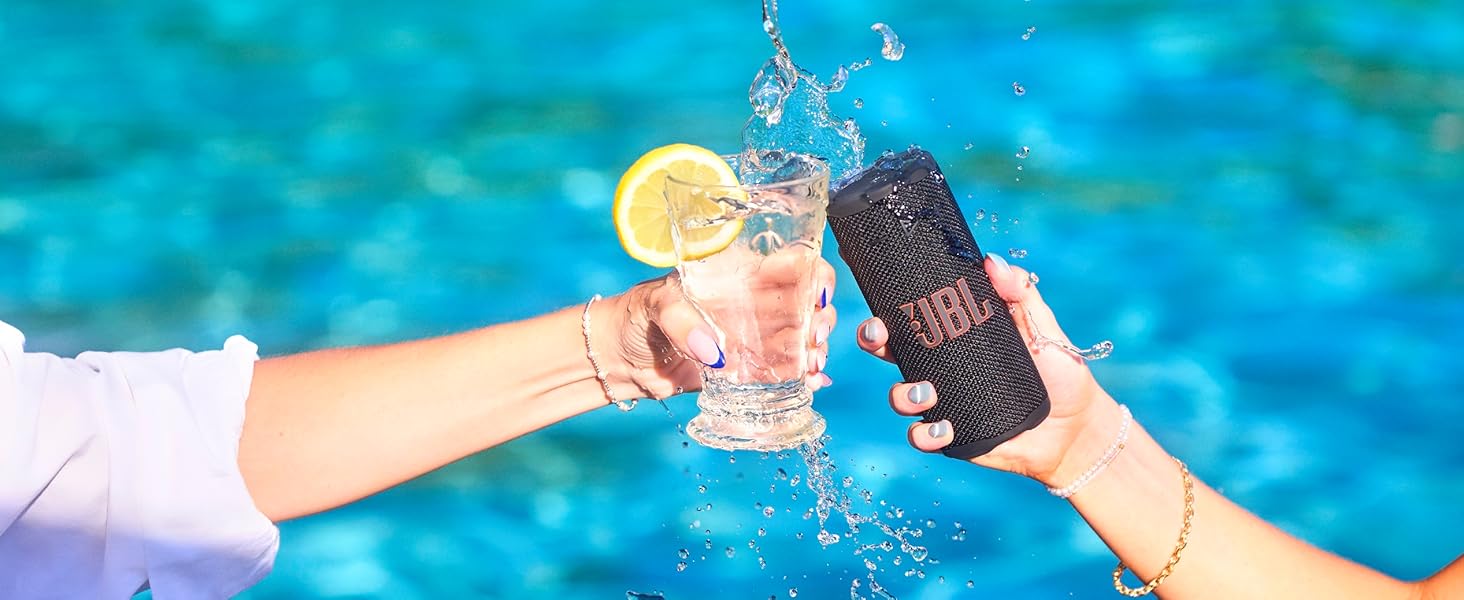
Image 5: The JBL Grip speaker partially submerged in water, demonstrating its waterproof capability.
- Ensure the USB-C port cover is securely closed before exposing the speaker to water or dust.
- After exposure to water, gently shake the speaker to remove excess water and allow it to air dry completely before charging.
Troubleshooting
| Problem | Possible Cause | Solution |
|---|---|---|
| Speaker does not power on. | Battery is depleted. | Charge the speaker using a compatible USB-C cable and power adapter. |
| Cannot pair via Bluetooth. | Speaker is not in pairing mode; device Bluetooth is off; speaker is already connected to another device. | Ensure speaker is in pairing mode (flashing blue LED). Turn off and on your device's Bluetooth. Disconnect from other devices. |
| No sound or low volume. | Volume on speaker or connected device is too low; speaker is muted. | Increase volume on both the speaker and your connected device. Ensure speaker is not muted. |
| Auracast connection issues. | Speakers are too far apart; not all speakers are Auracast-enabled. | Ensure speakers are within range. Verify all speakers support Auracast. Re-initiate Auracast pairing. |
If problems persist, please refer to the JBL Support website or contact customer service.
Specifications
| Feature | Detail |
|---|---|
| Model Name | JBL Grip |
| Bluetooth Version | 5.4 |
| Speaker Type | Portable Speaker |
| Speaker Maximum Output Power | 16 Watts |
| Playtime | Up to 14 hours (12 hours + 2 hours with Playtime Boost) |
| Charging Time | 3 hours |
| Battery Capacity | 2600 mAh (Lithium Polymer) |
| Water Resistance Level | IP68 (Waterproof & Dustproof) |
| Product Dimensions (D x W x H) | 2.56" x 2.52" x 6" |
| Item Weight | 0.85 Pounds (13.6 ounces) |
| Material | Plastic, Silicone |
| UPC | 050036413954 |
Warranty and Support
Warranty Information
Your JBL Grip speaker comes with a Limited Warranty. Please refer to the included Warranty Card for specific terms and conditions. Retain your proof of purchase for warranty claims.
Customer Support
For further assistance, technical support, or to download the full user manual, please visit the official JBL support website:
You can also find helpful resources and FAQs on the JBL Portable app.
Additional Information
Environmental Responsibility
The JBL Grip is constructed with post-consumer recycled plastic and fabric for the speaker grille. The packaging uses FSC-certified paper printed with soy ink, reflecting a commitment to environmental sustainability.


