
Globluum SU3
Globluum SU3 Kids MP3 Player User Manual
Model: SU3 | Brand: Globluum
Introduction
This manual provides comprehensive instructions for the safe and effective use of your Globluum SU3 Kids MP3 Player. This device is designed to offer a secure and engaging audio-visual experience for children, featuring parental controls and support for various educational and entertainment applications. Please read this manual thoroughly before operating the device.
Package Contents
Verify that all items are present in the package:
- 1 x Globluum SU3 Kids MP3 Player
- 1 x 64GB microSDXC card (pre-installed or separate)
- 1 x 3.5mm wired headphones
- 1 x Type-C charging cable
- 1 x User Manual
- 1 x Protective case
Device Overview
Familiarize yourself with the physical components of your Globluum SU3 MP3 Player.

Image: Side view of the Globluum SU3 MP3 Player, highlighting the volume up/down buttons and the power button.

Image: Back view of the Globluum SU3 MP3 Player, displaying the model number SU3, input voltage, and various regulatory compliance marks.
Key Components:
- 4-inch Touchscreen Display: For navigation and interaction.
- Power Button: Located on the side for turning the device on/off and screen lock.
- Volume Buttons: Located on the side for adjusting audio levels.
- USB-C Port: For charging and data transfer.
- 3.5mm Headphone Jack: For wired audio output.
- MicroSD Card Slot: For expanding storage (64GB card included).
- Built-in Speaker: For audio playback without headphones.
Setup
1. Charging the Device
Before first use, fully charge the MP3 player. Connect the provided Type-C charging cable to the device's USB-C port and the other end to a compatible USB power adapter (not included) or a computer's USB port. The charging indicator will show the charging status.
The device is equipped with a 1750 mAh battery, providing approximately 25 hours of average battery life on a full charge.

Image: Visual representation of the device's internal components, including the 12nm CPU and 1750mAh battery, indicating efficient power usage.
2. Powering On/Off
- To Power On: Press and hold the Power button (located on the side) for approximately 3 seconds until the screen lights up.
- To Power Off: Press and hold the Power button until a power-off menu appears on the screen. Select "Power Off" and confirm.
- To Lock/Unlock Screen: Briefly press the Power button.
3. Initial Setup (Wi-Fi and Language)
Upon first power-on, you may be guided through an initial setup process:
- Select Language: Choose your preferred language from the list.
- Connect to Wi-Fi: Select your Wi-Fi network from the available list and enter the password. A stable Wi-Fi connection is required for downloading apps, streaming content, and system updates.
- Follow any on-screen prompts to complete the basic setup.
Operating Instructions
Navigation and Interface
The Globluum SU3 features a 4-inch touchscreen display. Navigate by tapping icons, swiping across the screen, and using the back/home buttons (if present on-screen or as physical buttons).

Image: The device's home screen displaying icons for various pre-installed music and audio applications like Spotify, Apple Music, Spotify Kids, YouTube Music, Pandora, Amazon Music, Music, and Deezer.
Music Playback
The device supports various music streaming services and local file playback.
- Streaming Apps: Pre-installed apps like Spotify Kids, Amazon Music, Apple Music, Pandora, TIDAL, Deezer, and YouTube Music allow streaming age-appropriate content. Tap an app icon to launch it and follow its in-app instructions.
- Local Music: Transfer MP3, FLAC, APE, WAV, and other supported audio files to the device's internal storage or microSD card. Use the "Music" app to browse and play your local library.
- Creating Playlists: Within the music application, you can create custom playlists of your child's favorite songs.

Image: An illustration depicting children happily listening to music, surrounded by logos of supported music services such as Spotify, Amazon Music, and Apple Music, indicating the device's compatibility with popular streaming platforms.

Image: A mother and child listening to music through headphones, illustrating the device's HiBy Music lossless decoding for clear vocal quality in songs and audiobooks.
Audiobooks and Stories
The device supports popular audiobook platforms for educational and bedtime stories.
- Supported Apps: Access Audible Kids, LibriVox, Libby, and Kindle Bedtime Stories directly from the device.
- Sleep Timer: Utilize the built-in sleep timer function to automatically stop playback after a set duration, promoting restful sleep without late-night screen time.
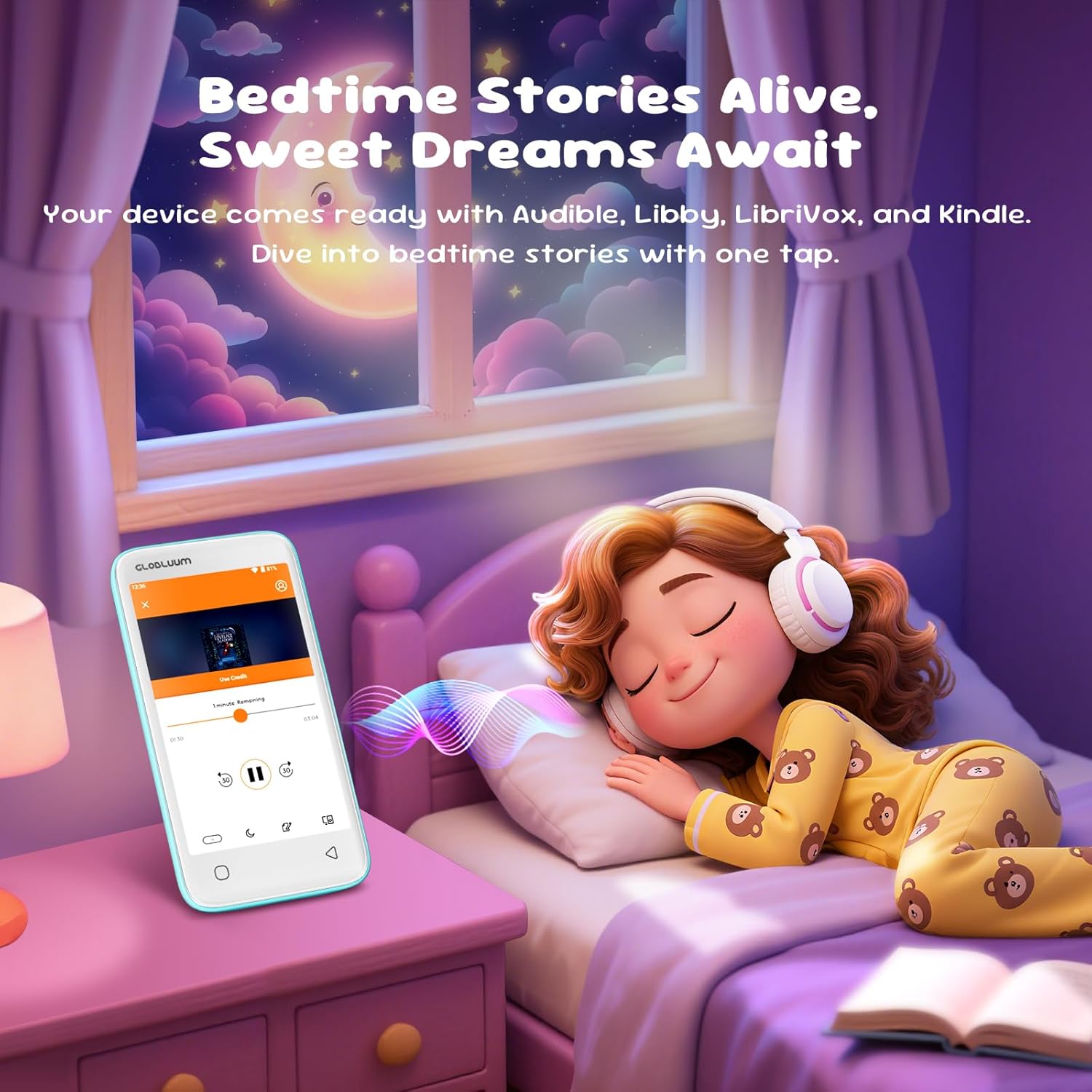
Image: A child sleeping peacefully in bed while the Globluum SU3 MP3 Player displays a bedtime story, highlighting the device's use for calming audio content.
Video Playback
The Globluum SU3 supports 1080p HD video playback and is compatible with over 10 file formats, including MP4, AVI, and MKV. Use the pre-installed video player to watch cartoons and other video content.

Image: A child holding the Globluum SU3 MP3 Player, which displays a cartoon on its screen, demonstrating its capability for video playback in various formats.
Parental Control Features
The Globluum SU3 is equipped with robust parental controls to ensure a safe and distraction-free environment for your child.

Image: The Parental Control screen on the Globluum SU3 MP3 Player, showing options to lock apps, set passwords, and block factory resets, with a parent and child interacting with the device.
- Accessing Parental Controls: Navigate to the "Settings" menu and locate the "Parental Control" option. You will be prompted to set up a password for access.
- App Blocking: Prevent access to specific applications, such as web browsers (e.g., Chrome) or other apps deemed unsuitable, to minimize distractions.
- Settings Protection: Hide system settings and protect modifications with a password to prevent children from altering device configurations.
- Closed Android 14 System: The device runs on a closed Android 14 system, which helps prevent the installation of unwanted applications and maintains a child-friendly environment.
- Secure Internet Access: Internet access is managed to ensure content remains appropriate for children.

Image: An illustration showing the "Kid-Safe Closed System" of the Globluum SU3, indicating that it runs on Android 14 with Google Play updates only for pre-installed kid-safe apps, preventing new app installations from the Play Store.
Connectivity
Bluetooth 5.0
The device features Bluetooth 5.0 for seamless wireless audio connections.
- Enable Bluetooth: Go to "Settings" > "Connected devices" > "Bluetooth" and toggle it On.
- Pairing: Put your Bluetooth headphones, speakers, or car audio system into pairing mode.
- Connect: On the MP3 player, select your device from the list of available devices to pair.
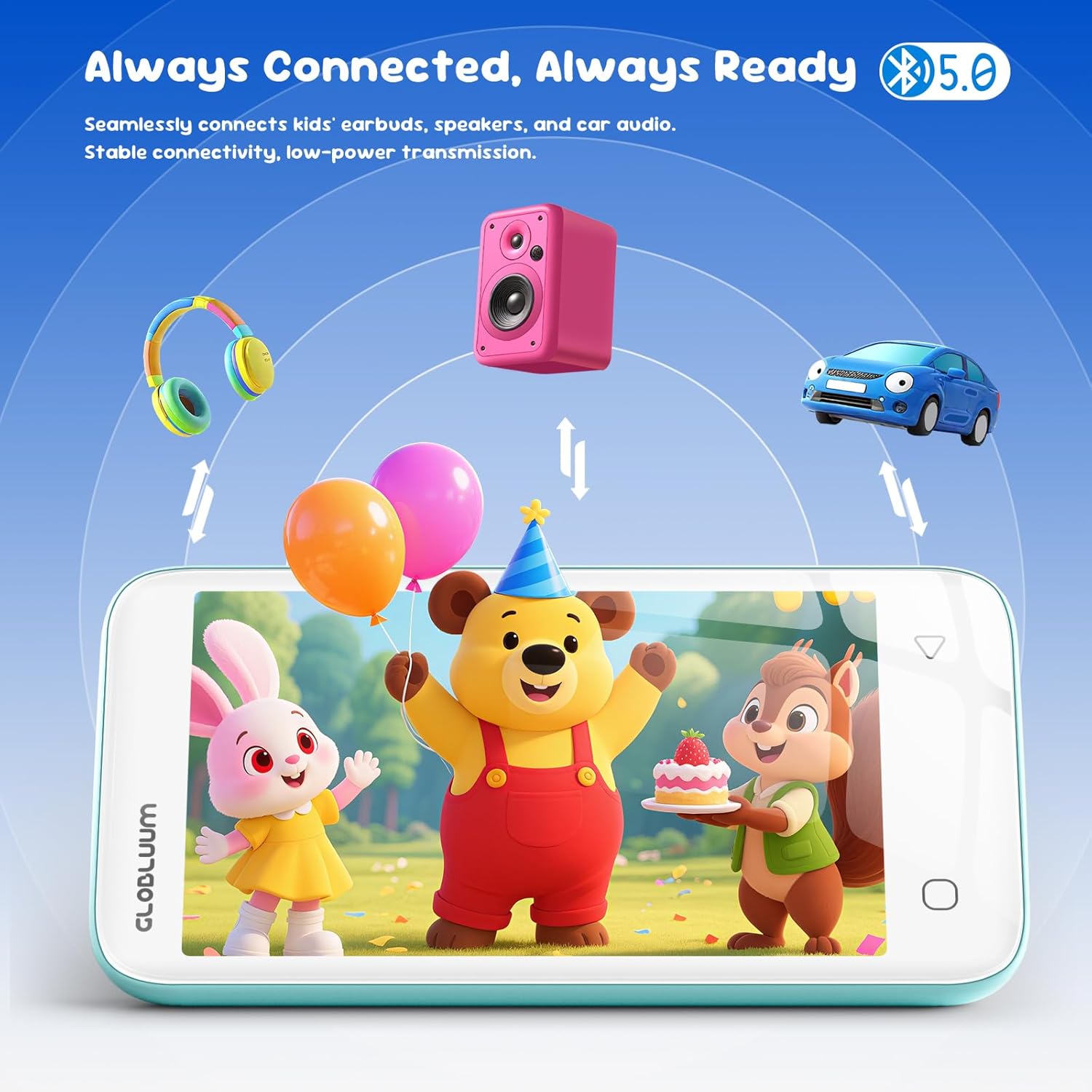
Image: An illustration demonstrating the Globluum SU3 MP3 Player's Bluetooth 5.0 connectivity, showing it wirelessly connected to headphones, a speaker, and a car audio system.
Wi-Fi
Wi-Fi connectivity allows for streaming content, downloading updates, and accessing online features.
- Enable Wi-Fi: Go to "Settings" > "Network & internet" > "Wi-Fi" and toggle it On.
- Connect: Select your desired network and enter the password if prompted.
Storage Management
The Globluum SU3 comes with 16GB of internal storage and an additional 64GB microSDXC card, totaling 80GB of storage capacity for music, videos, and audiobooks.
- Viewing Storage: Check available storage by going to "Settings" > "Storage".
- Transferring Files: Connect the device to a computer using the USB-C cable. The device will appear as a removable storage device, allowing you to drag and drop files.
- MicroSD Card: The included 64GB microSDXC card is pre-installed or can be inserted into the designated slot to expand storage.
Maintenance
- Cleaning: Use a soft, dry, lint-free cloth to clean the screen and exterior of the device. Avoid abrasive cleaners or solvents.
- Protective Case: Always use the provided protective case to guard against drops and impacts.
- Software Updates: Ensure the device is connected to Wi-Fi to receive system updates. Updates can enhance performance and add new features.
- Battery Care: To prolong battery life, avoid fully discharging the battery frequently. Charge the device regularly.
- Storage: Store the device in a cool, dry place away from direct sunlight and extreme temperatures.
Troubleshooting
Device Does Not Turn On
- Ensure the device is sufficiently charged. Connect it to a charger for at least 30 minutes.
- Press and hold the Power button for 10-15 seconds to perform a forced restart.
Cannot Connect to Wi-Fi
- Verify that Wi-Fi is enabled in "Settings".
- Ensure you are entering the correct Wi-Fi password.
- Restart your Wi-Fi router.
- Move closer to the Wi-Fi router.
Bluetooth Device Not Pairing
- Ensure Bluetooth is enabled on both the MP3 player and the target device.
- Make sure the Bluetooth device is in pairing mode.
- Check that the devices are within close proximity.
- Try restarting both devices.
Apps Are Not Working Correctly
- Ensure the device has a stable internet connection if the app requires it.
- Check for app updates in the Google Play Store (if accessible and allowed by parental controls).
- Clear the app's cache: Go to "Settings" > "Apps" > select the app > "Storage & cache" > "Clear cache".
- If issues persist, consider reinstalling the app (if allowed).
Slow Performance
- Close unused background applications.
- Clear unnecessary files and data to free up storage space.
- Restart the device periodically.
Specifications
| Model Name | SU3 |
| Brand | Globluum |
| Storage Capacity | 80 GB (16 GB internal + 64 GB MicroSDXC) |
| RAM | 2 GB |
| Screen Size | 4 Inches |
| Display Technology | LCD |
| Connectivity Technology | Bluetooth 5.0, Wi-Fi, USB, Auxiliary |
| Special Features | Parental Control, Built-in Speaker, Touchscreen |
| Supported Media Types | Micro SD, Micro SDHC, Micro SDXC |
| Supported Audio Standards | AAC, FLAC, APE, WAV (HiBy Music lossless decoding) |
| Supported Video Formats | MP4, AVI, MKV (1080p HD playback) |
| Battery Life (Average) | 25 hours |
| Battery Type | 1750 mAh (Non-standard battery - included) |
| Processor | 12nm CPU |
| Operating System | Android 14 (Closed System) |
| Weight | 98.1 g (3.46 Ounces) |
| Dimensions (L x W x H) | 11.8 x 6.2 x 1.1 cm (4.65 x 2.44 x 0.43 inches) |
| Color | Blue |
Warranty Information
Specific warranty details for the Globluum SU3 MP3 Player may vary by region and retailer. Please refer to the warranty card included in your product packaging or contact your point of purchase for detailed information regarding warranty coverage and terms.
Customer Support
For further assistance, technical support, or inquiries not covered in this manual, please contact Globluum customer service through the contact information provided on the official Globluum website or your retailer's support channels. Please have your product model (SU3) and purchase details ready when contacting support.
Related documentsSU3


Ask a question about this manual
Ask about setup, troubleshooting, compatibility, parts, safety, or missing instructions. Manuals+ will review the question and use this page’s manual context to help answer it.