
Introduction
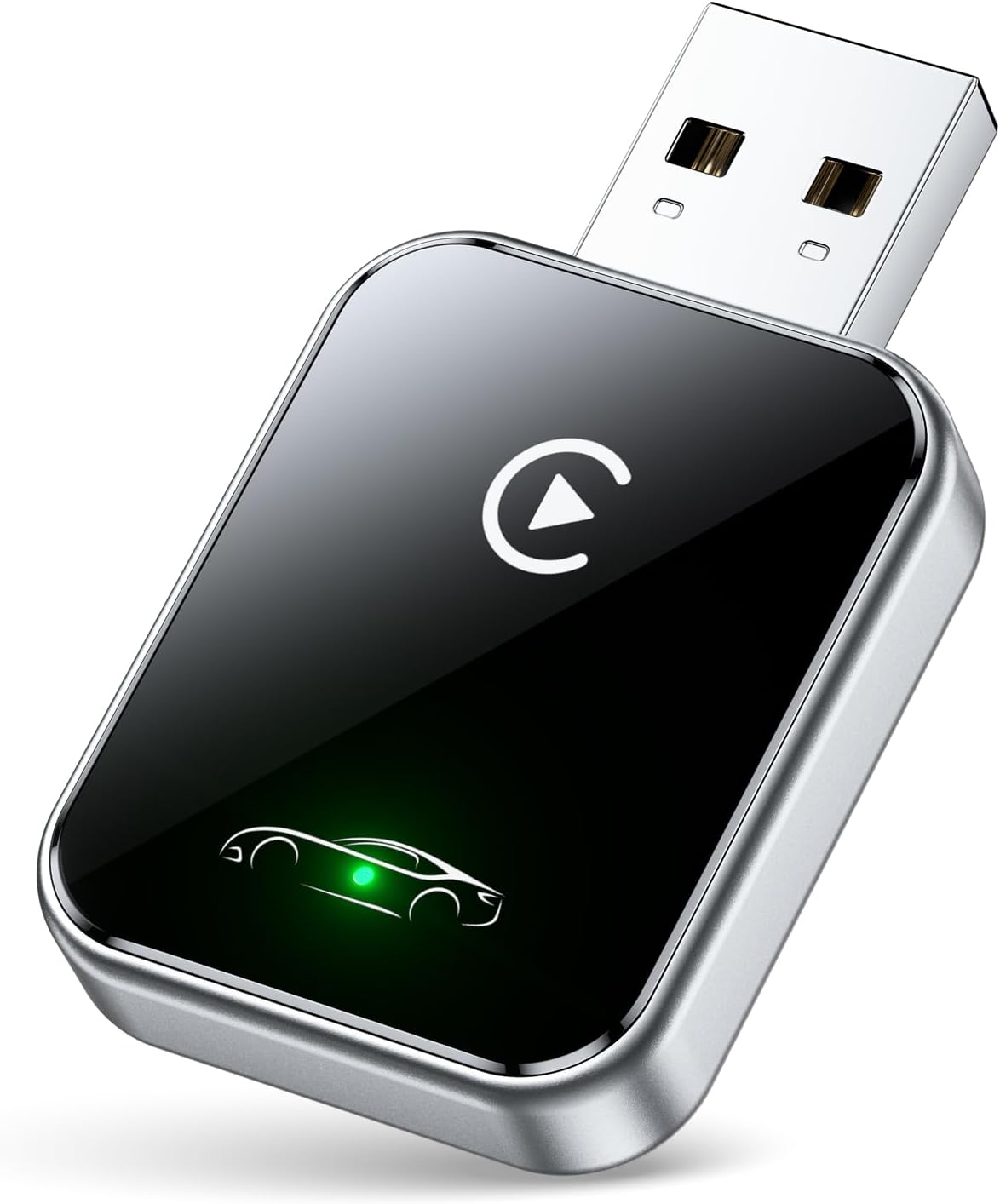
This manual provides detailed instructions for the HaMeby Wireless CarPlay Adapter, designed to convert your vehicle's existing wired CarPlay system into a wireless experience. This compact device enhances your driving by offering seamless access to navigation, music, calls, and messages without the need for physical cable connections to your iPhone.
Key Features:
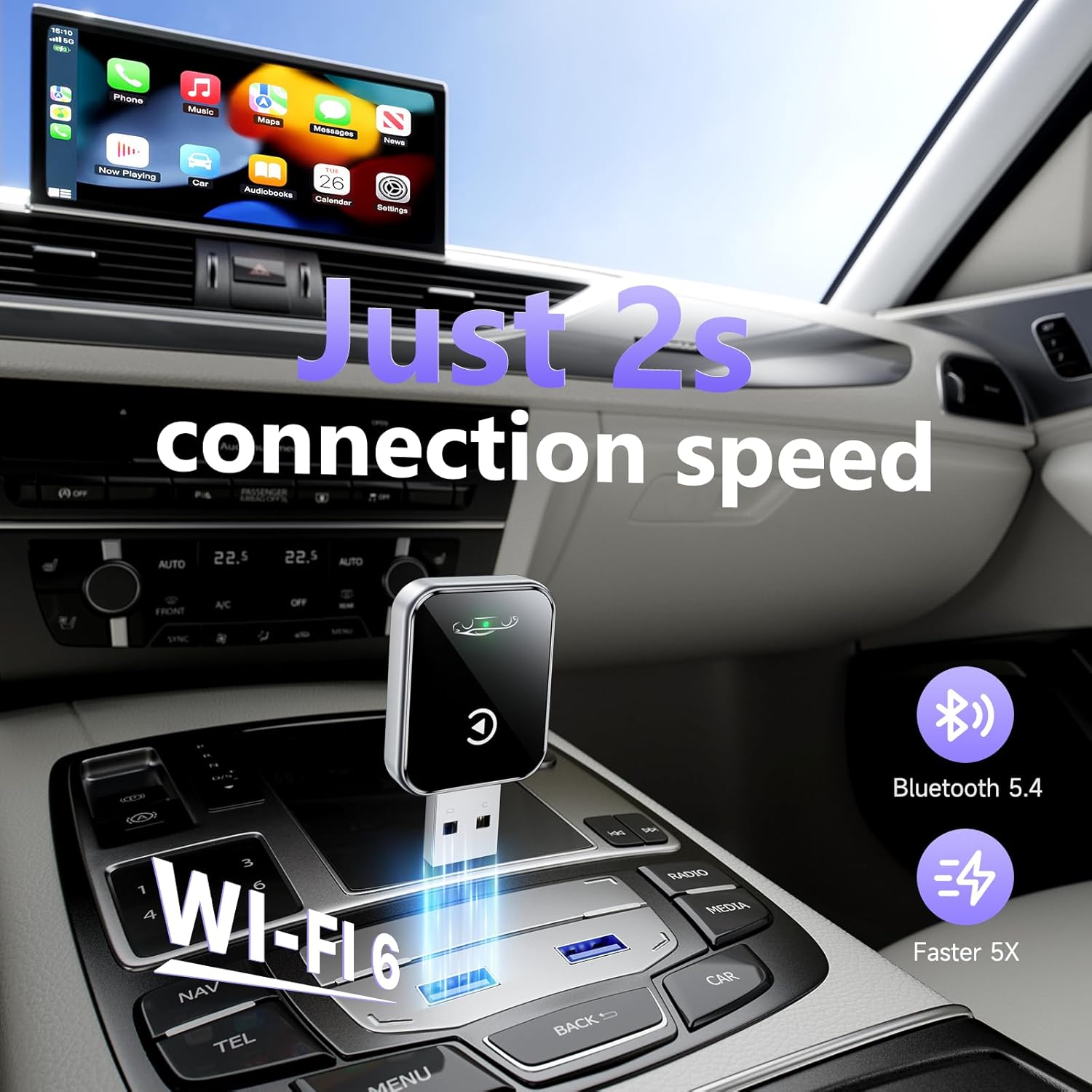
- Latest Bluetooth 5.4 and WiFi 6 connectivity for fast pairing and stable performance.
- Automatic reconnection upon vehicle startup.
- Compact and durable design with enhanced heat dissipation.
- Includes USB-A and Type-C extension cables for versatile installation.
- Full compatibility with existing CarPlay features via touchscreen, steering wheel controls, and Siri.
Setup
Follow these steps to set up your HaMeby Wireless CarPlay Adapter:
- Connect the Adapter: Locate a compatible USB port in your vehicle that supports wired CarPlay. Plug the HaMeby Wireless CarPlay Adapter into this port. Use the provided USB-A or Type-C extension cable if needed for optimal placement.
The HaMeby Wireless CarPlay Adapter connected to a car's USB port.
Video demonstrating the unboxing and initial connection of the Wireless CarPlay Adapter.
- Initial Pairing (First Use):
- Ensure Bluetooth and Wi-Fi are enabled on your iPhone (iOS 10 or above required).
- On your iPhone, navigate to Bluetooth settings.
- Look for a device named "AutoLink-BC0B" (or similar) and select it to pair.
- Confirm any pairing requests on your iPhone and car display.
- The adapter will establish a connection, and your car's display should transition to the CarPlay interface.

An iPhone displaying Bluetooth pairing options, with the adapter connected to the car's USB port.
- Automatic Reconnection: After the initial pairing, the adapter will automatically connect to your iPhone within approximately 2 seconds each time you start your vehicle, provided your iPhone's Bluetooth and Wi-Fi are active.
Compatibility Requirements
- Vehicle: Must have a factory-installed wired CarPlay system. (Not compatible with vehicles that do not support wired CarPlay, especially those manufactured before 2019).
- iPhone: Requires iOS 10 or above.

Visual representation of iPhone models and car brands compatible with the adapter.
Operating
Once connected, your wireless CarPlay experience will mirror the wired version, offering full functionality through your car's display and controls.
- Navigation: Access Apple Maps, Google Maps, or other compatible navigation apps directly on your car's screen.
- Music & Audio: Stream music, podcasts, and audiobooks from your favorite apps.
- Calls & Messages: Make and receive calls, and send/read messages using Siri or the touchscreen interface.
- Voice Control (Siri): Activate Siri for hands-free commands, navigation, and communication.
- Car Controls: Utilize your vehicle's existing touchscreen, steering wheel buttons, and rotary knobs to control CarPlay functions.
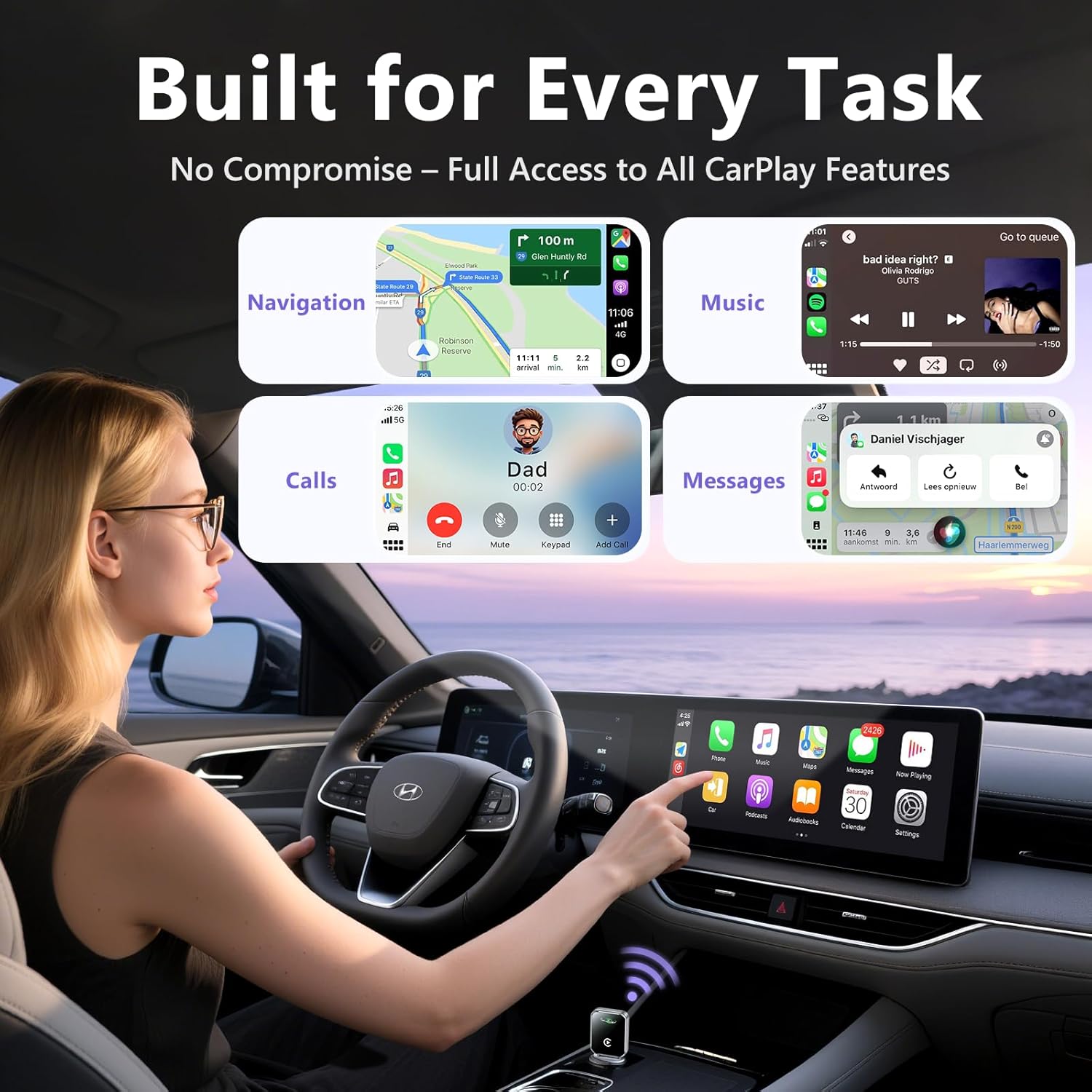
Car display showing various CarPlay applications like navigation, music, calls, and messages.
Demonstrates control methods for CarPlay, including steering wheel, touchscreen, and OEM knob.
Video showcasing the seamless operation of the Wireless CarPlay Adapter with various car functions.
Maintenance
The HaMeby Wireless CarPlay Adapter is designed for durability and minimal maintenance.
- Cleaning: Wipe the adapter with a soft, dry cloth as needed. Avoid using liquid cleaners directly on the device.
- Heat Dissipation: The adapter features premium metal edges to improve heat dissipation. Ensure it is not obstructed by other objects to maintain optimal performance and prevent overheating.
- Connection Integrity: The robust design is tested for over 10,000 USB insertions, ensuring a secure connection without wobbling or damaging your car's USB port.
Troubleshooting
If you encounter issues with your HaMeby Wireless CarPlay Adapter, consider the following:
- Connection Failure:
- Ensure your iPhone's Bluetooth and Wi-Fi are turned on.
- Verify the adapter is securely plugged into the car's USB port.
- Restart your iPhone and/or your car's infotainment system.
- Forget the "AutoLink" device in your iPhone's Bluetooth settings and attempt to pair again.
- Intermittent Connection/Lag:
- Ensure no other Bluetooth or Wi-Fi devices are causing interference.
- Check for any obstructions around the adapter that might block its signal.
- Update your iPhone's iOS to the latest version.
- No CarPlay Interface:
- Confirm your vehicle supports wired CarPlay natively. This adapter converts wired to wireless; it does not add CarPlay functionality to non-compatible vehicles.
- Ensure your iPhone is running iOS 10 or later.
- Audio Issues:
- Check your car's volume settings and your iPhone's volume.
- Ensure the car's audio input is set to CarPlay.
Specifications
| Feature | Detail |
|---|---|
| Brand | HaMeby |
| Model | B0FKLZYN8G |
| Connectivity | Bluetooth 5.4, WiFi 6 |
| Connector Type | USB Type A, USB Type C |
| Compatible Devices | Car with Wired CarPlay, iPhone (iOS 10+) |
| Package Dimensions | 6.22 x 2.83 x 0.75 inches |
| Item Weight | 1.76 ounces |
| Color | Black |
| Number of Ports | 1 |
Warranty and Support
The HaMeby Wireless CarPlay Adapter is backed by a 2-year worry-free warranty. For any questions, technical assistance, or warranty claims, please contact our professional support team. Refer to the product packaging or the official HaMeby website for contact details.