
1. Introduction
The Devialet Mania is a portable smart speaker designed to deliver high-fidelity audio in a compact form factor. It features 360-degree stereo sound, deep bass, and smart connectivity options including Wi-Fi and Bluetooth. This manual provides essential information for setting up, operating, maintaining, and troubleshooting your Devialet Mania speaker.
2. What's in the Box
- Devialet Mania Portable Smart Speaker
- Charging dock
- Power Cable
- Quick Start Guide
3. Features Overview
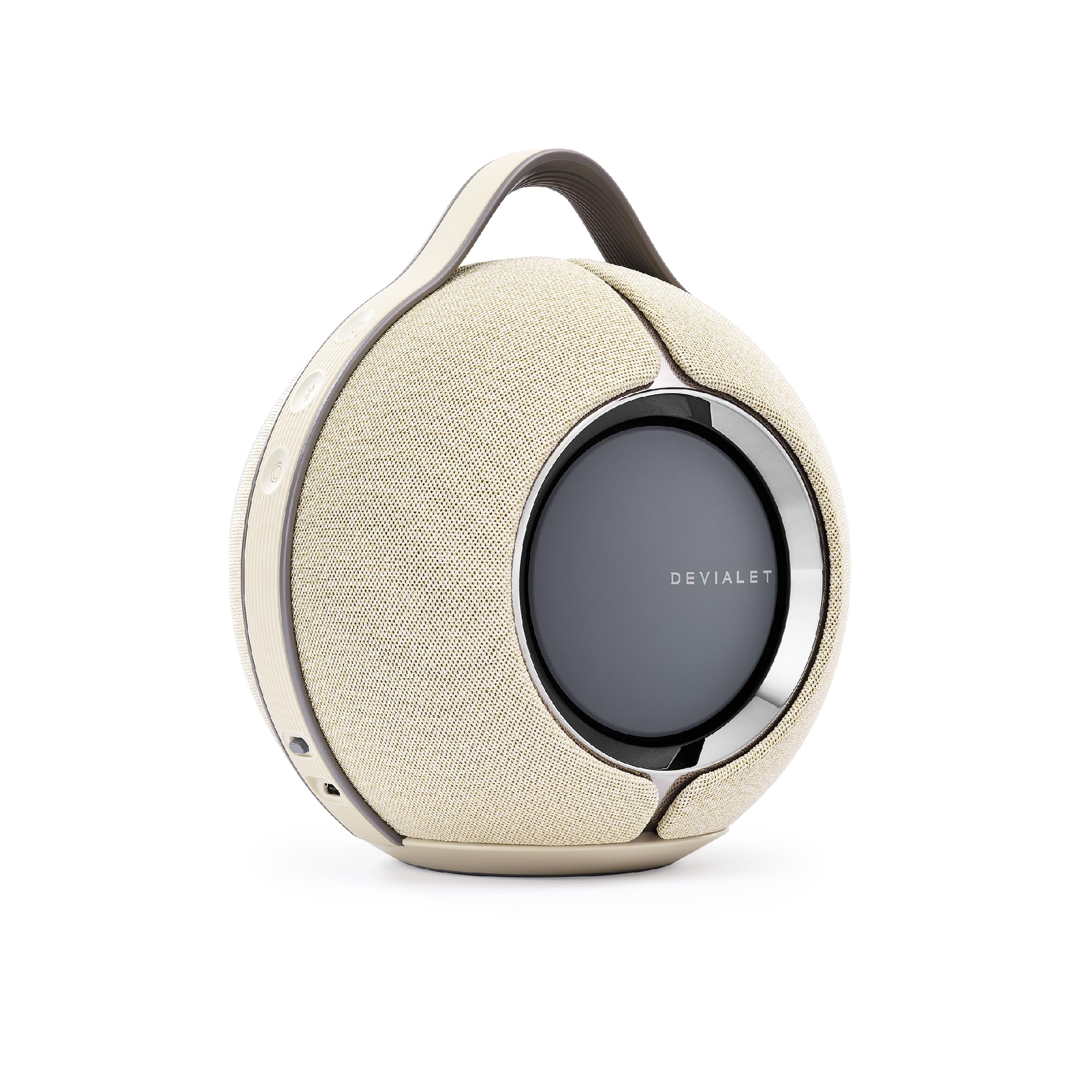
Figure 3.1: Devialet Mania Portable Smart Speaker (Sandstorm).

Figure 3.2: The Devialet Mania delivers high-fidelity 360-degree stereo sound.
- Premium Compact Sound: Experience high-fidelity audio with a compact design that delivers powerful sound.
- Deep Bass: Features Devialet's push-push architecture with 4 full-range drivers and 2 subwoofers, providing a frequency range of 30 to 20,000 Hz.
- Wireless Connectivity: Supports seamless connectivity via Wi-Fi or Bluetooth.
- Voice Control: Integrated with Alexa for convenient voice-controlled playback.
- Adaptive Sound: An advanced four-microphone array intuitively senses its position, triggering the optimal rendering mode for immersive sound.
- Cross-Stereo Architecture: Engineered to diffuse stereo sound homogeneously in every direction, ensuring an immersive listening experience regardless of your position.
- Multiroom Compatibility: AirPlay 2 compatible, allowing iOS users to integrate it into a multiroom setup with other Devialet speakers.
- Long Playtime: Offers up to 10 hours of listening on a single charge.
- Durable Design: Robust build with IPX4 splash-resistant rating for use in various environments.

Figure 3.3: Active Stereo Calibration (ASC) for real-time acoustic mapping.

Figure 3.4: Speaker Active Matching (SAM) adapts sound signals for optimal fidelity.

Figure 3.5: Cross-Stereo Architecture ensures consistent sound diffusion.

Figure 3.6: Key connectivity and durability features of the Devialet Mania.
4. Setup
4.1 Initial Charging
- Place the Devialet Mania speaker on its charging dock.
- Connect the power cable to the charging dock and then to a power outlet.
- Allow the speaker to charge fully before first use. The LED indicator will show charging status.
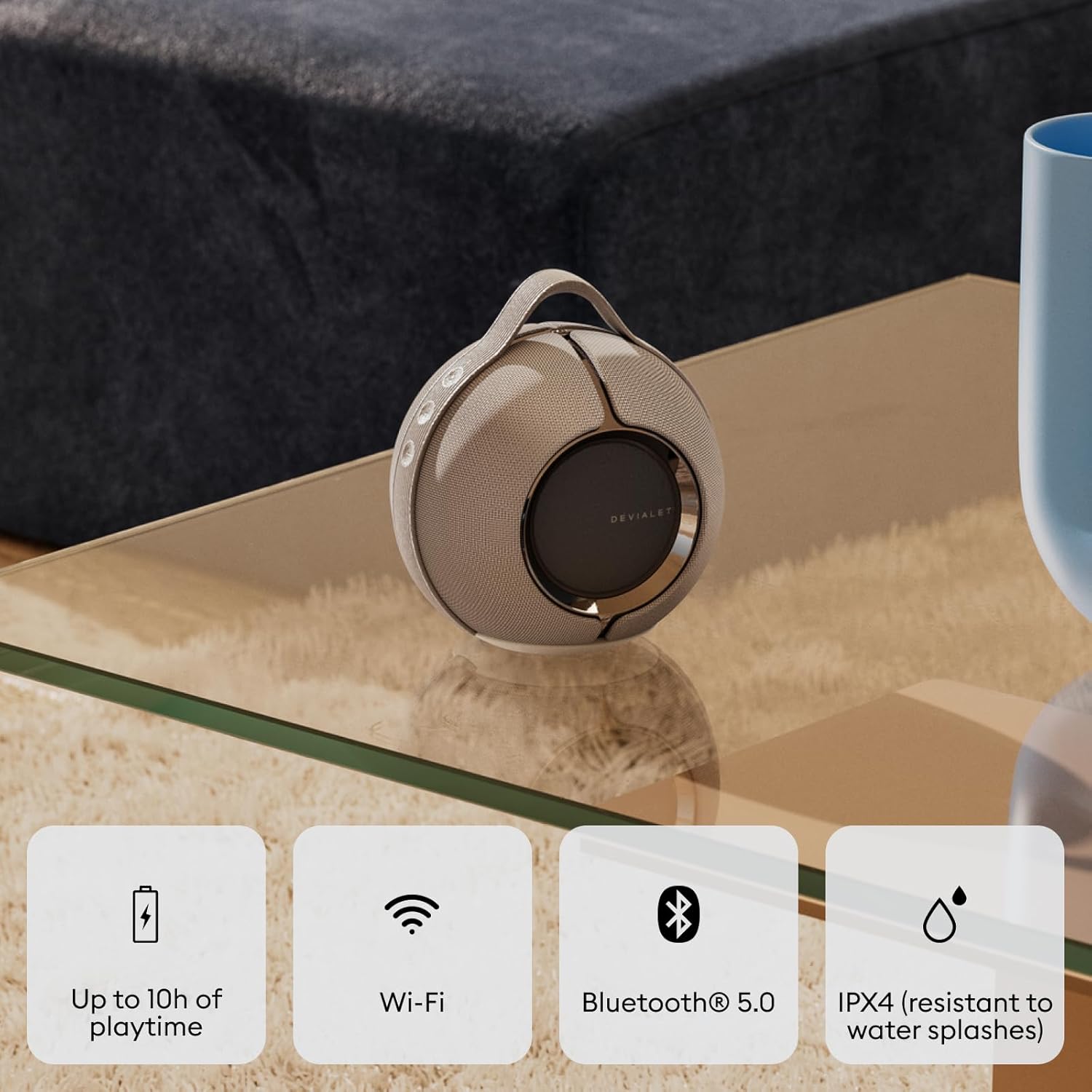
Figure 4.1: Devialet Mania on its charging dock.

Figure 4.2: Speaker with charging dock for convenient power.
4.2 Powering On/Off
- To power on, press and hold the power button located on the side of the speaker until the LED indicator illuminates.
- To power off, press and hold the power button until the LED indicator turns off.
4.3 Connecting via Bluetooth
- Ensure the speaker is powered on.
- Press the Bluetooth pairing button (usually indicated by a Bluetooth icon) on the speaker. The LED will blink, indicating pairing mode.
- On your device (smartphone, tablet, etc.), go to Bluetooth settings and select "Devialet Mania" from the list of available devices.
- Once connected, the LED indicator on the speaker will show a solid light.
4.4 Connecting via Wi-Fi (Devialet App)
- Download the Devialet app from your device's app store.
- Open the app and follow the on-screen instructions to add your Devialet Mania speaker.
- The app will guide you through connecting the speaker to your Wi-Fi network.
5. Operating Your Speaker
5.1 Basic Controls
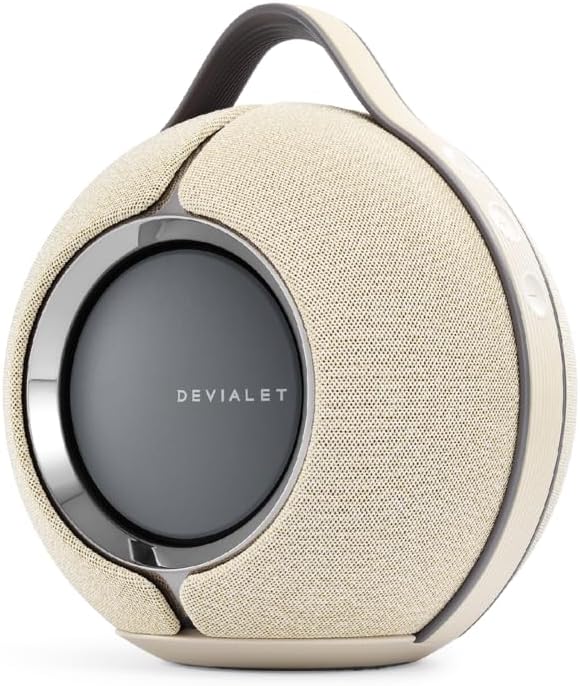
Figure 5.1: Control buttons on the Devialet Mania speaker.

Figure 5.2: The integrated handle allows for easy portability.
- Power Button: Press and hold to turn on/off.
- Volume Up/Down: Press '+' or '-' buttons to adjust volume.
- Play/Pause: Press the central button to play or pause audio.
- Skip Track: Double-press the central button to skip to the next track.
- Previous Track: Triple-press the central button to go to the previous track.
5.2 Voice Control (Alexa)
The Devialet Mania supports Amazon Alexa for voice commands. Ensure your speaker is connected to Wi-Fi and linked to your Amazon account via the Devialet app to enable Alexa functionality. You can then use voice commands to control music playback, ask questions, and manage smart home devices.
6. Maintenance
6.1 Cleaning
To clean your Devialet Mania speaker, use a soft, dry, lint-free cloth. Do not use abrasive cleaners, solvents, or spray directly onto the speaker. For fabric surfaces, a slightly damp cloth can be used, but ensure no moisture enters the speaker grilles or ports.
6.2 Water Resistance
The Devialet Mania has an IPX4 splash-resistant rating. This means it can withstand splashes of water from any direction. It is not waterproof and should not be submerged in water or exposed to pressurized water jets. Ensure all ports are dry before charging.
7. Troubleshooting
- No Power: Ensure the speaker is fully charged. Connect it to the charging dock and a power outlet. If the issue persists, try a different power cable or outlet.
- Bluetooth Pairing Issues: Make sure the speaker is in pairing mode (blinking LED). Check that Bluetooth is enabled on your device and that the speaker is within range. Try forgetting the device on your phone and re-pairing.
- No Sound/Low Volume: Check the volume levels on both the speaker and your connected device. Ensure the speaker is not muted.
- Poor Sound Quality: Ensure the speaker is placed on a stable surface. Move the speaker away from potential interference sources (e.g., other electronic devices). For Wi-Fi streaming, check your network connection.
- Wi-Fi Connectivity Problems: Verify your Wi-Fi network is active and the password is correct. Try restarting your router and the speaker. Use the Devialet app to reconfigure Wi-Fi settings.
- Speaker Unresponsive: Perform a soft reset by pressing and holding the power button for an extended period (e.g., 10-15 seconds) until the speaker restarts.
8. Specifications
| Specification | Detail |
|---|---|
| Brand | Devialet |
| Model Name | Mania |
| Speaker Type | Portable Speaker |
| Material | High-End Plastic/Metal |
| Color | Sandstorm (with charging dock) |
| Product Dimensions | 5.5"D x 6.9"W x 7.5"H |
| Item Weight | 10.38 pounds |
| Power Source | Battery Powered |
| Wireless Communication Technology | Bluetooth |
| Control Method | Touch, Voice |
| Surround Sound Channel Configuration | 2.1 |
| Frequency Response | 20 KHz (Note: Feature bullets mention 30-20,000 Hz) |
| IP Rating | IPX4 (Splash-Resistant) |
| Battery Life | Up to 10 hours (at moderate volume levels) |
9. Product Videos
9.1 Devialet Mania Overview
Video 9.1: An overview of the Devialet Mania speaker, highlighting its design and features. This video demonstrates the speaker's physical attributes and discusses its sound capabilities.
9.2 Devialet Mania Sound Demonstration
Video 9.2: A demonstration of the Devialet Mania's sound performance, showcasing its bass and clarity in various audio profiles.
9.3 Devialet Mania Bass Test
Video 9.3: A sound test focusing on the deep bass capabilities of the Devialet Mania speaker.
10. Warranty and Support
The Devialet Mania Portable Smart Speaker comes with a limited warranty. For specific warranty terms and conditions, please refer to the documentation included with your product or visit the official Devialet website. For technical support, troubleshooting assistance, or service inquiries, please contact Devialet customer support through their official channels.


