
Introduction
Welcome to your new COOPERS CP10PRO 10-inch Android 15 Tablet. This manual provides essential information for setting up, operating, maintaining, and troubleshooting your device. Please read it carefully to ensure optimal performance and longevity of your tablet.
What's in the Box
Upon unboxing, please verify that all the following items are included:
- COOPERS CP10PRO 10-inch Android 15 Tablet
- Keyboard
- Mouse
- Protective Case
- Stylus
- Type-C Cable
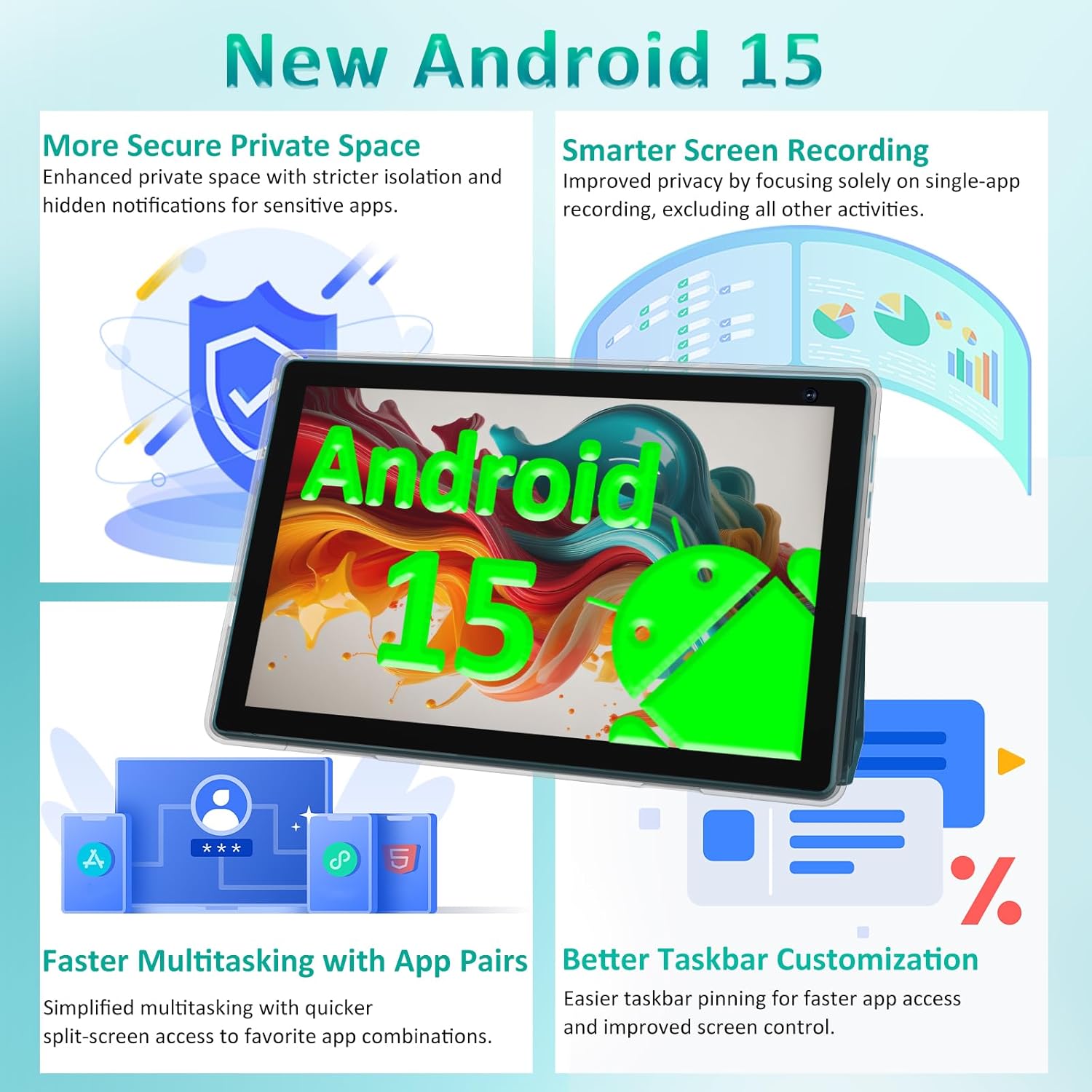
Image: The COOPERS CP10PRO tablet displayed with its accompanying accessories, including the keyboard, mouse, protective case, and stylus.
Setup
1. Initial Charging
Before first use, fully charge your tablet using the provided Type-C cable and a compatible 5V2A charger. The battery indicator on the screen will show charging status.
2. Powering On/Off
- To Power On: Press and hold the power button located on the side of the tablet until the COOPERS logo appears.
- To Power Off: Press and hold the power button, then select 'Power off' from the options that appear on the screen.
3. Initial Android Setup
Follow the on-screen prompts to complete the initial setup:
- Select your preferred language.
- Connect to a Wi-Fi network.
- Sign in with your Google account or create a new one.
- Review and accept the terms and conditions.
4. Connecting Accessories
The tablet supports Bluetooth 5.0 for connecting the included keyboard, mouse, and stylus. Refer to the individual accessory manuals for specific pairing instructions, or follow these general steps:
- Enable Bluetooth on your tablet via Settings > Connected devices > Bluetooth.
- Put the accessory into pairing mode (usually by pressing a dedicated button or holding the power button).
- Select the accessory from the list of available devices on your tablet to pair.

Image: The COOPERS CP10PRO tablet shown connected to its external keyboard, demonstrating its 2-in-1 functionality.
Operating Instructions
Display
Your tablet features a 10.1-inch HD display with a resolution of 1280x800 pixels and a 16:10 aspect ratio. The In-cell Multi-touch technology provides responsive interaction. The display is designed with eye-protection features for comfortable viewing.

Image: A close-up of the COOPERS CP10PRO tablet's 10.1-inch HD display, highlighting its resolution and eye-protection features.
Performance and Storage
The tablet is powered by a Quad-core 1.8 GHz CPU, ensuring efficient performance. It comes with 8GB RAM (3GB fixed + 5GB virtual) and 32GB of internal storage, expandable up to 1TB via a Micro SD card (not included). The Android 15 operating system offers enhanced privacy, security, and device control, along with features like faster multitasking with App Pairs and smarter screen recording.

Image: Visual representation of new Android 15 features, including enhanced private space, smarter screen recording, faster multitasking, and better taskbar customization.

Image: An illustration detailing the tablet's 8GB RAM, 32GB ROM, and 1TB expansion capability, alongside various app icons.
Camera
The tablet is equipped with dual cameras: a 2MP front camera for video calls and selfies, and an 8MP rear camera for capturing photos and videos. Video capture resolution supports FHD 1080p.

Image: A visual representation of the tablet's 2MP front and 8MP rear cameras, with examples of photos and videos.
Connectivity
The CP10PRO supports 2.4GHz and 5GHz Wi-Fi (including Wi-Fi 6 compatibility) for stable internet connections. Bluetooth 5.0 allows for seamless pairing with wireless accessories. The tablet is GMS certified, ensuring access to the Google Play Store and a wide range of applications.
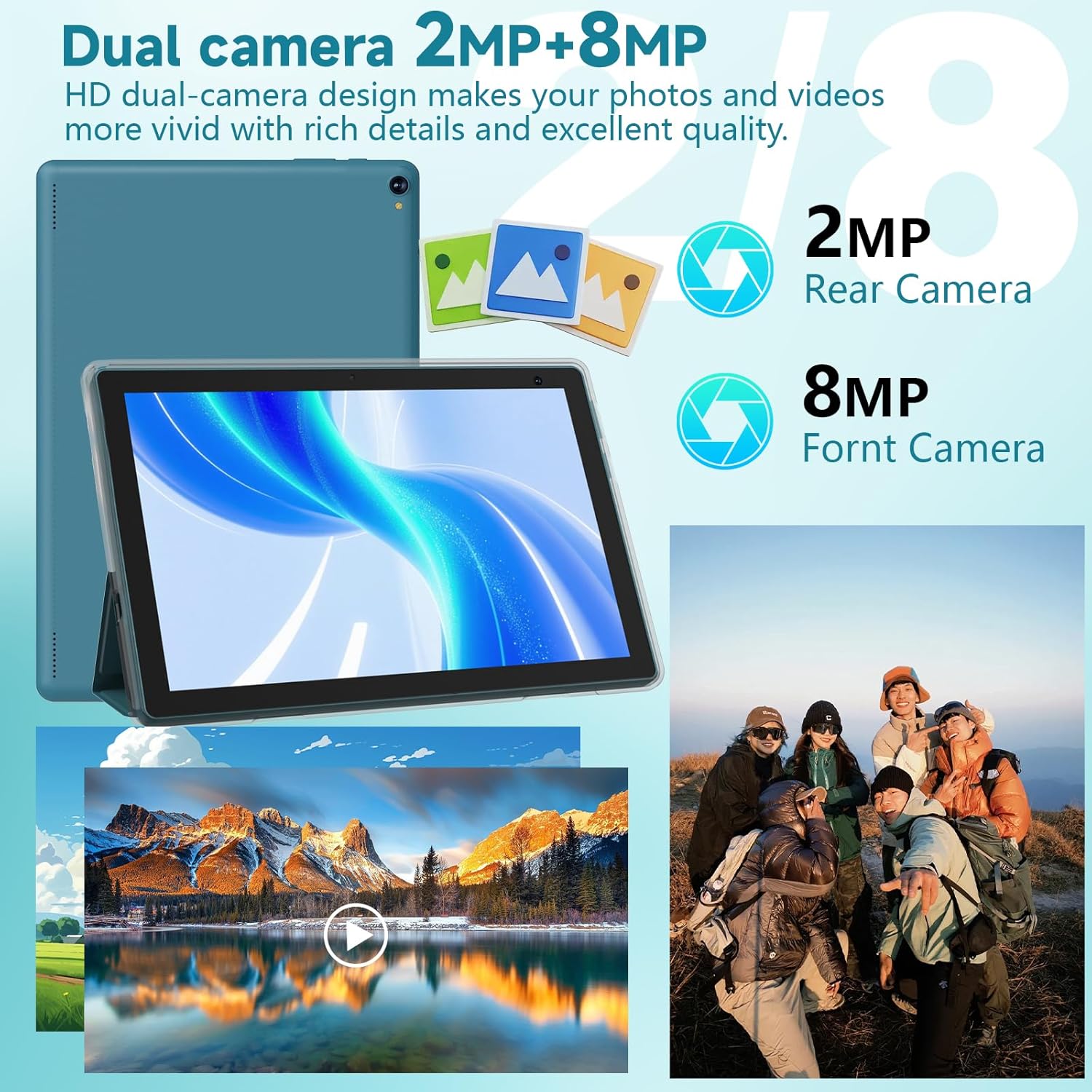
Image: The COOPERS CP10PRO tablet displaying various social media and communication app icons, highlighting its Wi-Fi and GMS certification for wireless connections.
Battery Life
Equipped with a 6000mAh Lithium Polymer battery, the tablet provides an average usage time of 6-8 hours, depending on usage patterns. Use the provided Type-C cable for charging.

Image: An illustration emphasizing the tablet's 6000mAh battery capacity and its suitability for video, music, browsing, and standby use.
Maintenance
- Screen Cleaning: Use a soft, lint-free cloth specifically designed for electronics. Dampen the cloth slightly with water or a screen cleaner, then gently wipe the screen. Avoid harsh chemicals.
- Software Updates: Regularly check for and install system updates to ensure your tablet has the latest features, security patches, and performance improvements. Go to Settings > System > System update.
- Battery Care: To prolong battery life, avoid extreme temperatures. Do not let the battery fully drain frequently, and avoid keeping it at 100% charge for extended periods when not in use.
- Storage Management: Periodically clear unnecessary files, cache data, and uninstall unused applications to free up storage space and maintain optimal performance.
- Physical Protection: Always use the provided protective case to guard against drops and scratches.
Troubleshooting
| Problem | Possible Solution |
|---|---|
| Tablet does not turn on | Ensure the battery is charged. Connect the charger and try again. If unresponsive, press and hold the power button for 10-15 seconds to force a restart. |
| Wi-Fi connection issues | Check if Wi-Fi is enabled in settings. Restart your router and tablet. Forget the network and reconnect. |
| Slow performance | Close unused apps. Clear cache. Uninstall unnecessary applications. Restart the tablet. |
| Apps crashing or freezing | Update the app from the Google Play Store. Clear the app's cache and data (Settings > Apps > [App Name] > Storage). Reinstall the app. |
| Touchscreen unresponsive | Restart the tablet. Ensure the screen is clean and dry. If the issue persists, contact support. |
Specifications
| Feature | Detail |
|---|---|
| Brand | COOPERS |
| Model Name | CP10PRO |
| Operating System | Android 15 |
| CPU | Quad-core 1.8 GHz |
| RAM | 8 GB (3GB fixed + 5GB virtual) |
| Internal Storage | 32 GB |
| Expandable Storage | Up to 1 TB (Micro SD Card) |
| Screen Size | 10.1 Inches |
| Display Resolution | 1280 x 800 Pixels |
| Aspect Ratio | 16:10 |
| Front Camera | 2 MP |
| Rear Camera | 8 MP |
| Video Capture Resolution | FHD 1080p |
| Wi-Fi Connectivity | 2.4GHz & 5GHz (802.11ax, 802.11g compatible) |
| Bluetooth | Bluetooth 5.0 |
| Hardware Interface | USB Type-C |
| Battery Capacity | 6000 mAh Lithium Polymer |
| Average Battery Life | 8 Hours |
| Item Weight | 1.26 Kilograms |
| Dimensions (L x W x Th) | 9.5" x 0.3" x 6.5" |
Warranty Information
The COOPERS CP10PRO tablet comes with a one-year limited warranty from the date of purchase. This warranty covers manufacturing defects under normal use. It does not cover damage caused by misuse, accidents, unauthorized modifications, or external factors. Please retain your proof of purchase for warranty claims.
Support
For further assistance, technical support, or warranty inquiries, please refer to the contact information provided with your purchase documentation or visit the official COOPERS website. Ensure you have your model number (CP10PRO) and proof of purchase ready when contacting support.


