
1. Product Overview
The Yakry Automatic Cat Feeder with Camera (Model C2) is designed to provide convenient and reliable feeding for your cats and small dogs. Featuring a high-definition camera with night vision, app control, and 5G WiFi support, this feeder allows you to monitor and manage your pet's meals remotely. Its large capacity and fresh-keeping design ensure your pet receives timely and healthy nutrition.
Key Features:
- HD Camera with Night Vision: Monitor your pet's feeding process with a 1080P HD camera and night vision for clear visuals day or night.
- Easy-to-Use App Control & 5G WiFi Support: Set customized feeding schedules remotely via an intuitive mobile app. Compatible with both 5GHz and 2.4GHz WiFi networks.
- Large 4L Capacity: Holds approximately 17 cups of dry food, sufficient for an adult cat for up to 20 days. Designed for indoor cats and small dogs.
- Twist-Lock Lid & Desiccant: Keeps food fresh and dry, supporting your pet's well-being.
- Food-Grade Stainless Steel Bowl: Provides healthy and hygienic feeding, reducing the risk of chin acne.
- SD Card Video Storage & Motion Detection: Supports SD card recording (4-128GB) and advanced motion detection for playback of events.
- Two-Way Audio: Communicate with your pet in real-time.
- Precise Portion Control: Dispenses food in 10-gram portions (approximately 1/12 cup). Suitable for kibble sizes less than 0.5 inch.
What's in the Box:
- Cat Feeder with Camera x 1
- Food Storage Bucket x 1
- Lid and Desiccant x 1
- Stainless Steel Bowl x 1
- USB Cable and Adapter x 1
2. Setup Guide
2.1 Assembly
- Attach Food Storage Bucket: Align the food storage bucket with the main feeder unit and rotate to lock it securely in place.
- Insert Desiccant: Open the desiccant compartment in the lid and insert the provided desiccant packet to maintain food freshness. Close the compartment.
- Place Stainless Steel Bowl: Position the stainless steel bowl liner into the feeder's base.

Figure 2.1: Assembled Yakry Automatic Cat Feeder with Camera.
2.2 Powering the Device
The feeder can be powered via the included USB cable and adapter or by batteries (not included) for backup power.
- USB Power: Connect the USB cable to the feeder and plug the adapter into a wall outlet.
- Battery Backup: For uninterrupted operation during power outages, install 3 D-cell batteries (not included) into the battery compartment at the bottom of the feeder.
2.3 App Installation and Wi-Fi Connection
- Download the companion app (e.g., Smart Life or Tuya Smart) from your device's app store.
- Register or log in to your account.
- Add the device by following the in-app instructions. Ensure your smartphone is connected to a 2.4GHz or 5GHz Wi-Fi network during setup.
- The feeder supports both 2.4GHz and 5GHz Wi-Fi for flexible connectivity.
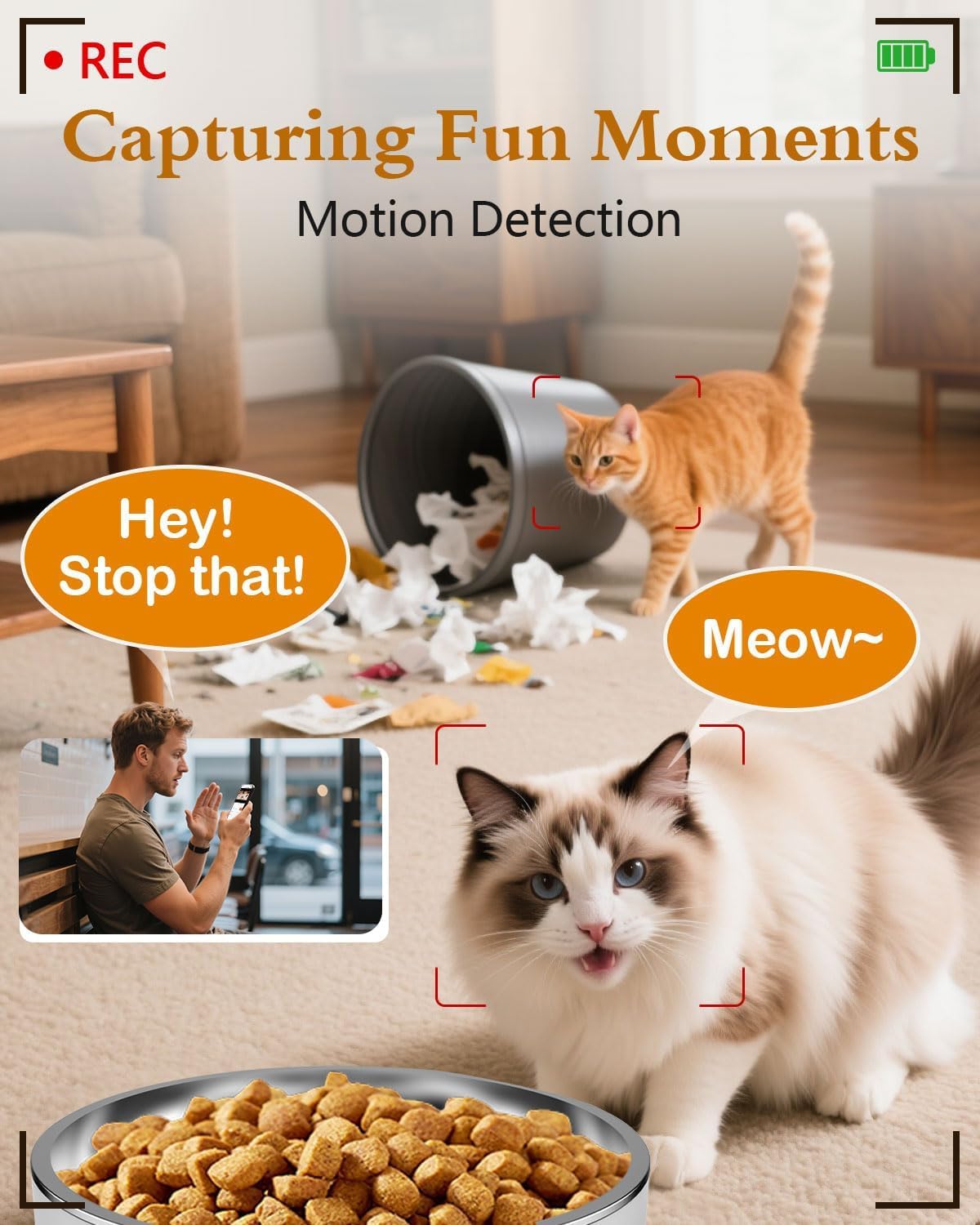
Figure 2.2: App interface for Wi-Fi setup.
3. Operating Instructions
3.1 Manual Feeding
You can dispense food manually at any time using the app or the physical 'Feed' button on the device.
- Via App: Open the app, navigate to your feeder, and tap the 'Feed' button. You can select the number of portions to dispense.
- Via Device: Press the 'Feed' button on the feeder once to dispense one portion.
Video 3.1: Official Yakry video demonstrating the features of the Automatic Cat Feeder with Camera, including manual feeding and app control.
3.2 Scheduling Automatic Feeds
Set up a personalized feeding schedule through the app to ensure your pet is fed consistently.
- In the app, go to the 'Schedule' section.
- Tap 'Add' to create a new feeding event.
- Select the desired time, days of the week, and number of portions (1 portion ≈ 10 grams).
- Save the schedule.
3.3 Voice Recording
Record a custom voice message that plays during feeding times to call your pet.
- In the app, navigate to the 'Record' option.
- Follow the prompts to record your message.
- The message will play automatically when food is dispensed according to the schedule.
3.4 Camera Features
- Live View: Access the 1080P HD camera feed through the app to see your pet in real-time.
- Night Vision: The camera automatically switches to infrared night vision in low-light conditions, providing clear images.
- Motion Detection: Receive alerts on your phone when motion is detected near the feeder. Recordings can be stored on an SD card (4-128GB, not included).
- Two-Way Audio: Use the app's microphone feature to speak to your pet and hear their responses.

Figure 3.1: Live monitoring with 1080P HD camera.

Figure 3.2: Two-way audio communication with your pet.
4. Maintenance
4.1 Cleaning
Regular cleaning ensures hygiene and proper functioning of the feeder.
- Stainless Steel Bowl: The bowl is removable and dishwasher-safe or can be hand-washed with mild soap and water.
- Food Storage Bucket: Detach the bucket and wash it with mild soap and water. Ensure it is completely dry before refilling with food.
- Main Unit: Wipe the exterior of the main unit with a damp cloth. Do not immerse the main unit in water.

Figure 4.1: Detachable design for easy cleaning.
4.2 Desiccant Replacement
Replace the desiccant packet every 1-2 months, or as needed, to maintain optimal food freshness and prevent moisture buildup.
5. Troubleshooting
5.1 Connectivity Issues
- Feeder not connecting to Wi-Fi: Ensure your router supports 2.4GHz or 5GHz networks and that the feeder is within range. Restart your router and the feeder, then attempt to reconnect via the app.
- App not responding: Close and reopen the app. Check for app updates. Ensure your phone has a stable internet connection.
5.2 Feeding Issues
- Food not dispensing: Check if the food hopper is empty. Ensure kibble size is less than 0.5 inch to prevent blockages. Clean the dispensing mechanism if necessary.
- Incorrect portion size: Verify the portion settings in the app. Recalibrate if needed.
5.3 Camera Issues
- No camera feed: Check Wi-Fi connection. Restart the feeder. Ensure the camera lens is clean.
- Poor image quality: Ensure adequate lighting. Clean the camera lens.
6. Product Specifications
| Feature | Specification |
|---|---|
| Model Number | C2 |
| Item Weight | 3.69 pounds |
| Product Dimensions (LxWxH) | 7.5 x 10.6 x 7.5 inches |
| Food Capacity | 4 Liters / 17 Cups |
| Kibble Size Limit | Less than 0.5 inch |
| Camera Resolution | 1080P HD |
| Night Vision | Infrared |
| Wi-Fi Connectivity | 2.4GHz & 5GHz |
| Storage | SD Card (4-128GB, not included) |
| Power Source | USB Cable & Adapter, D-cell Batteries (backup) |
| Target Species | Dogs & Cats |
| Recommended Use | Indoor |
7. Warranty and Support
7.1 Warranty Information
The Yakry Automatic Cat Feeder with Camera (Model C2) comes with a Two Year Warranty from the date of purchase, covering manufacturing defects and malfunctions under normal use.
7.2 Customer Support
For any questions, technical assistance, or warranty claims, please contact our 24/7 Online Support. Refer to the contact information provided with your product packaging or visit the official Yakry website for support details.
