
1. Introduction
This user manual provides essential information for the safe and efficient operation of your CHiQ L40QST 40-inch QLED Google TV. Please read this manual thoroughly before using the product and retain it for future reference.

Image 1.1: Front view of the CHiQ L40QST 40-inch QLED Google TV.
2. Safety Information
Always adhere to the following safety precautions to prevent electric shock, fire, or damage to the television:
- Do not expose the TV to rain or moisture.
- Do not open the TV casing; refer all servicing to qualified personnel.
- Ensure proper ventilation around the TV.
- Keep the TV away from direct sunlight, heat sources, and open flames.
- Use only the power cord supplied with the TV.
- Unplug the TV during lightning storms or when unused for long periods.
3. Package Contents
Verify that all items are present in the packaging:
- CHiQ L40QST 40-inch QLED Google TV
- Remote Control
- Power Cable
- TV Stands (2 units)
- Screws for Stands
- User Manual (this document)
- Batteries for Remote Control (if included)

Image 3.1: Illustration of TV dimensions, remote control, and typical package contents.
4. Physical Overview
4.1. Dimensions and Design
The CHiQ L40QST features a frameless metal design with a slim profile. The overall dimensions are:
- Without Stand: 891.8 mm (Width) x 71.8 mm (Depth) x 508.6 mm (Height)
- With Stand: 891.8 mm (Width) x 180.2 mm (Depth) x 556.3 mm (Height)
- Weight: Approximately 5 kg

Image 4.1: Various views of the television, including the back, side profile, bezel detail, and stand attachment.
4.2. Ports and Connections
The television is equipped with various ports for external devices:
- EARPHONE: 1x (3.5mm audio output)
- CI+ 1.4: 1x (Common Interface Plus slot)
- HDMI 1.4: 3x (High-Definition Multimedia Interface)
- RF: 2x (Radio Frequency input for antenna/cable)
- USB 2.0: 2x (Universal Serial Bus for media playback)
- LAN: 1x (Ethernet port for wired network connection)
- AV Mini: 1x (Analog Video input)
- Optical: 1x (Digital Audio Optical output)

Image 4.2: Detailed diagram illustrating the location and type of input/output ports on the television.
5. Setup
5.1. Stand Installation
- Carefully place the TV face down on a soft, flat surface to prevent screen damage.
- Align the TV stands with the screw holes on the bottom of the TV.
- Secure the stands using the provided screws.
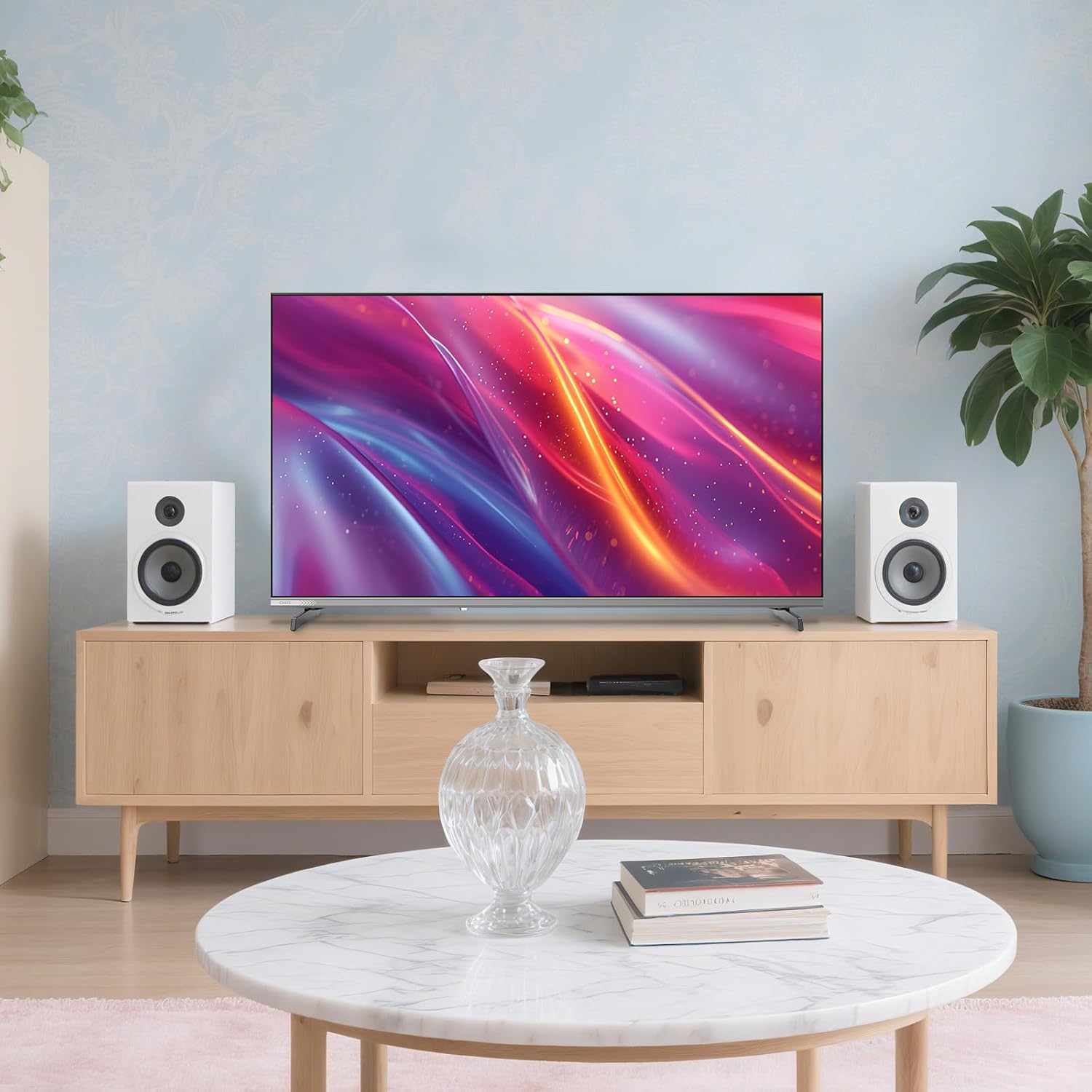
Image 5.1: The television positioned on its stand in a typical home environment.
5.2. Wall Mounting (Optional)
The TV supports VESA 200x200 mm mounting. Use appropriate wall mount brackets (not included) and follow the instructions provided with the wall mount. Ensure the wall can support the TV's weight.

Image 5.2: The television mounted on a wall, showcasing its slim profile.
5.3. Connecting Power and Initial Setup
- Connect the power cable to the TV and then to a power outlet.
- Press the power button on the remote control or TV.
- Follow the on-screen instructions to complete the initial Google TV setup, including network connection, Google account login, and channel scanning.
6. Operating Instructions
6.1. Remote Control
The included remote control provides access to all TV functions. Insert two AAA batteries (not included) into the remote control, observing polarity.
- Power Button: Turns the TV on/off.
- Navigation Pad: For menu navigation.
- OK Button: Confirms selections.
- Back Button: Returns to the previous screen.
- Home Button: Accesses the Google TV home screen.
- Volume +/-: Adjusts volume.
- Channel +/-: Changes channels.
- App Shortcut Buttons: Direct access to popular streaming services (e.g., Netflix, Disney+).
- Google Assistant Button: Activates voice control.
6.2. Google TV Interface
Google TV organizes your favorite content from various apps and subscriptions into a single, personalized home screen. You can browse recommendations, access your library, and manage apps.
6.3. Voice Control with Google Assistant
Press the Google Assistant button on your remote and speak into the microphone to control your TV, search for content, get answers, and manage smart home devices.

Image 6.1: Demonstrating the use of Google Assistant voice control with the TV remote.
6.4. Content Casting (Chromecast, AirPlay, DLNA)
The TV supports built-in Chromecast, AirPlay, and DLNA, allowing you to stream content from your Android, iOS, or Mac devices directly to the TV screen.

Image 6.2: An example of casting content from a mobile device to the television.
7. Key Features
Your CHiQ L40QST TV incorporates advanced technologies for an enhanced viewing and audio experience.

Image 7.1: Overview of key features integrated into the CHiQ L40QST television.
7.1. QLED Pro Display
Experience vibrant and rich colors with QLED Pro technology, offering a wider color gamut for a more realistic picture.
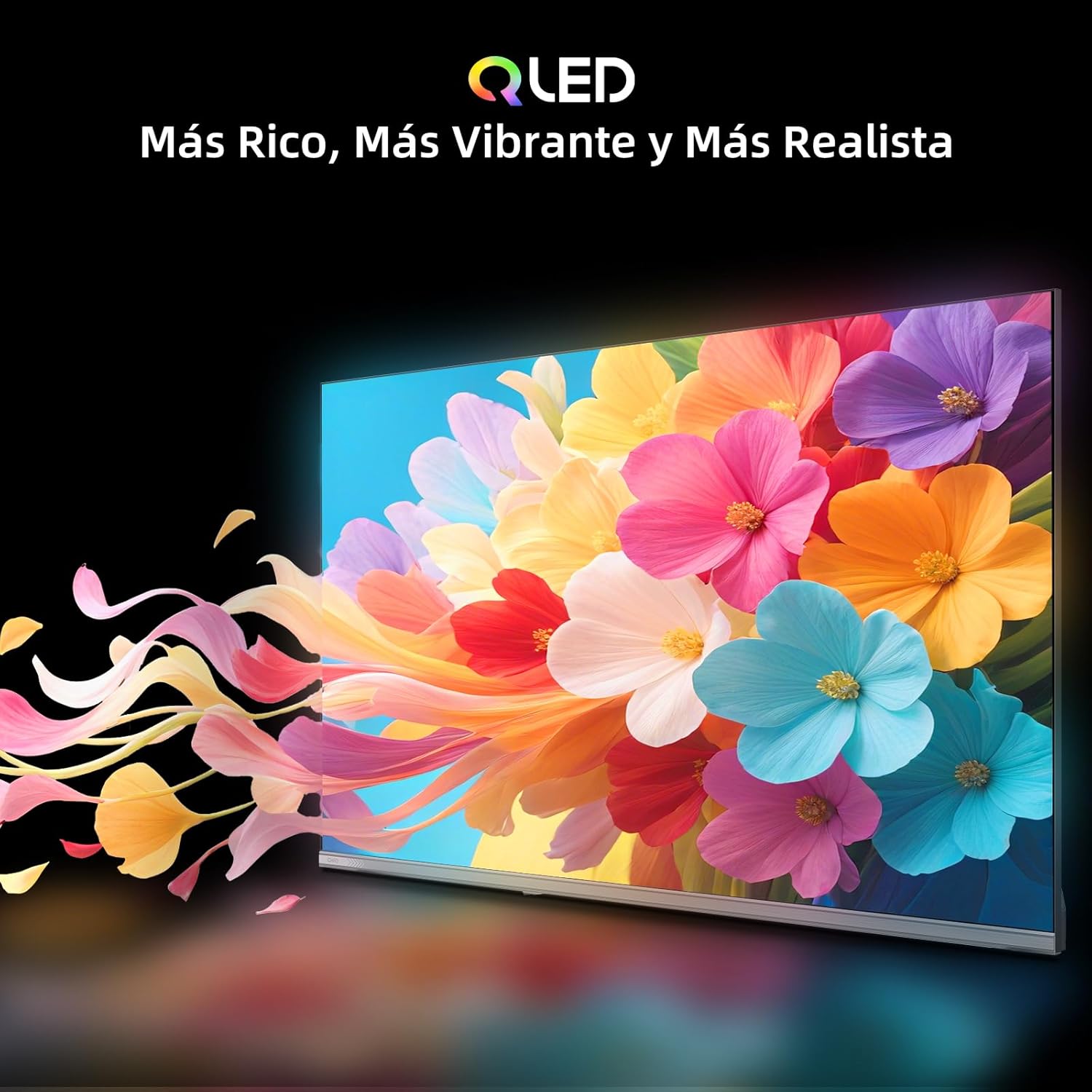
Image 7.2: The QLED display showcasing rich and vibrant colors.
7.2. Full HD (FHD) Resolution
The 40-inch screen provides Full HD (1920x1080) resolution, delivering clear and detailed images, twice the clarity of standard HD.

Image 7.3: Visual comparison demonstrating the enhanced clarity of FHD over standard HD.
7.3. HDR10 Support
HDR10 technology enhances contrast and color accuracy, providing deeper blacks and brighter highlights for a more dynamic and lifelike viewing experience.

Image 7.4: An image demonstrating the exceptional brightness and shadow details provided by HDR10.
7.4. Dolby Audio & dbx-tv Pro Sound
Integrated Dolby Audio decoding combined with dbx-tv dynamic optimization delivers clear dialogue and adaptive bass, offering an immersive audio experience. Sound presets include Cinema, News, and Sport.
7.5. Connectivity
The TV offers versatile connectivity options:
- Wi-Fi: Dual-band support for wireless internet access.
- Bluetooth 5.0: For connecting wireless headphones, speakers, and other compatible devices.
- HDMI & USB: Multiple ports for connecting gaming consoles, media players, and USB storage devices.

Image 7.5: Visual representation of the TV's various connectivity features.
7.6. Quad-core A55 Processor
Equipped with a Quad-core A55 processor (1.5GB RAM + 8GB storage), the TV ensures smooth multitasking and fluid navigation between applications.
8. Maintenance
8.1. Cleaning the Screen
- Turn off the TV and unplug it from the power outlet.
- Gently wipe the screen with a soft, lint-free cloth.
- For stubborn marks, lightly dampen the cloth with water or a specialized screen cleaner (do not spray directly onto the screen).
8.2. Cleaning the Casing
- Wipe the casing with a soft, dry cloth.
- Avoid using abrasive cleaners or solvents.
9. Troubleshooting
| Problem | Possible Cause | Solution |
|---|---|---|
| No power | Power cable disconnected; power outlet faulty. | Check power cable connection; try a different outlet. |
| No picture, but sound is present | Incorrect input source selected; backlight issue. | Verify input source; contact support if issue persists. |
| No sound, but picture is present | Volume muted or too low; audio cable disconnected. | Increase volume; check audio connections; unmute TV. |
| Remote control not working | Batteries depleted or incorrectly inserted; obstruction. | Replace batteries; ensure clear line of sight to TV's IR sensor. |
| Wi-Fi connection issues | Router problem; incorrect password; TV too far from router. | Restart router; re-enter Wi-Fi password; move TV closer or use wired connection. |
10. Specifications
| Feature | Detail |
|---|---|
| Model Name | L40QST |
| Screen Size | 40 Inches (101 cm) |
| Display Technology | QLED Pro / LED |
| Resolution | 1080p (Full HD, 1920x1080) |
| Refresh Rate | 60 Hz |
| HDR Support | HDR10 |
| Audio Technology | Dolby Audio, dbx-tv Pro |
| Operating System | Google TV |
| Processor | Quad-core A55 |
| RAM / Storage | 1.5GB / 8GB |
| Connectivity | Wi-Fi (Dual-band), Bluetooth 5.0, 3x HDMI 1.4, 2x USB 2.0, 1x LAN, 1x CI+, 1x Earphone, 1x AV Mini, 1x Optical, 2x RF |
| Casting Features | Chromecast, AirPlay, DLNA |
| VESA Mount | 200x200 mm |
| Dimensions (without stand) | 891.8 x 71.8 x 508.6 mm |
| Dimensions (with stand) | 891.8 x 180.2 x 556.3 mm |
| Weight | 5 kg |
| Energy Efficiency Class | E |
| Power Consumption (SDR) | 37.0 W / 1000h |
| Power Consumption (HDR) | 37.0 W / 1000h |

Image 10.1: EU Energy Label for the CHiQ L40QST television.
For detailed product information, refer to the EPREL database (QR code 2336596).
11. Warranty and Support
Your CHiQ L40QST television comes with a standard manufacturer's warranty. Please refer to the product information sheet for specific terms and conditions.
- Warranty Duration: 2 years (as per product information sheet)
- Manufacturer: Changhong Europe Electric s.r.o.
- Customer Service Email: info@changhong.cz
- Official Website: www.chiq.com

Image 11.1: Excerpt from the product information sheet, detailing specifications and warranty information.


