
1. Introduction
Thank you for choosing the Zwide 10W Voice Amplifier E20. This portable PA system is designed to amplify your voice clearly and naturally, making it ideal for teachers, tour guides, public speakers, and anyone needing vocal projection. This manual provides detailed instructions for setup, operation, maintenance, and troubleshooting to ensure optimal performance and longevity of your device.
Please read this manual thoroughly before using the product and retain it for future reference.
2. Product Overview and Components
The Zwide E20 Voice Amplifier system includes a main speaker unit and a wireless lavalier microphone. Key features include 2.4Ghz wireless connectivity, a 5000mAh battery, and 10W power output for clear sound projection.

Figure 2.1: Zwide E20 Voice Amplifier main unit and wireless lavalier microphone.
Main Speaker Unit Features:
- Power Button: To turn the device on/off.
- Volume Control: Rotary knob or buttons for adjusting sound output.
- Microphone Input: For wired microphone connection (if applicable).
- USB/TF Card Slot: For playing audio files or recording.
- Charging Port: USB-C or Micro-USB for charging the speaker.
- Display Screen: Shows mode, battery status, and time.
- Wireless Microphone Charging/Storage Slot: Integrated slot for the lavalier microphone.

Figure 2.2: Integrated storage and charging slot for the wireless lavalier microphone.
Wireless Lavalier Microphone Features:
- Power Button: To turn the microphone on/off.
- Indicator Light: Shows power and pairing status.
- Clip: For attaching to clothing.
- Built-in Battery: Rechargeable battery for wireless operation.
3. Setup Instructions
3.1 Charging the Device
Before first use, fully charge both the main speaker unit and the wireless lavalier microphone.
- Speaker Unit: Connect the provided charging cable to the speaker's charging port and a USB power adapter (not included). The charging indicator will illuminate. A full charge takes approximately 2.5 hours.
- Wireless Microphone: Insert the wireless lavalier microphone into its dedicated charging slot on the main speaker unit. The microphone's indicator light will show charging status.
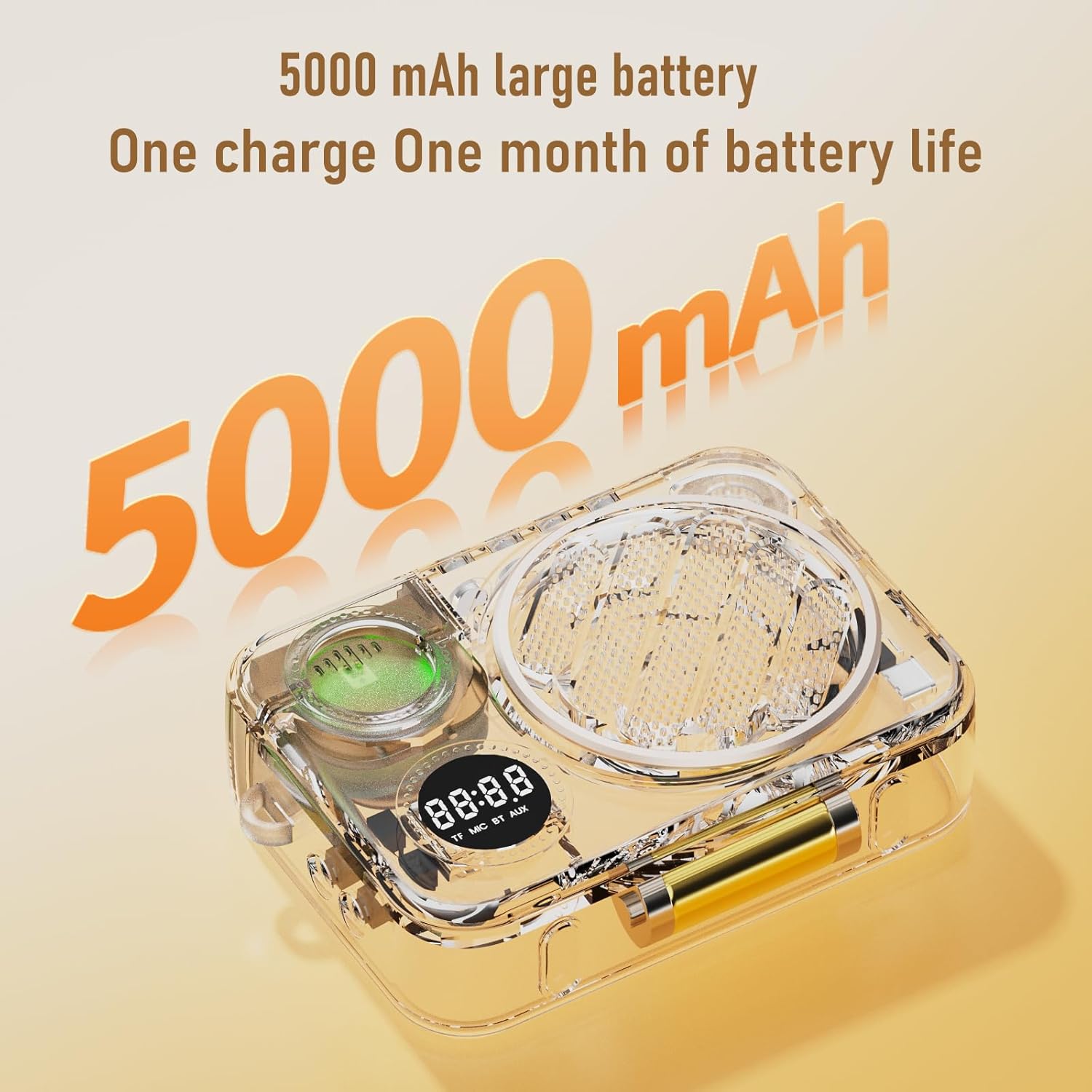
Figure 3.1: The speaker unit features a 5000mAh battery for extended use.
3.2 Powering On and Pairing
- Power On Speaker: Press and hold the power button on the main speaker unit until the display screen illuminates.
- Power On Microphone: Press and hold the power button on the wireless lavalier microphone. The indicator light will flash, indicating it is searching for a connection.
- Automatic Pairing: The speaker and microphone are designed to pair automatically via 2.4Ghz wireless technology. Once paired, the microphone's indicator light will turn solid.
- Testing: Speak into the microphone. Your voice should be amplified through the speaker. Adjust the volume on the speaker as needed.
4. Operating Instructions
4.1 Voice Amplification Mode
After successful pairing, the device is ready for voice amplification. Ensure the microphone is clipped securely to your clothing, approximately 6-8 inches from your mouth for optimal sound pickup.

Figure 4.1: The Zwide E20 provides clear voice amplification for various settings.
4.2 Bluetooth Mode (Music Playback)
The speaker supports Bluetooth connectivity for playing music from your mobile phone or other Bluetooth-enabled devices.
- Activate Bluetooth: Press the 'M' (Mode) button on the speaker until 'BT' appears on the display screen. The Bluetooth indicator will flash.
- Pair with Phone: On your mobile device, go to Bluetooth settings and search for 'Zwide E20'. Select it to pair. Once connected, the Bluetooth indicator on the speaker will become solid.
- Play Music: You can now play audio from your phone through the Zwide E20 speaker.
4.3 TF Card Recording and Playback
The speaker allows recording directly to a TF card and playing back stored audio.
- Insert TF Card: Gently insert a TF (MicroSD) card into the designated slot on the speaker.
- Recording: In microphone mode, press the record button (if available, refer to device specific buttons) to start recording. Press again to stop.
- Playback: Switch to TF card mode using the 'M' button. Use the navigation buttons to select and play recorded files or other audio stored on the card.
4.4 Transmission Distance
The 2.4Ghz wireless connection provides a stable transmission distance of up to 60 meters (approximately 197 feet) in open areas and up to 20 meters (approximately 66 feet) in areas with obstacles.

Figure 4.2: Wireless transmission range of the Zwide E20 system.
5. Maintenance
5.1 Cleaning
- Wipe the device surfaces with a soft, dry cloth.
- Do not use abrasive cleaners, solvents, or strong chemicals, as these may damage the finish.
- Avoid getting moisture into any openings or ports.
5.2 Storage
- Store the device in a cool, dry place away from direct sunlight and extreme temperatures.
- If storing for an extended period, ensure the battery is partially charged (around 50%) to preserve battery health. Recharge every 3-6 months.
5.3 Battery Care
- Use only the provided charging cable or a certified equivalent.
- Avoid overcharging or completely draining the battery frequently.
- Do not expose the battery to high temperatures or puncture it.
6. Troubleshooting
| Problem | Possible Cause | Solution |
|---|---|---|
| No sound from speaker | Speaker is off; Volume is too low; Microphone not paired; Microphone is off; Low battery. | Ensure speaker and microphone are on; Increase volume; Re-pair microphone; Charge devices. |
| Microphone not pairing | Microphone is off; Out of range; Interference. | Ensure microphone is on; Move closer to speaker; Restart both devices. |
| Sound distortion or feedback | Microphone too close to speaker; Volume too high; Environmental interference. | Increase distance between microphone and speaker; Lower volume; Adjust microphone position. |
| Bluetooth connection issues | Speaker not in Bluetooth mode; Device not discoverable; Out of range. | Switch speaker to BT mode; Ensure phone's Bluetooth is on; Move devices closer; Forget and re-pair device. |
7. Specifications
- Model: E20
- Power Output: 10W
- Battery Capacity: 5000mAh (Speaker)
- Connectivity: 2.4Ghz Wireless (Microphone), Bluetooth (Speaker)
- Wireless Range: Up to 60 meters (open area), 20 meters (with obstacles)
- Charging Time: Approximately 2.5 hours (Speaker)
- Usage Time (MIC mode, 50% volume): Approximately 10 hours
- Usage Time (Bluetooth mode, 50% volume): Approximately 15 hours
- Item Weight: 1.08 pounds (approx. 0.49 kg)
- Package Dimensions: 7.72 x 5.98 x 2.24 inches
- Frequency Response: 20 Hz
8. Warranty and Support
The Zwide E20 Voice Amplifier comes with a 12-month product warranty from the date of purchase. This warranty covers manufacturing defects and malfunctions under normal use.
For technical support, warranty claims, or any questions regarding your Zwide E20 Voice Amplifier, please contact Zwide customer service through your original purchase platform or the contact information provided with your product packaging.


