
Introduction
Thank you for choosing the MFVLP D16 Smart Watch. This manual provides detailed instructions to help you set up, operate, and maintain your device. Please read this manual thoroughly before using the watch to ensure proper function and longevity.

Image: The MFVLP D16 Smart Watch, featuring a black strap and a square display showing the time, date, heart rate, step count, and current weather conditions. Additional smaller screens around it illustrate daily activity, heart rate, and weather widgets.
Package Contents
Ensure all items are present in the package:
- Smart Watch * 1
- Watch Band * 1
- Charging Cable * 1
- User Manual * 1
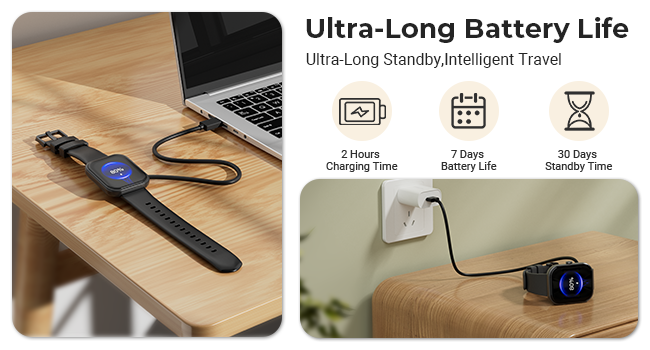
Image: An illustration detailing the size and package contents of the MFVLP D16 Smart Watch, including the watch itself with dimensions, a separate watch band, a charging cable, and a user manual.
Setup Guide
1. Charging the Device
Before first use, fully charge your smart watch. Connect the magnetic charging cable to the charging contacts on the back of the watch and plug the USB end into a power adapter (not included) or a computer's USB port.
- Charging Time: Approximately 2 hours for a full charge.
- Battery Life: 5-7 days of typical use, up to 30 days in standby mode.
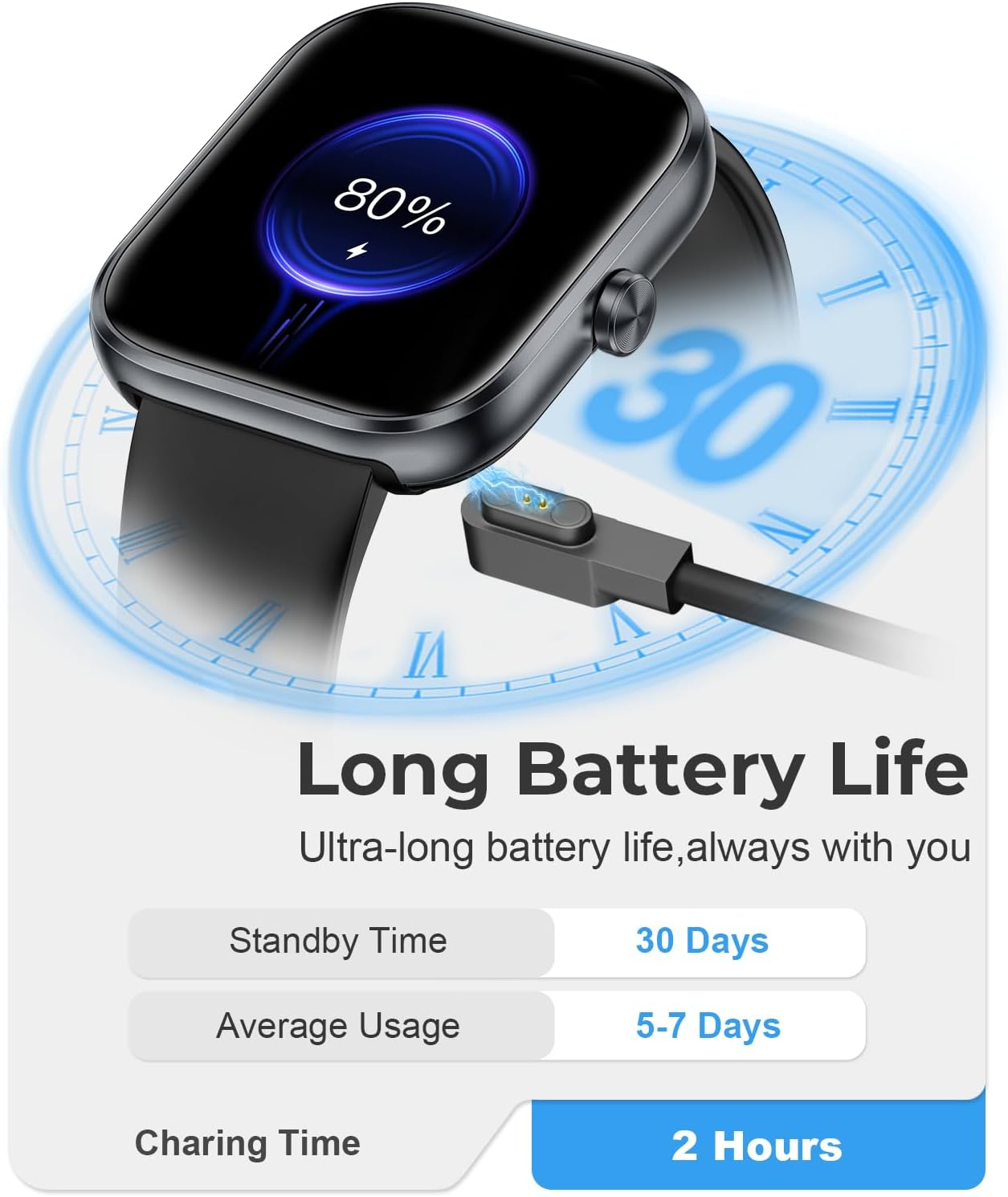
Image: The MFVLP D16 Smart Watch connected to its magnetic charging cable, illustrating the charging process. Text indicates a 2-hour charging time, 7 days of battery life, and 30 days of standby time.
2. App Installation and Pairing
To unlock the full functionality of your smart watch, download and install the companion app:
- Download the App: Search for "GloryFit" in the Apple App Store (for iOS devices) or Google Play Store (for Android devices), or scan the QR code provided in the watch's packaging or on the watch screen to download.
- Register/Log In: Open the GloryFit app and follow the on-screen instructions to register an account or log in.
- Pair the Watch:
- Ensure Bluetooth is enabled on your smartphone.
- Make sure the watch is within range of your phone.
- In the GloryFit app, navigate to the device section and select "Add Device" or "Bind Device".
- The app will search for nearby devices. Select "D16" or the device name corresponding to your watch from the list.
- Confirm the pairing request on both your phone and the watch if prompted.
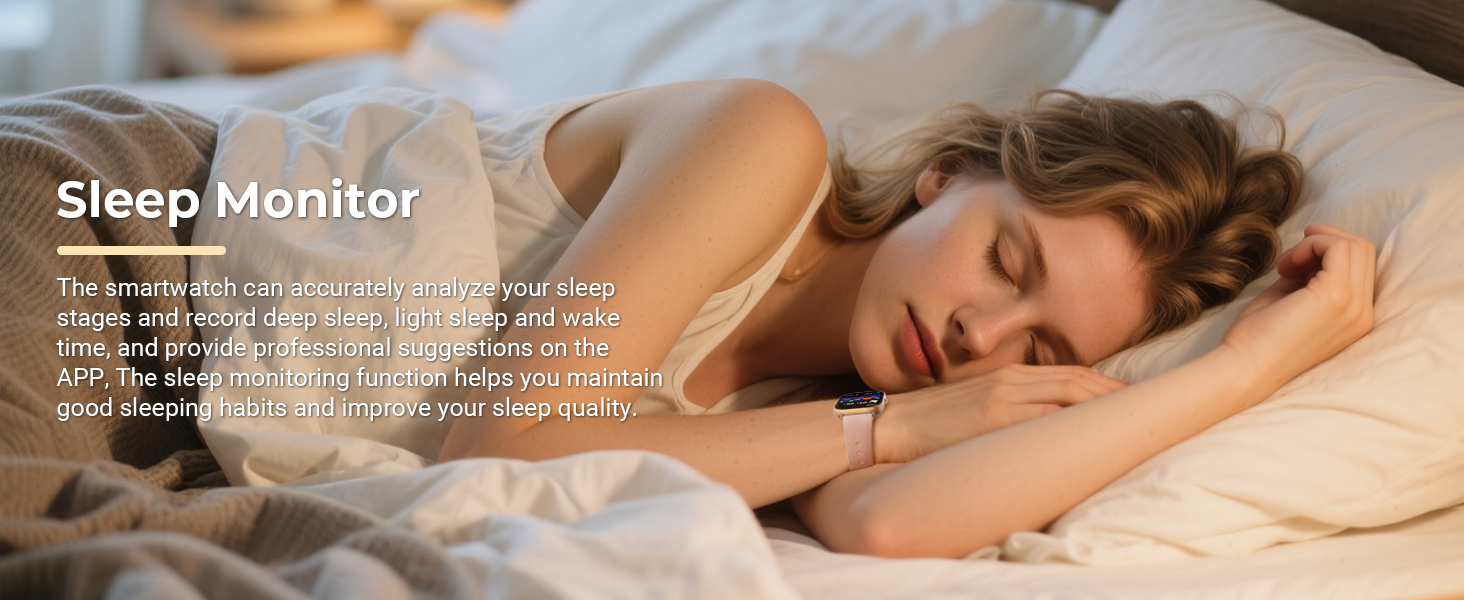
Image: A visual guide illustrating the connection steps for the MFVLP D16 Smart Watch, from downloading the GloryFit app to pairing the device and syncing contacts.
Operating the Smart Watch
Basic Navigation
- Touch Screen: Swipe left/right, up/down, and tap to navigate menus and select functions.
- Side Button: Typically used to wake the screen, return to the home screen, or access the app list.
- Raise to Wake: The screen will automatically light up when you raise your wrist.
Bluetooth Calls and Notifications
Once paired with your smartphone, the D16 Smart Watch supports Bluetooth calling and smart notifications.
- Making/Receiving Calls: Use the watch's built-in speaker and microphone to make or answer calls directly from your wrist. Access contacts, dial pad, and call history.
- Smart Notifications: Receive alerts for incoming calls, SMS messages, and notifications from social media apps (e.g., WhatsApp, Facebook, Instagram, Twitter) directly on your watch.
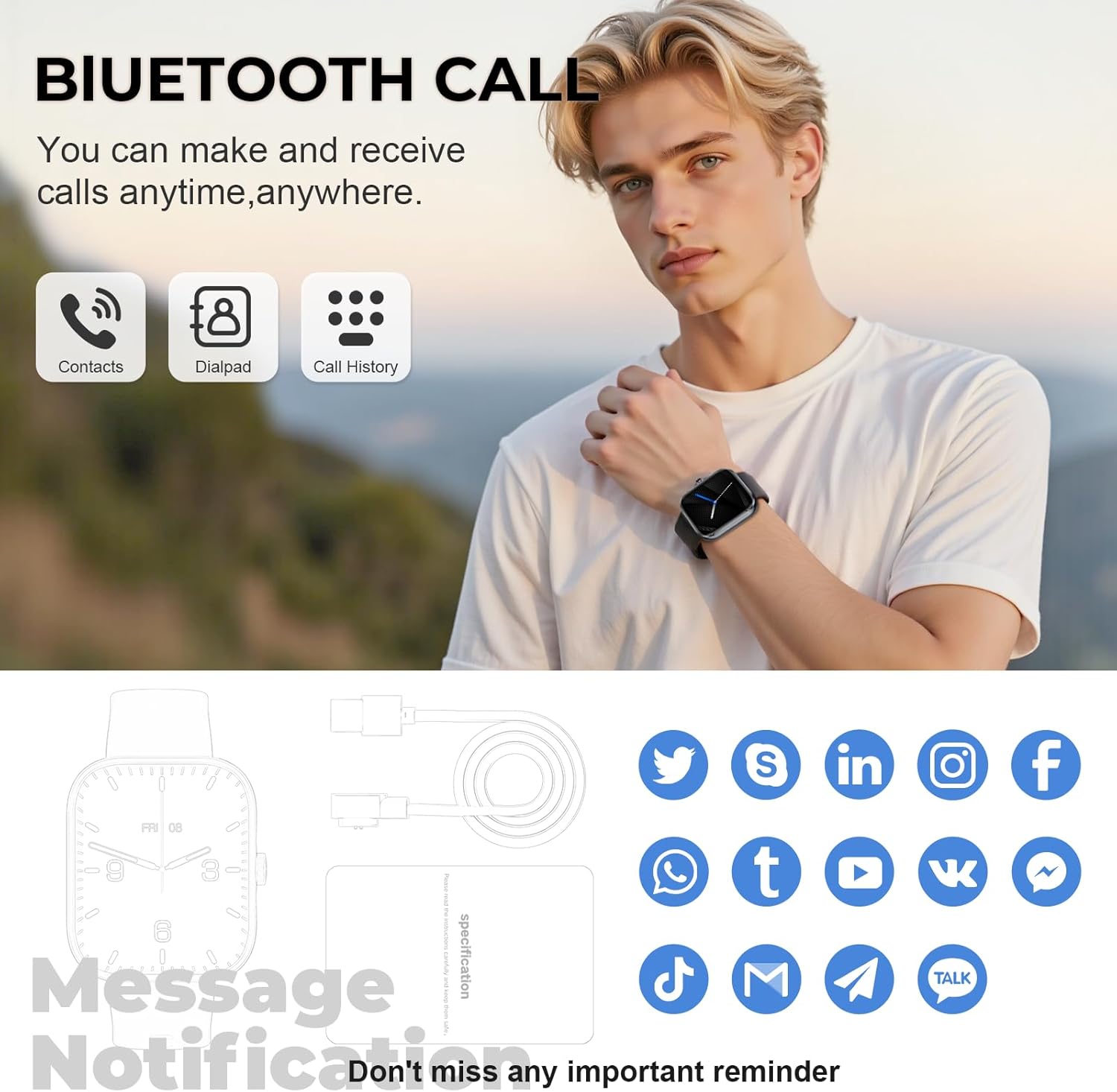
Image: A man wearing the MFVLP D16 Smart Watch, with an overlay highlighting the Bluetooth call functionality, including icons for contacts, dialpad, and call history. The image also shows icons for various social media notifications.
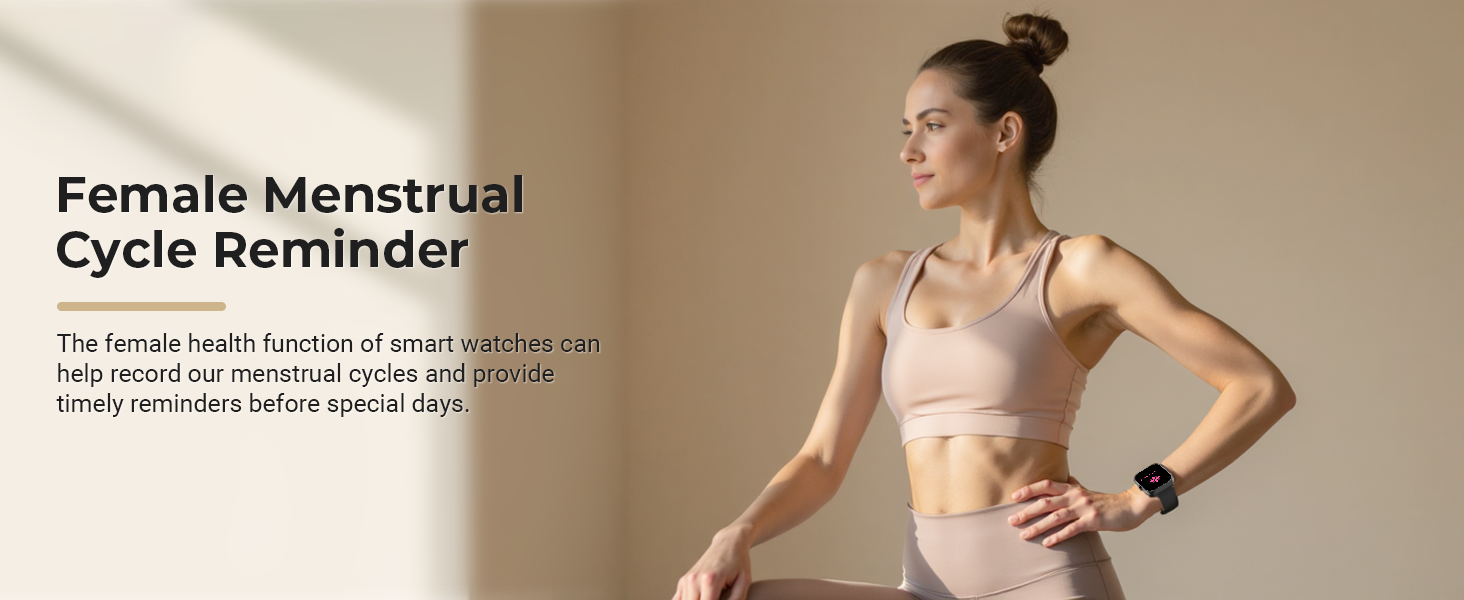
Image: A close-up of a wrist wearing the MFVLP D16 Smart Watch, surrounded by icons of various social media and messaging applications, illustrating the smart notification feature.
Customizing Watch Faces
Personalize your watch by choosing from over 100 online dials available through the GloryFit application. You can also set your favorite photos as custom wallpapers.
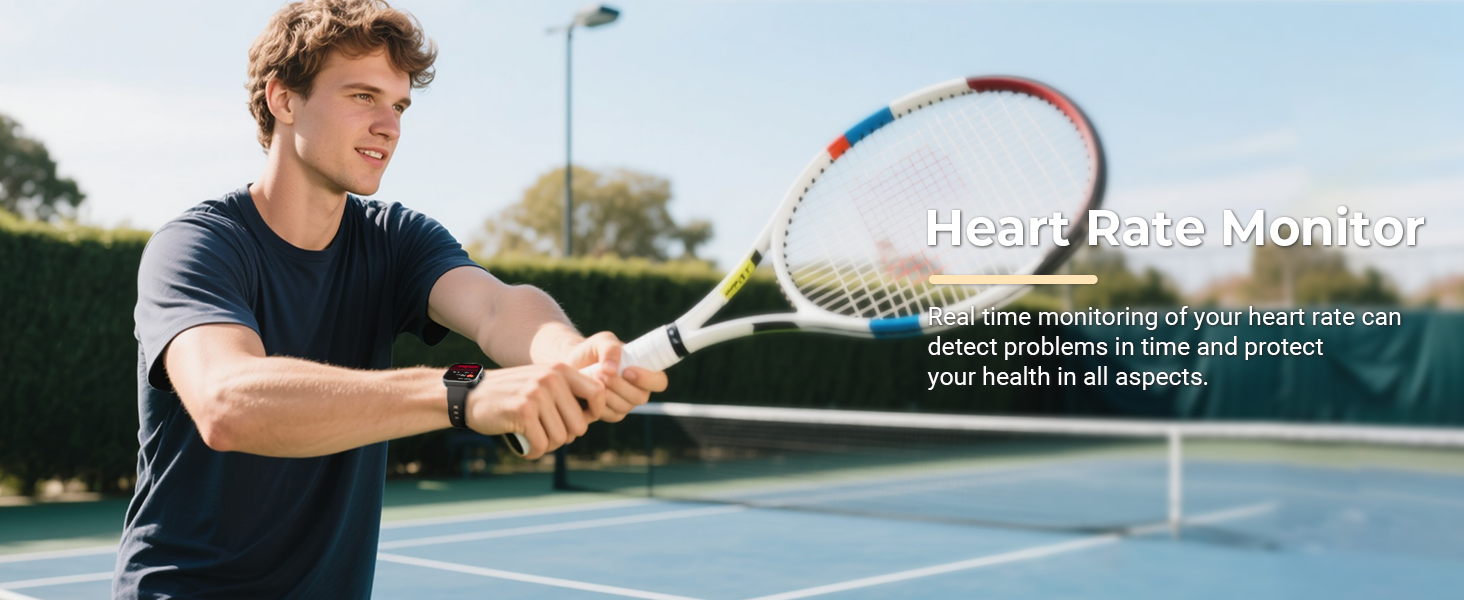
Image: The MFVLP D16 Smart Watch alongside a collection of diverse watch face designs, demonstrating the customizable dial feature.
Additional Functions
The D16 Smart Watch offers a range of practical features:
- Music Control: Play, pause, skip tracks on your smartphone.
- Camera Remote Control: Remotely trigger your phone's camera shutter.
- Alarm Clock: Set alarms directly from your watch.
- Calculator: Perform basic calculations.
- Flashlight: Use the watch screen as a small light source.
- Find Phone: Locate your paired smartphone by making it ring.
- Voice Assistant: Access your phone's voice assistant.
- Weather: View current weather conditions.
- Stopwatch & Timer: For timing activities.
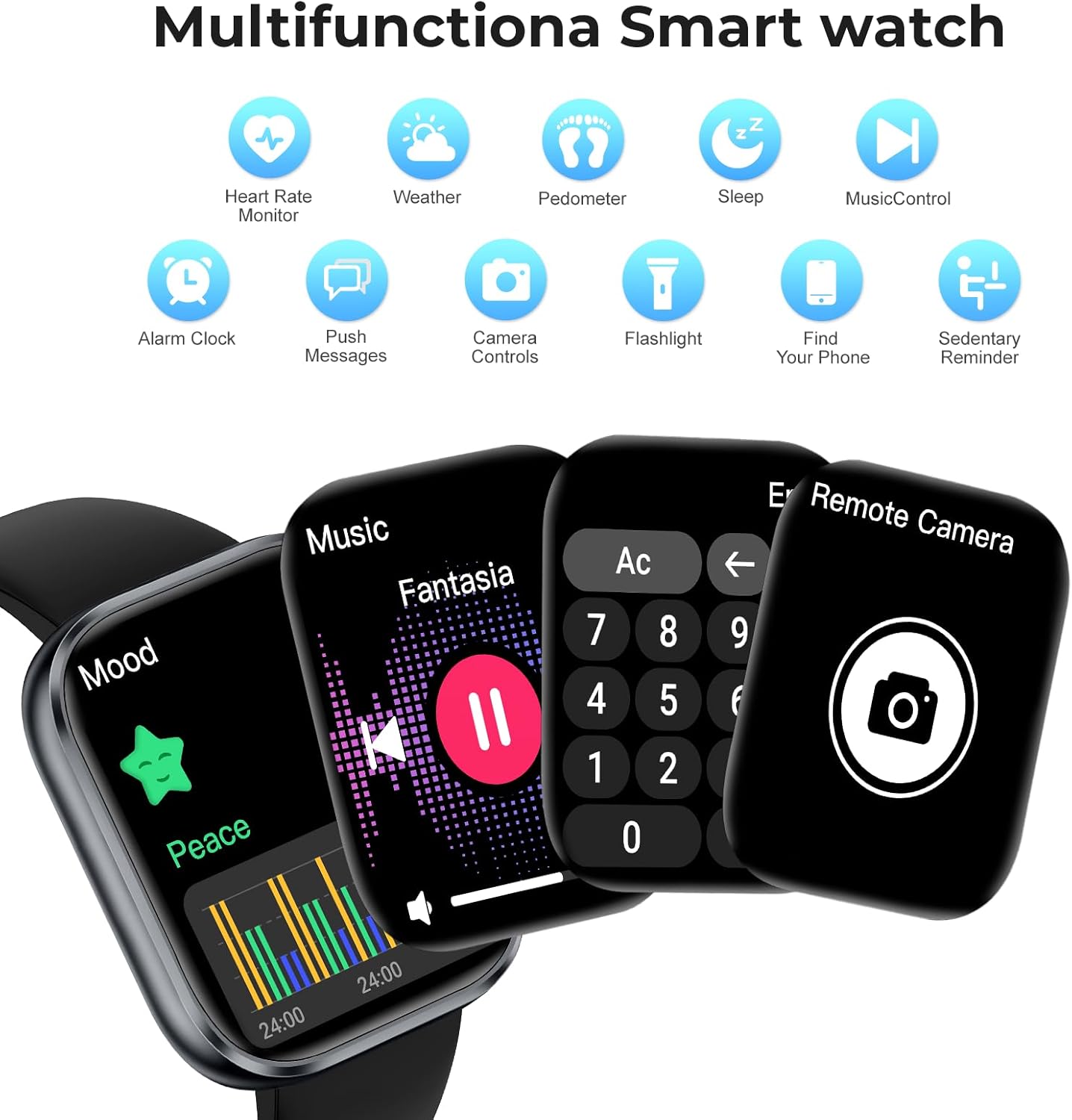
Image: A composite image showing the MFVLP D16 Smart Watch displaying various functions such as music playback, a calculator, and a remote camera control interface. Icons for other features like heart rate, weather, and sleep are also visible.
Health and Activity Monitoring
The D16 Smart Watch is equipped with high-performance sensors for comprehensive health and activity tracking.
Continuous Health Monitoring
- Heart Rate Monitor: Continuously monitors your heart rate in real-time.
- Blood Oxygen (SpO2) Monitor: Provides blood oxygen saturation data.
- Sleep Monitor: Automatically tracks your sleep status (deep sleep, light sleep, wake-up times) and provides a comprehensive sleep quality analysis in the app.
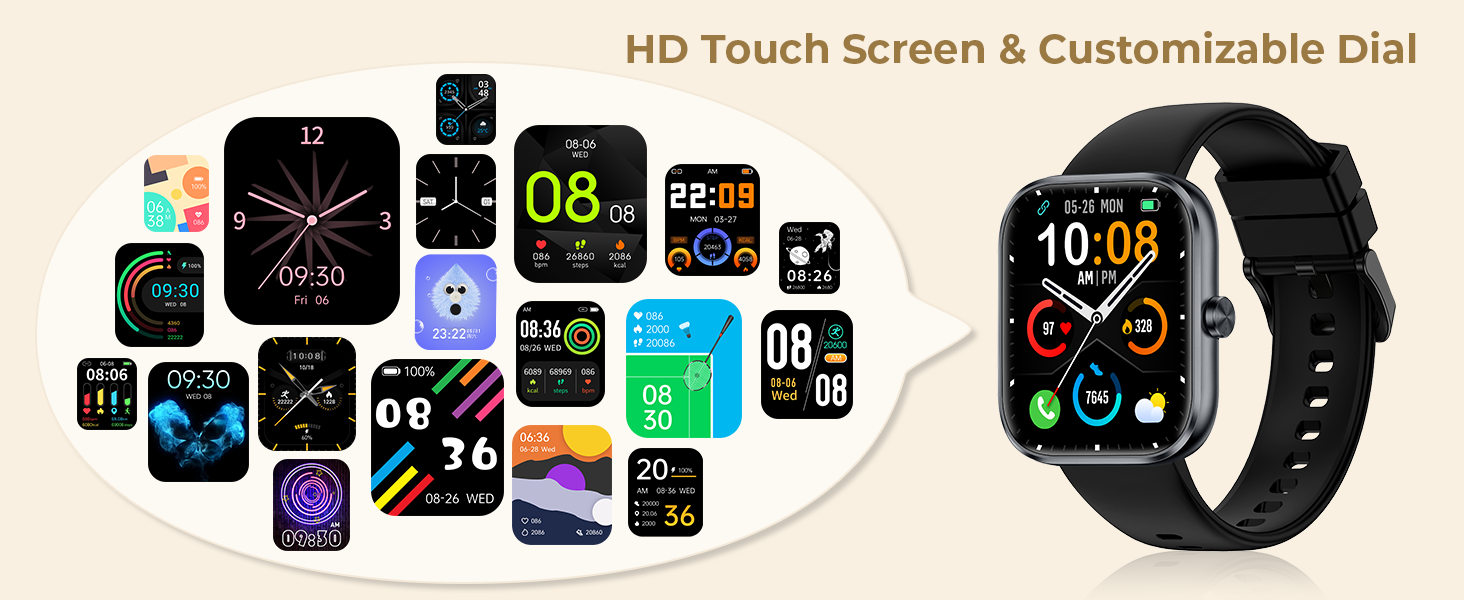
Image: A man playing tennis, wearing the MFVLP D16 Smart Watch, with text indicating the Heart Rate Monitor feature. This illustrates real-time heart rate tracking during physical activity.
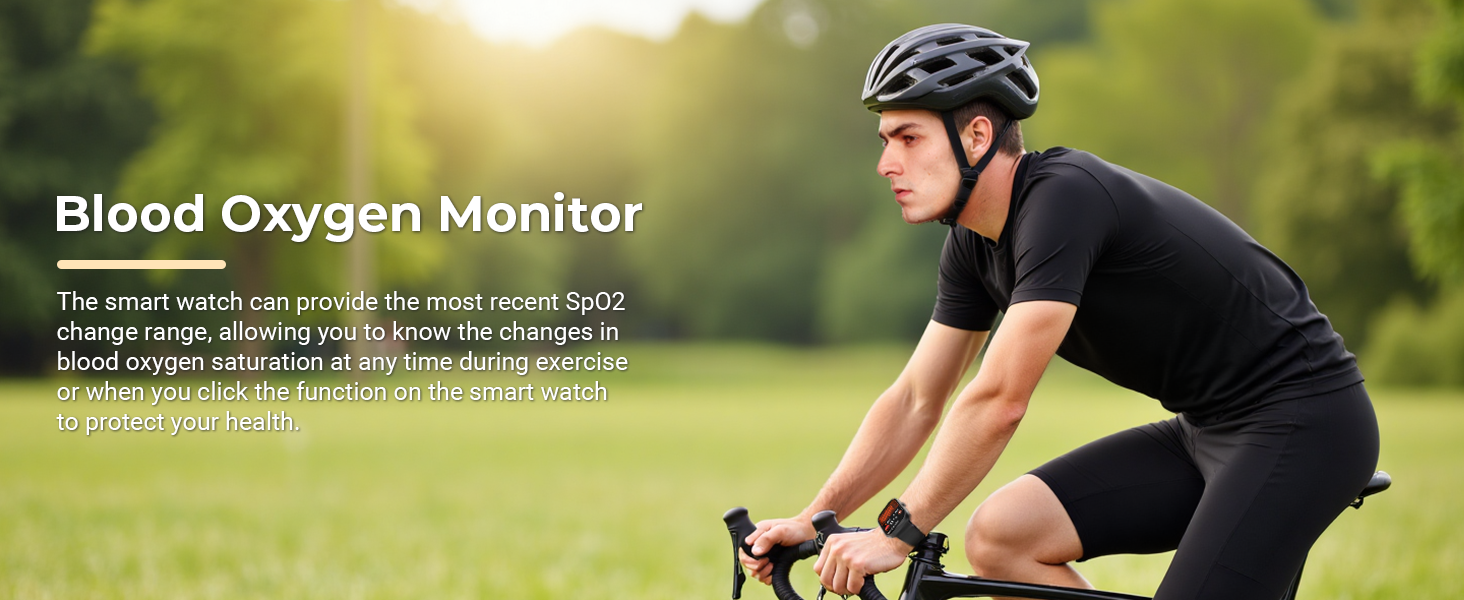
Image: A man cycling outdoors, wearing the MFVLP D16 Smart Watch, with text highlighting the Blood Oxygen Monitor feature. This demonstrates the watch's ability to track SpO2 during exercise.
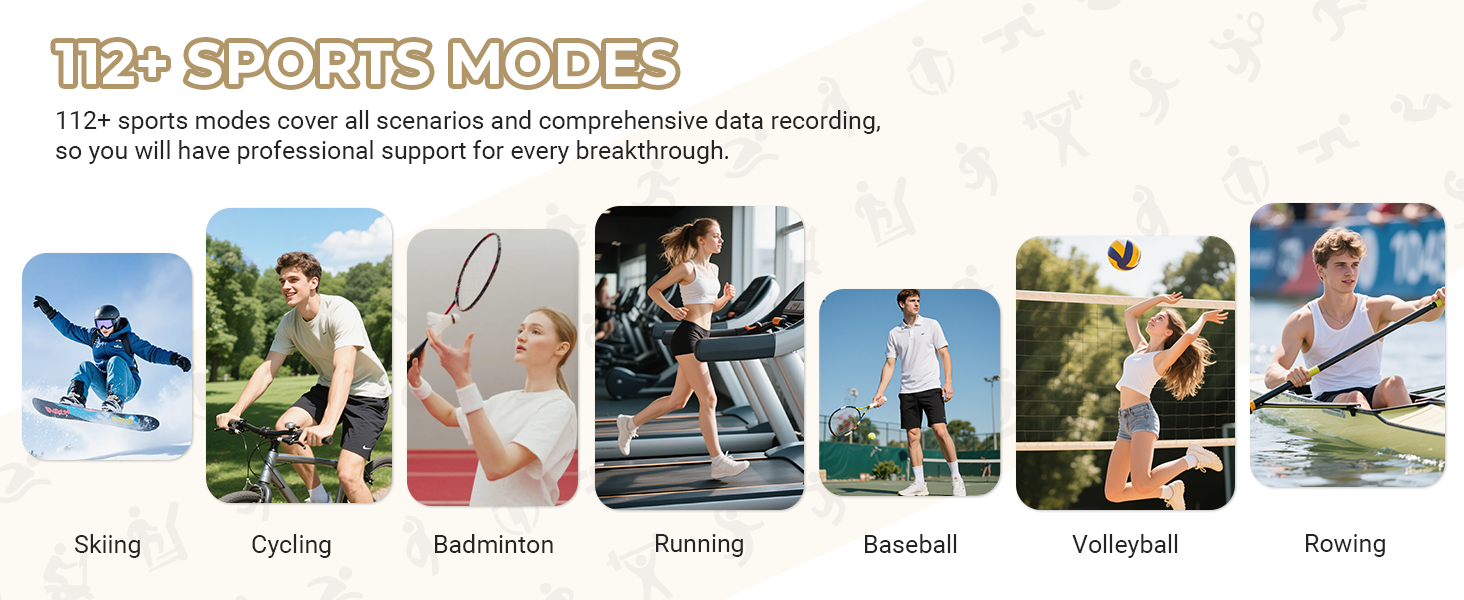
Image: A woman sleeping peacefully, with text indicating the Sleep Monitor feature and its ability to analyze sleep stages and provide suggestions for improving sleep quality.
Activity Tracking
- All-Day Activity Monitor: Records steps, distance, and calories burned in real-time.
- 110+ Sport Modes: Supports a wide range of activities including cycling, rock climbing, tennis, skiing, running, and more. The watch records specific data for each sport to help you achieve training goals.
- Sedentary Reminder: Alerts you when you've been inactive for too long.

Image: A woman skiing down a slope, with an overlay showing the MFVLP D16 Smart Watch tracking daily activity data such as steps, calories, and distance.
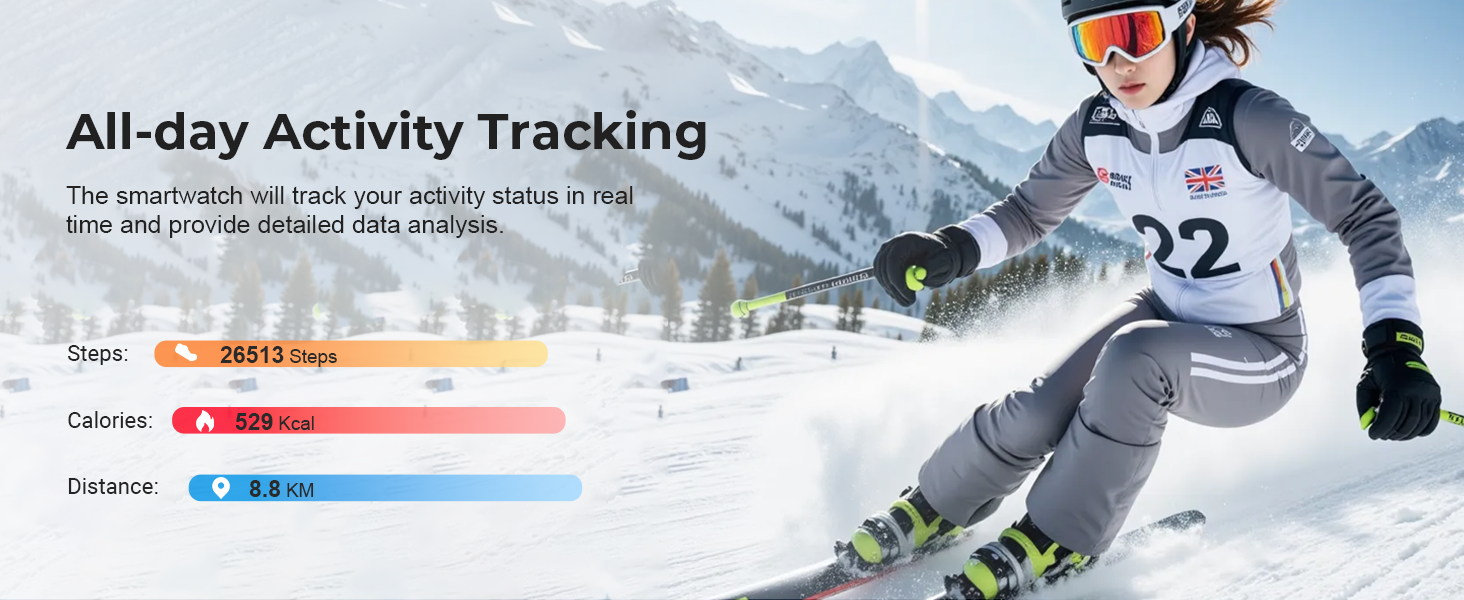
Image: A collage showcasing individuals engaged in various sports activities including skiing, cycling, badminton, running, baseball, volleyball, and rowing, illustrating the watch's support for over 112 sports modes.
Female Menstrual Cycle Tracking
The watch includes a function to track menstrual cycles, providing timely reminders for sensitive periods.
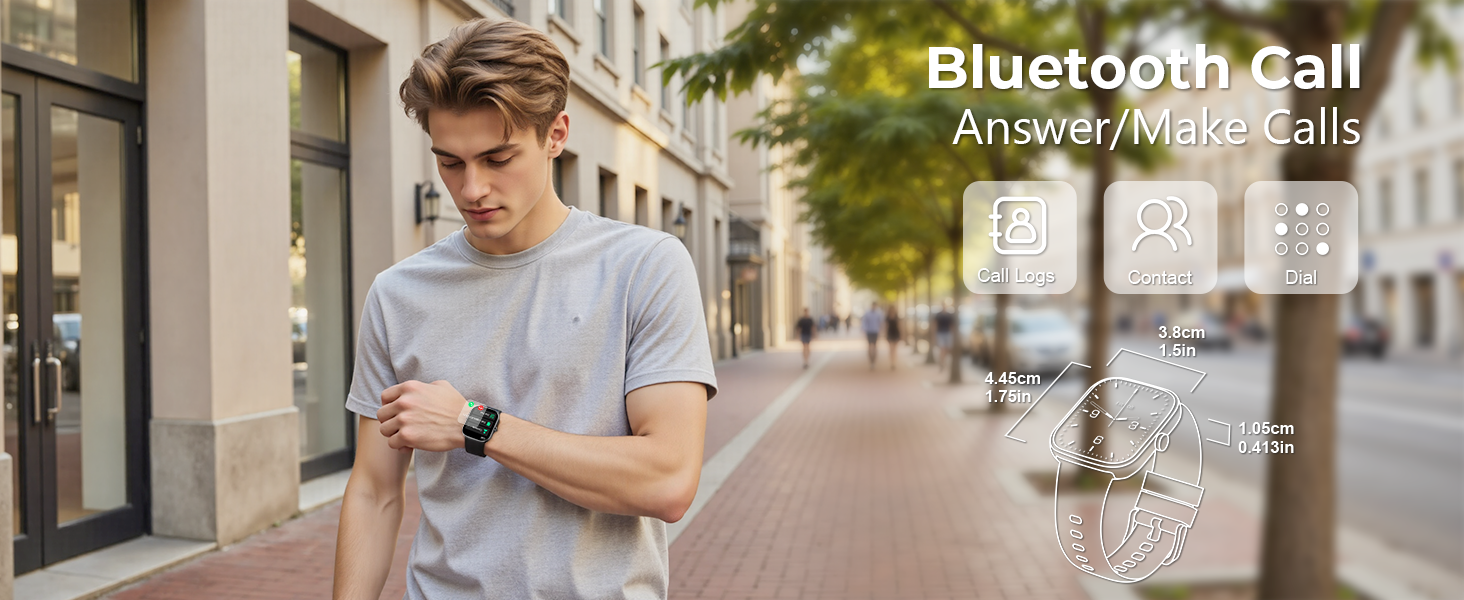
Image: A woman in athletic attire, with text highlighting the Female Menstrual Cycle Reminder feature of the smart watch.
Maintenance
Water Resistance (IP68)
The MFVLP D16 Smart Watch has an IP68 waterproof rating, meaning it is resistant to dust and can withstand immersion in water up to 1.5 meters for 30 minutes. It is suitable for daily activities like washing hands, rain, and sweating during exercise.
- Important Note: Not recommended for use in hot water, saunas, or sea water, as steam and salt water can damage the device.
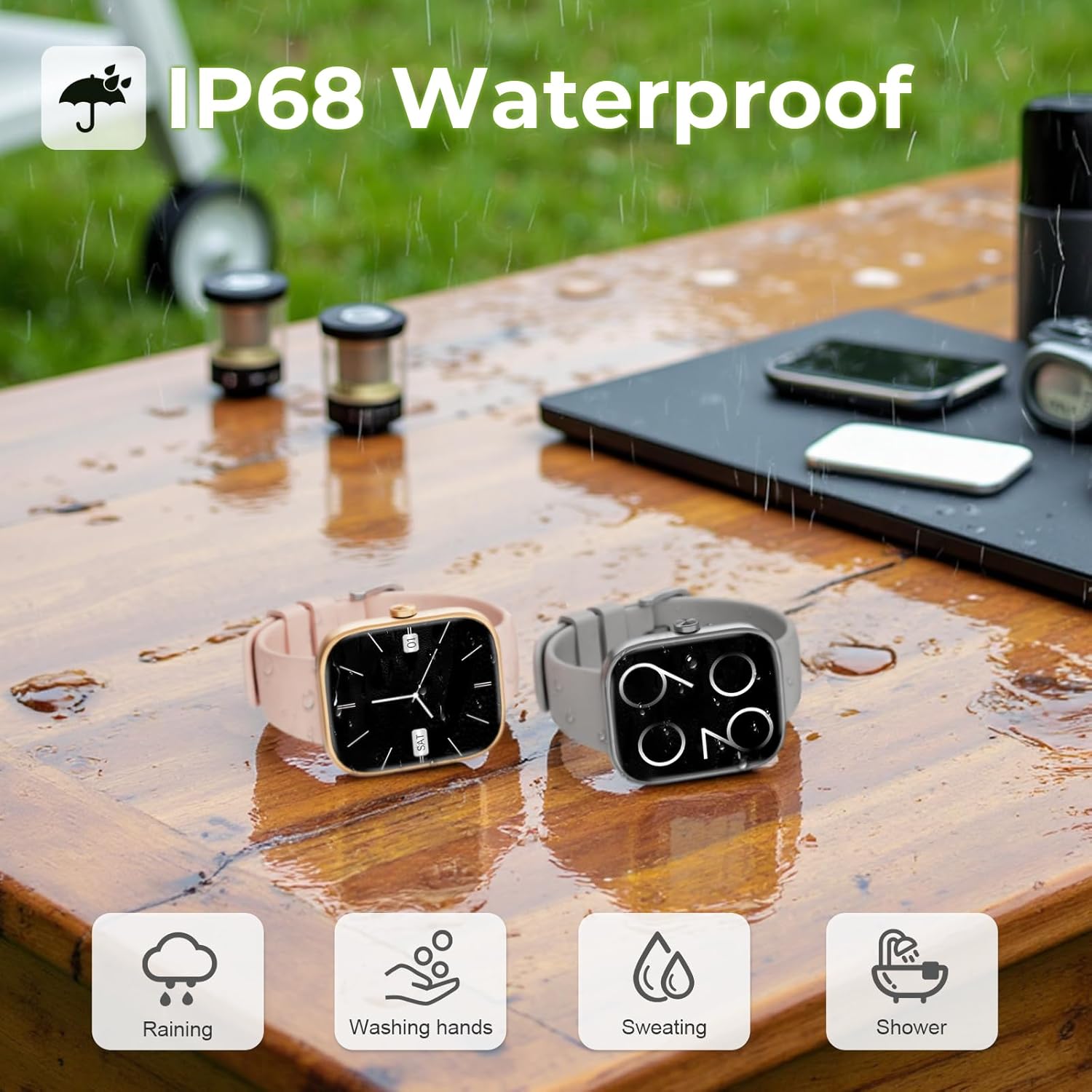
Image: Two MFVLP D16 Smart Watches, one pink and one grey, placed on a wet wooden surface, demonstrating their IP68 waterproof rating suitable for rain, hand washing, sweating, and showering.
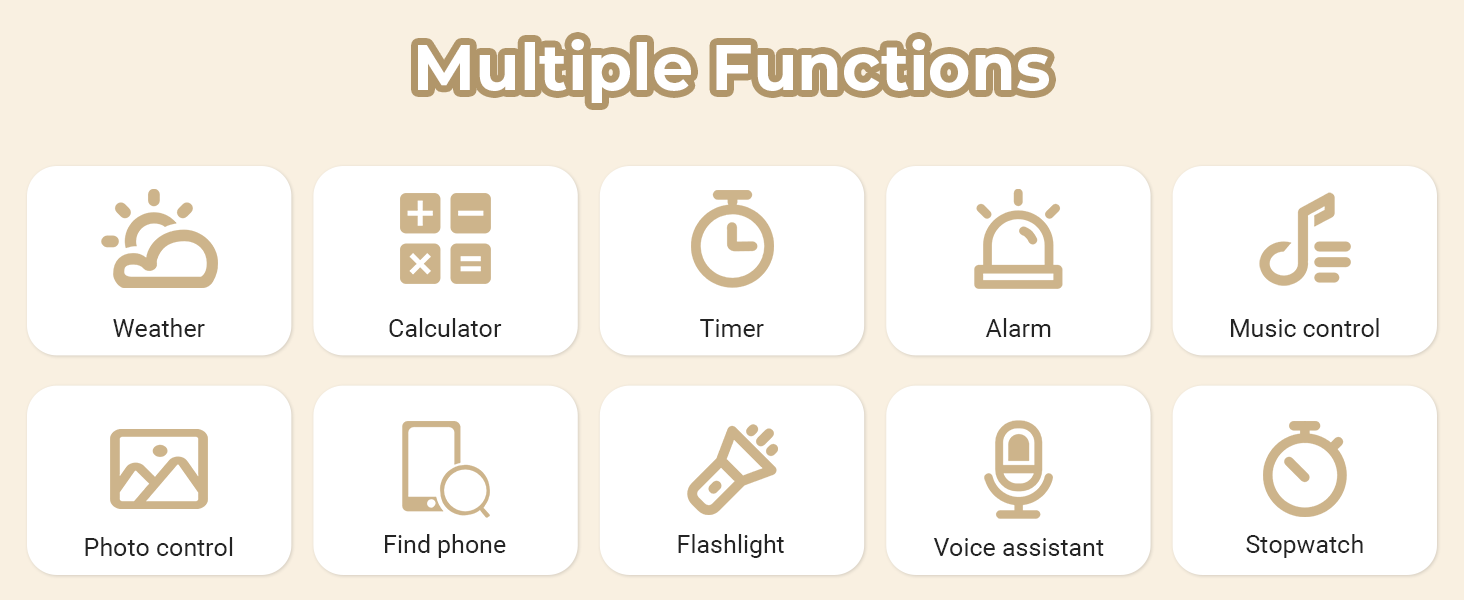
Image: The MFVLP D16 Smart Watch partially submerged in clear water, with bubbles around it, emphasizing its IP68 waterproof capability.
Cleaning and Care
- Wipe the watch and strap regularly with a soft, dry cloth.
- If necessary, use a slightly damp cloth with mild soap, then rinse and dry thoroughly.
- Avoid using harsh chemicals or abrasive materials.
Troubleshooting
If you encounter issues with your MFVLP D16 Smart Watch, refer to the following common solutions:
| Problem | Possible Solution |
|---|---|
| Watch does not turn on or respond. | Ensure the watch is fully charged. Connect it to the charger for at least 10 minutes. |
| Cannot pair with smartphone. |
|
| Notifications are not received. |
|
| Inaccurate health data (heart rate, sleep). |
|
| Weather information not updating. |
|
| Short battery life. |
|
If the problem persists, please contact customer support.
Specifications
| Feature | Detail |
|---|---|
| Model Number | D16 |
| Display | 1.83-inch TFT-LCD HD Touch Screen |
| Connectivity | Bluetooth 5.3 |
| Battery Capacity | 300 mAh Lithium Polymer |
| Charging Time | Approx. 2 hours |
| Battery Life (Typical Use) | 5-7 days |
| Standby Time | Up to 30 days |
| Waterproof Rating | IP68 |
| Health Monitoring | Heart Rate, Blood Oxygen, Sleep Tracking, Menstrual Cycle Tracking |
| Sport Modes | 110+ modes |
| Compatibility | Android / iOS |
| Item Weight | 40 Grams (1.41 ounces) |
| Memory Storage Capacity | 128 MB |
| RAM Memory Installed Size | 640 KB |
Warranty and Support
Your MFVLP D16 Smart Watch comes with a standard manufacturer's warranty. For specific warranty terms and conditions, please refer to the documentation included with your purchase or contact the seller directly.
For technical support, troubleshooting assistance, or any questions regarding your device, please contact MFVLP customer service through the contact information provided on the product packaging or the official MFVLP website.
Please have your model number (D16) and purchase details ready when contacting support.


