Product Overview
The CHUBORY F89 Foldable Drone is designed for both beginners and experienced users, offering advanced features for capturing stunning aerial footage and enjoying versatile flight experiences. Its compact design and intuitive controls make it an excellent choice for exploring the skies.
- Unmatched 2650 FT Control Span: Fly freely with an extended range, enabling navigation across vast skies.
- Durable Motors & Long-Lasting Batteries: Features brushless alloy motors for strong wind resistance and smooth flights, with three advanced batteries providing up to 60 minutes of total flight time.
- 4K HD 120° Wide-Angle Optics: Capture stunning 120° wide-angle 4K HD footage with switchable front and bottom optical flow cameras, delivering real-time sky and terrain imagery.
- Beginner-Friendly Features: Includes Optical Flow Stabilization, Altitude Lock, FPV, One-Key Launch/Landing, 360 Rolls, Follow Me, Trajectory Flight, Headless Mode, Speed Adjustment, Gesture Shots, and more for versatile flying.
- Worry-Free Ownership: Weighing under 249g, no registration is needed. Its compact, foldable build and carry case ensure portability.
Package Contents
Ensure all items are present in your package before proceeding with setup.
- CHUBORY F89 Foldable Drone
- Remote Controller
- 3 x Flight Batteries
- USB Charging Cable
- Spare Propellers
- Propeller Guards
- Screwdriver
- User Manual (this document)
- Quick Start Guide
- Carry Case

Image: All components of the CHUBORY F89 drone package laid out, including the drone, remote controller, three batteries, charging cables, spare propellers, and a carry case.
Setup Guide
1. Drone Preparation
- Unfold the Drone Arms: Gently unfold all four arms of the drone until they click into place.
- Install Flight Battery: Insert a fully charged flight battery into the designated compartment on the drone until it is securely latched.
- Charge Batteries: Use the provided USB charging cable to charge all flight batteries. The indicator light will show charging status.
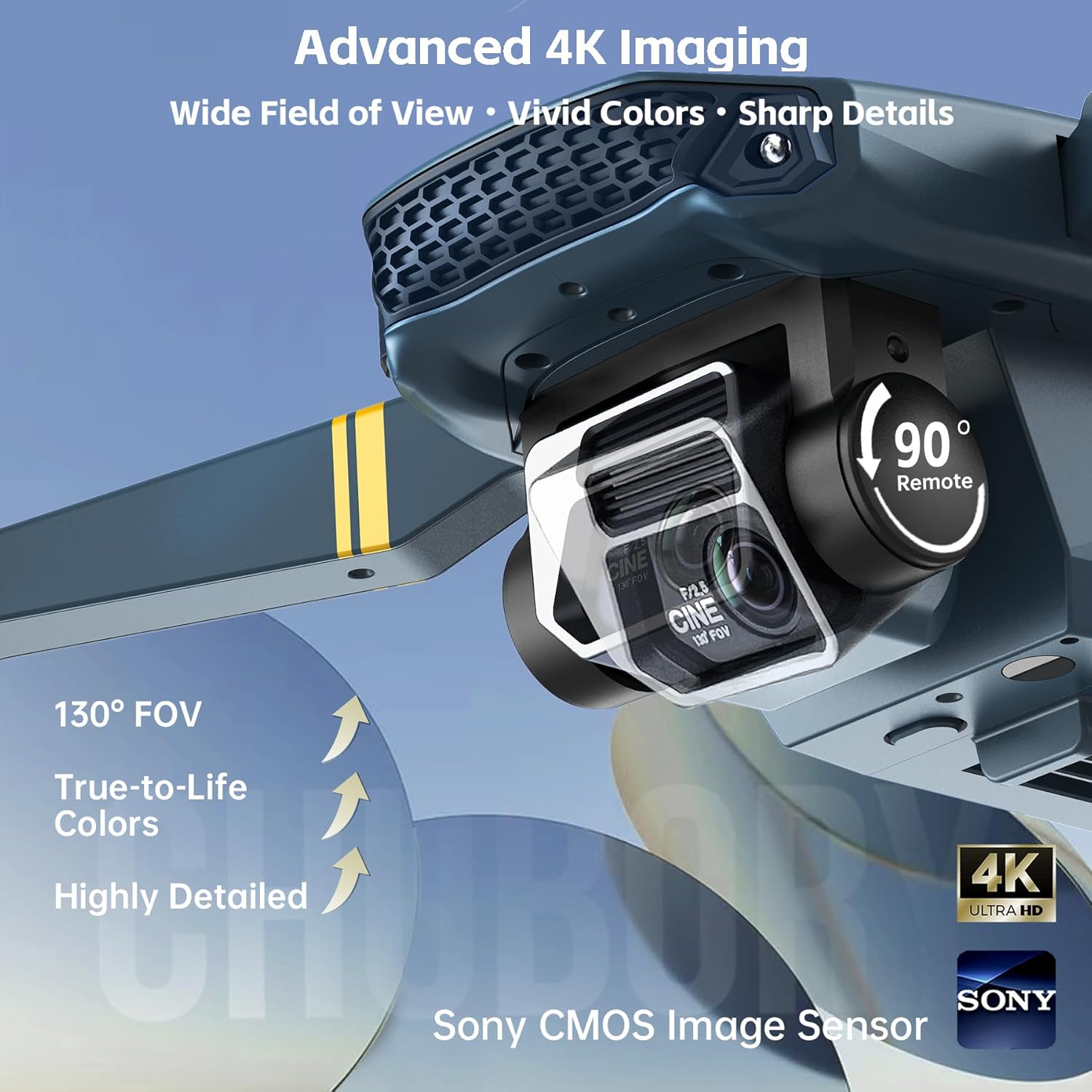
Image: The CHUBORY F89 drone with its arms fully extended, ready for flight. The camera is visible at the front.
2. Remote Controller Setup
- Install Batteries: Open the battery compartment on the remote controller and insert the required batteries (not included, typically AA or AAA).
- Attach Phone Holder: Extend the phone holder on the remote controller and securely place your smartphone.
3. App Connection
- Download App: Scan the QR code in the Quick Start Guide or search for the official CHUBORY drone app in your smartphone's app store.
- Connect to Drone Wi-Fi: Power on the drone. On your smartphone, go to Wi-Fi settings and connect to the drone's Wi-Fi network (usually named