
1. Introduction
The FONDAIL 4G LTE Cellular Solar Security Camera provides robust outdoor surveillance without the need for Wi-Fi or constant power connections. Designed for remote locations, this camera operates on 4G LTE cellular networks and is powered by an integrated solar panel and rechargeable battery. Key features include 2K resolution, 360° live view, color night vision, PIR motion detection, and two-way audio communication.
This manual will guide you through the installation, operation, and maintenance of your FONDAIL security camera to ensure optimal performance and security.
2. What's in the Box
Upon unboxing your FONDAIL 4G LTE Cellular Solar Security Camera, verify that all components are present:
- FONDAIL 4G LTE Cellular Solar Security Camera
- Solar Panel
- User Manual
- SIM card (pre-installed in the camera)
- Mounting hardware (screws, anchors, brackets)
- USB charging cable

Image: The FONDAIL 4G LTE Cellular Solar Security Camera, featuring two antennas, and its accompanying solar panel. This image displays the primary components included in the product package.
3. Setup
Follow these steps to set up your FONDAIL 4G LTE Cellular Solar Security Camera:
- Initial Charge: Before installation, fully charge the camera using the provided USB charging cable. This ensures the internal battery is at optimal capacity for initial operation and solar charging.
- SIM Card Activation: The SIM card is pre-installed. Activate a data plan through the associated mobile application. The camera supports Verizon, T-Mobile, or AT&T networks.
- App Download and Pairing: Download the dedicated mobile application (e.g., CloudEdge, as indicated in specifications) from your smartphone's app store. Follow the in-app instructions to pair your camera.
- Mounting Location Selection: Choose an outdoor location that provides clear line of sight for surveillance and receives ample direct sunlight for the solar panel. Ensure the camera is within 4G LTE coverage.
- Install Mounting Brackets: Use the provided mounting hardware to securely attach the camera bracket and solar panel bracket to your chosen surface (e.g., wall, fence post).
- Attach Camera and Solar Panel: Mount the camera onto its bracket. Connect the solar panel cable to the camera's charging port. Ensure the solar panel is positioned to maximize sun exposure throughout the day.
- Adjust Camera Angle: Utilize the pan (355°) and tilt (80°) features via the mobile app to adjust the camera's viewing angle for optimal coverage.
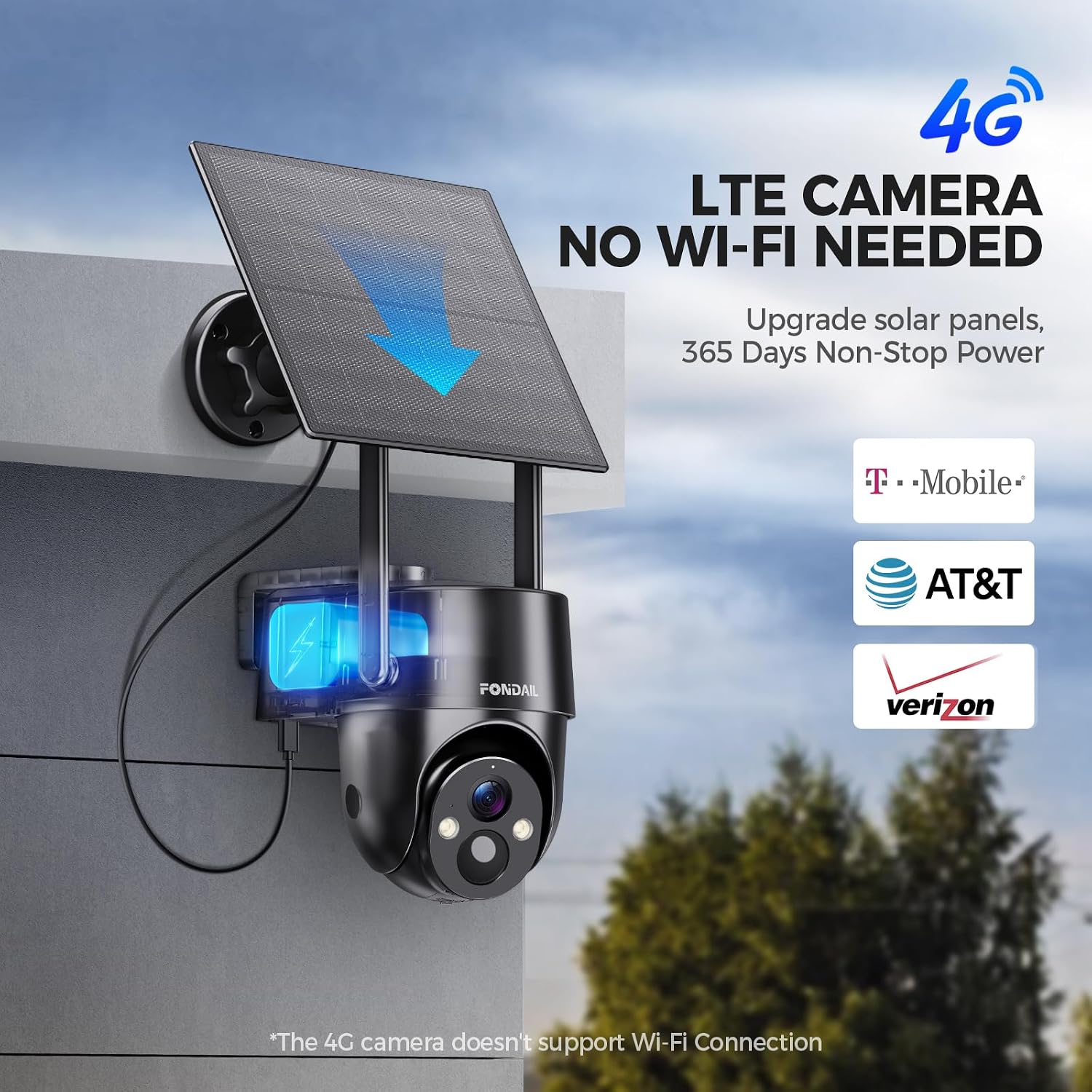
Image: A FONDAIL 4G LTE Cellular Solar Security Camera mounted on an exterior wall, connected to a solar panel for continuous power. This setup illustrates the wireless and solar-powered nature of the device.

Image: A FONDAIL 4G LTE Cellular Solar Security Camera mounted on an outdoor wall during rainfall, highlighting its IP65 waterproof rating and suitability for various weather conditions.
4. Operating Instructions
Your FONDAIL security camera offers a range of features for comprehensive surveillance:
- Live View: Access real-time video feed from your camera via the mobile application.
- Pan & Tilt: Control the camera's horizontal (355°) and vertical (80°) movement remotely through the app to cover a wide area.
- 2K Color Night Vision: The camera features a 2K resolution sensor and integrated color night vision, providing clear images even in low-light conditions up to 32 feet.
- PIR Motion Detection: The Passive Infrared (PIR) sensor detects human motion, triggering recordings and sending instant alerts to your smartphone.
- Two-Way Audio: Communicate with visitors or deter intruders using the built-in microphone and speaker.
- Alarm Modes: Choose from siren alerts, spotlight alarms, or app notifications upon motion detection.
- Digital Zoom: Utilize the 4x digital zoom feature in the app to view details within the camera's field of view.
- Storage: Recordings can be stored on a TF card (up to 256GB, not included) or via optional cloud storage services.

Image: The FONDAIL 4G LTE Cellular Solar Security Camera demonstrating its 355-degree pan and 80-degree tilt capabilities, providing extensive coverage.

Image: A split view demonstrating the 2K color night vision of the FONDAIL camera, showing clear, full-color images in both daylight and nighttime conditions.

Image: An illustration of the camera's alarm features, including a spotlight and siren, activated upon detecting an intruder, with an alert message displayed on a smartphone.
5. Maintenance
- Solar Panel Cleaning: Regularly clean the solar panel surface to ensure maximum sunlight absorption. Dust, dirt, or debris can reduce charging efficiency.
- Battery Management: The camera features a 10400mAh rechargeable battery. With approximately 3 hours of direct sunlight, the solar panel can provide enough power for a full day's operation. In periods of low sunlight, the battery can sustain operation for up to 25 days on a full charge.
- Firmware Updates: Check the mobile application periodically for firmware updates to ensure your camera has the latest features and security enhancements.
- Environmental Protection: The camera is IP65 waterproof, suitable for outdoor use in various weather conditions, including rain and snow.
6. Troubleshooting
- No Connection: Ensure the SIM card has an active 4G LTE data plan and the camera is within network coverage. Restart the camera by pressing the reset button (refer to the setup video for location).
- Poor Video Quality: Check the camera lens for dirt or obstructions. Ensure adequate lighting for optimal night vision performance. Adjust the camera's position for a clearer view.
- Battery Not Charging: Verify the solar panel is clean and receiving direct sunlight. Ensure the solar panel cable is securely connected to the camera. In prolonged cloudy periods, consider charging the camera via the USB cable.
- Motion Detection Issues: Adjust the sensitivity settings for PIR detection in the mobile app. Ensure the camera's field of view is clear of moving objects that might trigger false alarms (e.g., tree branches).
- App Notifications Not Received: Check your smartphone's notification settings for the camera app. Ensure the app has necessary permissions and is not restricted by power-saving modes.
7. Specifications
| Feature | Detail |
|---|---|
| Model Name | cell 2T |
| Indoor/Outdoor Usage | Outdoor |
| Power Source | Solar Powered |
| Connectivity Protocol | Cellular (4G LTE) |
| Video Capture Resolution | 2K |
| Pan Capability | 355° |
| Tilt Capability | 80° |
| Digital Zoom | 4x |
| Special Features | 2-Way Audio, Night Vision, Motion Sensor |
| Battery Capacity | 10400mAh (included) |
| Storage Options | TF card (up to 256GB, not included), Cloud Storage |
| Waterproof Rating | IP65 |
| Dimensions (L x W x H) | 7.68 x 6.56 x 5.34 inches |
| Item Weight | 2.55 pounds (1.16 Kilograms) |
8. Warranty and Support
For product support or warranty inquiries, please use one of the following methods:
- Via Amazon: Navigate to the product page on Amazon, find the "Sold by SmartSurveillance Shop" section, and click "Ask a question" to contact the seller directly.
- Brand Email: Contact FONDAIL support via email at support@fondail.com.
- In-App Support: Log into the camera's mobile application, go to "Me" > "Help" > "4G Camera" to access the customer service team.

Image: A visual guide detailing the various methods to contact customer support for the FONDAIL security camera, including Amazon, email, and in-app options.