
Introduction
Thank you for choosing the UBON Topper J23 Bluetooth TWS Earbuds. This manual provides essential information for setting up, operating, and maintaining your earbuds. Please read it carefully to ensure optimal performance and longevity of your device.
Box Contents
Upon unboxing, please verify that all items listed below are present:
- 1 x UBON Topper J23 TWS Earbuds
- 1 x Charging Cable (Type-C)
- 1 x User Manual
Product Overview
Familiarize yourself with the components of your UBON Topper J23 Earbuds.

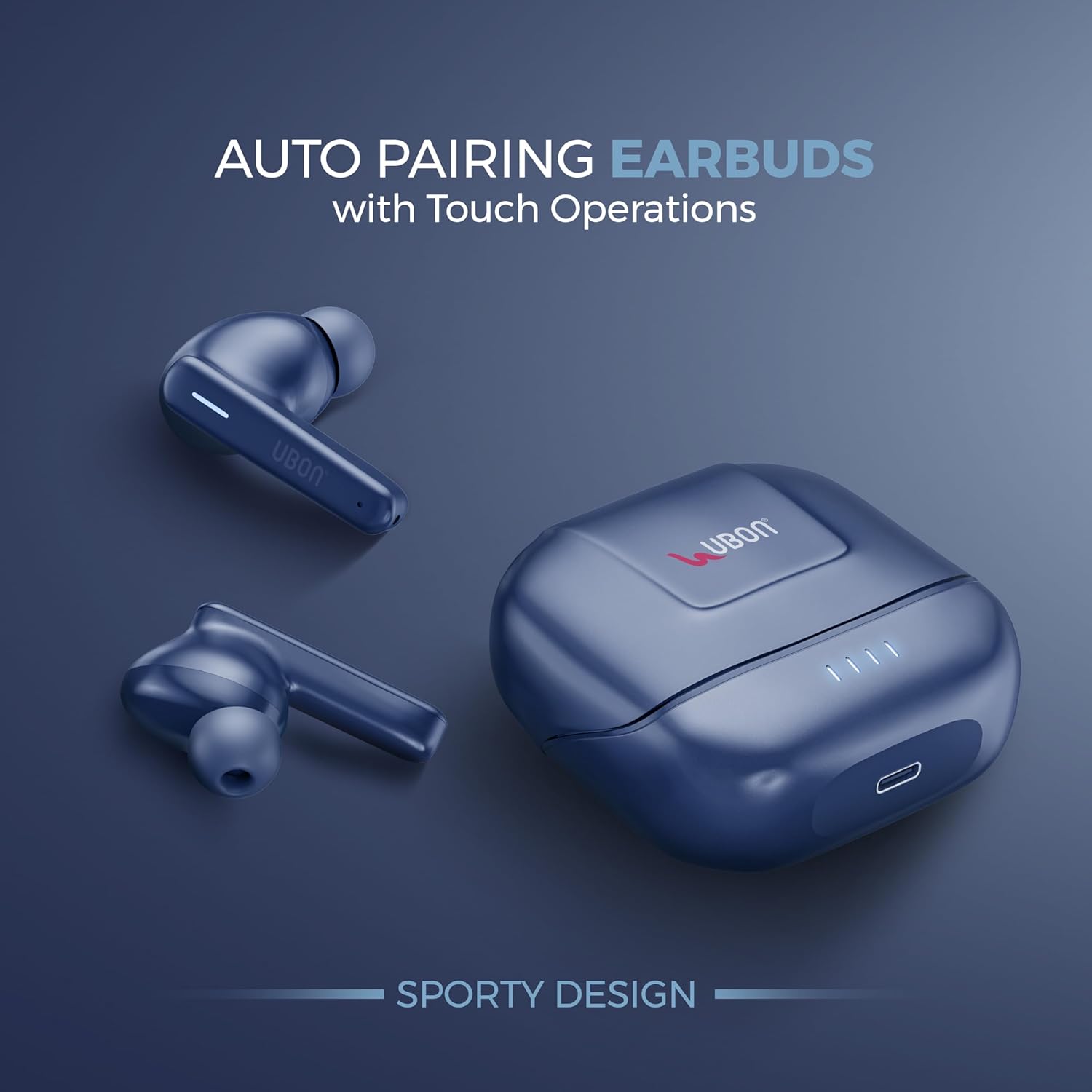
UBON Topper J23 TWS Earbuds and Charging Case.

UBON Topper J23 Earbuds with Charging Case, illustrating auto-pairing feature.
The UBON Topper J23 charging case, showing the Type-C charging interface.
A single UBON Topper J23 earbud highlighting Active Noise Reduction.
Setup
1. Charging the Earbuds and Case
Before first use, fully charge the earbuds and the charging case.
- Place the earbuds into the charging case. Ensure they are correctly seated.
- Connect the provided Type-C charging cable to the charging port on the case and plug the other end into a USB power adapter (not included).
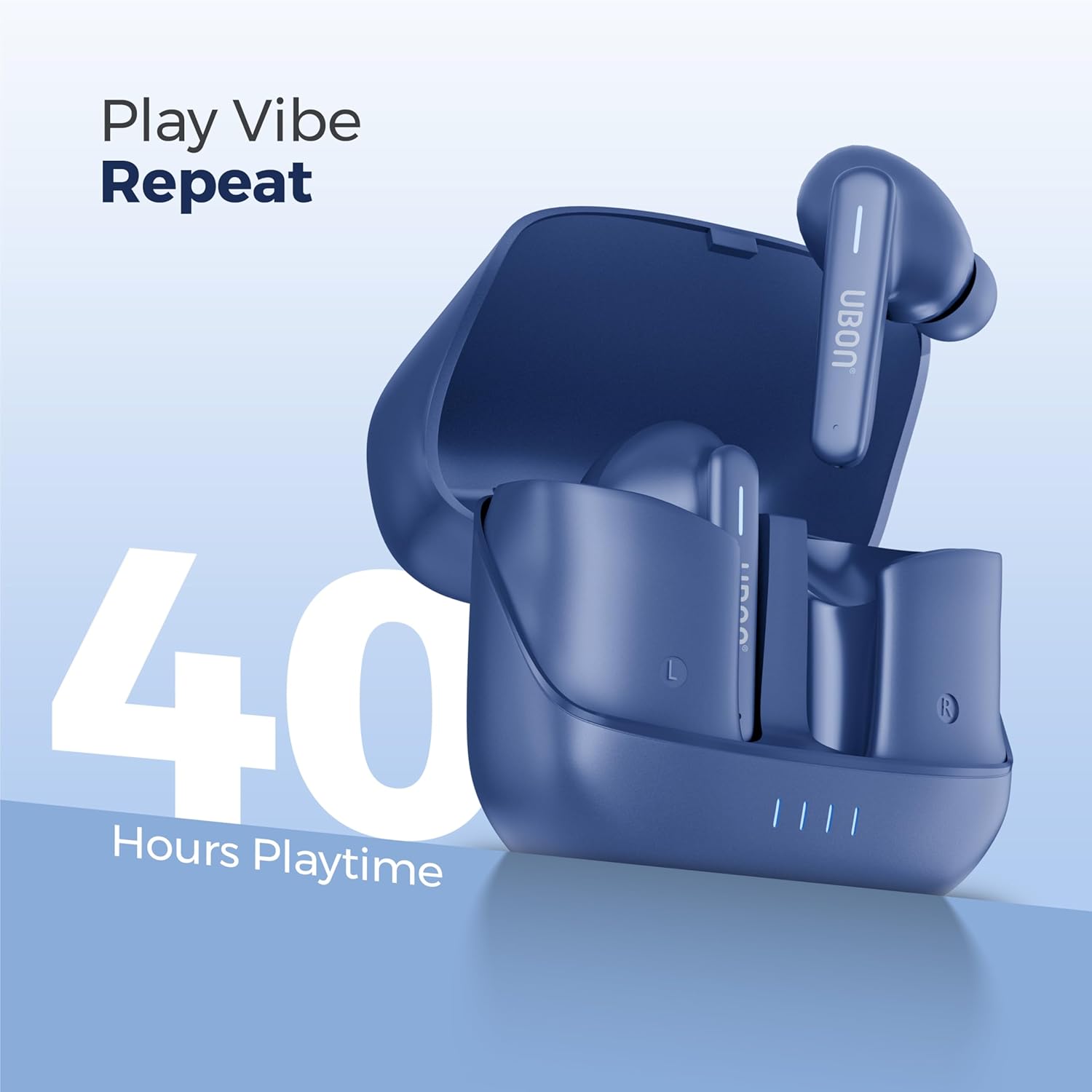
- The LED indicators on the charging case will illuminate to show charging status. A full charge provides up to 40 hours of total playtime.
2. Initial Pairing with a Device
The UBON Topper J23 earbuds feature Bluetooth v5.3 for stable and fast connectivity.
- Open the charging case. The earbuds will automatically power on and enter pairing mode. The LED indicator on one earbud will flash, indicating it is ready to pair.
- On your smartphone, tablet, or other Bluetooth-enabled device, go to the Bluetooth settings.
- Search for available devices and select "UBON Topper J23" from the list.
- Once connected, you will hear a confirmation tone, and the LED indicators on the earbuds will turn off or show a steady light.
- After initial pairing, the earbuds will automatically connect to the last paired device when removed from the case.
Operating Instructions
The UBON Topper J23 earbuds feature intuitive touch controls.
Power On/Off
- Power On: Open the charging case, or long-press the touch area on both earbuds for 3 seconds.
- Power Off: Place the earbuds back into the charging case and close the lid, or long-press the touch area on both earbuds for 5 seconds.
Music Playback
- Play/Pause: Single tap on either earbud.
- Next Track: Double tap on the right earbud.
- Previous Track: Double tap on the left earbud.
Call Management
- Answer/End Call: Single tap on either earbud.
- Reject Call: Long-press on either earbud for 2 seconds.
Voice Assistant
- Activate Voice Assistant: Triple tap on either earbud.
Low Latency Mode
For an optimized gaming and video experience, activate Low Latency Mode.
- Activate/Deactivate: Specific touch gesture (refer to quick start guide if provided, or experiment with long press/multiple taps on a specific earbud).
Active Noise Reduction (ANR)
Block out unwanted background noise for immersive audio.
- Activate/Deactivate: Specific touch gesture (refer to quick start guide if provided, or experiment with long press/multiple taps on a specific earbud).
Maintenance
Proper care ensures the longevity of your earbuds.
- Cleaning: Use a soft, dry, lint-free cloth to clean the earbuds and charging case. Do not use harsh chemicals or abrasive materials.
- Storage: When not in use, store the earbuds in their charging case to protect them from dust and damage.
- Battery Care: Avoid fully discharging the battery frequently. Charge the earbuds regularly, even if not used for extended periods, to maintain battery health.
- Water Resistance: The earbuds are water-resistant (sweatproof). Avoid submerging them in water or exposing them to heavy rain. Dry them thoroughly if they get wet.
Troubleshooting
If you encounter issues, try these common solutions:
| Problem | Solution |
|---|---|
| Earbuds not powering on | Ensure the charging case and earbuds are fully charged. Open the case lid or long-press the touch area. |
| Earbuds not pairing | Make sure Bluetooth is enabled on your device. Forget "UBON Topper J23" from your device's Bluetooth list and try pairing again. Ensure earbuds are in pairing mode (flashing LED). |
| No sound from one earbud | Place both earbuds back into the charging case, close the lid, wait a few seconds, then open it again. Check if both earbuds are charged. |
| Charging issues | Check the Type-C cable and power adapter. Ensure the charging contacts on the earbuds and case are clean and free of debris. |
| Touch controls unresponsive | Ensure your fingers are clean and dry. Try restarting the earbuds by placing them in the case and taking them out again. |
Specifications
| Feature | Detail |
|---|---|
| Brand | UBON |
| Model Name | Topper |
| Model Number | J-23 |
| Bluetooth Version | 5.3 |
| Ear Placement | In Ear |
| Form Factor | In Ear |
| Noise Control | Active Noise Reduction (ANR) / Sound Isolation |
| Battery Life (Total) | Up to 40 Hours (with charging case) |
| Charging Interface | Type-C |
| Control Method | Touch |
| Microphone | Included |
| Water Resistance | Water Resistant (Sweatproof) |
| Compatible Devices | Smartphones, Tablets, Desktops, Laptops, Smart Speakers, Gaming Consoles, Televisions, Car Audio Systems |
| Material | Acrylonitrile Butadiene Styrene (ABS) |
| Impedance | 32 Ohms |
| Item Weight | 45 Grams |
Warranty Information
The UBON Topper J23 Bluetooth TWS Earbuds come with a 1 Year Manufacturer Warranty from the date of purchase. This warranty covers manufacturing defects. Please retain your purchase receipt as proof of purchase for warranty claims. The warranty does not cover damage caused by misuse, accidents, unauthorized modifications, or normal wear and tear.
Support
For further assistance, technical support, or warranty claims, please contact UBON customer service through their official website or the retailer where you purchased the product. Refer to the contact information provided on the product packaging or UBON's official channels.