
1. Introduction
This manual provides essential information for setting up, operating, and maintaining your realme GT 7T Smartphone. Please read this guide thoroughly to ensure proper use and to maximize the device's capabilities. The realme GT 7T is designed to offer a high-performance mobile experience with advanced features.
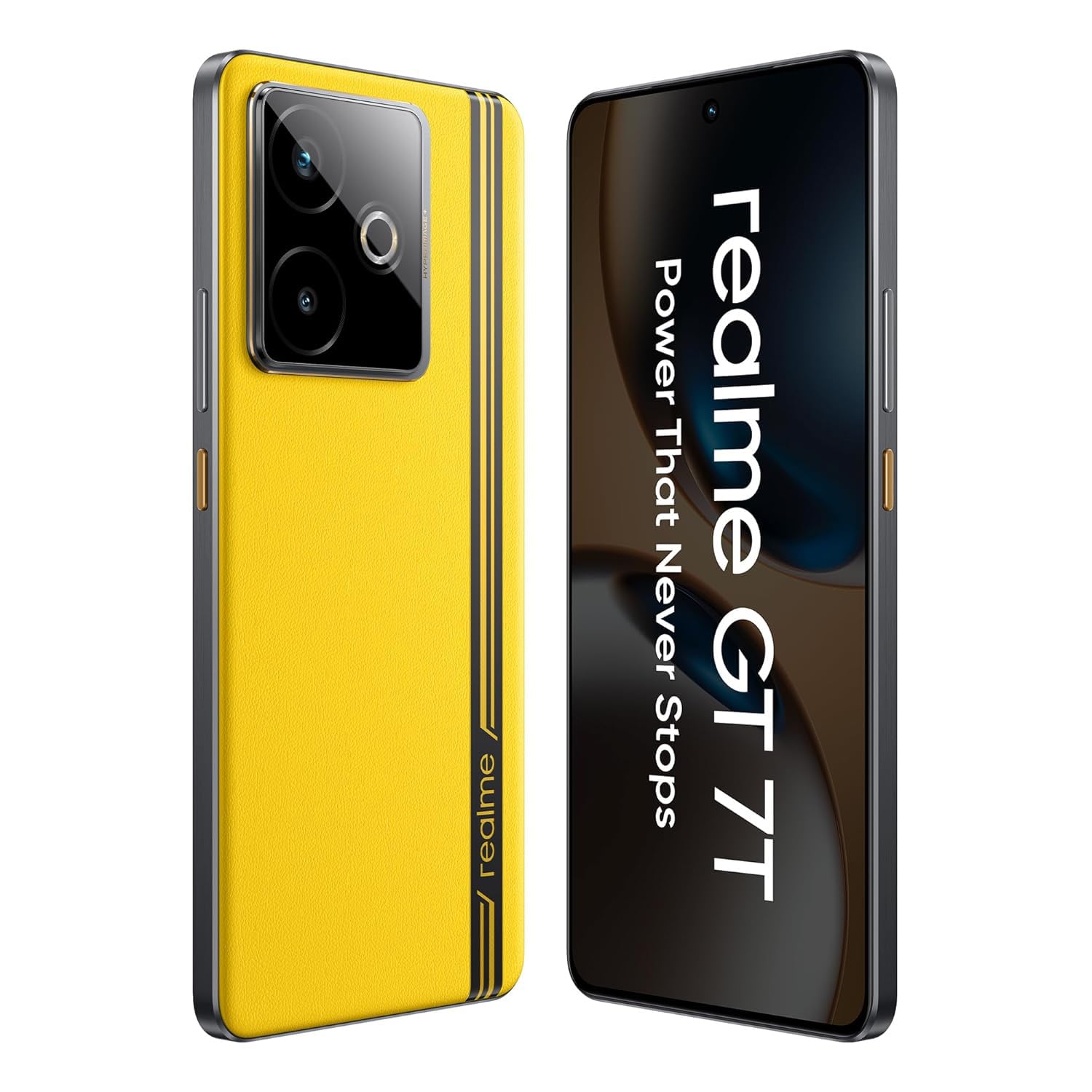
Image: Front view of the realme GT 7T Smartphone, showcasing its display.
2. What's in the Box
Verify that all items are present in the packaging:
- realme GT 7T Smartphone
- USB data cable
- Charger (120W UltraDART/SuperVOOC compatible)
- Quick Start Guide
3. Setup
3.1. Inserting the SIM Card
- Locate the SIM card tray on the side of the device.
- Use the provided SIM ejector tool to open the tray.
- Place your Nano-SIM card(s) into the tray with the gold contacts facing down. The realme GT 7T supports Dual 5G SIM.
- Carefully reinsert the tray into the phone.
3.2. Initial Power On and Setup
- Press and hold the Power button until the realme logo appears.
- Follow the on-screen instructions to select your language, region, and connect to a Wi-Fi network.
- Sign in with your Google account or create a new one.
- Complete the setup process, including setting up security features like fingerprint or face unlock.
4. Operating Instructions
4.1. Display Features
The realme GT 7T features a 6.8-inch 1.5K display with a 120Hz refresh rate for smooth visuals. It supports 2160Hz high-frequency PWM dimming to reduce eye strain during extended use.

Image: Comparison showing the brightness and clarity of the realme GT 7T display.
4.2. Performance
Powered by the MediaTek Dimensity 8400-MAX 4nm chipset, the device offers robust performance for multitasking and demanding applications. The IceSense graphene cooling system ensures efficient heat dissipation, maintaining optimal performance during intensive tasks.

Image: Visual representation of the MediaTek Dimensity 8400-MAX chipset.
4.3. Camera System
The realme GT 7T features an AI Camera system with a 50MP OIS main camera. It includes AI-enhanced features such as AI Landscape Mode for improved outdoor shots, AI Swift Capture for freezing fast-moving subjects, and AI Reflection Elimination to reduce glare from reflective surfaces.
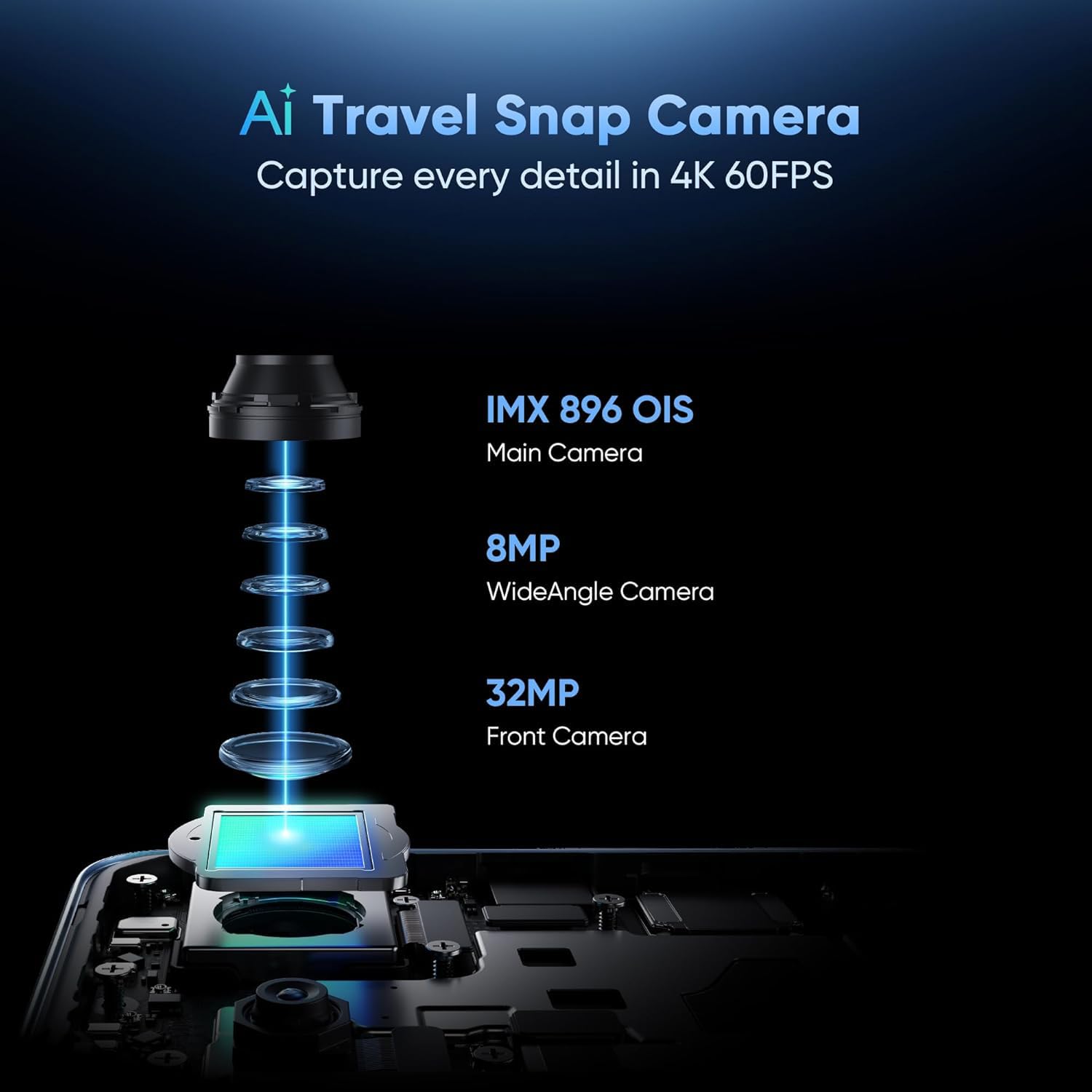
Image: Diagram illustrating the components of the realme GT 7T's AI Camera system, including the 50MP OIS main camera, 8MP wide-angle camera, and 32MP front camera.
4.4. Battery and Charging
The device is equipped with a 7000mAh battery. It supports 120W UltraDART/SuperVOOC fast charging, allowing for rapid recharging.
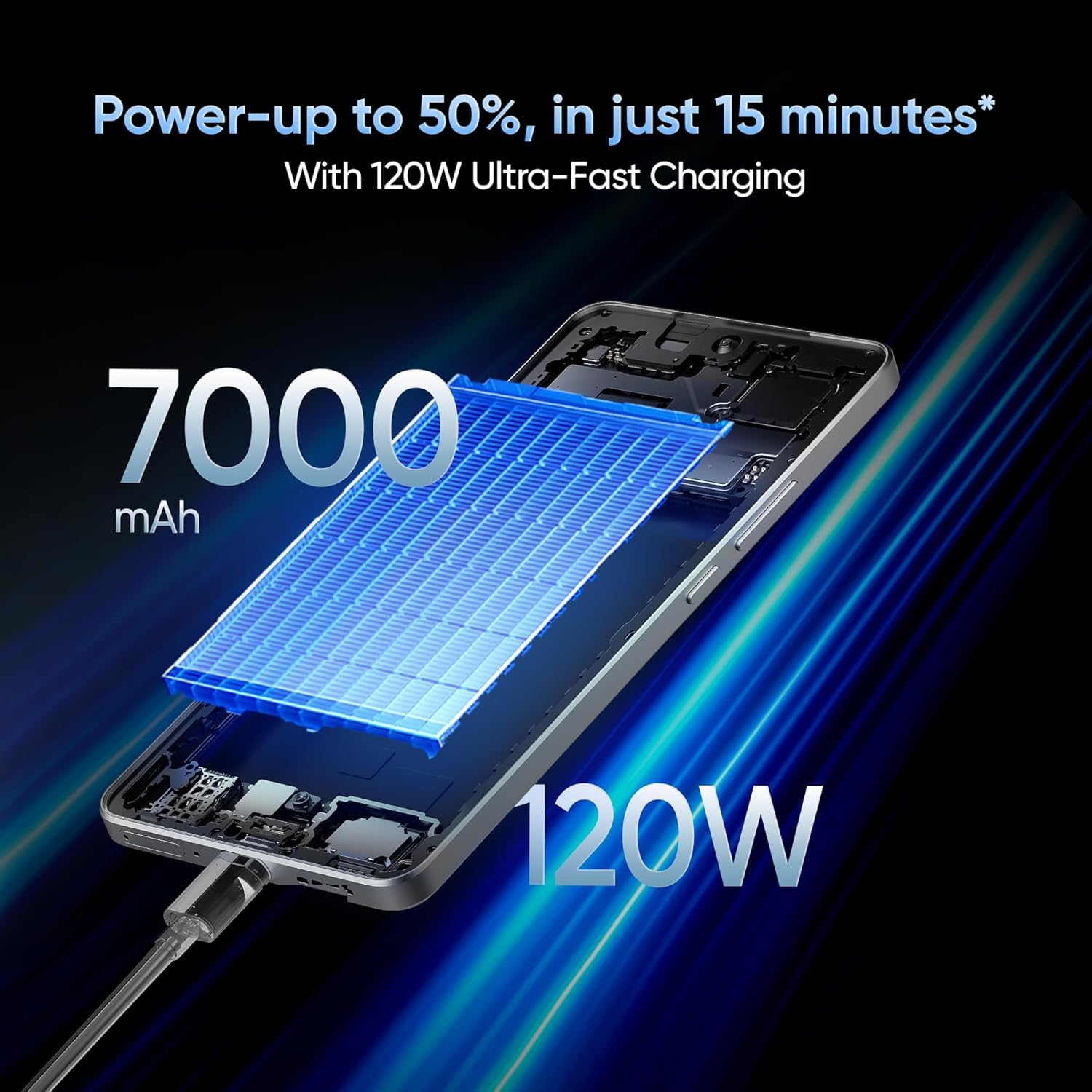
Image: Illustration depicting the 120W fast charging capability of the realme GT 7T Smartphone.
4.5. Connectivity
The realme GT 7T supports various connectivity options including Bluetooth, NFC, USB, and Wi-Fi. It also features Dual 5G SIM capability for enhanced network access.
5. Maintenance
5.1. Cleaning the Device
- Use a soft, lint-free cloth to clean the screen and body.
- Avoid using harsh chemicals or abrasive materials.
- Ensure ports are free of dust and debris.
5.2. Software Updates
Regularly check for and install software updates to ensure optimal performance, security, and access to new features. Navigate to Settings > About phone > Software update to check for available updates.
6. Troubleshooting
6.1. Device Not Powering On
- Ensure the battery is charged. Connect the device to the charger for at least 10 minutes.
- Press and hold the Power button for 10-15 seconds to perform a forced restart.
6.2. Charging Issues
- Verify that the charger and USB cable are securely connected and undamaged.
- Use the original realme charger and cable for optimal charging performance.
- Try charging from a different power outlet.
6.3. Network Connectivity Problems
- Check if the SIM card is correctly inserted.
- Ensure mobile data is enabled in Settings > Mobile network.
- Restart the device.
- Reset network settings: Settings > System > Reset options > Reset Wi-Fi, mobile & Bluetooth.
7. Specifications
| Feature | Specification |
|---|---|
| Model Number | Realme GT 7T |
| Operating System | Android 15 |
| RAM | 8 GB |
| Processor | MediaTek Dimensity 8400-MAX |
| Display | 6.8-inch, 1.5K, 120Hz Refresh Rate |
| Resolution | 1440 x 720 |
| Main Camera | 50MP OIS AI Camera |
| Battery Capacity | 7000mAh |
| Charging | 120W UltraDART/SuperVOOC Fast Charge |
| Connectivity | Bluetooth, NFC, USB, Wi-Fi, Dual 5G SIM |
| Product Dimensions | 16.24 x 7.6 x 0.82 cm |
| Item Weight | 202 g |
| Color | Yellow |
8. Warranty and Support
Your realme GT 7T Smartphone is covered by a manufacturer's warranty. For detailed warranty terms and conditions, please refer to the warranty card included in your product packaging or visit the official realme website.
For technical support, service, or inquiries, please contact realme customer service. The manufacturer of this device is realme, and the importer in India is Oppo Mobiles India Private Limited.
Manufacturer: realme
Importer (India): Oppo Mobiles India Private Limited, 5th Floor, Tower-B, Building No. 8, DLF Cyber City, Gurugram, Haryana-122002, India