
Introduction
This manual provides essential information for the safe and efficient operation of your GarveeTech SAC24-2-S21-B Split Air Conditioner. This 24,000 BTU, 230V, 21 SEER2 system offers 4-in-1 functionality including cooling, heating, dry, and fan-only modes, designed for spaces up to 1,500 sq ft. Please read these instructions thoroughly before installation and use, and retain them for future reference.
Setup and Installation
Professional installation is required for this split air conditioner to ensure compliance with local regulations and optimal performance. The system includes an indoor unit, an outdoor unit, and necessary mounting accessories. Installation brackets are not included.

Image: Dimensions of the indoor (12.91"D x 42.87"W x 8.94"H) and outdoor (29.41"H x 37.80"W x 14.69"D) units for planning installation space.
Installation Video Guide
For a detailed visual guide on the installation process, please refer to the official installation video below. This video demonstrates key steps for proper setup.
Video: Official installation guide for the GarveeTech Split Air Conditioner, demonstrating steps like refrigerant piping and mounting the indoor unit.
Operating Instructions
Your GarveeTech Split Air Conditioner offers versatile climate control with multiple operating modes and convenient control options.
Operating Modes
- Cooling: Provides rapid cooling for spaces up to 1,500 sq ft.
- Heating: Delivers turbo-heating for comfortable warmth.
- Dry: Dehumidifies the air to reduce moisture.
- Fan-Only: Circulates air without heating or cooling.
The unit features a 4-way swing function for uniform air distribution and specialized modes like Turbo for quick temperature changes and Sleep mode for quiet operation (as low as 30 dB).
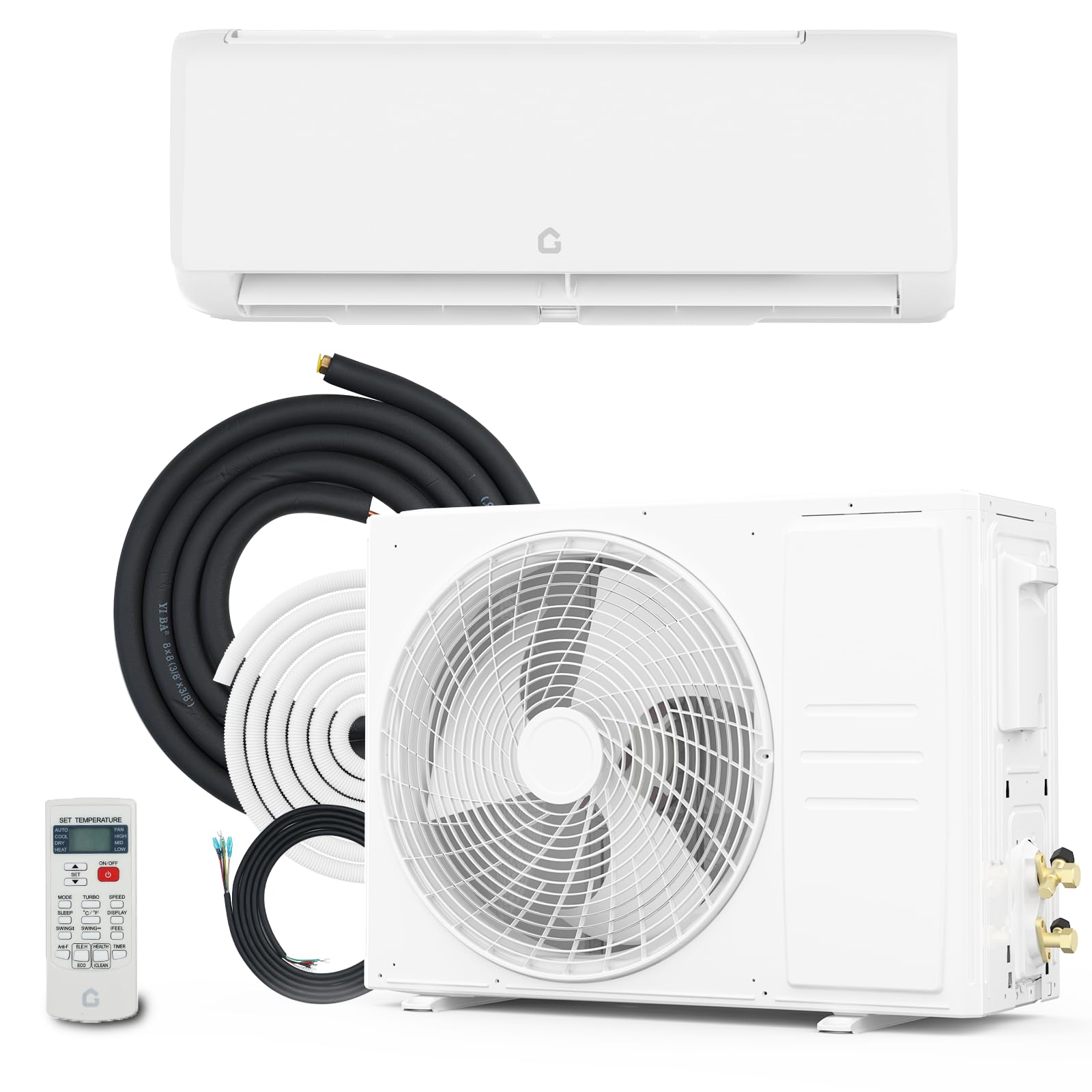
Image: Illustration of the air conditioner's fast cooling and heating capabilities, showing air distribution.
Control Methods
- Remote Control: Use the included full-function remote control, effective up to 26 ft away.
- Wi-Fi App: Connect via the built-in Wi-Fi 2.0 to control the unit, change modes, and program schedules using the dedicated app on your smartphone.
- Voice Control: Compatible with Alexa and Google Assistant for hands-free operation.
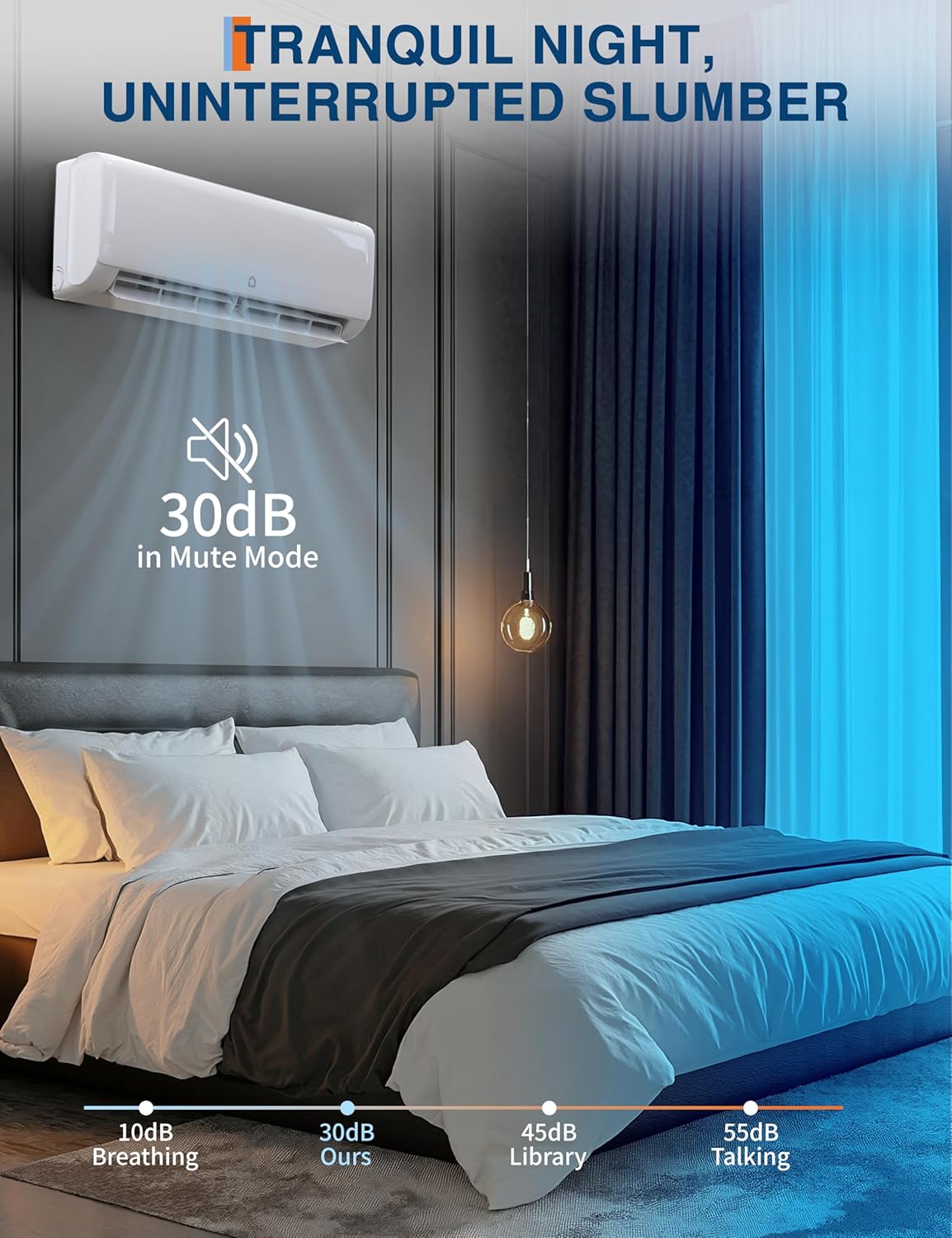
Image: Demonstrates the convenience of controlling the air conditioner via both a remote and a smartphone app.
Wi-Fi Connection Guide
Follow this video guide to connect your GarveeTech Split AC to your Wi-Fi network for smart control via the app.
Video: Step-by-step instructions for connecting the GarveeTech Split AC to a Wi-Fi network using a smartphone app.
Maintenance
Regular maintenance ensures the longevity and efficiency of your air conditioner.
Filter Cleaning
The unit is equipped with an air purification filter and a filter light reminder to prompt you when cleaning is needed. Regularly clean the air filters to maintain optimal air quality and system performance. Refer to the diagram below for a visual guide on accessing and cleaning the filters.

Image: A person cleaning the air filter of the indoor unit, illustrating the simple maintenance process.
Self-Cleaning Function
The unit features a 56°C high-temperature self-cleaning function to ensure fresh and clean air. This function helps prevent the buildup of mold and bacteria inside the indoor unit.

Image: Visual representation of the self-cleaning function, highlighting the high-temperature process.
Troubleshooting
If you encounter any issues with your GarveeTech Split Air Conditioner, please review the following general advice. For specific problems or complex issues, it is recommended to contact customer service.
- Unit not turning on: Check power supply, circuit breaker, and ensure the remote control batteries are functional.
- Insufficient cooling/heating: Verify correct mode selection, check for obstructions around indoor/outdoor units, and ensure air filters are clean.
- Unusual noises: Identify the source of the noise. Minor sounds during operation are normal, but persistent or loud noises may indicate an issue.
- Water leakage: Ensure the drain hose is properly installed and not blocked.
For further assistance, refer to the Customer Support section.
Product Specifications
| Feature | Specification |
|---|---|
| Brand | GarveeTech |
| Model Name | SAC24-2-S21-B |
| Capacity | 24,000 BTU (2 tons) |
| Voltage | 230 volts |
| Seasonal Energy Efficiency Ratio (SEER2) | 21 |
| Coverage Area | Up to 1,500 sq ft |
| Operating Modes | Cooling, Heating, Dry, Fan-Only |
| Noise Level | As low as 30 dB (Sleep mode), up to 50 dB (Turbo mode) |
| Indoor Unit Dimensions (D x W x H) | 12.91" x 42.87" x 8.94" |
| Outdoor Unit Dimensions (approx.) | 29.41"H x 37.80"W x 14.69"D (based on image) |
| Refrigerant Type | R32 |
| Control Method | App, Remote, Voice (Alexa, Google Assistant) |
| Special Features | Inverter Compressor, 4-Way Swing, Turbo Mode, Sleep Mode, Air Purification Filter, Filter Light Reminder, Self-Cleaning |
| Weight | 125.7 pounds |
| UPC | 199641617064 |
Warranty Information
Your GarveeTech SAC24-2-S21-B Split Air Conditioner is backed by a 5-year manufacturer’s warranty. This warranty covers shipping damage, normal-use part failures, and any functional defects. Please retain your proof of purchase for warranty claims.
Customer Support
For installation guidance, troubleshooting assistance, or replacement parts, please contact our customer service team directly. Contacting us first can help avoid unnecessary third-party fees and ensure you receive accurate support. We are available to assist you.
Please visit the GarveeTech website or refer to your purchase documentation for specific contact details.