
1. Introduction
The Google Pixel Watch 4 is an advanced smartwatch designed for comprehensive health and fitness tracking, seamless connectivity, and intelligent assistance. Featuring a durable Actua 360 domed display, extended battery life, and integrated Google AI, this device is crafted to enhance your daily life with precision and convenience.

Figure 1: Google Pixel Watch 4 (45mm) with Obsidian Active Band, showcasing its circular display and sleek design.
2. Setup
2.1 What's in the Box
Before beginning setup, ensure all components are present:
- Pixel Watch 4 (45mm) Wi-Fi Black / Obsidian
- Watch Band (Obsidian Active Band)
- USB-C Fast Charging Cable
- Quick Start Guide
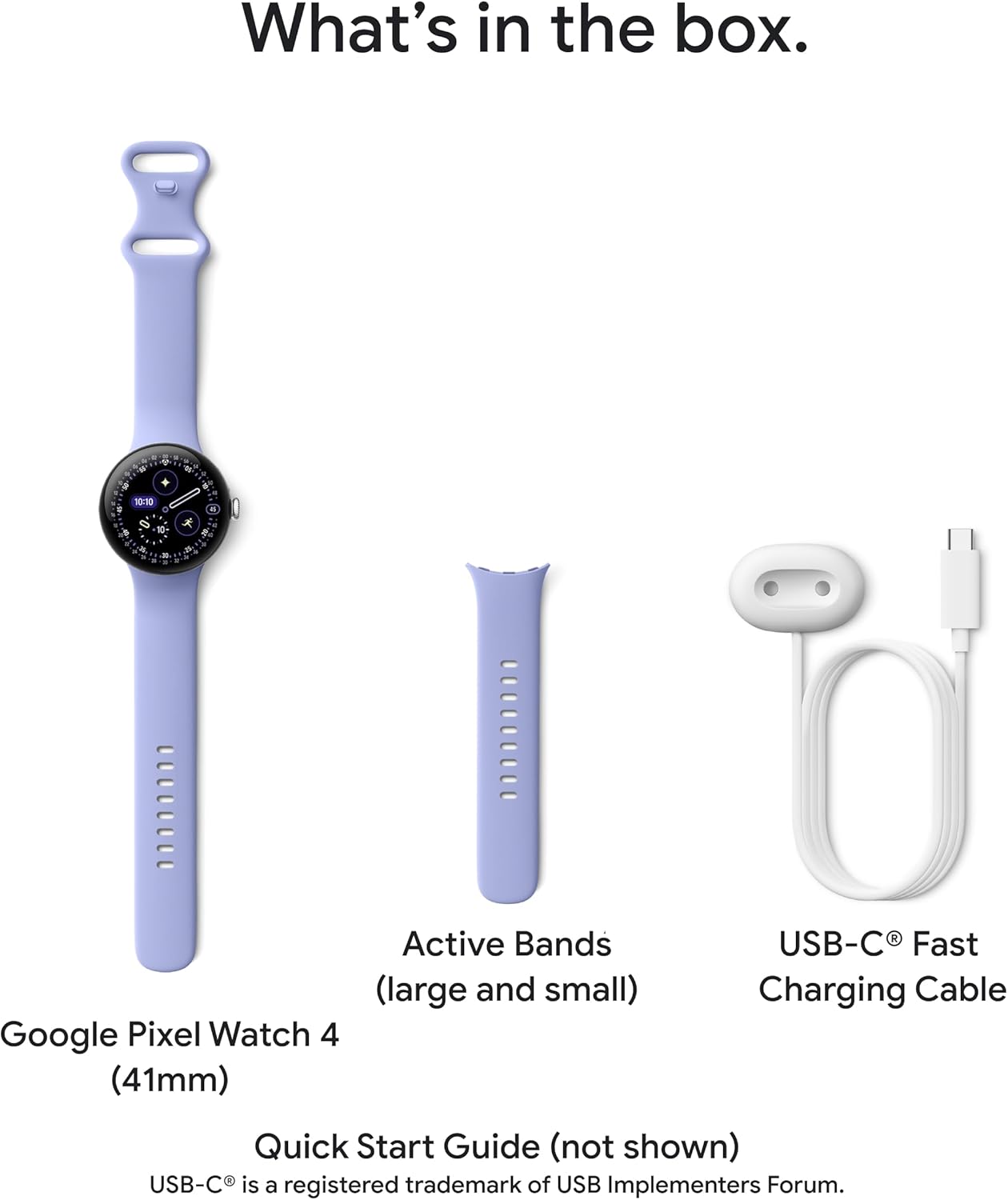
Figure 2: The Google Pixel Watch 4 (41mm model shown), Active Bands (large and small), and USB-C Fast Charging Cable, as typically found in the product box.
2.2 Band Installation
To attach or remove the watch band, locate the secure button on the watch casing. Press the button and slide the band into or out of place. Ensure the band clicks securely into position.
Video 1: This video demonstrates the correct procedure for installing and removing watch bands on Google Pixel Watch models, ensuring a secure fit.
2.3 Case Installation (Optional)
If using a protective case, remove the watch band first. Insert the watch into the case, crown-side first, ensuring proper alignment of charging ports and buttons. Reattach the watch band.
Video 2: This video provides a guide for installing and removing a Spigen Liquid Air case on the Pixel Watch 4, including steps for band removal and charging port alignment.
3. Operating the Google Pixel Watch 4
3.1 Interface Navigation
The Pixel Watch 4 runs on Wear OS 6.0, offering a smooth and intuitive circular interface. Swipe left, right, up, or down to access various apps, notifications, and quick settings. The digital crown can be rotated for scrolling and pressed to return to the watch face or app drawer.
3.2 Google AI Assistant (Gemini)
The Google Pixel Watch 4 features Gemini, your built-in AI assistant. Simply ask questions or issue commands directly to your watch for quick responses and personalized help. Gemini also supports AI-powered quick replies for messages, enhancing connectivity.
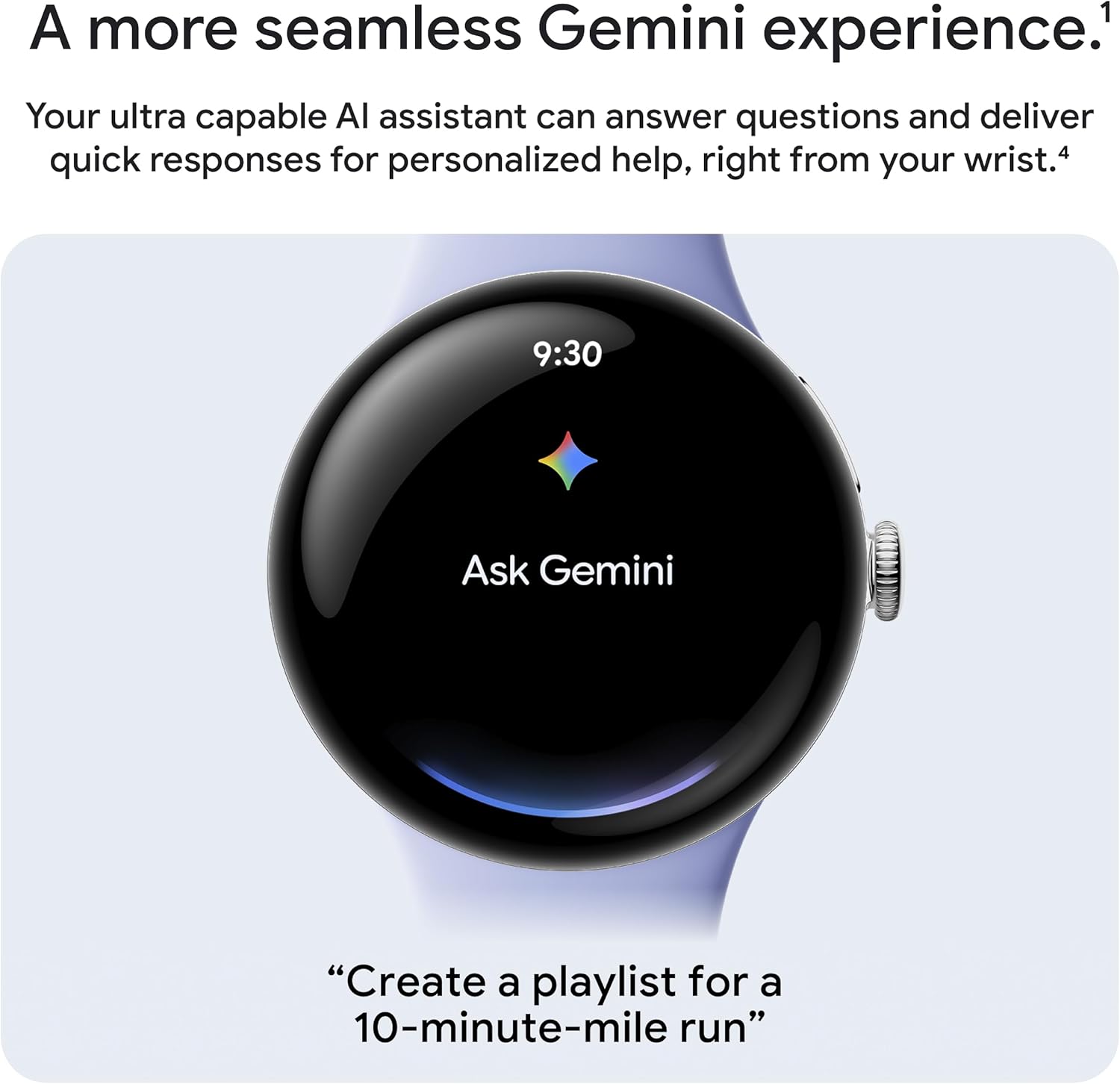
Figure 3: The Google Pixel Watch 4 display showing the "Ask Gemini" interface, highlighting its seamless AI integration.
4. Health and Fitness Tracking
The Pixel Watch 4 provides comprehensive health and fitness tools, leveraging Google's accurate tracking capabilities:
- Heart Rate Tracking: Continuously monitors your heart rate with high accuracy.
- Sleep Insights: Tracks sleep stages, duration, and quality, providing detailed analysis.
- SpO2 & HRV: Measures blood oxygen saturation (SpO2) and Heart Rate Variability (HRV) for deeper health insights.
- 40+ Exercise Modes: Offers a wide range of workout modes with real-time stats on your wrist.
- Dual-Frequency GPS: Provides accurate route tracking for outdoor activities like running and hiking.
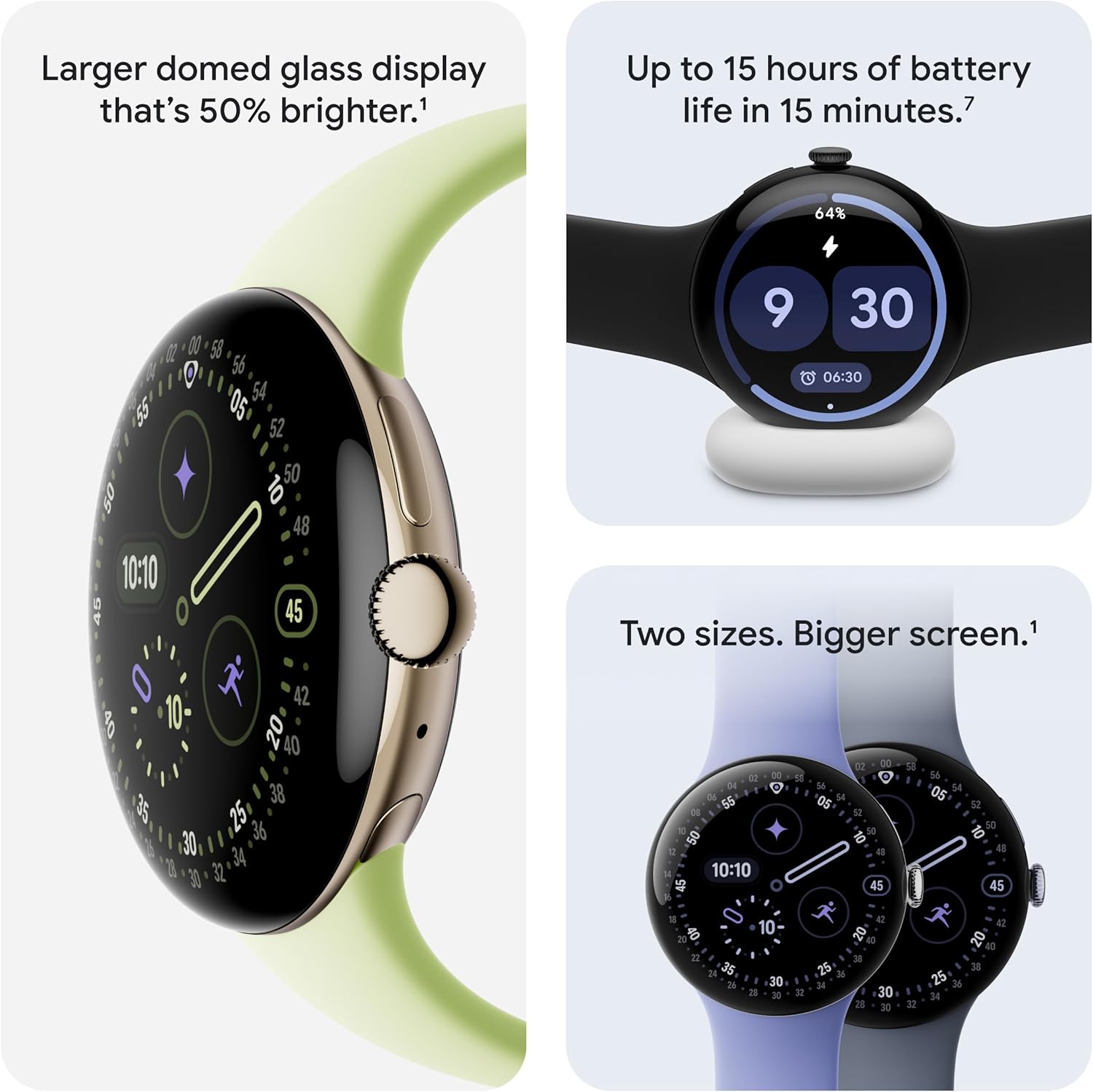
Figure 4: The Google Pixel Watch 4 displaying various exercise modes, including Aerobics, Running, and Walking, with real-time statistics.
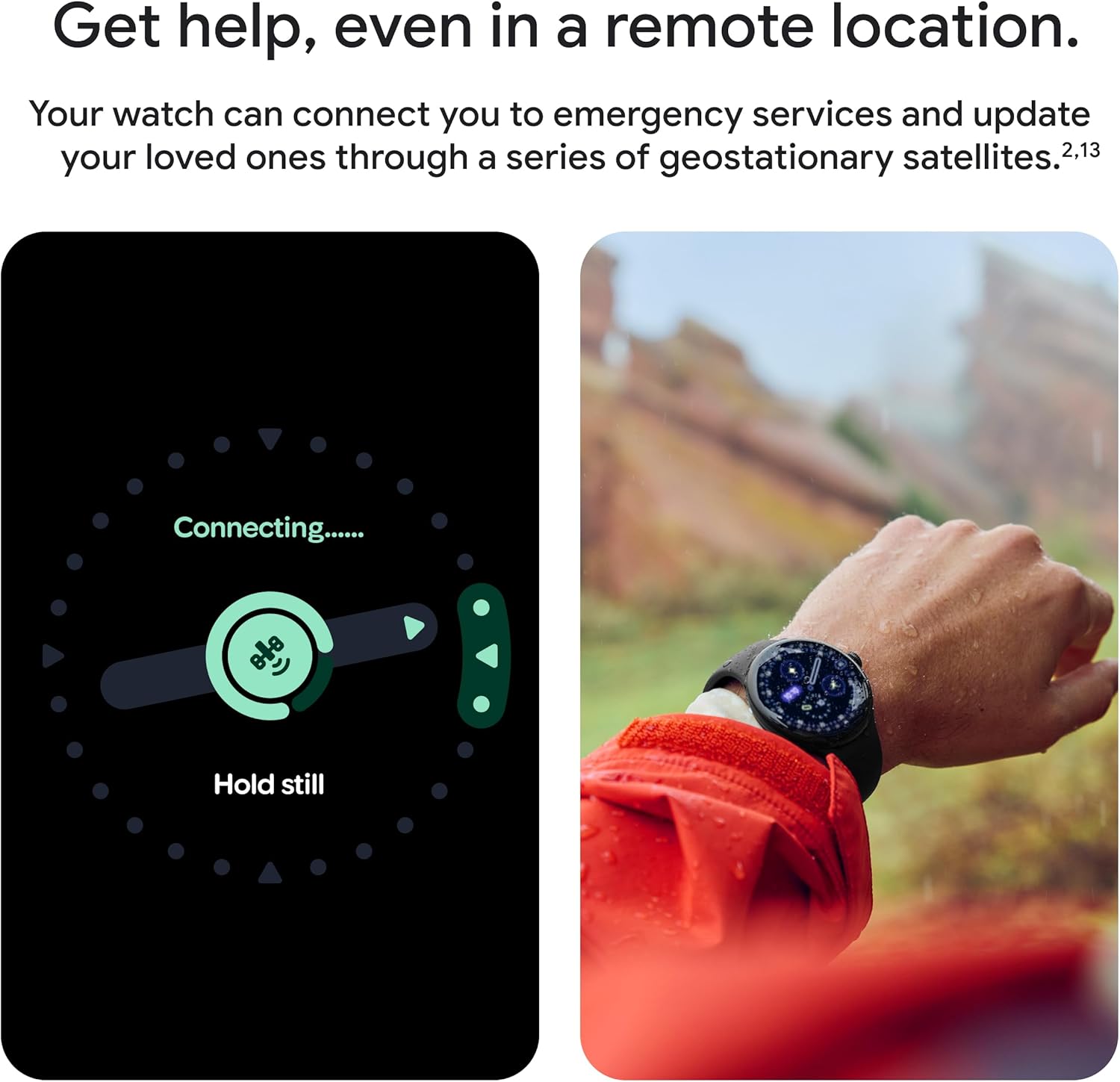
Figure 5: Two Google Pixel Watch 4 displays showing a Readiness Score of 82 (High) and workout metrics including warm-up time, distance, heart rate, and miles covered.
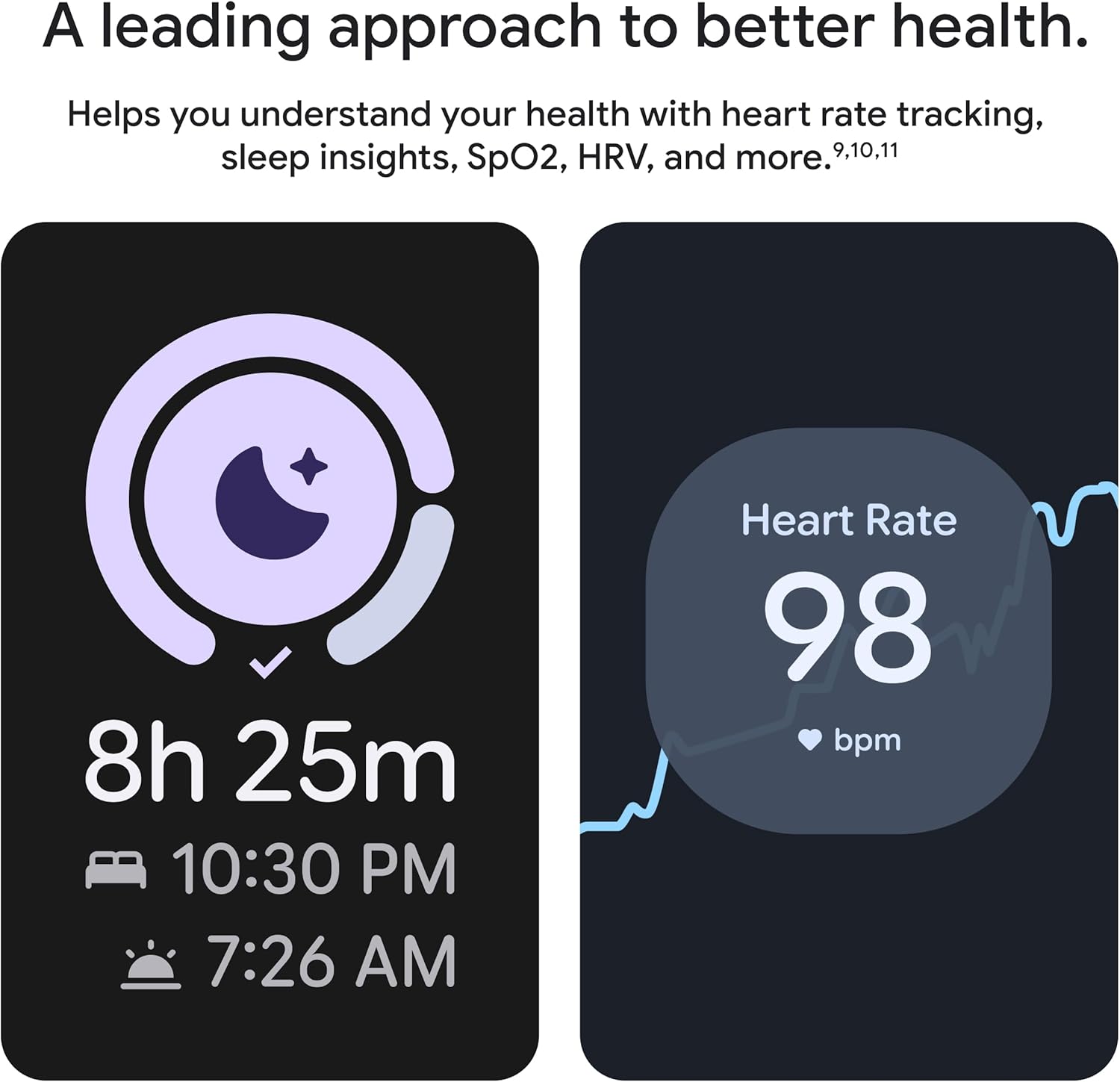
Figure 6: The Google Pixel Watch 4 displaying sleep duration (8h 25m) and heart rate data (98 bpm), illustrating its health tracking capabilities.
5. Safety Features
The Pixel Watch 4 includes advanced safety features for peace of mind:
- Loss of Pulse Detection: Can detect a loss of pulse event and automatically prompt a call to emergency services.
- Emergency Services Connection: In remote locations, the watch can connect you to emergency services via geostationary satellites.
- Emergency Contacts: Sends your real-time location and battery level to chosen contacts in urgent situations.
- Fall Detection: Helps connect you to emergency services if a hard fall is detected.
- Safety Timer: Set a safety timer for runs or when alone at night, alerting contacts if not disarmed.

Figure 7: The Google Pixel Watch 4 displaying a "Connecting..." screen for emergency services and a user wearing the watch in a remote, outdoor setting.
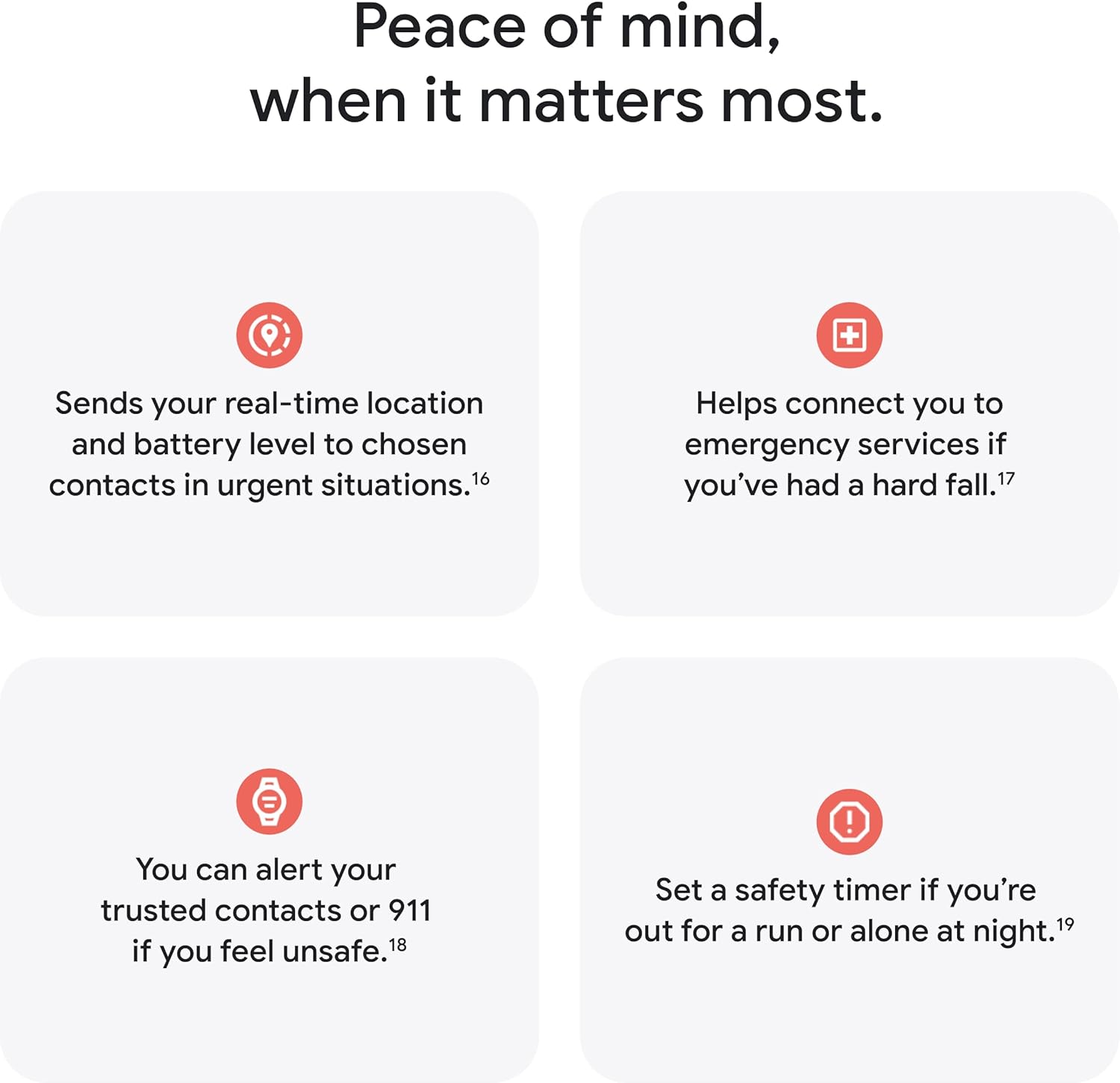
Figure 8: The Google Pixel Watch 4 display showing a "No pulse detected" alert, indicating it will call 911, demonstrating its Loss of Pulse Detection feature.

Figure 9: An overview of Google Pixel Watch 4 safety features, including sending real-time location, connecting to emergency services for falls, alerting trusted contacts, and setting a safety timer.
6. Battery and Charging
The Google Pixel Watch 4 offers improved battery performance:
- Battery Life: Up to 40 hours of battery life with typical usage, or up to 72 hours in Battery Saver mode.
- Fast Charging: The new side charging dock provides up to 15 hours of battery life in 15 minutes or less.

Figure 10: The Google Pixel Watch 4 on its charging dock, displaying 64% battery, alongside a comparison highlighting up to 15 hours of battery life in 15 minutes and two sizes with a bigger screen.
7. Specifications
| Feature | Detail |
|---|---|
| Product Dimensions | 1.77 x 1.77 x 0.48 inches |
| Item Weight | 9 ounces |
| ASIN | B0FJWQP6LX |
| Item Model Number | GA09962-US |
| Batteries | 1 Lithium Ion batteries required (included) |
| OS | Wear OS 6.0 |
| Connectivity Technologies | Wi-Fi, Bluetooth |
| GPS | Built-in GPS (Dual-Frequency) |
| Special Features | Actua 360 Display, Fast Charging, Gemini AI Assistant, Health Tracking Insights |
| Human Interface Input | Touchscreen |
| Color | Obsidian Band with Matte Black Case |
| Manufacturer | |
| Date First Available | August 20, 2025 |
| Standing Screen Display Size | 45 Millimeters |
| Memory Storage Capacity | 32 GB |
| RAM Memory Installed Size | 32 GB |
| Battery Capacity | 455 mAh |
| Shape | Round |
8. Troubleshooting
If you encounter issues with your Google Pixel Watch 4, consider the following general troubleshooting steps:
- Restart the Watch: A simple restart can resolve many minor software glitches.
- Check Connectivity: Ensure your watch is properly connected to Wi-Fi or Bluetooth, and your paired Android device is within range.
- Update Software: Verify that your Wear OS and all apps are updated to the latest versions.
- Review Settings: Double-check relevant settings for features that are not working as expected (e.g., notification settings, fitness tracking preferences).
- Factory Reset: As a last resort, a factory reset can resolve persistent software issues, but will erase all data on the watch. Back up important data before proceeding.
9. Maintenance
To ensure the longevity and optimal performance of your Google Pixel Watch 4:
- Cleaning: Regularly clean your watch and band with a soft, lint-free cloth. For stubborn dirt, a slightly damp cloth can be used. Avoid harsh chemicals or abrasive materials.
- Water Resistance: The watch is water resistant up to 50 meters. It is suitable for shallow-water activities like swimming, but not for scuba diving or high-velocity water sports. Always dry the watch thoroughly after exposure to water.
- Avoid Extreme Temperatures: Do not expose the watch to extreme hot or cold temperatures, as this can affect battery life and internal components.
- Screen Protection: While durable with scratch-resistant Gorilla Glass, consider a screen protector for added protection against impacts.
10. Warranty and Support
For warranty information, technical support, or service inquiries, please refer to the official Google support website or contact Google customer service directly. Keep your proof of purchase for warranty claims.


