
1. Introduction
The Radtel P6 is a compact, high-performance Push-to-Talk Over Cellular (PoC) radio designed for reliable communication over unlimited ranges. This lightweight, handheld device is suitable for various applications, from daily use to outdoor adventures, offering features like channel scanning, emergency alerts, and clear audio. This manual provides essential information for setting up, operating, maintaining, and troubleshooting your Radtel P6 PoC Radio.
2. Product Overview
The Radtel P6 PoC Radio offers nationwide coverage through its 4G LTE connectivity, ensuring communication without traditional range limitations. It features a durable design, a high-capacity battery, and an integrated flashlight.
This image features the Radtel P6 PoC Radio alongside a map of the United States, visually representing its capability for nationwide communication over a 5000km range using public network Push-to-Talk Over Cellular (PoC) technology. Key features like long-range communication, 6000mAh battery, and high-speed module are also indicated.
2.1 Key Features
- Push-to-Talk Over Cellular (PoC): Unlimited range communication using 4G LTE networks.
- Pre-installed SIM Card: Ready to use upon activation, often with a free initial service period.
- Long-lasting Battery: Equipped with a polymer lithium battery for extended operation.
- Integrated Flashlight: LED high-intensity flashlight for illumination in low-light conditions.
- Durable Design: Built for demanding environments, resistant to water.
- Type-C Charging: Convenient and modern charging interface.
- Versatile Communication: Supports single calls and group calls with free grouping functionality.
2.2 Radio Components

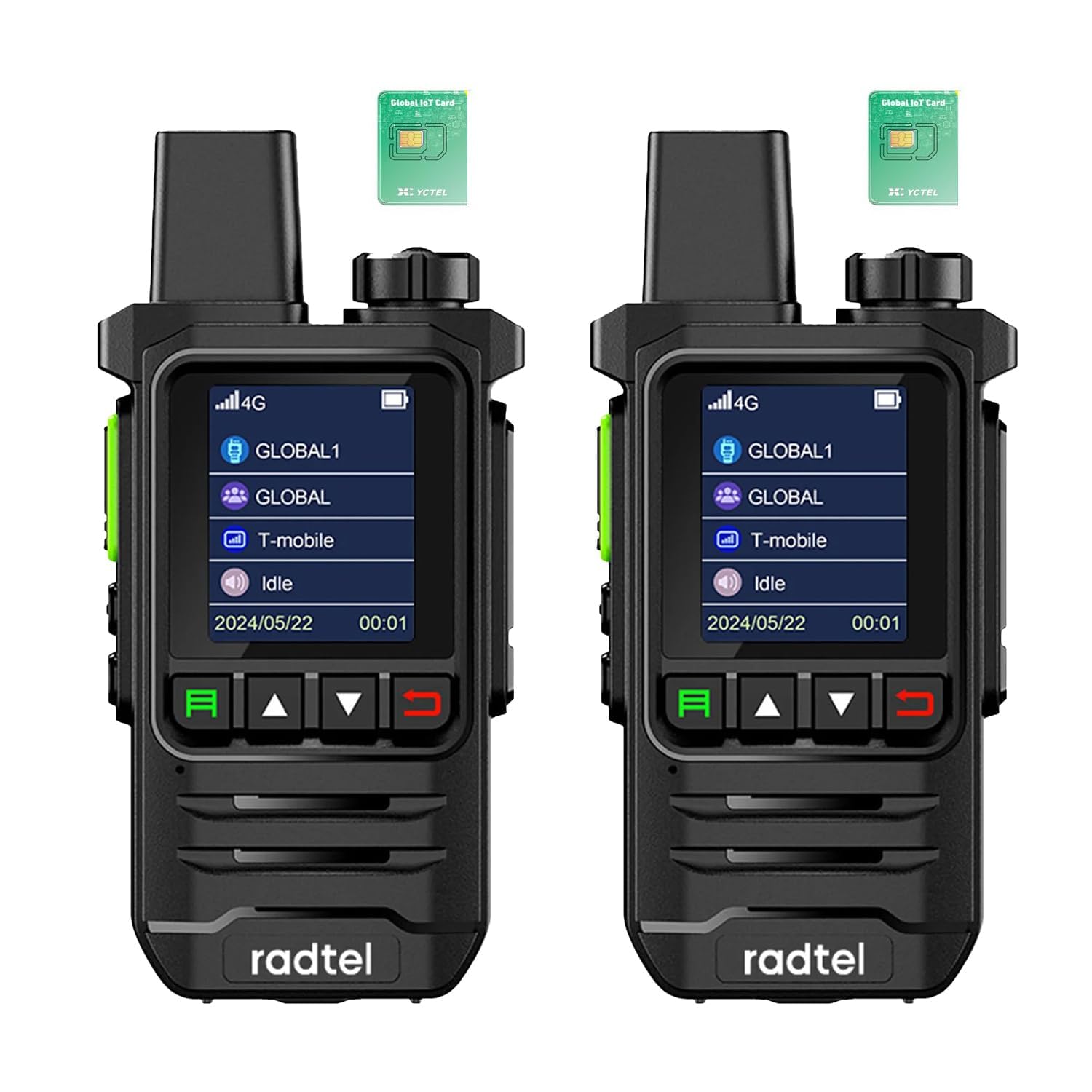
This image shows the front of the Radtel P6 PoC Radio, highlighting its display screen with a 4G LTE network indicator, and the primary control buttons for navigation and operation. The radio's compact design is visible.

The back of the Radtel P6 PoC Radio is shown, detailing the accessible SIM card slots (SIM 1 and SIM 2) and the product information label, which includes the model number P6 and FCC ID.
The Radtel P6 features a clear display, intuitive control buttons, a robust antenna, and a speaker/microphone for clear audio. The rear panel provides access to the SIM card slots and battery compartment.
3. Setup
3.1 SIM Card Installation
The Radtel P6 PoC Radio comes with a pre-installed SIM card, which is typically free for the first year of service. No manual installation is required for initial use. Simply power on the device to activate the service.
3.2 Battery Charging
Before first use, fully charge the radio's battery. Use the provided Type-C charging cable and a compatible power adapter.
- Connect the Type-C cable to the charging port on the radio.
- Connect the other end of the cable to a USB power source.
- The charging indicator on the radio will show the charging status.
- Once fully charged, disconnect the cable.
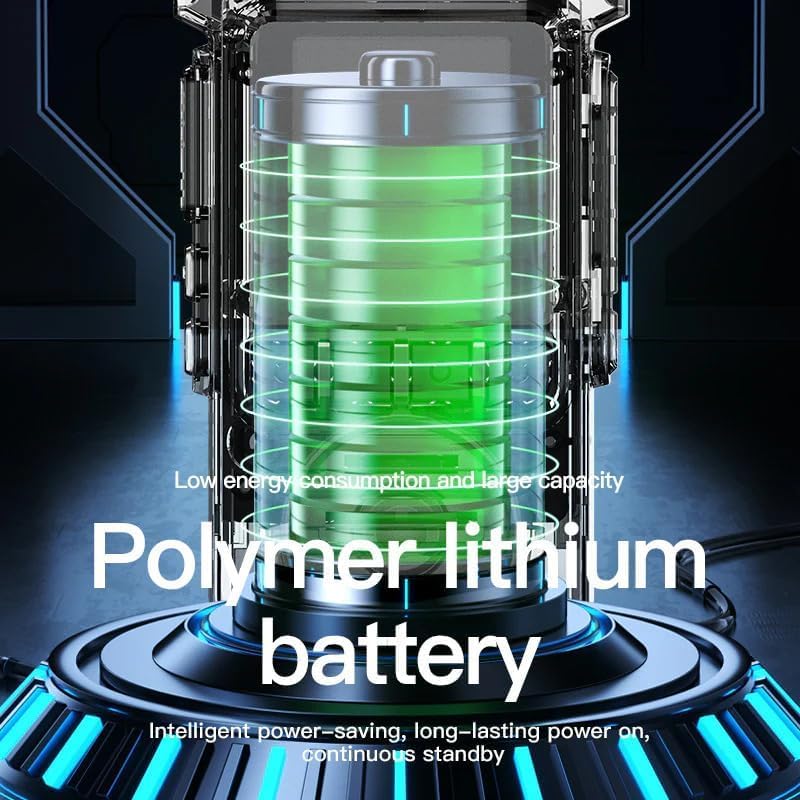
An illustrative image of a polymer lithium battery, representing the power source for the Radtel P6 PoC Radio, with text indicating its low energy consumption, large capacity, intelligent power-saving, and long-lasting standby features.
3.3 Initial Power On
Press and hold the Power button until the screen illuminates. The radio will connect to the cellular network automatically. Once connected, it is ready for communication.
4. Operating Instructions
4.1 Power On/Off
- To Power On: Press and hold the Power button until the device starts.
- To Power Off: Press and hold the Power button until a power-off prompt appears, then confirm.
4.2 Push-to-Talk (PTT) Function
The PTT button is located on the side of the radio. To transmit your voice:
- Ensure the radio is connected to the network and the desired channel/group is selected.
- Press and hold the PTT button.
- Speak clearly into the microphone.
- Release the PTT button to listen for a response.
4.3 Volume Control
Use the dedicated volume buttons (usually up/down arrows) to adjust the speaker volume to a comfortable level.
4.4 Channel/Group Selection
The Radtel P6 supports single and group calls. Use the navigation buttons to browse and select different communication channels or groups as configured on the platform.
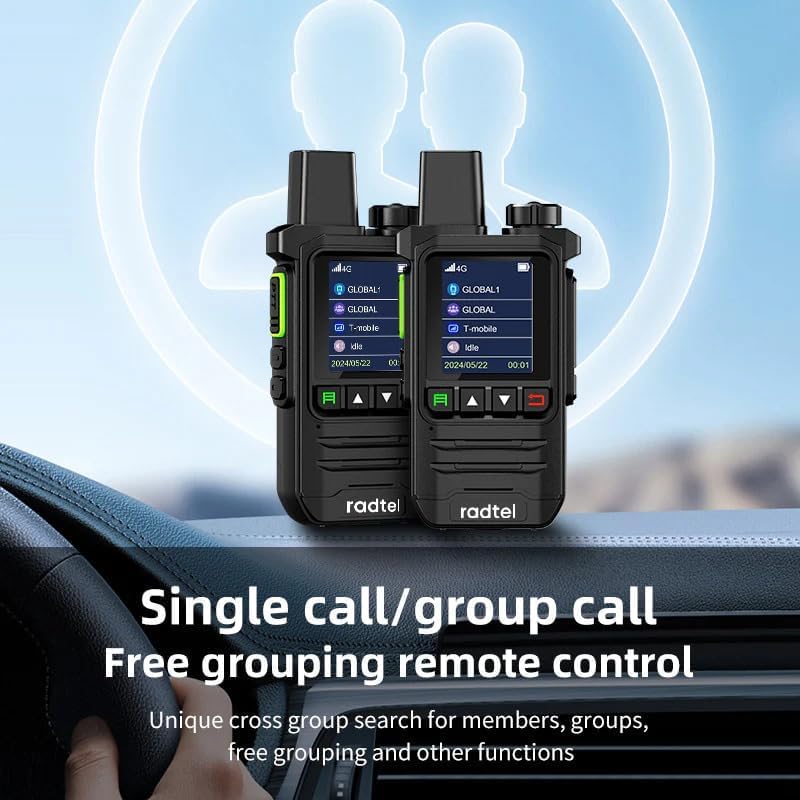
This image illustrates two Radtel P6 PoC Radios, highlighting their 'Single call/group call' functionality and 'Free grouping remote control' for flexible communication management.
4.5 Flashlight Operation
The radio includes an LED high-intensity flashlight. Refer to the device's specific button layout for activating and deactivating the flashlight function.
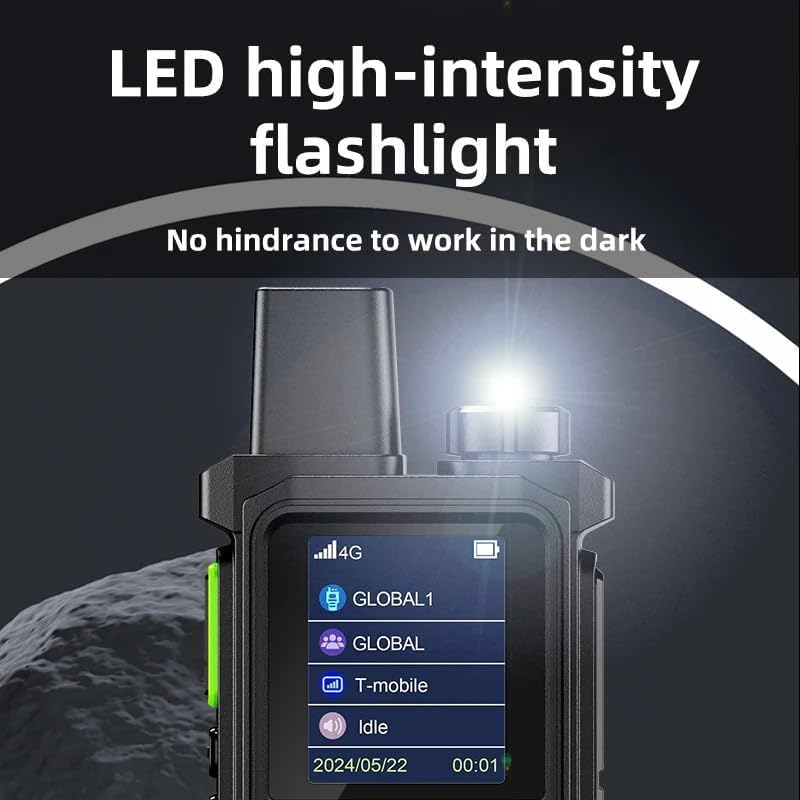
A detailed view of the Radtel P6 PoC Radio's integrated LED high-intensity flashlight, demonstrating its function to provide illumination in dark environments.
5. Maintenance
5.1 Cleaning
Regularly clean the radio's exterior with a soft, damp cloth. Avoid using harsh chemicals or abrasive materials that could damage the casing or screen.
5.2 Battery Care
- Avoid fully discharging the battery frequently.
- Charge the battery in a cool, dry environment.
- If storing the radio for an extended period, charge the battery to approximately 50% and store it separately if possible.
5.3 Storage
Store the radio in a cool, dry place away from direct sunlight, extreme temperatures, and corrosive materials. Ensure it is protected from dust and moisture.
6. Troubleshooting
If you encounter issues with your Radtel P6 PoC Radio, try the following steps:
- No Power: Ensure the battery is fully charged. Check the charging cable and adapter.
- No Network Connection: Verify that you are in an area with 4G LTE cellular coverage. Restart the radio.
- Cannot Transmit/Receive: Check if the correct channel/group is selected. Ensure the PTT button is pressed correctly during transmission. Verify volume settings.
- Poor Audio Quality: Ensure the microphone and speaker are not obstructed. Move to an area with better network signal.
- Device Unresponsive: Perform a soft reset by powering off and on the device. If unresponsive, allow the battery to fully discharge and then recharge.
For persistent issues, contact customer support.
7. Specifications
| Feature | Specification |
|---|---|
| Brand | Radtel |
| Model Number | rt-p6 |
| Color | Black |
| Special Features | Included SIM Card, Long Range (USA/CA/MX), No Monthly Fee (first year), Type-C Rechargeable, Unlimited Range |
| Resistance | 50 Ohms |
| Compatible Devices | Other two-way radios on the same frequency/channel, compatible accessories (slings, belt clips) |
| Battery Composition | Lithium-ion |
| Rechargeable Battery | Yes |
| Manufacturer Warranty | 1 Year |
| Number of Channels | 2 |
| Frequency Range | 144-146MHz, 430-440Mhz |
| Maximum Range | 5000 Kilometers (PoC) |
| Voltage | 7.4 Volts |
| Water Resistance Level | Waterproof |
| Product Dimensions | 3P x 5W x 8.5H centimeters |
| Number of Batteries | 1 (9V - included) |
| Country of Origin | China |
8. Warranty Information
The Radtel P6 PoC Radio comes with a 1-year manufacturer's warranty. This warranty covers defects in materials and workmanship under normal use. Please retain your proof of purchase for warranty claims. For specific terms and conditions, refer to the warranty card included with your product or contact Radtel customer support.
9. Support
For any questions, technical assistance, or warranty inquiries regarding your Radtel P6 PoC Radio, please contact Radtel customer service. You can typically reach support via the email address provided in your product packaging or on the official Radtel website.
Email: Refer to product packaging or official Radtel website for contact details.


