
Introduction
The Google Pixel Watch 4 is an advanced smartwatch designed by Google, featuring precision craftsmanship and a focus on health, fitness, and smart assistance. This manual provides essential information for setting up, operating, maintaining, and troubleshooting your device.

Image: The Google Pixel Watch 4 (41mm) in Matte Black with an Obsidian Active Band, displaying a digital watch face with time, fitness tracking, and other metrics.
Key features include a first-of-its-kind Actua 360 domed display, extended battery life, fast charging capabilities, and integrated Google AI (Gemini). It offers comprehensive health and fitness tracking tools, alongside critical safety features for user peace of mind.
What's in the Box
Upon unboxing your Google Pixel Watch 4, verify that all the following components are present:
- Google Pixel Watch 4 (41mm) Wi-Fi Black / Obsidian
- Watch Band (Obsidian Active Band, typically includes both large and small sizes)
- USB-C Fast Charging Cable
- Quick Start Guide
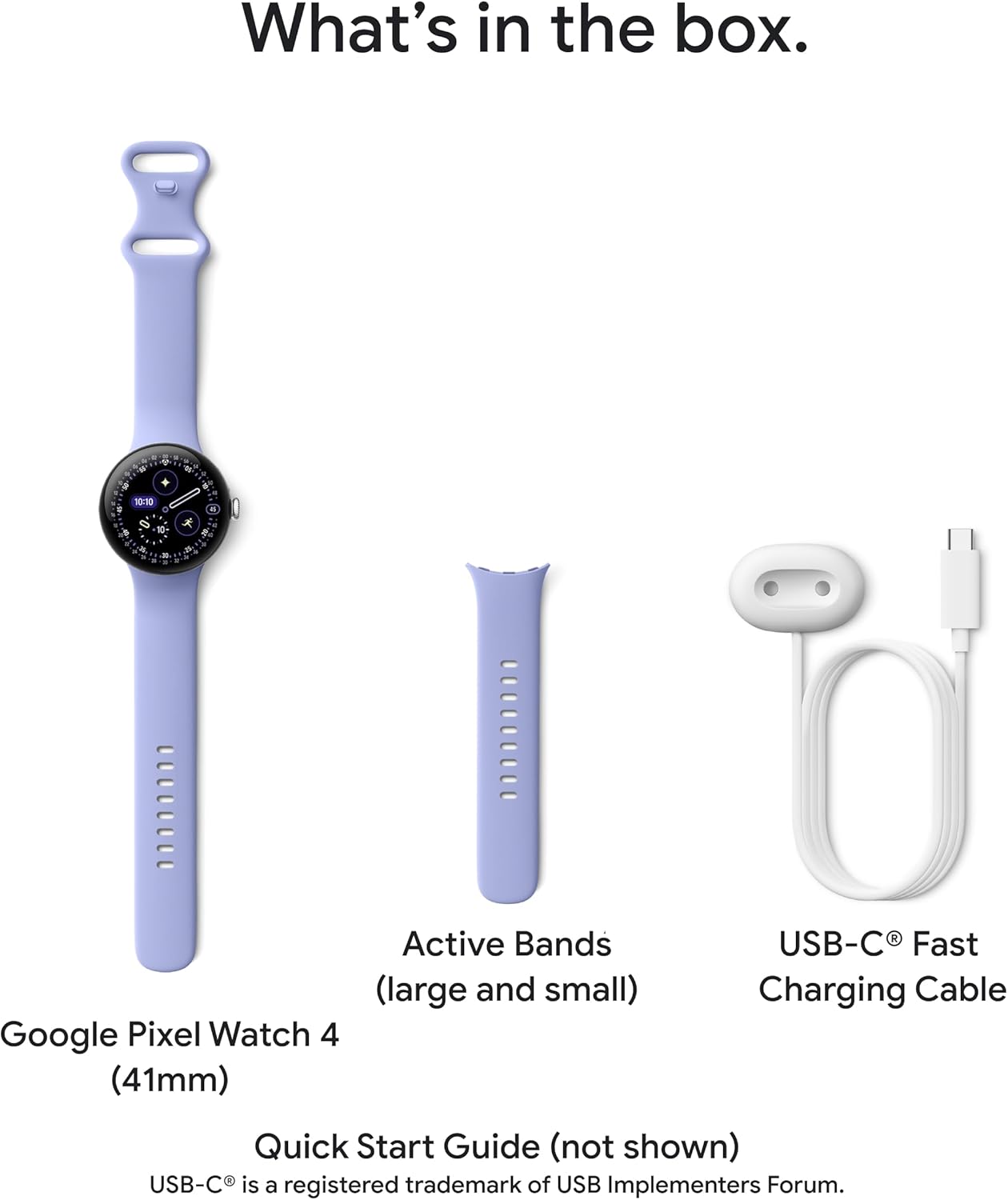
Image: A visual representation of the Google Pixel Watch 4 (41mm), two sizes of the Active Band, and the USB-C Fast Charging Cable, illustrating the typical contents of the product box.
Setup
Initial Device Activation
- Charge the Watch: Before first use, connect the USB-C Fast Charging Cable to the watch and a compatible power adapter. Ensure the watch is fully charged.
- Power On: Press and hold the crown (side button) until the Google logo appears.
- Language Selection: Follow the on-screen prompts to select your preferred language.
Pairing with an Android Device
The Google Pixel Watch 4 is compatible with most Android devices running Android 11.0 or newer. Ensure your phone's Bluetooth is enabled.
- Install Google Pixel Watch App: On your Android phone, download and install the Google Pixel Watch app from the Google Play Store.
- Open App and Follow Prompts: Open the app and follow the on-screen instructions to begin the pairing process. Your watch will display a pairing code.
- Confirm Pairing: Confirm the pairing code on both your watch and phone.
- Complete Setup: The app will guide you through setting up Google accounts, Wi-Fi, and other preferences.

Image: Multiple Android smartphones displaying various Google Pixel Watch app interfaces, demonstrating the watch's compatibility and integration with Android devices.
Operating the Device
Display and Interaction
The Pixel Watch 4 features an Actua 360 domed display, which is 10% larger and 50% brighter than previous models, offering enhanced visibility and durability with scratch-resistant Gorilla Glass.
- Touchscreen: Navigate menus, select apps, and interact with notifications by tapping and swiping on the display.
- Crown: Rotate the crown to scroll through lists or adjust settings. Press the crown to return to the watch face or access the app drawer.
- Side Button: Typically used for quick access to recent apps or specific functions, configurable via settings.
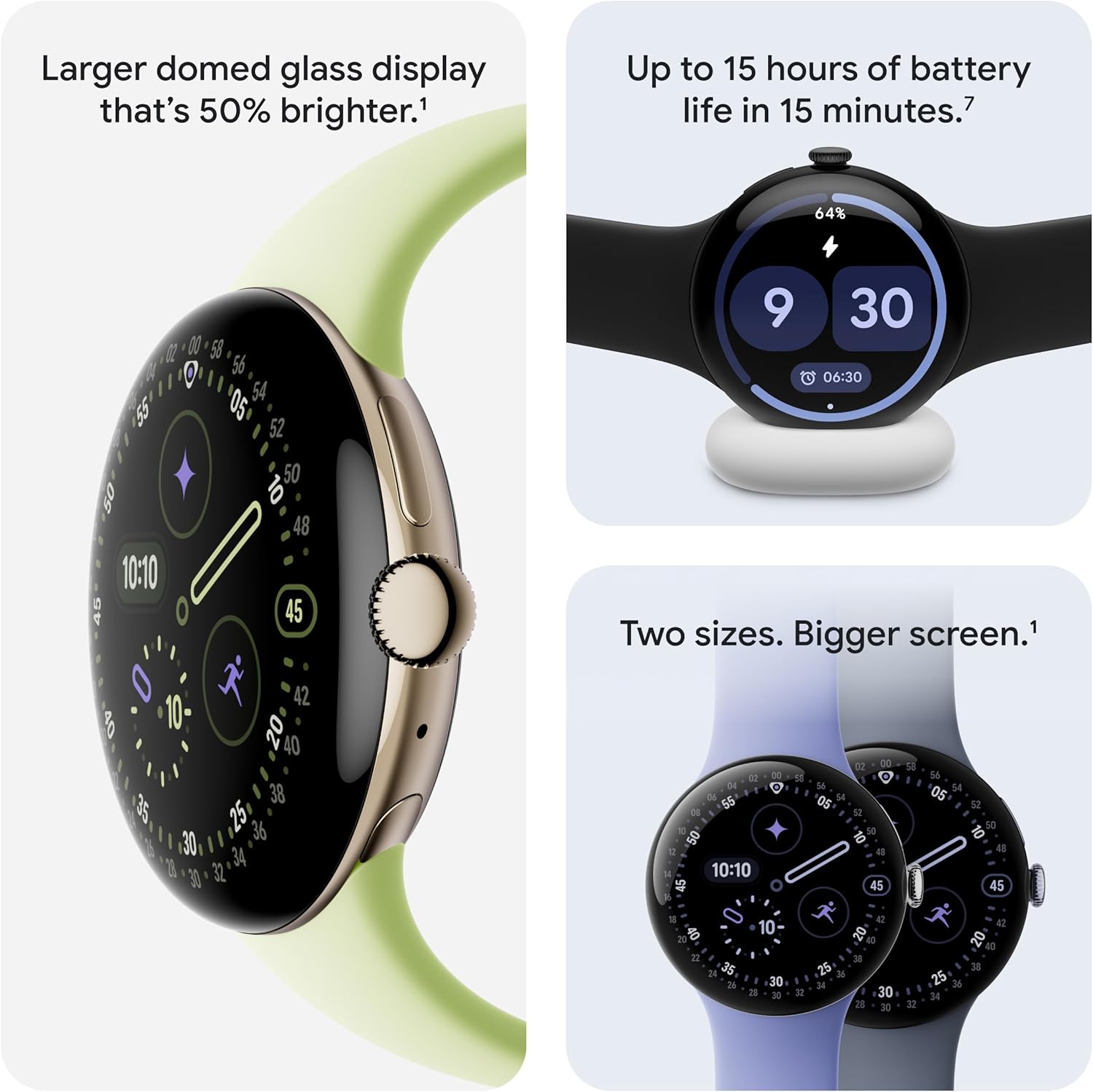
Image: A composite image showing the Google Pixel Watch 4's larger domed glass display, its fast charging capability on a charging dock, and a comparison of two watch sizes (41mm and 45mm).
Battery Life and Charging
The Pixel Watch 4 offers up to 30 hours of battery life, or up to 48 hours in Battery Saver mode. The new side charging dock provides rapid charging, delivering up to 15 hours of battery life in 15 minutes or less.
Gemini AI Assistant
The watch integrates Gemini, Google's AI assistant. You can ask questions directly to your watch for quick responses and personalized help. AI-powered quick replies are also available for texting.
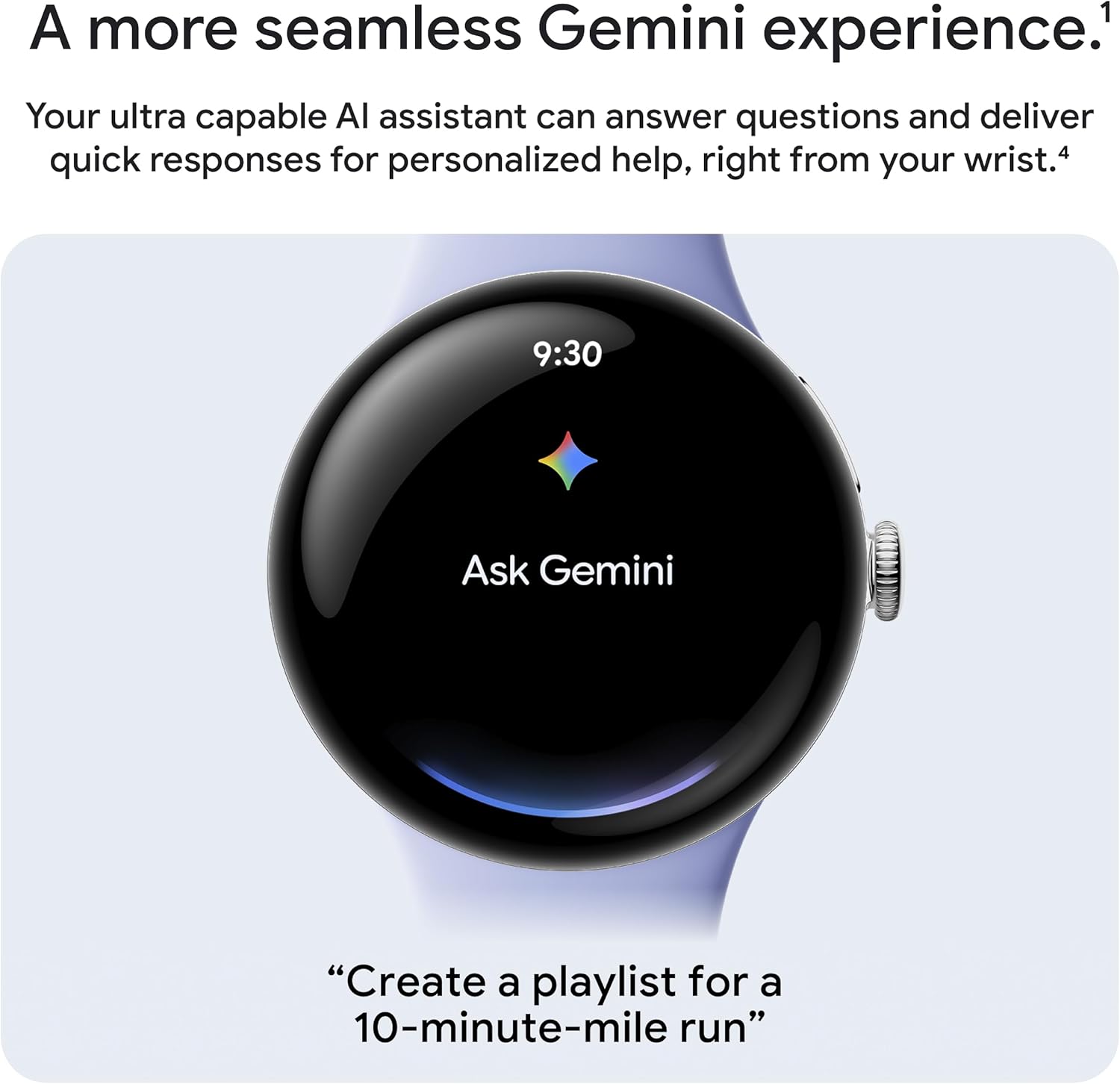
Image: The Google Pixel Watch 4 display showing "Ask Gemini" with the Gemini AI assistant's colorful icon, illustrating the integrated AI functionality.
Health and Fitness Tracking
The Pixel Watch 4 provides comprehensive health and fitness monitoring:
- Heart Rate Tracking: Utilizes Google's accurate heart rate tracking technology.
- Sleep Insights: Monitors sleep patterns and provides detailed insights into sleep quality.
- Key Health Metrics: Tracks SpO2 (blood oxygen saturation) and HRV (Heart Rate Variability).
- Exercise Modes: Over 40 exercise modes are available with real-time stats displayed on your wrist.
- Dual-Frequency GPS: Provides highly accurate route tracking for outdoor activities like running and hiking.

Image: A composite image showing the Google Pixel Watch 4 displaying various exercise modes (Aerobics, Running, Walking) and a person stretching on a running track, highlighting the watch's fitness tracking capabilities.

Image: Two Google Pixel Watches displaying health metrics: one shows a "Readiness" score of 82 (High), and the other shows workout statistics including warm-up time, distance, heart rate (120 bpm), and miles covered.
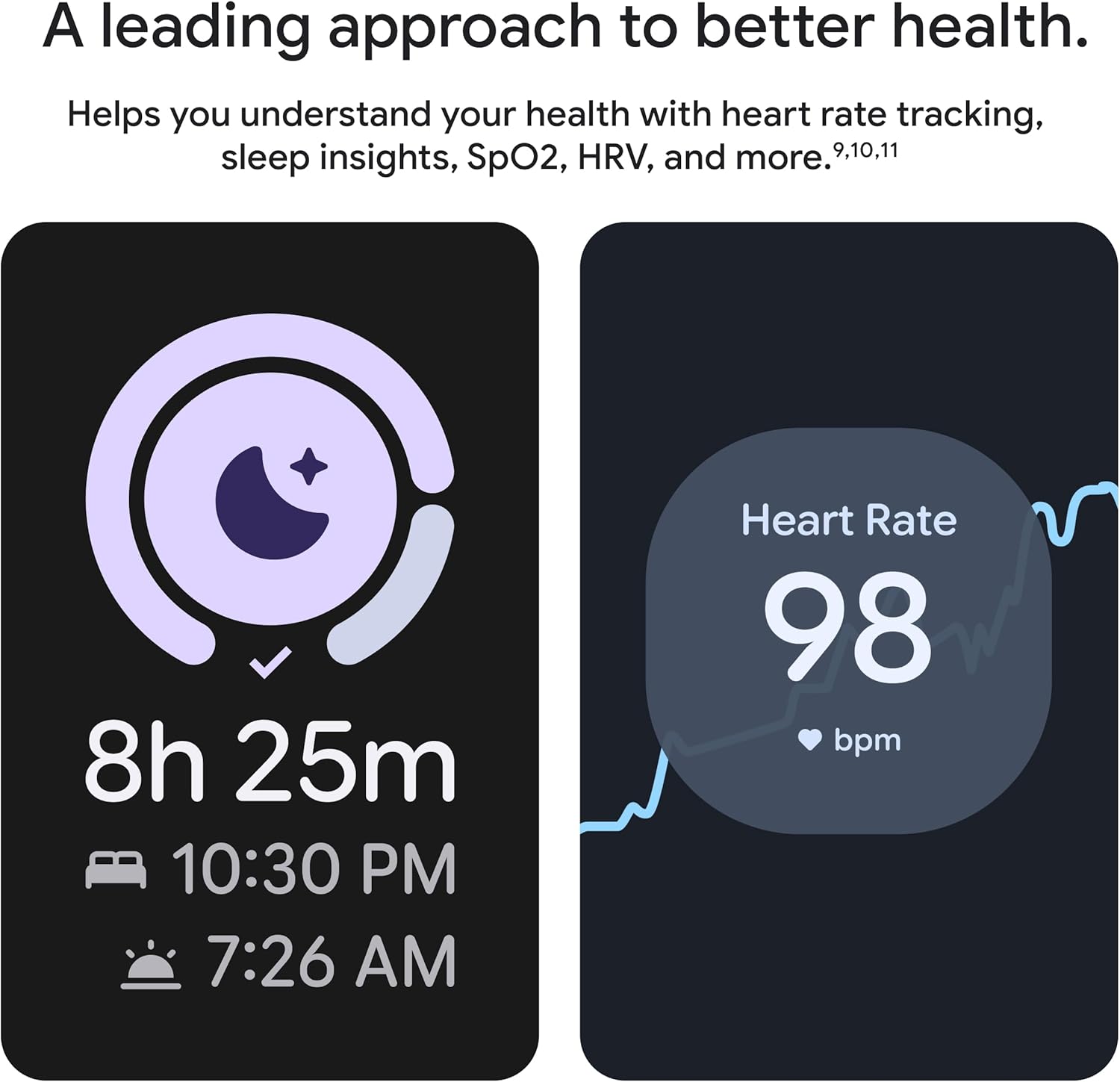
Image: Two Google Pixel Watch displays showing health data: one illustrates sleep insights with total sleep duration (8h 25m) and sleep/wake times, and the other shows a heart rate reading of 98 bpm with a heart rate graph.
Safety Features
The Pixel Watch 4 incorporates several safety features for emergency situations:
- Loss of Pulse Detection: Can detect a loss of pulse event and automatically prompt a call to emergency services.
- Emergency Services Connection (Satellite): In remote locations, the watch can connect to emergency services via geostationary satellites.
- Fall Detection: Helps connect you to emergency services if a hard fall is detected.
- Emergency Sharing: Sends your real-time location and battery level to chosen contacts in urgent situations.
- Safety Timer: Allows you to set a timer for situations where you might feel unsafe, such as during a run or when alone at night.
- Emergency Call: You can alert trusted contacts or 911 directly from the watch.
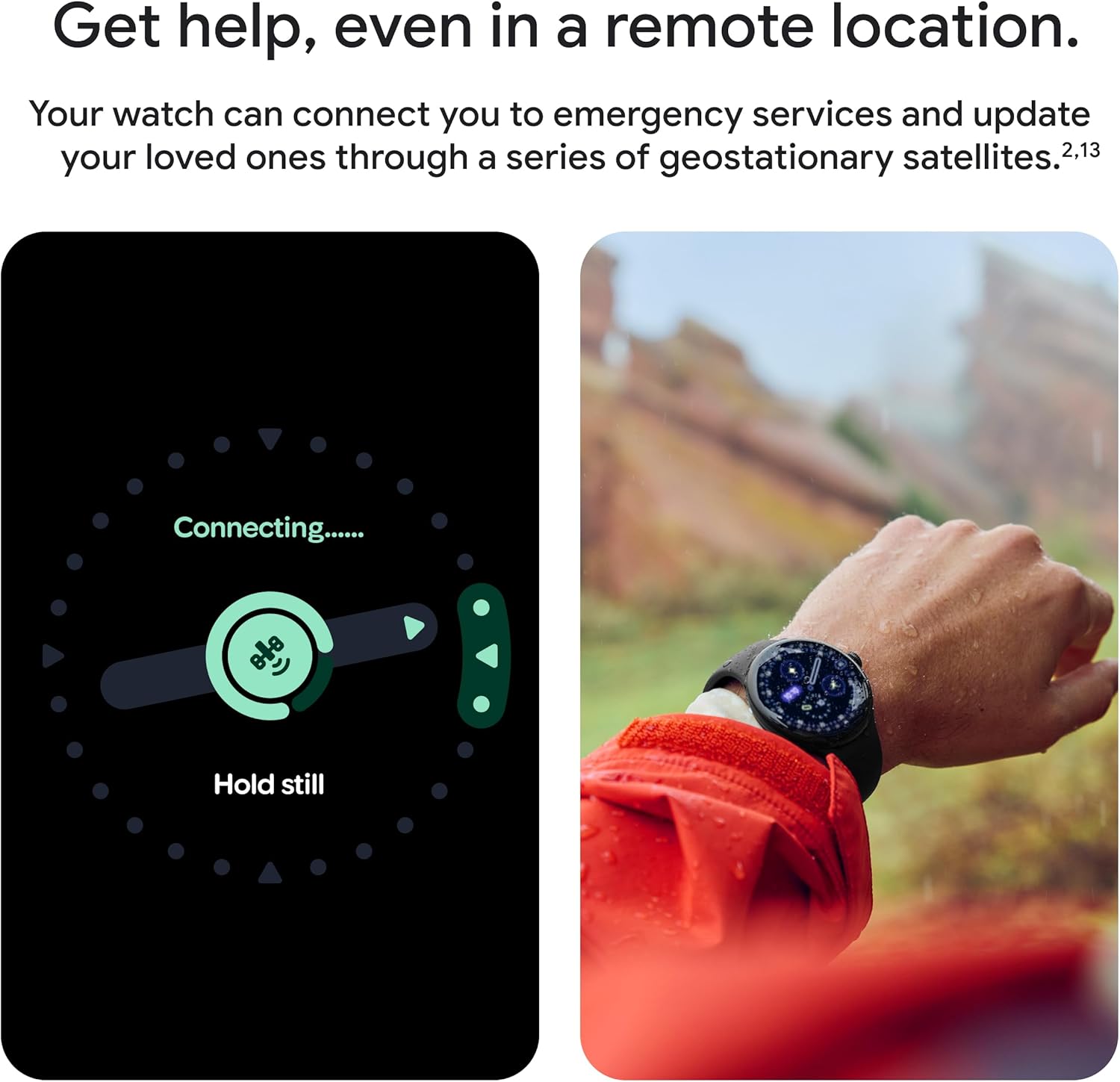
Image: A composite image showing the Google Pixel Watch 4 display indicating "Connecting..." for emergency services and a person wearing the watch outdoors, demonstrating its ability to connect for help in remote locations.

Image: The Google Pixel Watch 4 display showing a critical alert: "No pulse detected. Will call 911," illustrating the Loss of Pulse Detection feature.
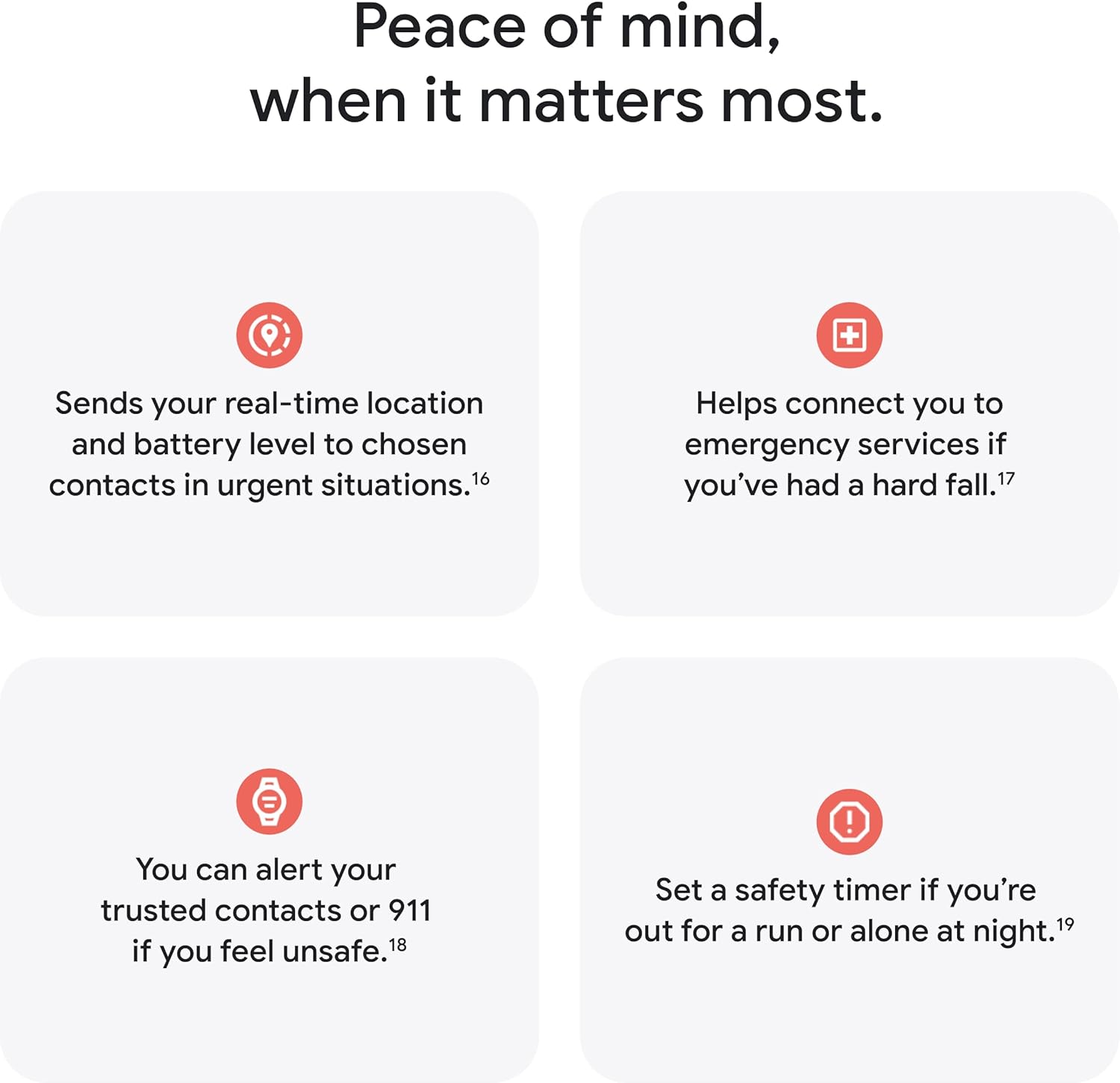
Image: A graphic illustrating four key safety features of the Google Pixel Watch 4: sending real-time location, connecting to emergency services for hard falls, alerting trusted contacts/911, and setting a safety timer.
Maintenance
Cleaning Your Watch
To maintain the appearance and functionality of your Pixel Watch 4:
- Wipe the display and case with a soft, lint-free cloth.
- For stubborn smudges, slightly dampen the cloth with water. Avoid harsh chemicals or abrasive materials.
- Clean the watch band regularly according to its material type (e.g., silicone bands can be washed with mild soap and water).
Water Resistance
The Pixel Watch 4 has a water resistance rating of 5 ATM (up to 50 meters). This means it can be used for shallow-water activities like swimming in a pool or ocean. It is not suitable for scuba diving, waterskiing, or other activities involving high-velocity water or submersion below shallow depth.
Important: Water resistance is not a permanent condition and may diminish over time. Avoid exposing the watch to soap, detergents, or highly acidic liquids, as these can damage seals.
Troubleshooting
If you encounter issues with your Google Pixel Watch 4, consider the following general troubleshooting steps:
- Restart the Device: Often, a simple restart can resolve minor software glitches. Press and hold the crown until the power options appear, then select "Restart."
- Check Connectivity: Ensure Bluetooth is enabled on your phone and the watch is within range. Verify Wi-Fi connection if applicable.
- Update Software: Make sure both your watch and the Google Pixel Watch app on your phone are running the latest software versions.
- Factory Reset: As a last resort, if issues persist, you may need to perform a factory reset. This will erase all data on the watch, so back up any important information first. This option is typically found in the watch's settings under "System" or "Connectivity."
For more detailed troubleshooting or persistent issues, refer to the official Google support website or contact Google customer service.
Specifications
| Feature | Detail |
|---|---|
| Model Number | GA09958-US |
| Display Size | 41 Millimeters (Actua 360 domed display) |
| Operating System | Android |
| Connectivity | Wi-Fi, Bluetooth |
| GPS | Built-in Dual-Frequency GPS |
| Battery Life | Up to 30 hours (Up to 48 hours in Battery Saver mode) |
| Charging | USB-C Fast Charging (15 hours battery in 15 minutes) |
| Water Resistance | 5 ATM (up to 50 meters) |
| Internal Storage | 32 GB |
| Case Material | Aluminum |
| Color | Obsidian Band with Matte Black Case |
| Item Weight | 8.7 ounces |

Image: A comparison table detailing specifications between the Google Pixel Watch 4 and Pixel Watch 3, including size, display, battery, charging, GPS, and Gemini AI presence.
Warranty and Support
For information regarding the product warranty, please refer to the warranty card included with your Google Pixel Watch 4 or visit the official Google support website. Google provides comprehensive support for its products, including online resources, FAQs, and customer service contact options.
You can find additional support and resources by visiting the Google Store on Amazon or the main Google support pages.


