
1. Introduction
Thank you for purchasing the WOLFANG Portable Projector WP05. This device is designed to provide a versatile and immersive viewing experience with its Android 11 operating system, high-definition resolution, and portable design. This manual provides essential information for setting up, operating, and maintaining your projector. Please read it thoroughly before use to ensure optimal performance and safety.
2. Safety Information
Please observe the following safety precautions to prevent damage to the projector and ensure user safety:
- Do not look directly into the projector lens when the lamp is on.
- Ensure proper ventilation around the projector to prevent overheating.
- Use only the power adapter supplied with the projector.
- Keep the projector away from water, moisture, and flammable materials.
- Do not attempt to disassemble or repair the projector yourself. Contact qualified service personnel for assistance.
- Keep out of reach of children.
3. Package Contents
Verify that all items are present in your package:
- WOLFANG Portable Projector WP05
- Remote Control (with Air Mouse function)
- Power Adapter
- User Manual

Image: Front view of the WOLFANG Portable Projector WP05 retail box, showing the product name and a graphic of the projector.
4. Product Overview
Familiarize yourself with the components of your WOLFANG Portable Projector WP05.
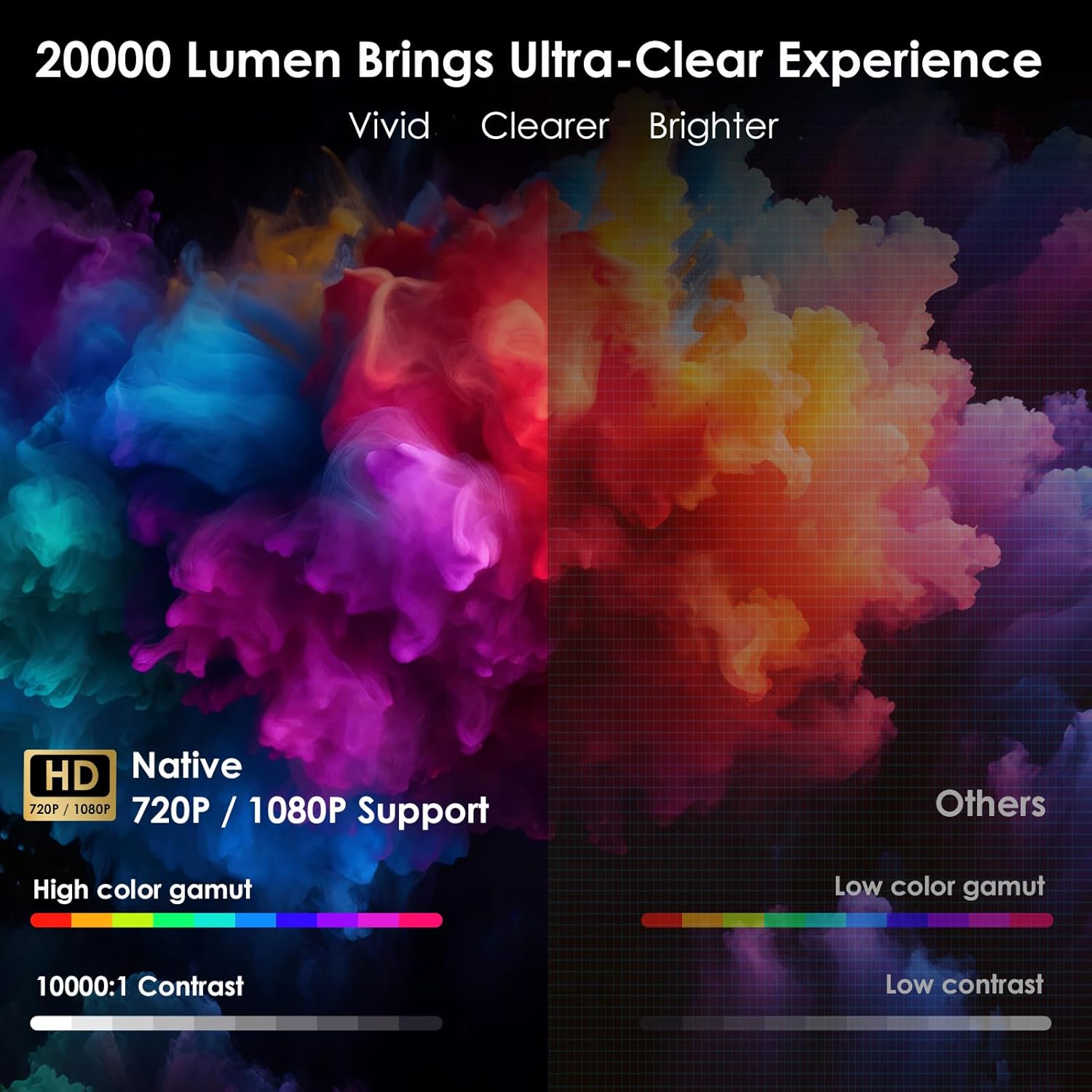
Image: The WOLFANG Portable Projector WP05 shown from the front, highlighting its compact cylindrical design and lens.
Key Features:
- HD 1080P Resolution: Supports 1920 x 1080P resolution for clear visuals.
- Android 11 OS: Built-in operating system with access to over 5,000 applications.
- Automatic Keystone Correction: ±45° auto vertical keystone correction for image alignment.
- 180° Rotatable Stand: Flexible projection angle for walls, ceilings, or floors.
- Dual-band Wi-Fi 6: Supports 2.4G and 5G networks for stable and fast streaming.
- Bluetooth 5.2: For connecting external audio devices.
- Built-in Hi-Fi Speaker: Integrated 3W speaker for audio output.
- Compact and Portable: Weighs approximately 0.6KG for easy transport.

Image: The WOLFANG Portable Projector WP05 being placed into a backpack, illustrating its compact and portable design with dimensions of 6.14 inches in length and 3.74 inches in width.
5. Setup
5.1 Placement
Position the projector on a stable, flat surface. The 180° rotatable stand allows for flexible projection angles, including walls, ceilings, or floors.

Image: The WOLFANG Portable Projector WP05 projecting onto a ceiling, demonstrating its 180-degree rotatable stand for versatile viewing positions.
5.2 Power Connection
- Connect the power adapter to the projector's power input port.
- Plug the power adapter into a wall outlet.
- Press the power button on the projector or remote control to turn it on.
5.3 Focus and Keystone Correction
The projector features automatic vertical keystone correction and manual focus adjustment.
- Auto Vertical Keystone: The projector automatically adjusts vertical image distortion.
- Manual Focus: Rotate the focus ring on the projector to achieve a clear image.
- Manual 4-Corner Correction: For more precise adjustments, navigate to the settings menu to manually adjust each corner of the projection.
- Zoom Function: Adjust the projection size from 50% to 100% via the settings.

Image: A diagram illustrating the auto vertical keystone correction, manual 4-corner correction, and 50-100% zoom features of the WOLFANG Portable Projector WP05, along with a close-up of the manual focus ring.
6. Operating Instructions
6.1 Remote Control with Air Mouse
The included remote control features an Air Mouse function for easy navigation.
- Turn on the remote control's Air Mouse mode (refer to remote control instructions for specific button).
- Shake the remote control to activate the on-screen cursor.
- Use the directional buttons and OK button for menu navigation and selection.

Image: A hand holding the WOLFANG Portable Projector WP05 remote control, with an inset showing how to activate the Air Mouse function and use the OK and arrow buttons for navigation on a projected Netflix screen.
6.2 Android 11 OS and Built-in Apps
The projector runs on Android 11, providing access to a wide range of applications.
- Upon startup, you will see the Android home screen.
- Pre-installed apps include Netflix, YouTube, Prime Video, and access to the Google Play Store for additional downloads.
- Customize your desktop wallpaper and organize your apps as desired.

Image: The WOLFANG Portable Projector WP05 projecting a screen displaying various streaming service logos like Netflix, YouTube, Prime Video, HBO Max, and the Google Play Store icon, indicating built-in Android app functionality.
Image: A projected screen from the WOLFANG Portable Projector WP05 showing a customizable Android interface with icons for Netflix, YouTube, ScreenCast, File Manager, HDMI, Settings, App Store, Music, and Play Store, emphasizing its 'Customized Personal Cinema' capabilities.
6.3 Screen Mirroring
The projector supports fast screen mirroring via Wi-Fi 6 for iOS, Android, and Windows devices.
- Miracast: For Android and Windows devices.
- Airplay: For iOS devices.
- Ensure your device and the projector are connected to the same Wi-Fi network.
- Select the appropriate screen mirroring option from the projector's menu.
- Initiate screen mirroring from your mobile device or computer.

Image: The WOLFANG Portable Projector WP05 projecting a dynamic image, with icons for Miracast and Airplay, and a smartphone displaying content being mirrored to the projector, highlighting its WiFi 6 fast screen mirroring capability.
7. Connectivity
7.1 Wi-Fi Connection
The projector supports dual-band Wi-Fi 6 (2.4G and 5G) for stable internet access and screen mirroring.
- Go to Settings on the projector's home screen.
- Select Network & Internet.
- Turn on Wi-Fi and select your desired network from the list.
- Enter the password if prompted and connect.
7.2 Bluetooth Connection
Connect external Bluetooth speakers or headphones for enhanced audio.
- Go to Settings on the projector's home screen.
- Select Connected Devices or Bluetooth.
- Turn on Bluetooth.
- Put your Bluetooth device into pairing mode.
- Select your device from the list of available devices to pair.
7.3 HDMI and USB Connections
The projector includes HDMI and USB ports for connecting various external devices.
- HDMI: Connect devices such as laptops, gaming consoles, TV sticks, or Blu-ray players. Select the HDMI input source from the projector's menu.
- USB: Connect USB drives to play media files directly. Select the USB input source from the projector's menu.
8. Maintenance
Regular maintenance helps prolong the life of your projector.
- Lens Cleaning: Use a soft, lint-free cloth specifically designed for optical lenses to gently wipe the projector lens. Do not use abrasive cleaners.
- Dust Removal: Use a soft brush or compressed air to clean dust from the ventilation openings.
- Storage: When not in use, store the projector in a cool, dry place, away from direct sunlight and extreme temperatures.
9. Troubleshooting
If you encounter issues, refer to the following common problems and solutions:
| Problem | Possible Solution |
|---|---|
| No power | Ensure the power adapter is securely connected to the projector and a working power outlet. |
| No image | Check if the projector is powered on. Verify the input source (HDMI, USB, etc.) is correctly selected. |
| Blurred image | Adjust the manual focus ring on the projector. Ensure the projection surface is flat. |
| Image distorted | The projector has auto vertical keystone correction. For further adjustment, use manual 4-corner correction in settings. |
| No sound | Check the volume settings on the projector and the connected source device. Ensure external Bluetooth speakers are properly paired. |
| Remote control not working | Check the remote control batteries. Ensure there are no obstructions between the remote and the projector. |
10. Specifications
Technical specifications for the WOLFANG Portable Projector WP05:
| Feature | Detail |
|---|---|
| Brand | WOLFANG |
| Model | WP05 |
| Display Resolution | 1920 x 1080 (Full HD) |
| Aspect Ratio | 16:9, 4:3 |
| Operating System | Android 11 |
| Connectivity Technology | Wi-Fi 6 (2.4G/5G), Bluetooth 5.2 |
| Hardware Interface | HDMI, USB |
| Special Features | Built-in Smart System, Auto Keystone Correction, 180° Rotation |
| Maximum Image Size | 300 Inches |
| Item Weight | 635 Grams |
| Package Dimensions | 17.8 x 16.4 x 11.3 cm |
11. Warranty and Support
11.1 Warranty Information
The WOLFANG Portable Projector WP05 comes with a 24-month warranty from the date of purchase. Please retain your proof of purchase for warranty claims. The warranty covers manufacturing defects and malfunctions under normal use. It does not cover damage caused by misuse, accidents, unauthorized repairs, or natural disasters.
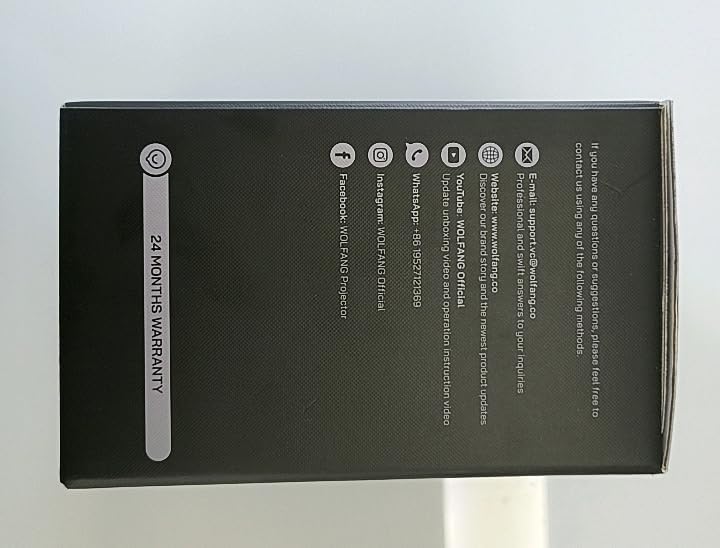
Image: Side view of the WOLFANG Portable Projector WP05 box, clearly displaying a '24 MONTHS WARRANTY' badge and contact information.
11.2 Customer Support
For any questions, suggestions, or support needs, please contact WOLFANG customer service using the following methods:
- E-mail: support.tvc@wolfang.co
- Website: www.wolfang.co
- YouTube: WOLFANG Official (for instruction videos and product updates)
- WhatsApp: +86 19527121353
- Instagram: WOLFANG Official
- Facebook: WOLFANG Projector


