
EasyAcc 2000ML Dehumidifier User Manual
Model: KW-CS05
1. Important Safety Instructions
Please read all instructions carefully before using this appliance and retain them for future reference. Failure to follow these instructions may result in electric shock, fire, or serious injury.
- Always place the dehumidifier on a stable, level surface.
- Do not immerse the appliance, power cord, or plug in water or other liquids.
- Ensure the power supply voltage matches the rating label on the appliance.
- Keep the appliance away from heat sources, direct sunlight, and flammable materials.
- Do not block the air inlet or outlet. Maintain at least 20 cm (8 inches) clearance around the unit.
- Unplug the dehumidifier before cleaning, maintenance, or when not in use.
- This appliance is not intended for use by persons (including children) with reduced physical, sensory, or mental capabilities, or lack of experience and knowledge, unless they have been given supervision or instruction concerning use of the appliance by a person responsible for their safety.
- Children should be supervised to ensure that they do not play with the appliance.
- If the supply cord is damaged, it must be replaced by the manufacturer, its service agent, or similarly qualified persons to avoid a hazard.
- Only use the appliance in an indoor environment.
2. Product Overview
The EasyAcc 2000ML Dehumidifier is designed to reduce excess moisture in small rooms, helping to prevent mold, dampness, and improve air quality. It features a 2-liter water tank, multiple operating modes, and an auto shut-off function.
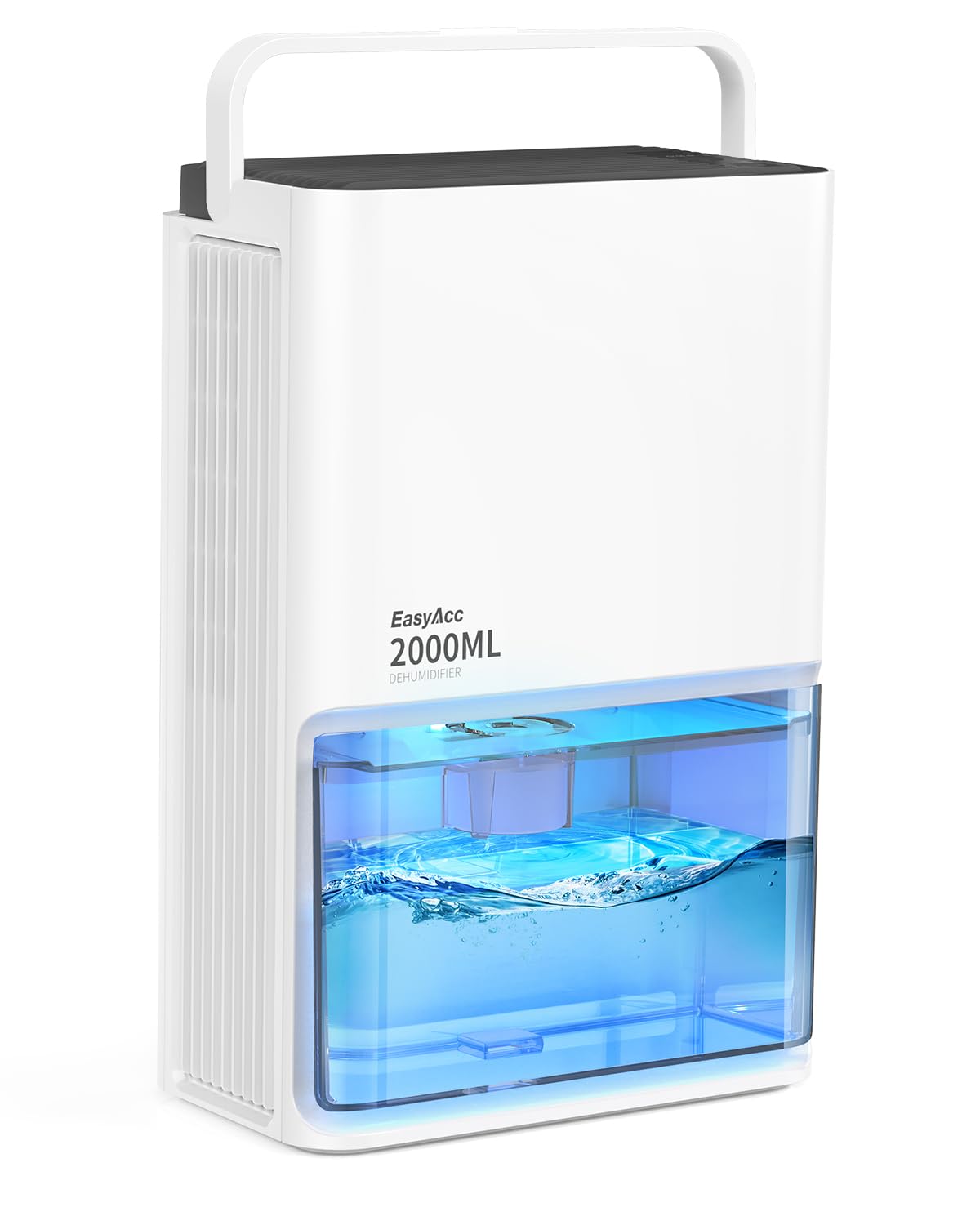
Figure 1: EasyAcc 2000ML Dehumidifier (Model KW-CS05) with its water tank and control panel.
3. Setup
3.1 Unpacking
- Carefully remove the dehumidifier from its packaging.
- Remove all packing materials, including any protective films or tapes.
- Inspect the unit for any signs of damage. If damaged, do not use and contact customer support.
3.2 Placement
- Place the dehumidifier on a firm, level surface in the desired room.
- Ensure there is at least 20 cm (8 inches) of free space around the air inlet (rear) and air outlet (top) for proper airflow.
- Avoid placing the unit near furniture, curtains, or other objects that could obstruct airflow.
- For optimal performance, place the dehumidifier in the center of the room or in the area with the highest humidity.
3.3 Power Connection
- Ensure the dehumidifier is switched off before plugging it in.
- Connect the power adapter to the dehumidifier's power input port.
- Plug the power adapter into a suitable electrical outlet.
4. Operating Instructions
4.1 Power On/Off
- To turn on the dehumidifier, press the Power button on the control panel. The indicator light will illuminate.
- To turn off the dehumidifier, press the Power button again. The indicator light will turn off.
4.2 Mode Selection
The dehumidifier offers 3 operating modes:
- Standard Mode: For general dehumidification.
- Powerful Mode: For faster moisture removal in highly humid environments.
- Sleep Mode: Operates at a lower fan speed for quieter operation, suitable for nighttime use.
Press the Mode button repeatedly to cycle through the available modes.

Figure 2: The dehumidifier operating in a bedroom, demonstrating its ultra-quiet 35dB operation, ideal for sleep mode.
4.3 LED Light Control
The dehumidifier features 7 LED colors. Press the Light button to change the color or turn off the LED light.
4.4 Water Tank and Auto Shut-Off
The dehumidifier is equipped with a 2-liter (2000ML) water tank. When the water tank is full, the unit will automatically shut off, and a red indicator light will illuminate to prevent overflow.

Figure 3: The 2-liter water tank with an illuminated red light, indicating the auto shut-off feature is active due to a full tank.
Emptying the Water Tank:
- Turn off the dehumidifier and unplug it from the power outlet.
- Carefully pull out the water tank from the front of the unit.
- Pour out the collected water.
- Rinse the water tank with clean water and wipe it dry.
- Slide the empty water tank back into the dehumidifier until it clicks into place.
- Plug in the dehumidifier and turn it on to resume operation.
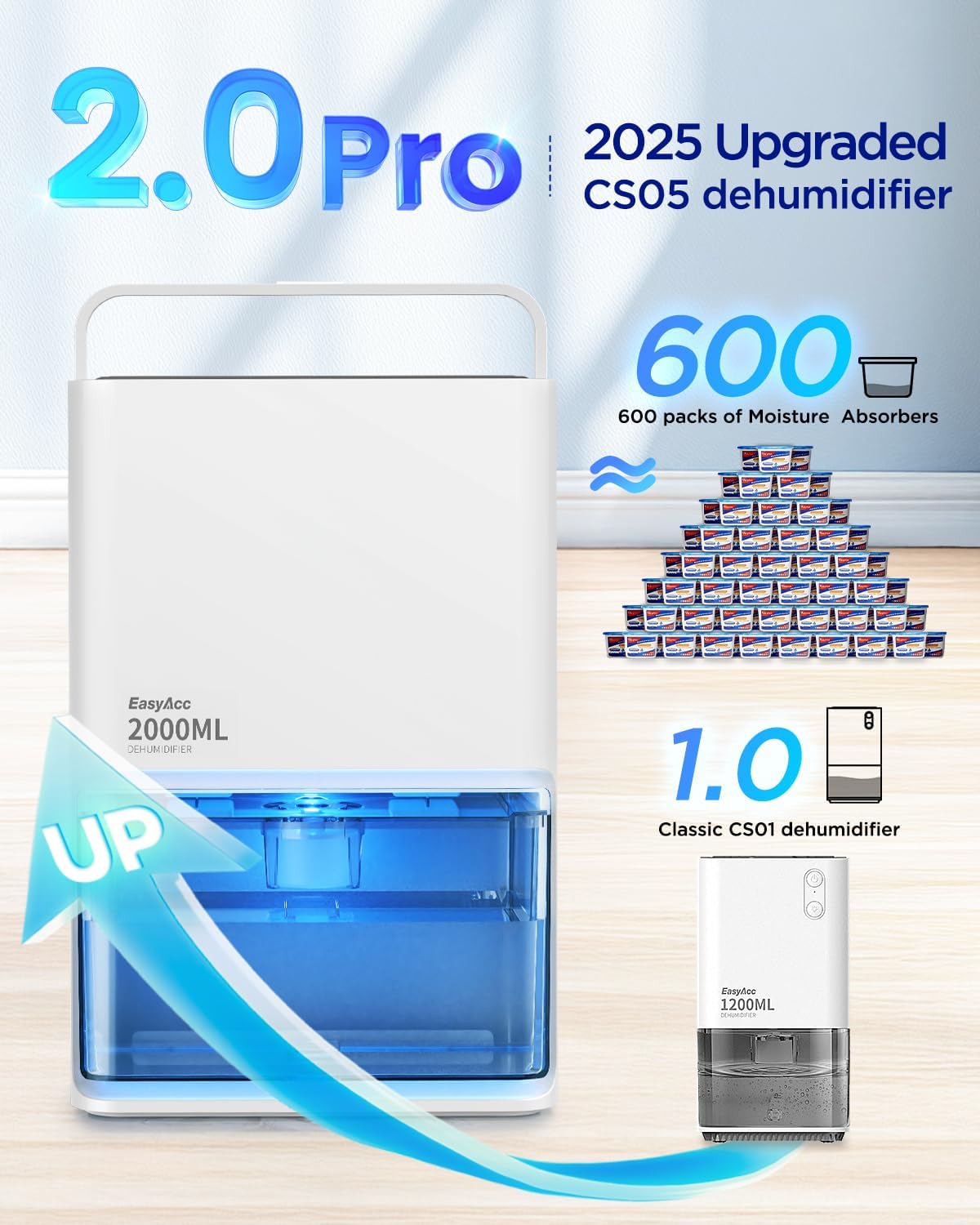
Figure 4: The dehumidifier actively collecting moisture, visible in the transparent water tank.
5. Maintenance
Regular maintenance ensures optimal performance and extends the lifespan of your dehumidifier.
5.1 Cleaning the Water Tank
- Empty and clean the water tank regularly (at least once a week) to prevent mold and bacteria growth.
- Use a soft cloth and mild detergent to clean the inside of the tank. Rinse thoroughly with clean water.
- Ensure the tank is completely dry before reinserting it into the unit.
5.2 Cleaning the Air Inlet and Outlet
- Periodically check the air inlet (at the rear) and air outlet (at the top) for dust accumulation.
- Use a soft brush or a vacuum cleaner with a brush attachment to gently remove any dust or debris.
- Do not use abrasive cleaners or solvents, as they may damage the surface of the unit.
5.3 Storage
- If the dehumidifier will not be used for an extended period, unplug it and empty the water tank.
- Clean the unit as described above.
- Store the dehumidifier in a cool, dry place, away from direct sunlight and extreme temperatures.
6. Troubleshooting
If you encounter issues with your dehumidifier, please refer to the following common problems and solutions:
| Problem | Possible Cause | Solution |
|---|---|---|
| Dehumidifier does not turn on. | No power supply. Water tank is full or incorrectly inserted. | Check if the power adapter is securely plugged into the unit and the outlet. Empty the water tank and ensure it is correctly reinserted. |
| No water is collected. | Room humidity is too low. Ambient temperature is too low. Air inlet/outlet blocked. | The dehumidifier will not collect water if humidity is below 45% RH. Optimal operating temperature is 15-30°C (59-86°F). Performance decreases below 8°C (46°F). Ensure there is no obstruction around the air inlet and outlet. |
| Unit is noisy. | Unit is not on a level surface. Air inlet/outlet blocked. | Place the unit on a flat, stable surface. Clear any obstructions from the air inlet and outlet. |
| Red indicator light is on. | Water tank is full. | Empty the water tank and reinsert it properly. |
If the problem persists after trying these solutions, please contact customer support.
7. Specifications
| Model Number | KW-CS05 |
| Capacity | 2 Liters (2000ML) |
| Dehumidification Rate | 500-650 ml/day (at 30°C, 80% RH) |
| Wattage | 50 watts |
| Noise Level | Approximately 35dB |
| Product Dimensions | 8.19 x 5.31 x 12.4 inches |
| Item Weight | 5.54 pounds |
| Material | Acrylonitrile Butadiene Styrene (ABS) |
| Color | White |
| Features | 3 Modes, 7 LED Colours, Auto Shut-Off |
8. Warranty and Support
EasyAcc products are manufactured to high-quality standards. This product is covered by a limited warranty from the date of purchase. Please refer to the warranty card included with your product for specific terms and conditions.
For technical support, warranty claims, or any questions regarding your EasyAcc 2000ML Dehumidifier, please contact EasyAcc customer service through the retailer's platform or the official EasyAcc website. Please have your model number (KW-CS05) and purchase information ready when contacting support.

