
1. Introduction
Thank you for choosing the BougeRV Movable Area Light CL02. This compact and versatile light is designed to provide reliable illumination for various outdoor activities, emergencies, and everyday use. Featuring multiple lighting modes, adjustable brightness, motion sensing capabilities, and a power bank function, the CL02 is an essential tool for your adventures.
2. Product Features
- Highly Portable: Compact design (4.06 x 1.54 x 1.96 inches) for easy transport in backpacks, ideal for camping, hiking, and tent showers.
- 5 Levels Adjustable Brightness: Offers 5 distinct brightness settings with separate buttons for convenient adjustment.
- 4 Lighting Modes: Includes 3 color temperature modes (Cold, Warm, Red) and an SOS mode for diverse lighting needs.
- Extended Runtime: 3200mAh rechargeable battery provides up to 6 nights of illumination (8 hours/night at lowest brightness) and fully charges in approximately 2 hours.
- Power Bank Function: Can charge mobile devices via its USB-C port, useful for emergencies.
- Automatic Sensing Feature: Motion-activated light for convenience and safety in low-light conditions.
- IP65 Waterproof: Durable construction ensures functionality in various weather conditions, including drizzle.
3. Product Components

Image: Overview of the BougeRV Movable Area Light CL02, highlighting its key components including the sensor probe, battery level display, power button, USB-C port, concealable hook, and brightness adjustment buttons.
The BougeRV Movable Area Light CL02 features an intuitive design for ease of use. Key components include:
- Power Button: To turn the light ON/OFF.
- Brightness Adjustment Buttons (+/-): To increase or decrease light intensity.
- Mode Button (Yellow): To cycle through lighting modes (Cool, Warm, Red, SOS) and activate motion sensor.
- Battery Level Display: LED indicators showing remaining battery charge.
- USB-C Port: For charging the device and for power bank output.
- Concealable Hook: For hanging the light.
- Magnetic Base: For attaching to metal surfaces.
- Motion Sensor: Detects movement to activate the light automatically.
4. Setup and Charging
4.1 Initial Charge
Before first use, fully charge your BougeRV Movable Area Light CL02. Connect the provided USB-C cable to the light's USB-C port and to a compatible power source (e.g., wall adapter, power bank, computer USB port). The battery level indicators will illuminate to show charging progress. All four LEDs will be solid when fully charged.
4.2 Power Bank Function

Image: The BougeRV Movable Area Light CL02 connected to a smartphone, demonstrating its capability to function as a power bank for charging other devices.
To use the light as a power bank, connect your mobile device to the light's USB-C port using a compatible USB-C cable. The light will automatically begin charging your device. This feature is ideal for emergency power needs.
5. Operating Instructions
5.1 Power ON/OFF
Press and hold the Power Button () for 2 seconds to turn the light ON or OFF.
5.2 Adjusting Brightness

Image: The BougeRV Movable Area Light CL02 demonstrating its 5 levels of adjustable brightness, from 20% to 100% illumination, with smooth stepless control.
Once the light is ON, use the Brightness Adjustment Buttons (+ / -) to cycle through 5 preset brightness levels (20%, 40%, 60%, 80%, 100%). Press and hold the buttons for stepless dimming or brightening.
5.3 Changing Lighting Modes
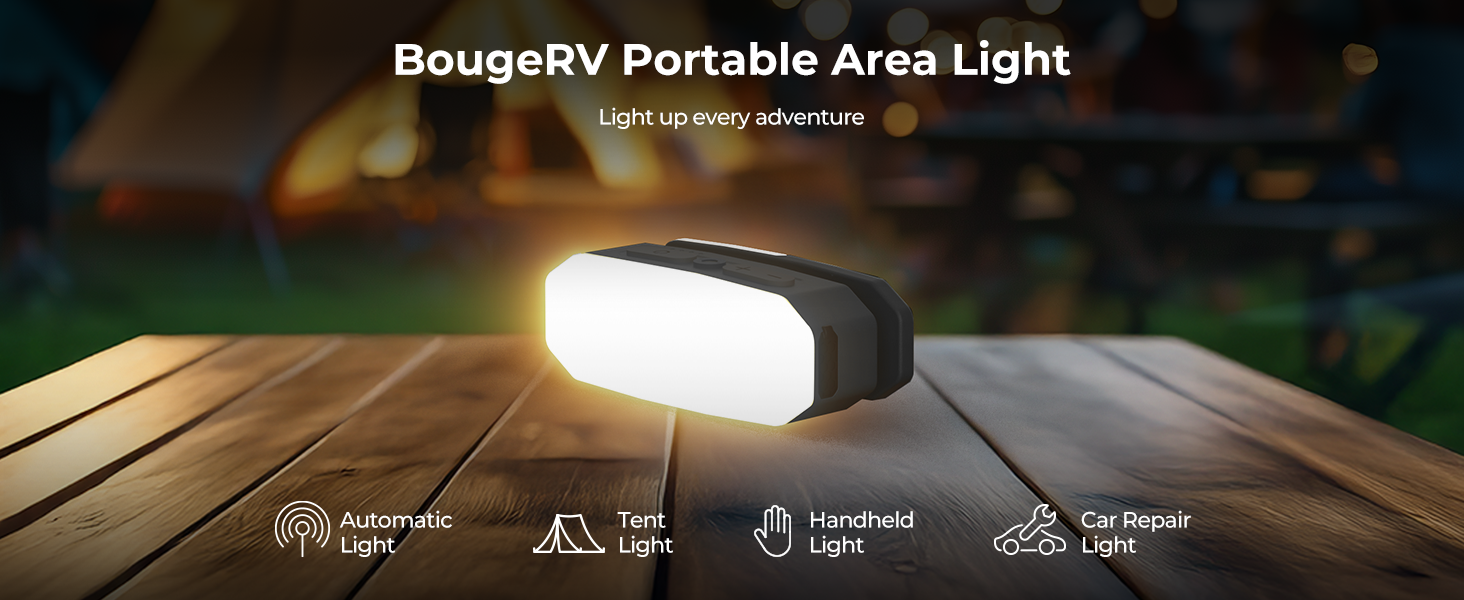
Image: The BougeRV Movable Area Light CL02 showcasing its three adjustable color temperatures: Cool (6500K), Warm (2500K), and Red (1000K), suitable for various activities like work, reading, or not disturbing others.
Short press the Mode Button (Yellow button) to cycle through the following lighting modes:
- Cool Light (6500K): Bright, ideal for tasks like car repair or cooking.
- Warm Light (2500K): Soft, comfortable for reading or relaxing.
- Red Light (1000K): Dim, preserves night vision and avoids disturbing others.
- SOS Mode: Flashing light for emergency signaling.
5.4 Motion Sensing Feature

Image: The BougeRV Movable Area Light CL02 demonstrating its motion-activated feature, providing convenient illumination for nighttime outdoor use, such as near a camper.
To activate the motion sensing mode, short press the Mode Button until the blue indicator light next to the yellow button illuminates. In this mode, the light will automatically turn on when motion is detected and turn off after a period of inactivity. This is useful for pathways, tents, or emergency exits.
6. Mounting Options

Image: The BougeRV Movable Area Light CL02 illustrating its adaptable design for hands-free convenience, showing it being hung, mounted magnetically, clipped, and used as a handheld light.
The CL02 offers multiple ways to position it for optimal lighting:
- Hanging: Utilize the concealable hook to hang the light inside tents, from branches, or other suitable fixtures.
- Clipping: The integrated clip allows you to attach the light to clothing, backpack straps, or thin edges.
- Magnetic Mounting: The magnetic base enables secure attachment to metal surfaces, such as car hoods for repairs or metal shelving in a workshop.
- Tabletop: Place the light on any flat surface for ambient illumination.
7. Specifications
| Feature | Detail |
|---|---|
| Model Number | CL02 |
| Light Source Type | Light Emitting Diode (LED) |
| Power Source | Rechargeable Battery |
| Battery Capacity | 3200mAh |
| Battery Life (Lowest Brightness) | Up to 48 Hours (6 nights at 8 hours/night) |
| Charging Time | Approximately 2 hours |
| Water Resistance Level | IP65 Waterproof |
| Material | Acrylonitrile Butadiene Styrene (ABS) |
| Item Dimensions (L x W x H) | 4.06"L x 1.54"W x 1.96"H |
| Item Weight | 8.8 ounces |
| Included Components | Batteries included |
8. Maintenance
- Cleaning: Wipe the light with a soft, damp cloth. Do not use abrasive cleaners or solvents.
- Storage: Store the light in a cool, dry place when not in use. For prolonged storage, charge the battery every 3-6 months to maintain battery health.
- Battery Care: Avoid fully depleting the battery frequently to extend its lifespan.
9. Troubleshooting
- Light not turning on: Ensure the battery is charged. If the battery is low, connect the light to a power source using the USB-C cable.
- Motion sensor not working: Check if the motion sensing mode is activated (blue indicator light ON). Ensure there are no obstructions blocking the sensor.
- Device not charging (power bank function): Verify that the USB-C cable is securely connected to both the light and your device. Ensure the light has sufficient battery charge.
10. Warranty and Support
The BougeRV Movable Area Light CL02 comes with a one-year manufacturer's warranty.
For further assistance, product information, or warranty claims, please visit the official BougeRV Store or contact customer support: