
Introduction
Thank you for choosing the xdobo SINOBAND Party 1981 II Bluetooth 5.3 Speaker. This portable karaoke machine is designed to deliver powerful audio with deep bass and includes two wireless microphones for an enhanced entertainment experience. Please read this manual carefully to ensure proper use and to maximize the product's lifespan.
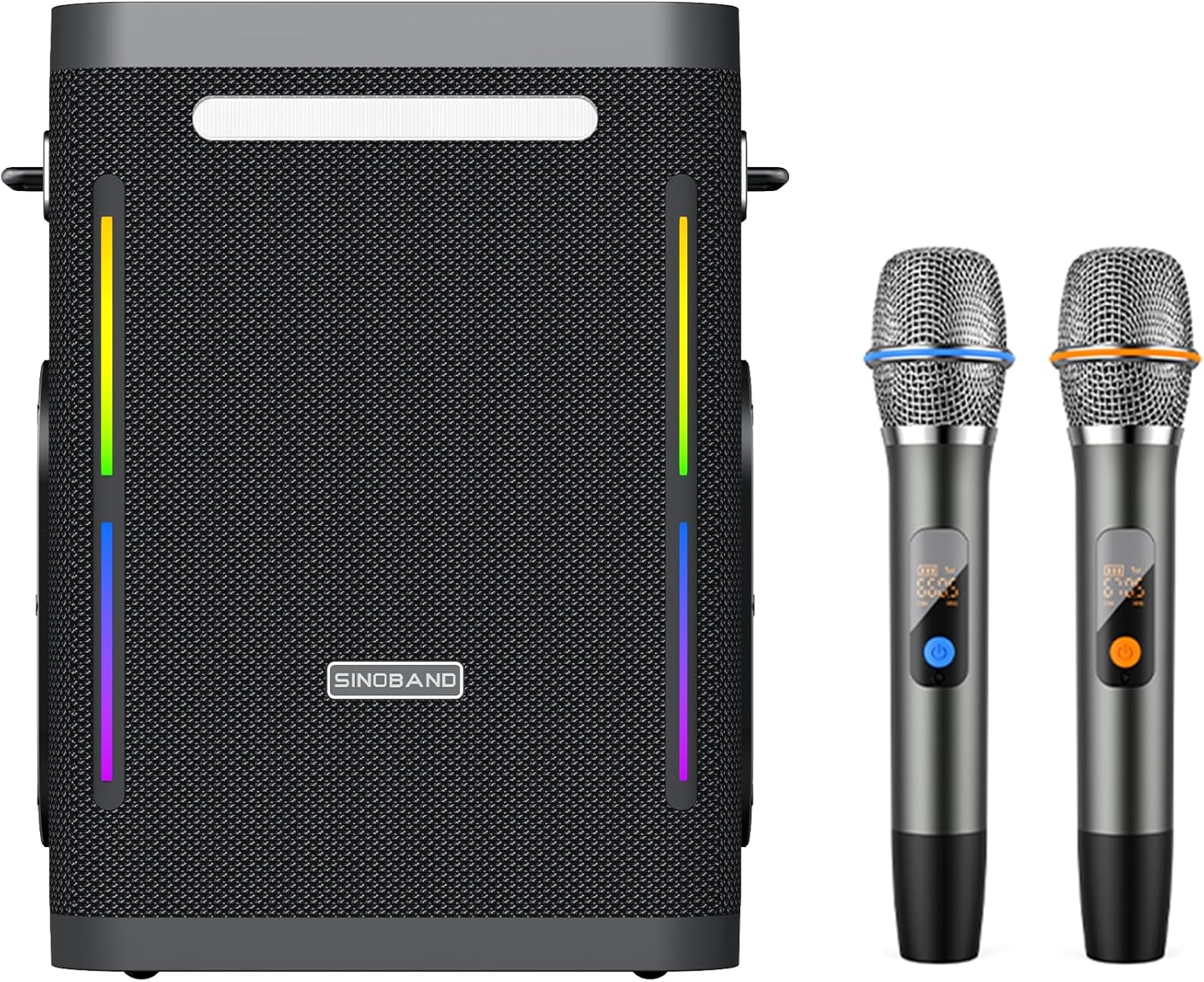
Image: The xdobo SINOBAND Party 1981 II speaker, a black rectangular unit with colorful LED strips on the sides, shown alongside two wireless microphones.
Package Contents
Please check the package for the following items:
- 1 x xdobo SINOBAND Party 1981 II Speaker
- 2 x Wireless Microphones
- 1 x Charging Cable (USB-C)
- 1 x AUX Cable
- 1 x User Manual
Setup
1. Charging the Speaker
Before first use, fully charge the speaker. Connect the provided USB-C charging cable to the speaker's charging port and a compatible power adapter (not included). The speaker supports PD fast charging, taking approximately 3-5 hours for a full charge.
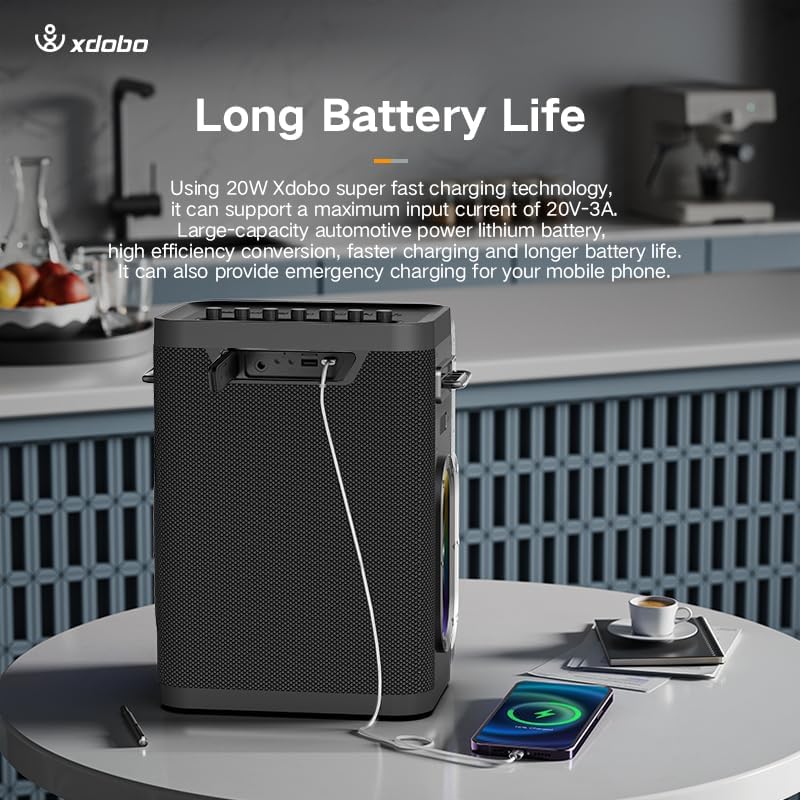
Image: The xdobo speaker connected via a USB cable to charge a smartphone, illustrating its power bank capability.
2. Powering On/Off
Press and hold the Power button on the speaker's control panel for a few seconds to turn it on or off.
3. Bluetooth Pairing
- Turn on the speaker. It will automatically enter Bluetooth pairing mode, indicated by a flashing LED light.
- On your device (smartphone, tablet, laptop), enable Bluetooth and search for available devices.
- Select "SINOBAND Party 1981 II" from the list.
- Once connected, the speaker will emit an audible confirmation, and the LED light will stop flashing.
4. Microphone Setup
The two wireless microphones are pre-paired with the speaker. Simply insert batteries (if not already installed) and power them on. They should automatically connect to the speaker.
Operating Instructions
1. Basic Controls
- Power Button: Press and hold to turn on/off. Short press to switch modes (Bluetooth, AUX, USB, TF Card).
- Volume Up/Down: Adjust the main speaker volume.
- Play/Pause: In Bluetooth/USB/TF mode, short press to play or pause music.
- Previous/Next Track: In Bluetooth/USB/TF mode, short press to skip tracks.
- Light Mode Button: Cycle through different LED lighting effects.
2. True Wireless Stereo (TWS) Pairing
To pair two SINOBAND Party 1981 II speakers for a stereo experience:
- Ensure both speakers are powered on and not connected to any Bluetooth device.
- On one speaker (this will be the primary speaker), press and hold the TWS button (refer to the speaker's control panel for exact button).
- The speaker will search for another TWS-compatible speaker. Once connected, both speakers will emit a confirmation sound.
- Connect your device to the primary speaker via Bluetooth. Audio will now play in stereo through both speakers.
3. Using Wireless Microphones
The included wireless microphones are ideal for karaoke or public speaking. Ensure they are powered on and connected to the speaker. Use the microphone volume controls on the speaker (if available) or directly on the microphones to adjust levels.
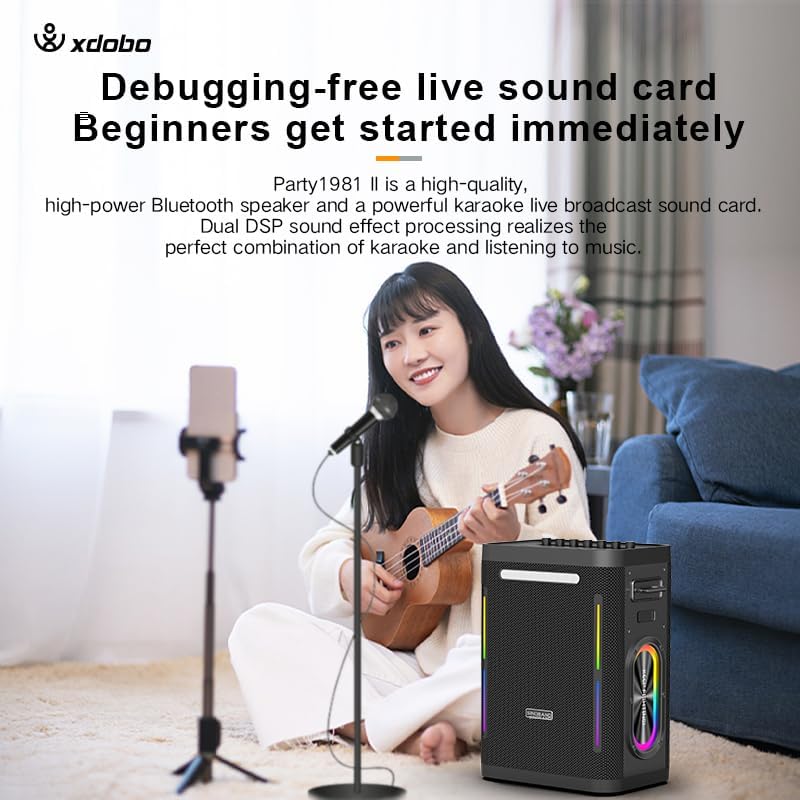
Image: A person playing a ukulele and singing into a wireless microphone, with the xdobo speaker visible on the right, demonstrating its use as a karaoke machine.
4. Multiple Input Modes
The speaker supports various input sources:
- Bluetooth: Wireless connection to compatible devices.
- AUX: Connect external audio devices using the 3.5mm AUX cable.
- USB: Play music directly from a USB flash drive.
- TF Card: Play music directly from a TF (microSD) card.
Press the Mode button (often integrated with the Power button) to cycle through these input options.
Maintenance
1. Cleaning
Wipe the speaker and microphones with a soft, dry cloth. Do not use abrasive cleaners, alcohol, or other chemical solvents, as these may damage the surface.
2. Storage
Store the device in a cool, dry place away from direct sunlight and extreme temperatures. If storing for an extended period, charge the battery to approximately 50% every few months to maintain battery health.
3. Battery Care
To prolong battery life, avoid fully discharging the speaker frequently. Use the original charging cable or a certified equivalent. Do not expose the battery to high temperatures.
Troubleshooting
| Problem | Possible Cause | Solution |
|---|---|---|
| Speaker does not power on. | Low battery. | Charge the speaker fully. |
| No sound from speaker. | Volume too low; incorrect input mode; device not connected. | Increase volume; switch to correct input mode (Bluetooth, AUX, USB, TF); ensure device is paired. |
| Bluetooth pairing fails. | Speaker not in pairing mode; device too far; interference. | Ensure speaker is in pairing mode; move device closer; restart both speaker and device. |
| Microphones not working. | Microphone battery low; microphone not powered on; not connected to speaker. | Replace microphone batteries; power on microphones; ensure they are within range of the speaker. |
| Poor sound quality. | Low quality audio source; weak Bluetooth signal; speaker placement. | Use high-quality audio files; move device closer to speaker; adjust speaker placement. |
Specifications
The following are the technical specifications for the xdobo SINOBAND Party 1981 II Speaker:
- Model Number: SINOBAND Party 1981 II
- Power Output: 300W
- Connectivity: Bluetooth 5.3, AUX, USB, TF Card
- Frequency Response: 20Hz – 20KHz
- Impedance: 4 Ohms
- Battery Life: Up to 20 hours (varies with volume and usage)
- Charging Time: 3-5 hours (PD fast charging)
- Dimensions (L x W x H): 7.09 x 11.61 x 13.86 inches
- Item Weight: 16.72 pounds (7.6 Kilograms)
- Material: Fabric, Plastic
- Color: Black
- Included: Speaker, 2 Wireless Microphones
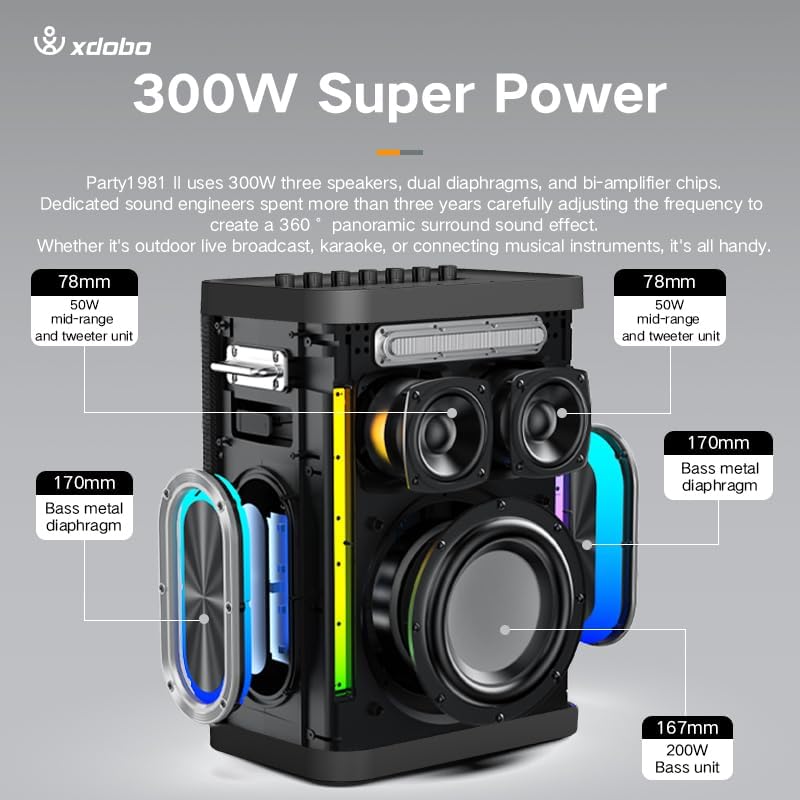
Image: An exploded view of the xdobo speaker, highlighting its internal components including the 300W speakers, mid-range and tweeter units, and bass metal diaphragms.
Warranty and Support
xdobo products are manufactured to high quality standards. For warranty information and customer support, please refer to the warranty card included with your product or visit the official xdobo website. Keep your purchase receipt as proof of purchase.
For further assistance, you may contact xdobo customer service through their official channels.


