
1. Product Overview
The JOOAN 2K Wireless Security Camera is a versatile surveillance solution designed for both indoor and outdoor use. It features a rechargeable battery, 2.4G WiFi connectivity, IP66 waterproofing, motion detection, and color night vision capabilities. This manual provides detailed instructions for setup, operation, maintenance, and troubleshooting.

Image 1.1: JOOAN 2K Wireless Security Camera and mobile application interface.
Key Features:
- 2K HD Resolution: Provides clear and detailed video footage.
- Rechargeable Battery: Equipped with a 5200mAh battery for wireless operation.
- 2.4G WiFi Connectivity: Stable wireless connection for remote access.
- IP66 Weatherproof: Designed to withstand various weather conditions for outdoor use.
- Smart Motion Detection: Detects moving objects and sends alerts.
- Color Night Vision: Offers enhanced visibility in low-light conditions using IR lights and floodlights.
- Two-Way Audio: Built-in microphone and speaker for communication.
- Multiple Storage Options: Supports Cloud storage (up to 30 days free trial) and local SD card storage (8-256GB, not included).
- Multi-User Sharing: Allows sharing live video with family members.
- 5X Digital Zoom: Enables closer inspection of details.
2. Setup Instructions
2.1 Package Contents
Before proceeding, ensure all components are present:
- JOOAN 2K Wireless Security Camera
- Mounting Bracket
- Mounting Screws and Anchors
- USB Charging Cable
- Power Adapter (5V)
- User Manual
2.2 Charging the Camera
The camera comes with a built-in rechargeable battery. Before first use, fully charge the camera using the provided USB charging cable and 5V power adapter. The charging indicator light will typically change color when fully charged.
2.3 App Download and Account Registration
- Download the free "cam720" app from your smartphone's app store (iOS or Android).
- Open the app and register for a new account using your email address or phone number. Follow the on-screen prompts to complete registration.
2.4 Connecting to Wi-Fi
- Ensure your smartphone is connected to a 2.4GHz Wi-Fi network. The camera only supports 2.4GHz Wi-Fi.
- Power on the camera. It will enter pairing mode (indicated by a specific LED light pattern or voice prompt).
- In the "cam720" app, tap "Add Device" or the "+" icon.
- Select your camera model or scan the QR code on the camera (if available).
- Follow the in-app instructions to connect the camera to your Wi-Fi network. This usually involves entering your Wi-Fi password and scanning a QR code generated by the app with the camera lens.
- Once connected, the camera will confirm with a voice prompt or a solid LED indicator.

Image 2.1: Illustration of the WiFi connection method.
2.5 Installation Methods
The camera supports two primary installation methods: screw drilling and magnetic attraction.

Image 2.2: Two installation methods: screw drilling and magnetic attraction.
2.5.1 Screw Drilling Installation
- Choose a suitable location for installation, ensuring good Wi-Fi signal strength.
- Mark the positions for drilling using the mounting bracket as a template.
- Drill holes and insert wall anchors if installing on a masonry surface.
- Secure the mounting bracket to the wall or ceiling using the provided screws.
- Attach the camera to the mounting bracket and adjust the angle as needed.
2.5.2 Magnetic Attraction Installation
For surfaces that allow magnetic attachment (e.g., metal doors, refrigerators), the camera can be easily mounted using its magnetic base. Ensure the magnetic surface is clean and strong enough to hold the camera securely.
3. Operating the Camera
3.1 Live View and Two-Way Audio
Once the camera is connected, open the "cam720" app to access the live view. You can:
- View real-time video footage.
- Use the built-in microphone and speaker for two-way communication. Tap the microphone icon in the app to speak, and listen through the speaker.
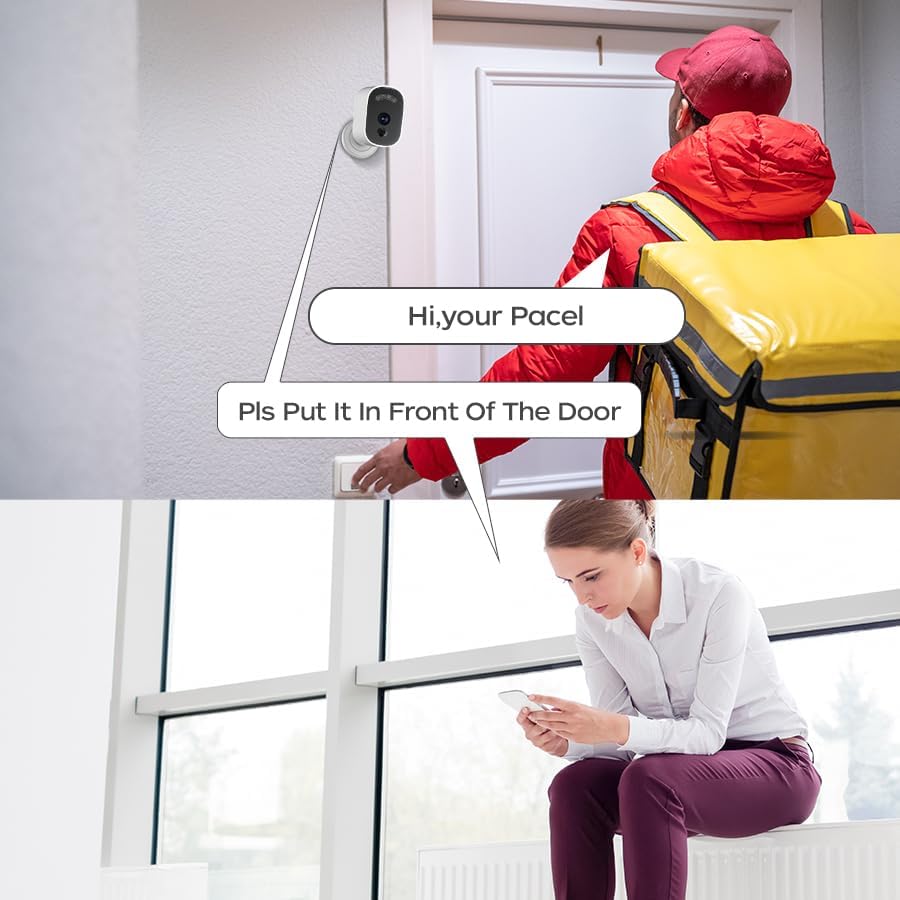
Image 3.1: Example of two-way audio communication via the camera.
3.2 Motion Detection and Alerts
The camera features smart motion detection with customizable sensitivity. When motion is detected:
- The camera will sound an alarm.
- Your smartphone will receive a push notification.
- Video recording will be triggered.
You can adjust the detection sensitivity (high, medium, low) within the app settings to minimize false alarms.
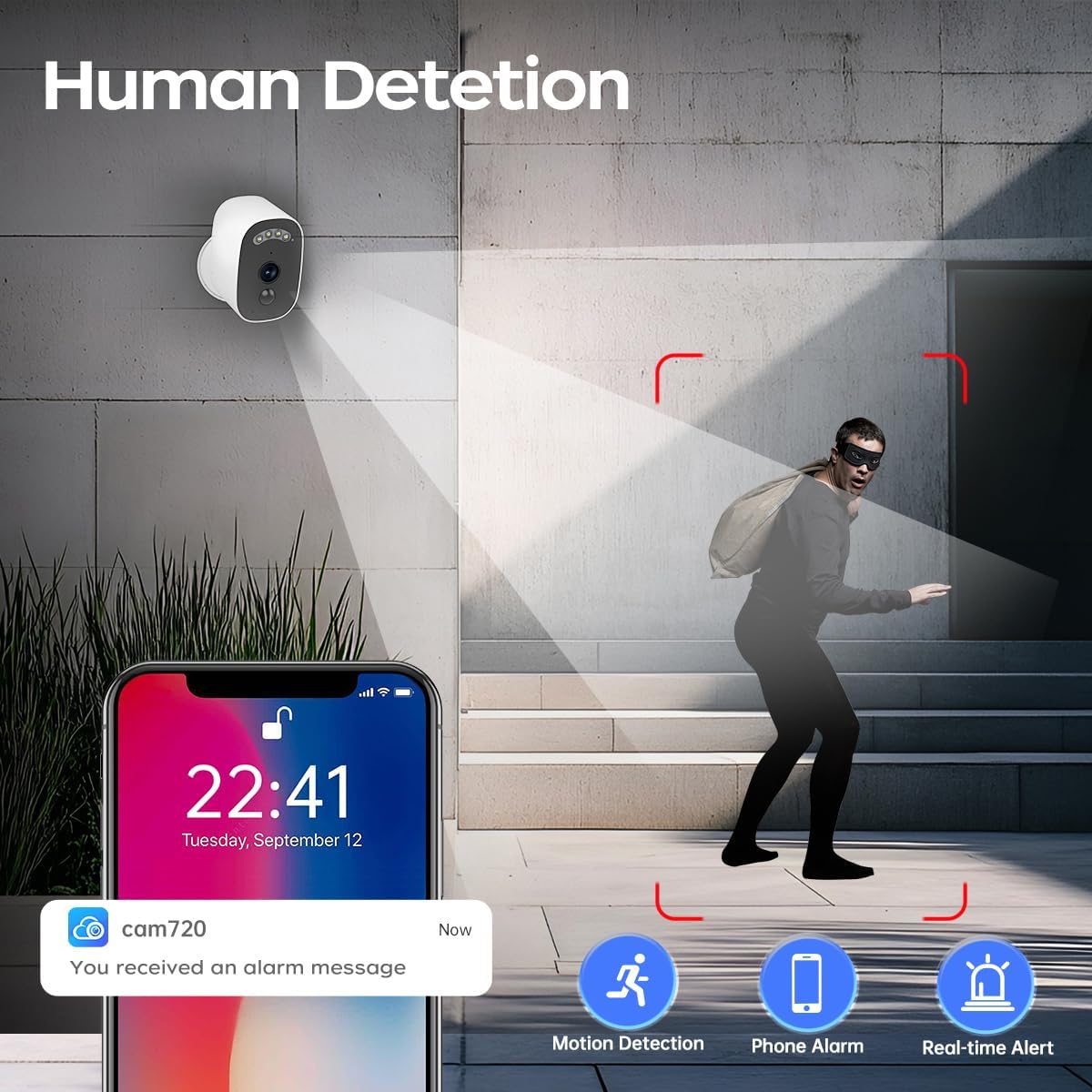
Image 3.2: Motion detection and alert system.

Image 3.3: PIR Motion Detection functionality.
3.3 Night Vision Modes
The camera offers three night vision modes for optimal visibility in various lighting conditions:
- B/W Night Vision: Standard infrared night vision, providing clear black and white images in complete darkness.
- Timing Color Night Vision: Activates color night vision during specific scheduled times.
- Smart Color Night Vision: Automatically switches to color night vision when motion is detected, otherwise uses B/W night vision.
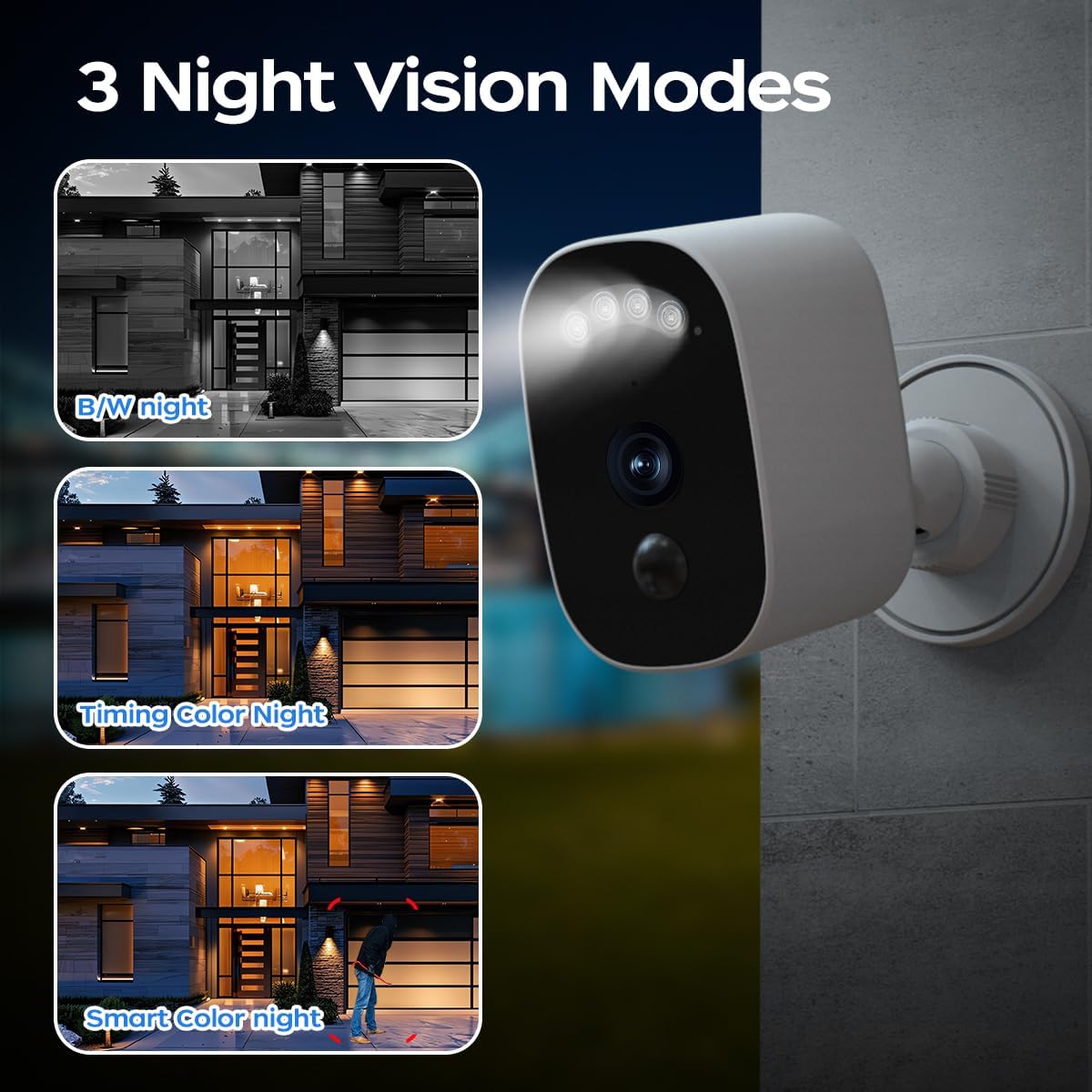
Image 3.4: Three available night vision modes.
3.4 Video Storage and Playback
The camera supports two methods for storing recorded video footage:
- Cloud Storage: Videos can be stored securely in the cloud. A 30-day free trial is typically included. Cloud storage ensures your data is accessible even if the camera is damaged or stolen.
- SD Card Storage: The camera supports a microSD card (8GB to 256GB, not included) for local storage. Insert the microSD card into the designated slot on the camera.
You can review recorded footage directly from the "cam720" app, selecting either cloud or SD card playback.
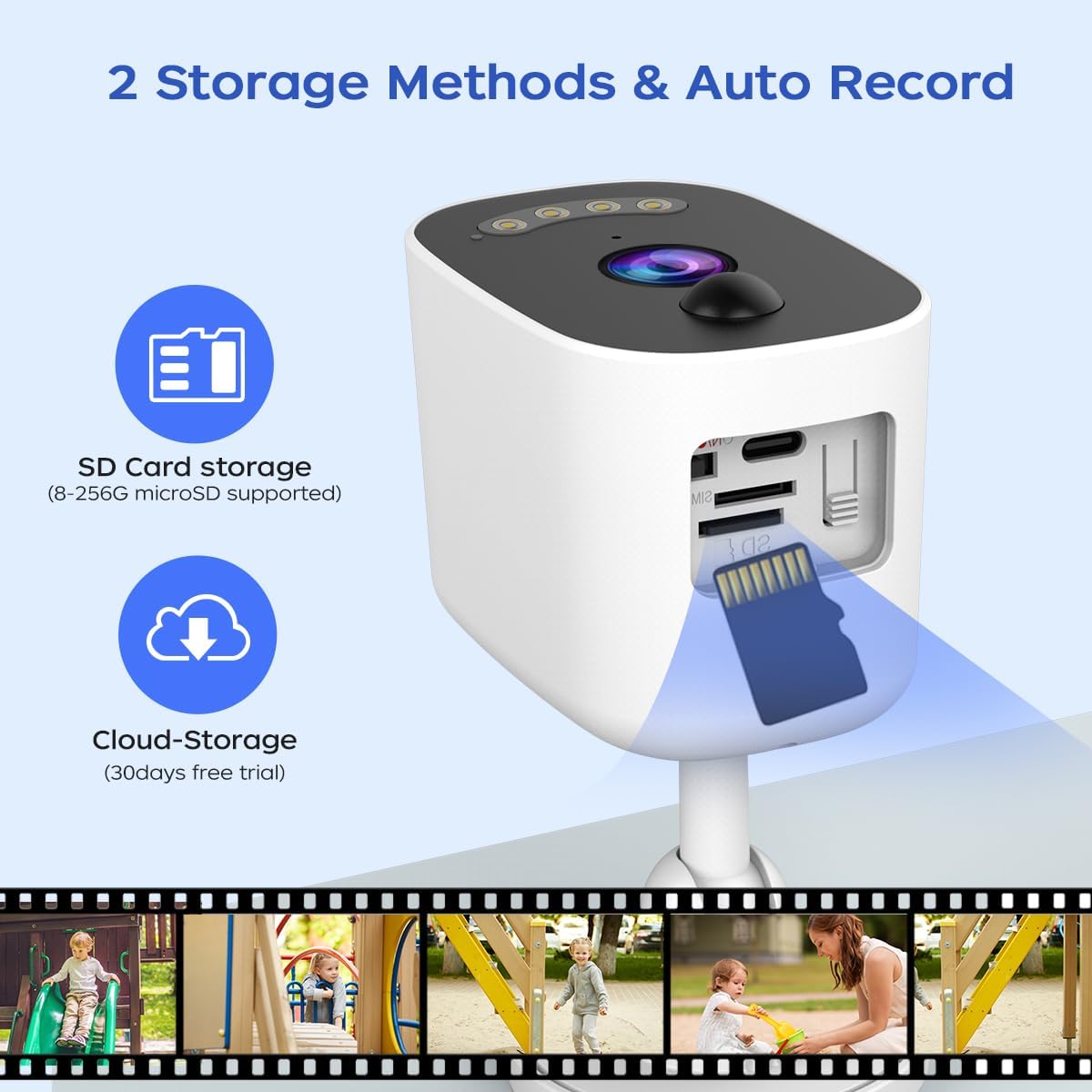
Image 3.5: Available video storage methods.
3.5 Multi-User Sharing
The camera allows for multi-user access, enabling you to share live video feeds with up to 5 additional users. The main account administrator can manage sharing permissions within the app.

Image 3.6: Multi-user sharing feature.
4. Maintenance
4.1 Weather Resistance
The JOOAN 2K Wireless Security Camera is rated IP66 weatherproof, meaning it is protected against dust ingress and powerful water jets. It is designed to operate reliably in various outdoor conditions, including rain, snow, and extreme temperatures ranging from -35°C to 60°C.

Image 4.1: IP66 Weatherproof rating and operating temperature range.
4.2 Battery Management
To ensure continuous operation, periodically check the battery level via the "cam720" app. Recharge the camera using the provided 5V adapter when the battery is low. Battery life will vary depending on usage, motion detection frequency, and environmental factors.
4.3 Cleaning
To maintain optimal performance, periodically clean the camera lens and housing with a soft, damp cloth. Avoid using harsh chemicals or abrasive materials that could damage the camera's surface or lens.
5. Troubleshooting
If you encounter issues with your JOOAN 2K Wireless Security Camera, refer to the following common problems and solutions:
- Camera not connecting to Wi-Fi:
- Ensure your Wi-Fi network is 2.4GHz. The camera does not support 5GHz Wi-Fi.
- Verify the Wi-Fi password is entered correctly in the app.
- Check the camera's proximity to the Wi-Fi router. Move it closer if the signal is weak.
- Restart your Wi-Fi router and the camera.
- No motion detection alerts:
- Check the motion detection settings in the "cam720" app. Ensure it is enabled and sensitivity is set appropriately.
- Verify that app notifications are enabled on your smartphone.
- Ensure the camera's view is not obstructed.
- Poor video quality:
- Ensure the camera lens is clean.
- Check your Wi-Fi signal strength. A weak signal can affect streaming quality.
- Adjust the video resolution settings in the app if available.
- Battery draining quickly:
- Frequent motion detection events and live view access consume more battery.
- Ensure the camera is not in an area with constant motion, which would keep it active.
- Extreme cold temperatures can reduce battery performance.
- SD card not recording:
- Ensure the SD card is inserted correctly.
- Format the SD card through the app settings.
- Check if the SD card is damaged or full. Replace if necessary.
- Verify that local recording is enabled in the app settings.
6. Specifications
| Feature | Specification |
|---|---|
| Brand | JOOAN |
| Model | 2K Wireless Security Camera |
| Video Capture Resolution | 1296p (2K) |
| Power Source | Battery Powered (5200mAh rechargeable battery) |
| Voltage | 5 Volts |
| Connectivity Technology | Wireless (2.4G Wi-Fi, Bluetooth) |
| Indoor/Outdoor Usage | Outdoor/Indoor |
| Special Feature | IP66 Waterproof |
| Alert Type | Audio and Motion |
| Night Vision | Infrared/LED (Color Night Vision) |
| Storage Options | Cloud Storage, MicroSD Card (8-256GB supported) |
| Control Method | App (cam720) |
| Mounting Type | Ceiling Mount/Wall Mount (Screw In, Magnetic) |
| Material | Plastic |
| Item Weight | 199 Grams (7 ounces) |
7. Warranty and Support
For warranty information and technical support, please refer to the documentation included with your product or contact JOOAN customer service directly. Contact details can typically be found on the manufacturer's official website or through your retailer.


