
Introduction
The NGS Sky Charm Pro White is a 50W sound tower designed to deliver clear, balanced, and immersive audio for your home. It features extensive connectivity options including Bluetooth 5.4, optical input, USB, auxiliary input, and FM radio. A unique broadcasting technology allows for connecting up to 99 units for multi-room audio. Additionally, it includes a microphone input for karaoke, making it versatile for various entertainment needs. This manual provides essential information for setting up, operating, and maintaining your sound tower.
Safety Instructions
- Read all instructions carefully before using the device.
- Keep the manual for future reference.
- Do not expose the device to water, moisture, or extreme temperatures.
- Ensure proper ventilation around the unit to prevent overheating.
- Use only the power cable provided with the device.
- Do not attempt to open or repair the unit yourself. Refer all servicing to qualified personnel.
- Keep the device away from heat sources such as radiators, heat registers, stoves, or other apparatus (including amplifiers) that produce heat.
Package Contents
Please check that all items are present in the package:
- NGS Sky Charm Pro White Sound Tower
- Remote Control
- Power Cable
- User Manual (this document)
Product Overview
Front View

Image: Front view of the NGS Sky Charm Pro White Sound Tower, showcasing its sleek white design and speaker arrangement.
Top Panel Controls

Image: Close-up of the top control panel with buttons for power, mode, DSP, volume, and playback controls.
- Power Button: Turns the unit on or off.
- Mode Button: Switches between input sources (Bluetooth, Optical, USB, AUX, FM).
- DSP Button: Adjusts Digital Sound Processing modes.
- Volume - / Volume +: Decreases or increases the volume.
- Previous / Next Track: Skips to the previous or next track (in Bluetooth/USB mode).
- Play / Pause: Plays or pauses audio (in Bluetooth/USB mode).
Rear Panel Connections

Image: Detailed view of the rear panel showing the USB, AUX, MIC, and Optical input ports.
- USB Input: For playing audio files from a USB drive.
- AUX Input: 3.5mm jack for connecting external audio devices.
- MIC Input: 6.3mm jack for connecting a microphone (for karaoke).
- Optical Input: For high-quality digital audio connection to a TV or other compatible device.
Setup
1. Placement
Place the sound tower on a stable, flat surface. Its minimalist design and stable base allow it to integrate perfectly into various spaces without occupying excessive room. Ensure there is adequate space around the unit for ventilation.
2. Power Connection
Connect the provided power cable to the AC input on the back of the sound tower and then plug it into a wall outlet.
3. Initial Power On
Press the Power button on the top panel or the remote control to turn on the sound tower. The display will light up.
Operating Instructions
Selecting Input Source
Press the Mode button on the top panel or the remote control to cycle through the available input sources: Bluetooth (BT), Optical, USB, AUX, and FM Radio.
Bluetooth Mode
- Switch the sound tower to Bluetooth mode using the Mode button. The display will show 'BT' and a blinking indicator, signifying it is in pairing mode.
- On your smartphone, tablet, or other Bluetooth-enabled device, enable Bluetooth and search for available devices.
- Select 'NGS SKY CHARM PRO' from the list of devices.
- Once paired, the indicator will stop blinking, and you can play audio from your device through the sound tower.
Optical Input
- Connect an optical audio cable from your TV or other audio source to the Optical Input port on the sound tower's rear panel.
- Switch the sound tower to Optical mode using the Mode button.
- Ensure your TV's audio output is set to 'Optical' or 'PCM' format.
USB Playback
- Insert a USB flash drive containing audio files into the USB Input port on the rear panel.
- Switch the sound tower to USB mode using the Mode button. The unit will automatically begin playing audio files from the USB drive.
- Use the playback controls (Previous/Next Track, Play/Pause) on the top panel or remote to manage your music.
Auxiliary Input (AUX)
- Connect a 3.5mm audio cable from your external audio device (e.g., MP3 player, laptop) to the AUX Input port on the rear panel.
- Switch the sound tower to AUX mode using the Mode button.
- Play audio from your connected device.
FM Radio
- Switch the sound tower to FM Radio mode using the Mode button.
- The unit will automatically scan and store available FM stations.
- Use the Previous/Next Track buttons to navigate between stored stations.
Broadcasting Function (Multi-room Audio)
The Sky Charm Pro White features Broadcasting technology, allowing you to connect up to 99 sound towers in series. This enables synchronized playback of the same content across different rooms, creating a multi-room sound environment. This function works with Bluetooth, FM radio, USB, or auxiliary input sources.
- Set the first sound tower (master unit) to your desired audio source (Bluetooth, FM, USB, or AUX).
- On the master unit, activate the broadcasting function (refer to the specific button or menu option if available, or it may activate automatically when connecting multiple units).
- Power on additional Sky Charm Pro White units (slave units). They should automatically detect and connect to the master unit, synchronizing audio playback.
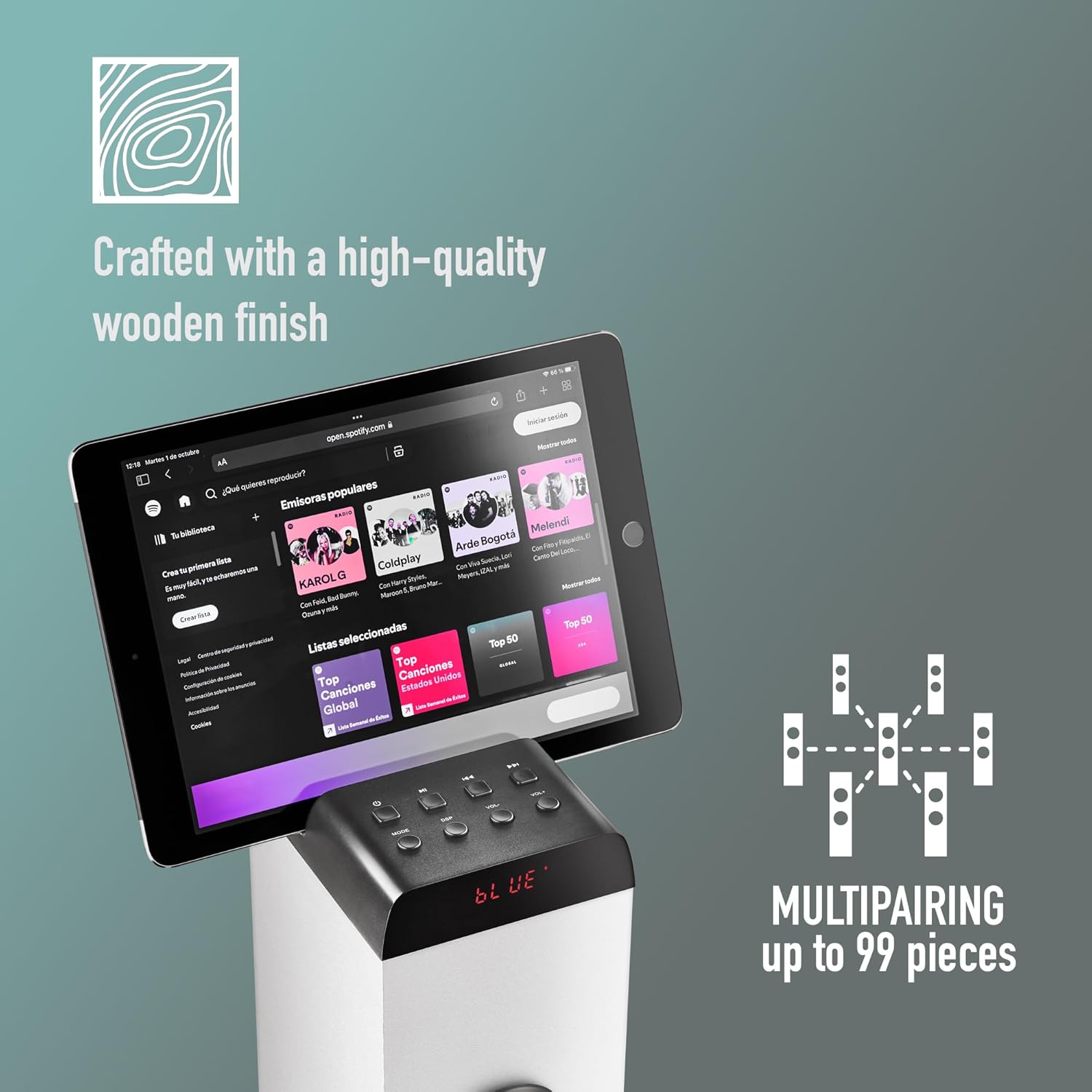
Image: Illustration of the multi-pairing feature, showing a tablet connected to one sound tower, and a diagram indicating connection to up to 99 pieces.
Karaoke Function
- Connect a microphone to the MIC Input (6.3mm jack) on the rear panel.
- Play your desired backing track through any audio source (Bluetooth, USB, AUX).
- Adjust the microphone volume and echo effects (if available) for your karaoke session.
Remote Control

Image: Top view of the sound tower with the remote control placed on its surface, showing various buttons.
The included remote control allows you to conveniently manage all functions of the sound tower from a distance. It provides access to power on/off, mode selection, volume control, track skipping, play/pause, and DSP settings.
- Ensure the remote control has working batteries (1 AAAA battery required).
- Point the remote control towards the front of the sound tower for optimal response.
Maintenance
- Cleaning: Use a soft, dry cloth to clean the exterior of the sound tower. Do not use liquid cleaners or abrasive materials.
- Storage: If storing the unit for an extended period, unplug it from the power outlet and store it in a cool, dry place.
- Speaker Grilles: Keep the speaker grilles free from dust and debris to ensure optimal sound quality.
Troubleshooting
| Problem | Possible Cause | Solution |
|---|---|---|
| No power | Power cable not connected; Power outlet not working | Ensure power cable is securely connected; Try a different power outlet |
| No sound | Volume too low; Incorrect input source selected; Audio cable not connected properly | Increase volume; Select correct input mode; Check audio cable connections |
| Bluetooth not connecting | Device not in pairing mode; Bluetooth disabled on source device; Too far from sound tower | Ensure sound tower is in BT pairing mode; Enable Bluetooth on your device; Move device closer to sound tower |
| Remote control not working | Batteries depleted; Obstruction between remote and unit | Replace remote control batteries; Remove any obstructions |
| USB playback issues | Unsupported file format; USB drive not formatted correctly | Ensure audio files are in a supported format; Format USB drive to FAT32 |
Specifications

Image: Technical diagram illustrating key features, dimensions, and connectivity options of the sound tower.
- Model Name: SKYCHARMPROWHITE
- Brand: NGS
- Output Power: 50W (RMS), 80W (Peak)
- Connectivity: Bluetooth 5.4, Optical, USB, Auxiliary (3.5mm), FM Radio, Wi-Fi
- Surround Sound Channel Configuration: 2.1
- Microphone Input: 6.3mm Jack
- Control Method: Remote Control
- Dimensions (L x W x H): 13.5 x 11 x 84 cm (5.3 x 4.3 x 33.1 inches)
- Weight: 3.18 kg (7 lbs)
- Color: White
- Material: Plastic
- Power Source: Corded Electric
- Remote Control Battery: 1 x AAAA (not included)
- Special Features: Broadcasting function (multi-pairing up to 99 units)
Warranty and Support
This product comes with a manufacturer's warranty of 2 years from the date of purchase.
For technical support, warranty claims, or further assistance, please contact your retailer or visit the official NGS website for contact information. Please have your product model number (SKYCHARMPROWHITE) and proof of purchase ready when contacting support.

