
1. Introduction
Thank you for choosing the Squire Mystic Combi BF60 Heavy Duty Combination Padlock. This manual provides essential information for the proper setup, operation, and maintenance of your padlock. Please read these instructions carefully to ensure optimal security and longevity of your product.
2. Product Overview
The Squire Mystic Combi BF60 is a robust, weatherproof, and keyless combination padlock designed for high-security applications. It features a 60mm die-cast alloy body and a hardened steel shackle, providing strong resistance against forced entry. Its 4-dial combination offers 10,000 unique codes, which are easily resettable.

Image 2.1: Front view of the Squire Mystic Combi BF60 padlock, showing the combination dials and the Squire logo.
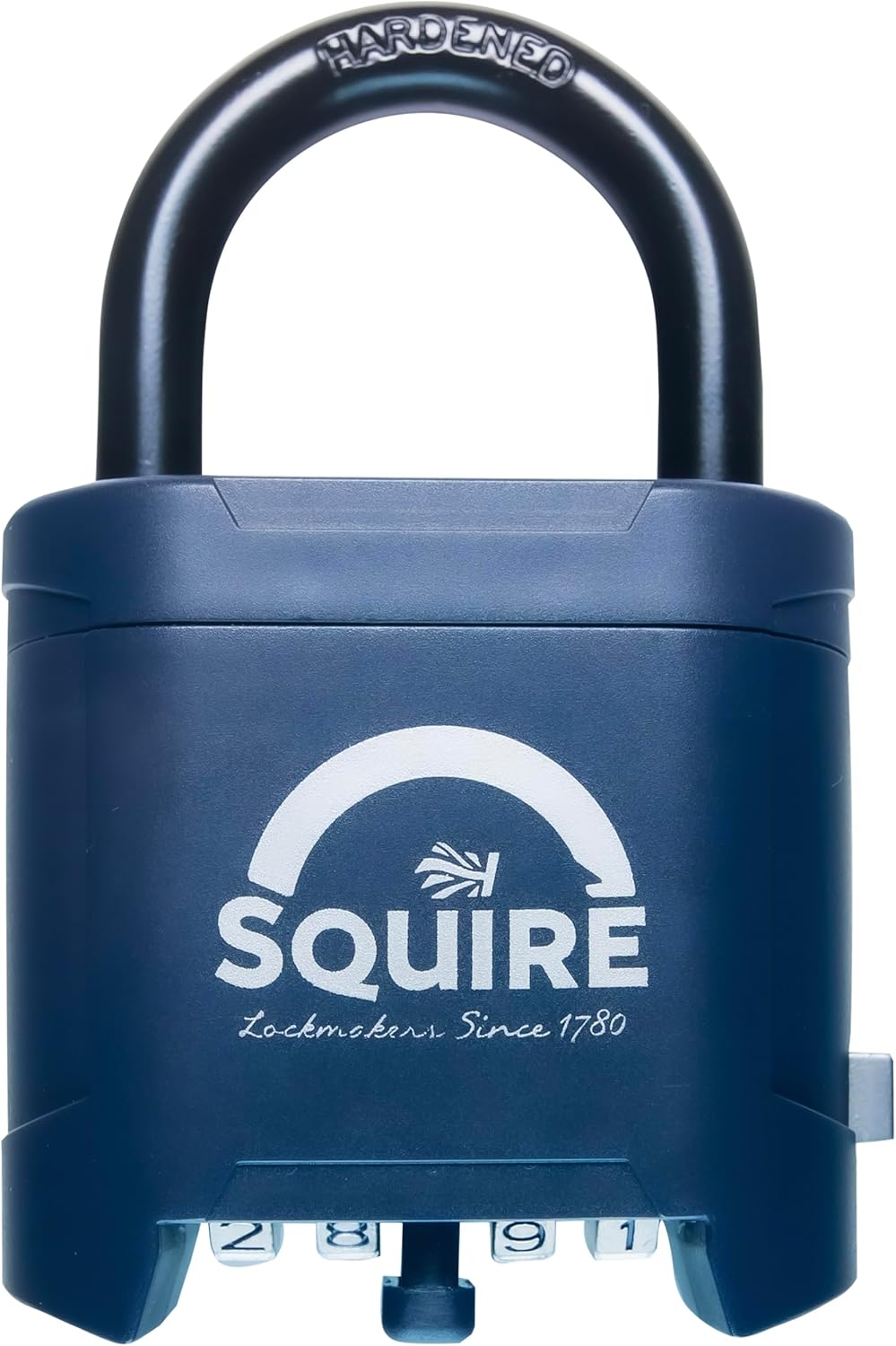
Image 2.2: Angled view of the Squire Mystic Combi BF60 padlock, highlighting its robust construction.
3. Setting the Combination
The Squire Mystic Combi BF60 padlock comes with a factory-set combination, typically 0-0-0-0. It is recommended to set your own unique combination before first use. A patented tool is included for this purpose.
- Open the Padlock: Set the dials to the current combination (factory default is 0-0-0-0) and pull up the shackle to open the padlock.
- Locate the Reset Button: With the shackle open, rotate it 90 degrees counter-clockwise. On the side of the padlock body, you will find a small reset button.
- Engage the Reset Button: Using the included patented tool (or a small pointed object), press and hold the reset button firmly.
- Set New Combination: While holding the reset button, rotate the dials to your desired new 4-digit combination. Ensure the numbers are aligned correctly in the viewing window.
- Release Reset Button: Once your new combination is set, release the reset button.
- Lock the Padlock: Rotate the shackle back to its original position and press it down to lock. Scramble the dials to secure the padlock with your new combination.
Important: Remember your new combination. There is no master key or override function if the combination is forgotten.

Image 3.1: Visual guide for setting the combination code. Steps include opening the shackle, rotating it, pressing the reset button, setting the new code, releasing the button, and closing the shackle.

Image 3.2: Side view of the padlock, indicating the position of the reset button for combination changes.
4. Operating the Padlock
To open the padlock, align the dials to your set combination. The shackle will then release, allowing you to pull it open. To close and secure the padlock, press the shackle down into the body and then scramble the dials. This ensures the padlock is locked and the combination is hidden.

Image 4.1: The padlock with its shackle in the open position, ready for use or to be secured.

Image 4.2: The padlock in use, securing a metal gate, demonstrating its application.
5. Maintenance
To ensure smooth operation and extend the lifespan of your Squire Mystic Combi BF60 padlock, especially in outdoor conditions, regular maintenance is recommended:
- Lubrication: Apply a small amount of WD40 or a similar lubricant to the shackle mechanism and combination dials approximately once a month. This helps prevent corrosion and ensures smooth movement.
- Cleaning: Periodically wipe down the padlock body with a damp cloth to remove dirt and debris. Avoid harsh chemicals that may damage the weatherproof coating.
- Inspection: Regularly inspect the shackle and body for any signs of wear or damage.
6. Troubleshooting
If you encounter issues with your padlock, consider the following:
- Shackle not opening: Ensure the combination is correctly aligned. The dials must click into place precisely. If the mechanism feels stiff, apply lubricant as per the maintenance section.
- Dials are stiff: This can be caused by dirt or lack of lubrication. Clean the dials and apply lubricant.
- Forgotten Combination: Unfortunately, if the combination is forgotten, there is no way to reset it without knowing the current code. The padlock will need to be replaced.
7. Specifications
| Model | MYSTIC COMBI BF60 |
| Body Material | Die-cast Alloy |
| Shackle Material | Hardened Steel |
| Combination | 4-wheel, 10,000 resettable codes |
| Shackle Clearance (Vertical) | 28 mm |
| Shackle Diameter | 8 mm |
| Body Width | 61 mm |
| Overall Height | 92 mm |
| Weight | Approximately 372 g |
| Special Features | Cut Resistant, Double Locking System, Portable, Resettable, Weather Resistant |
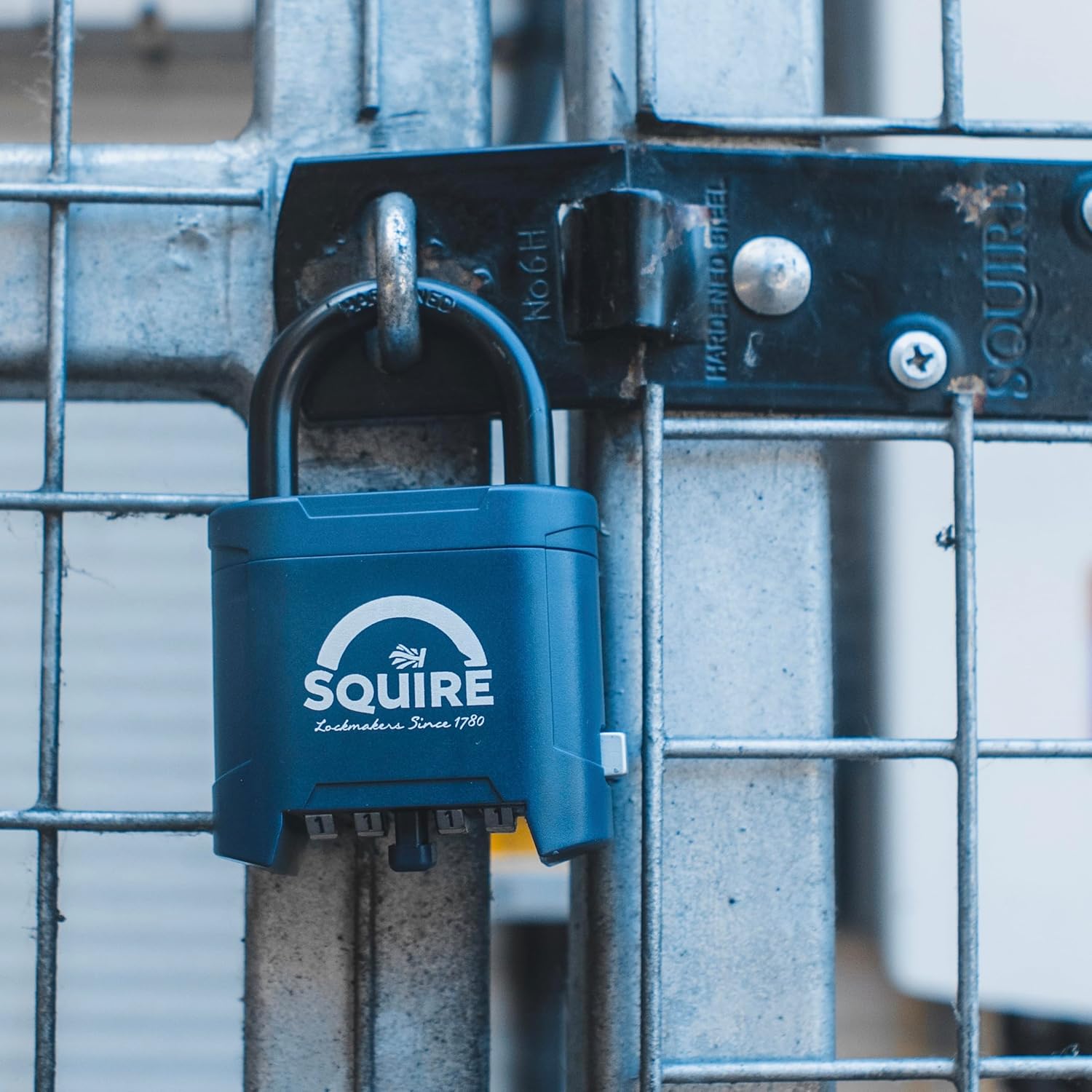
Image 7.1: Detailed dimensions of the Squire Mystic Combi BF60 padlock, including shackle clearance and body measurements.
8. Warranty and Support
The Squire Mystic Combi BF60 padlock is backed by a 10-year manufacturer guarantee, reflecting its proven durability and quality. For any support inquiries, warranty claims, or further assistance, please refer to the contact information provided with your product packaging or visit the official Squire website.