
Introduction
Thank you for purchasing the SABALA DR-909 Boombox Bluetooth Speaker. This manual provides detailed instructions for setting up, operating, and maintaining your speaker. Please read this manual carefully before use to ensure optimal performance and longevity of your device. Keep this manual for future reference.
Safety Information
- Do not expose the speaker to extreme temperatures or direct sunlight for extended periods.
- Avoid dropping or subjecting the speaker to strong impacts.
- Do not disassemble, repair, or modify the speaker yourself. Contact qualified service personnel if needed.
- Keep the speaker away from medical devices, as it may interfere with their operation.
- Use only the provided charging cable and adapter.
- Ensure the charging port cover is securely closed when near water to maintain IPX6 water resistance.
Package Contents
Please check the package for the following items:
- 1x SABALA DR-909 Bluetooth Speaker
- 1x USB Charging Cable (includes adapter)
- 1x White Bag
- 1x Quick Start Guide
- 1x User Manual (this document)
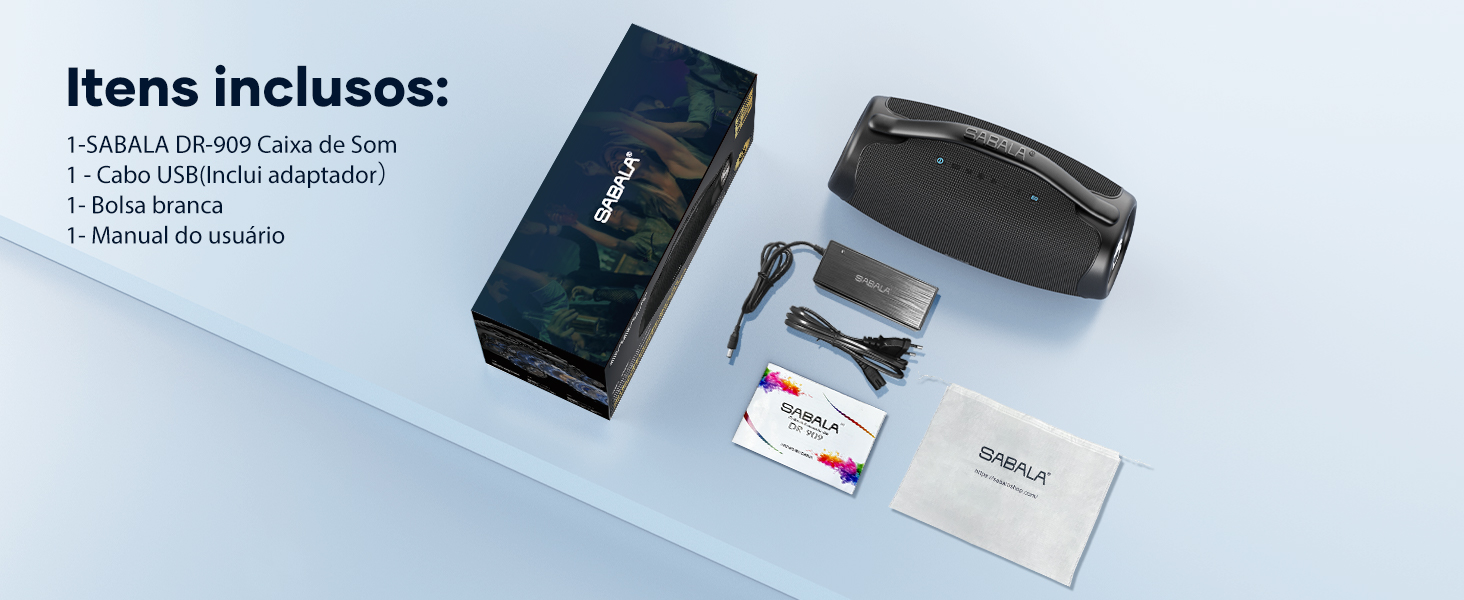
Image: Contents of the SABALA DR-909 Boombox package.
Product Overview
The SABALA DR-909 features a robust design with intuitive controls and multiple connectivity options. It is equipped with a 3-way sound system for high-definition audio.

Image: Detailed view of the SABALA DR-909 control panel and ports.
Control Panel and Ports:
- Power ON/OFF: Press and hold to turn the speaker on or off.
- Volume - / Previous Track: Short press for volume down, long press for previous track.
- Mode Conversion Key: Press to switch between Bluetooth, AUX, and USB modes.
- Bluetooth: Press to enter Bluetooth pairing mode.
- Play/Pause: Press to play or pause audio.
- Volume - / Previous Track: Short press for volume down, long press for previous track.
- Volume + / Next Track: Short press for volume up, long press for next track.
- Equalizer Mode: Press to cycle through available equalizer presets.
Ports:
- AUX IN: 3.5mm audio input for wired connections.
- USB: USB-A port for playing music from a USB drive or for power bank function.
- DC IN: Power input for charging the speaker.
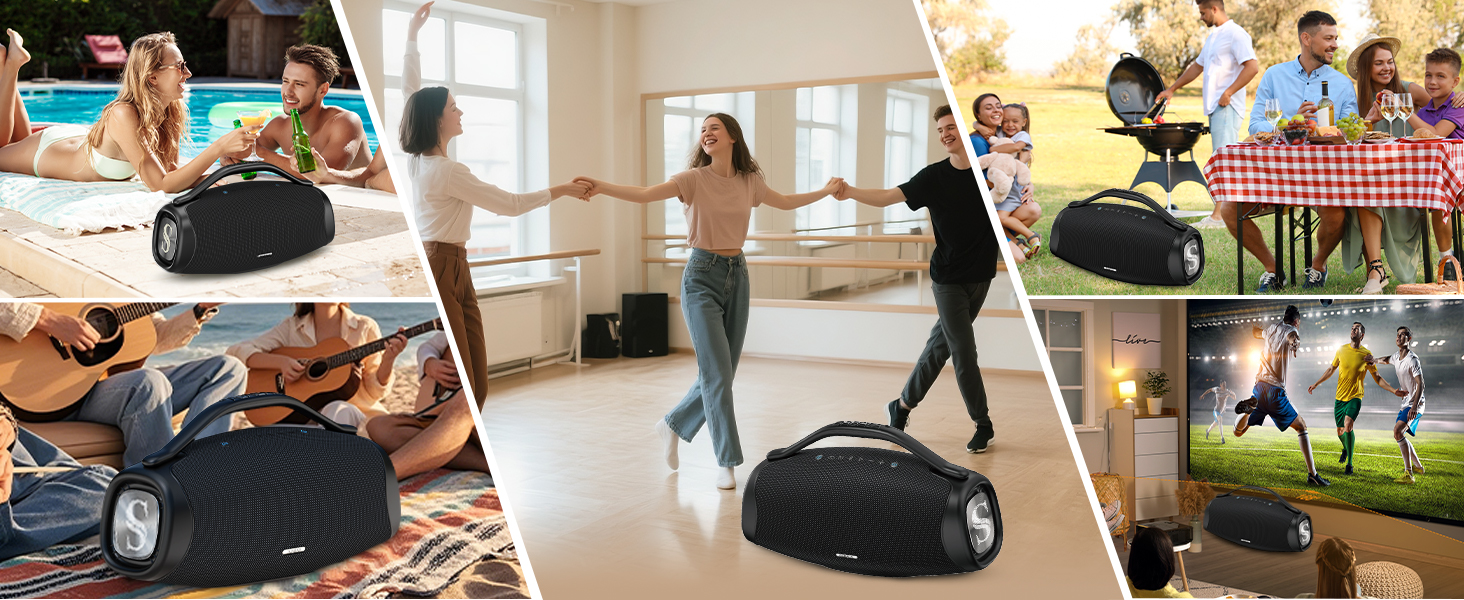
Image: Internal components illustrating the 200W 3-way sound system with woofers, midrange, and tweeters.
Setup
1. Charging the Speaker
Before first use, fully charge the speaker. Connect the provided charging cable to the DC IN port on the speaker and plug the adapter into a power outlet. The charging indicator will show the charging status. A full charge takes approximately 4 hours and provides 8-36 hours of playback, depending on volume and content.
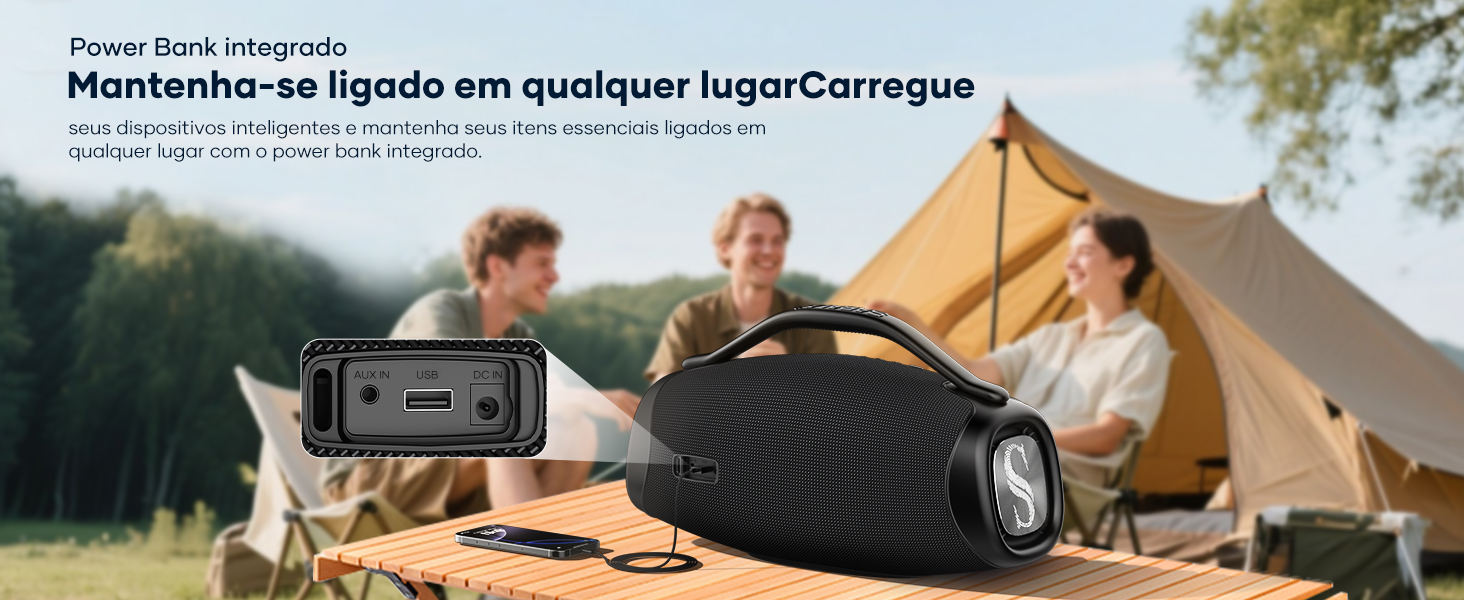
Image: The SABALA DR-909 speaker charging, highlighting its 39000mAh battery.
2. Power On/Off
Press and hold the Power ON/OFF button (1) for a few seconds until you hear an audible prompt or see the indicator light up.
3. Bluetooth Pairing
- Turn on the speaker. It will automatically enter Bluetooth pairing mode, indicated by a flashing Bluetooth indicator light.
- On your device (smartphone, tablet, etc.), enable Bluetooth and search for available devices.
- Select "SABALA DR-909" from the list of devices.
- Once connected, the Bluetooth indicator light will become solid, and you will hear a confirmation sound.
4. TWS (True Wireless Stereo) Pairing
To achieve a stereo surround sound experience, you can pair two SABALA DR-909 speakers together.
- Ensure both SABALA DR-909 speakers are powered on and not connected to any other Bluetooth device.
- On one speaker (this will be the primary speaker), press the Bluetooth button (4) twice. You will hear a prompt indicating TWS pairing mode.
- The two speakers will automatically search for and connect to each other. Once connected, you will hear a confirmation sound, and the Bluetooth indicator on the primary speaker will flash slowly, while the secondary speaker's indicator will be solid.
- Now, connect your device to the primary speaker via Bluetooth as described in step 3. Both speakers will play audio in stereo.
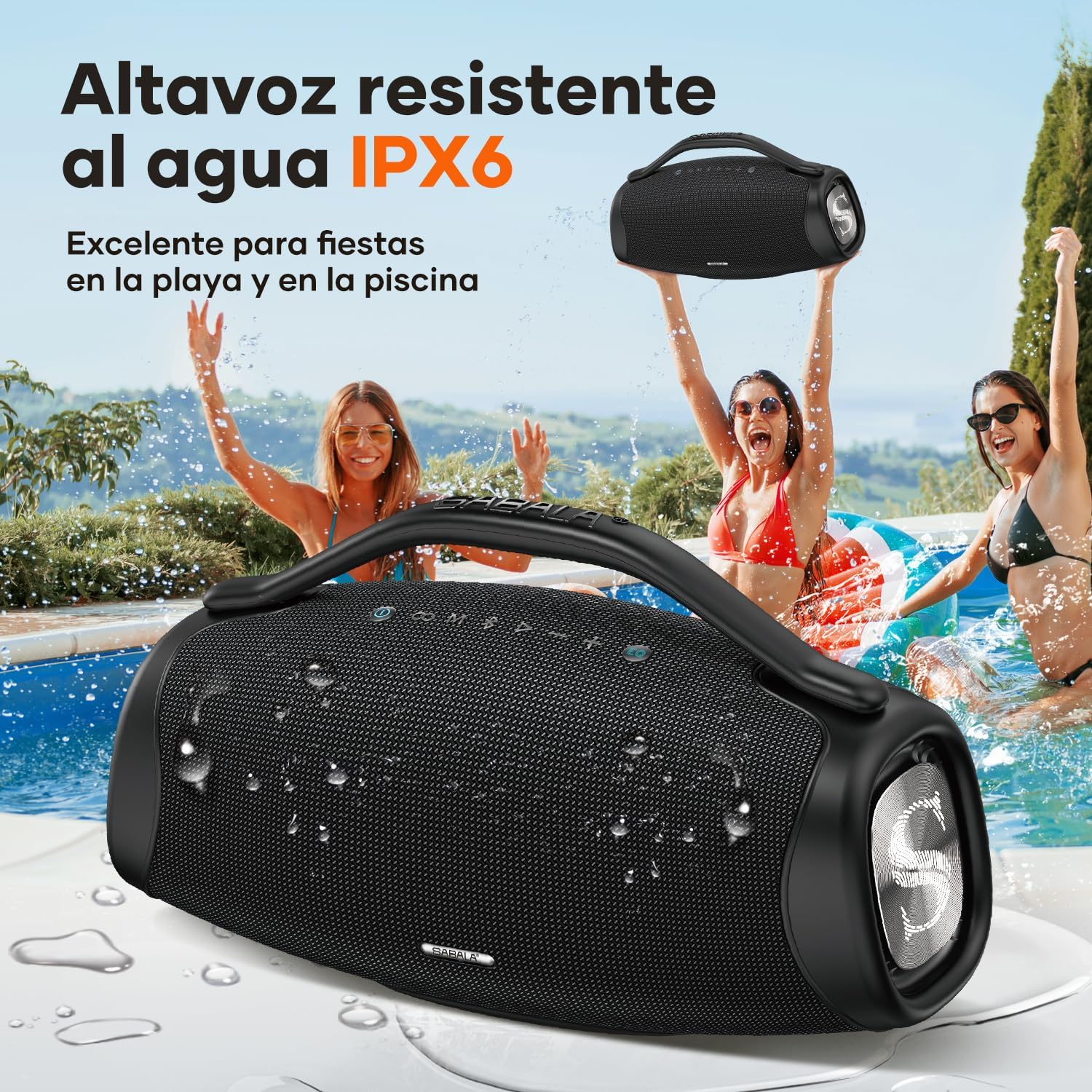
Image: Two SABALA DR-909 speakers demonstrating True Wireless Stereo (TWS) pairing for enhanced audio.
5. AUX Connection
For wired audio playback, connect a 3.5mm audio cable (not included) from your audio source to the AUX IN port on the speaker. The speaker will automatically switch to AUX mode, or you can press the Mode Conversion Key (3) to select AUX mode.
6. USB Playback
Insert a USB flash drive containing MP3 audio files into the USB port. The speaker will automatically detect the USB drive and begin playback, or you can press the Mode Conversion Key (3) to select USB mode.
Operating Instructions
Basic Controls
- Play/Pause: Press the Play/Pause button (5) to play or pause the current track.
- Volume Up: Short press the Volume + / Next Track button (7).
- Volume Down: Short press the Volume - / Previous Track button (2).
- Next Track: Long press the Volume + / Next Track button (7).
- Previous Track: Long press the Volume - / Previous Track button (2).
Equalizer Modes
The SABALA DR-909 offers multiple equalizer modes to optimize your listening experience. Press the Equalizer Mode button (8) to cycle through available presets. There are two main modes: Internal and External. The External mode increases the volume by 20%.
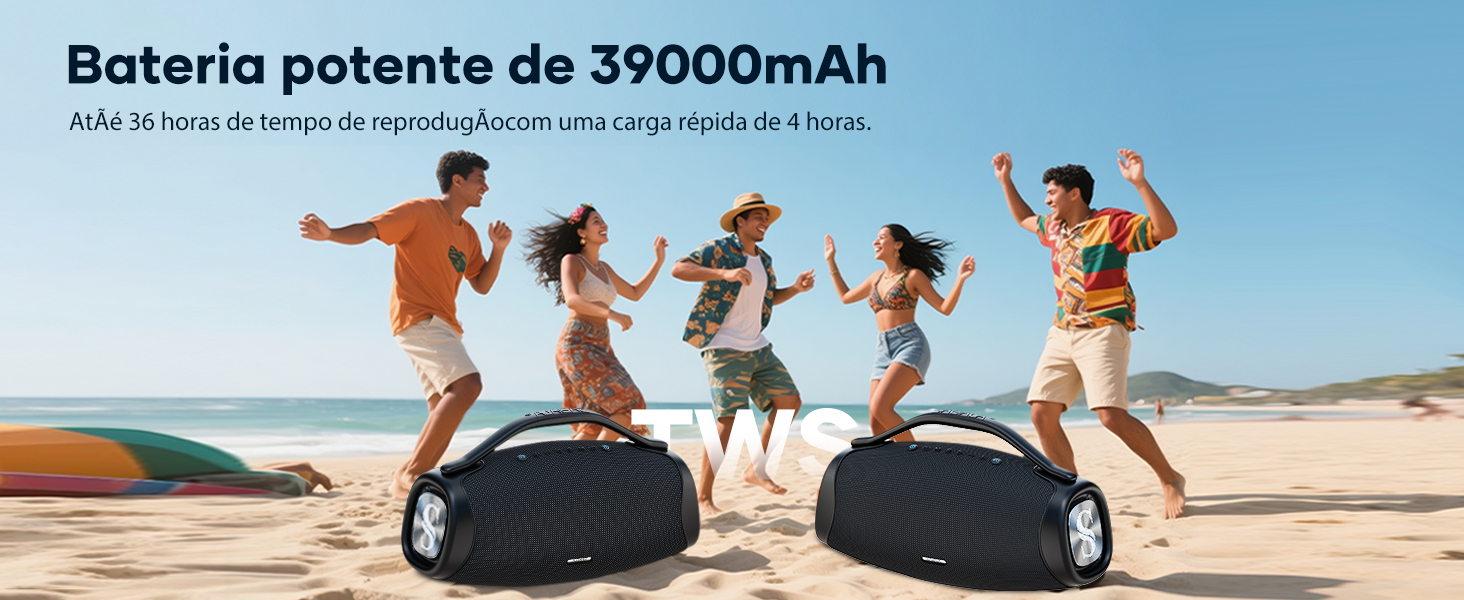
Image: Illustration of the two equalizer modes available on the SABALA DR-909 speaker.
Power Bank Function
The SABALA DR-909 features a built-in power bank (39000mAh battery) that allows you to charge your mobile devices. Connect your device's charging cable to the USB port on the speaker. Charging will begin automatically.
Image: The SABALA DR-909 speaker acting as a power bank, charging a smartphone via its USB port.
Maintenance
Cleaning
Wipe the speaker with a soft, dry cloth. Do not use abrasive cleaners, alcohol, or other chemical solvents, as these may damage the surface.
Storage
When not in use for extended periods, store the speaker in a cool, dry place away from direct sunlight and extreme temperatures. Charge the battery periodically (e.g., every 3 months) to maintain battery health.
Water Resistance (IPX6)
The SABALA DR-909 is IPX6 water-resistant, meaning it can withstand powerful water jets. It is suitable for use outdoors, near pools, or at the beach. Important: Ensure all port covers are securely closed before exposing the speaker to water. Do not submerge the speaker in water.

Image: The SABALA DR-909 speaker showcasing its IPX6 water resistance in an outdoor setting.
Troubleshooting
| Problem | Possible Cause | Solution |
|---|---|---|
| Speaker does not turn on. | Battery is depleted. | Charge the speaker fully using the provided cable and adapter. |
| No sound. | Volume is too low or muted. Incorrect input mode. Device not connected. | Increase volume on both the speaker and your connected device. Press the Mode Conversion Key (3) to select the correct input mode (Bluetooth, AUX, USB). Ensure Bluetooth device is paired or AUX cable is properly connected. |
| Bluetooth connection fails. | Speaker is not in pairing mode. Device is too far. Interference. | Ensure the speaker is in Bluetooth pairing mode (flashing indicator). Move your device closer to the speaker (within 15 meters). Turn off other Bluetooth devices to reduce interference. Try unpairing and re-pairing. |
| TWS pairing fails. | Speakers are already connected to another device. Speakers are too far apart. | Ensure both speakers are disconnected from any Bluetooth devices. Place speakers close to each other. Follow TWS pairing instructions carefully. |
| Poor sound quality. | Low battery. Source audio quality. Interference. | Charge the speaker. Try a different audio source or file. Move away from potential interference sources. Adjust equalizer settings. |
| Power bank function not working. | Speaker battery is low. Cable issue. | Ensure the speaker has sufficient charge. Try a different USB cable. |
Specifications
| Feature | Detail |
|---|---|
| Brand | SABALA |
| Model Number | DR-909 |
| Speaker Type | Portable Boombox |
| Connectivity Technology | Bluetooth 5.3 |
| Max Output Power | 200 Watts RMS |
| Frequency Response | 20 KHz (range not fully specified, typical for 20Hz-20kHz) |
| Signal-to-Noise Ratio | 95 dB |
| Audio Output Mode | Surround |
| Special Features | Portable, Built-in Powerbank, High-Resolution Audio, TWS Functionality |
| Water Resistance Level | IPX6 (Water Resistant) |
| Battery Capacity | 39000mAh |
| Battery Life | Up to 36 Hours (varies with volume/content) |
| Charging Time | Approx. 4 hours |
| Bluetooth Range | Up to 15 Meters |
| Dimensions (L x W x H) | 45.5 cm x 14.6 cm x 16.5 cm |
| Item Weight | 6.1 Kilograms |
| Material | Metal, Plastic |
| Input Voltage | 220 Volts |
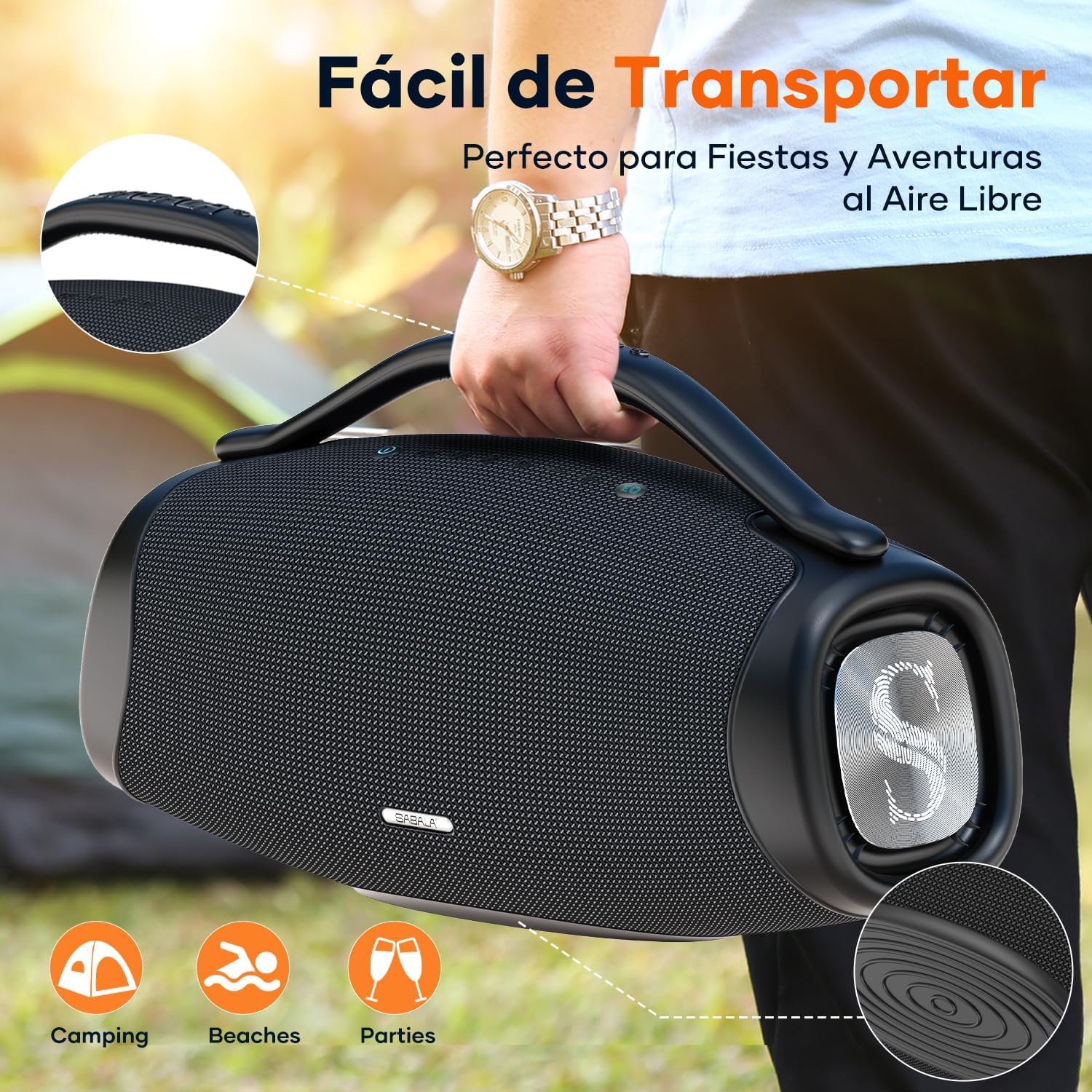
Image: Physical dimensions of the SABALA DR-909 Boombox speaker.
Warranty and Support
The SABALA DR-909 Boombox Bluetooth Speaker comes with a 12-month limited warranty from the date of purchase. This warranty covers manufacturing defects and workmanship under normal use.
The warranty does not cover damage caused by:
- Accident, abuse, misuse, or improper operation.
- Unauthorized repair or modification.
- Failure to follow instructions in this manual.
- Normal wear and tear.
For warranty claims or technical support, please contact SABALA customer service through your retailer or the official SABALA website. Please have your purchase receipt and product model number (DR-909) ready.

