
1. Introduction
This user manual provides detailed instructions for the Tangxi Portable 4G/5G Mobile Hotspot, model Tangxiwbt2r4vmkc. It covers everything from initial setup and operation to maintenance and troubleshooting, ensuring you can maximize your device's potential for reliable, high-speed internet access wherever you are.
2. Safety Information
- Do not expose the device to extreme temperatures, direct sunlight, or moisture.
- Avoid dropping or subjecting the device to strong impacts.
- Use only the provided or approved charging cable.
- Keep out of reach of children.
- Do not attempt to disassemble or repair the device yourself.
3. Package Contents
Verify that all items are present in your package:
- 1 x Tangxi Portable 4G/5G Mobile Hotspot
- 1 x USB Supply Cable (Type-C)
- 1 x User Manual (this document)
4. Product Overview
The Tangxi Portable 4G/5G Mobile Hotspot is a compact and powerful device designed to provide high-speed internet connectivity on the go. It supports 4G/5G networks, offering speeds up to 300Mbps, and can connect up to 10 devices simultaneously. Its built-in 3200mAh battery ensures over 10 hours of continuous use.
Key Features:
- 4G/5G Connectivity: Enjoy fast internet without broadband, simply by inserting a SIM card.
- High-Speed Network: Supports LTE CAT4 standard with speeds up to 300Mbps.
- Long Battery Life: Integrated 3200mAh Lithium-ion battery provides over 10 hours of usage.
- Multi-Device Support: Connect up to 10 devices simultaneously.
- Plug and Play: Easy setup with USB-C power supply and SIM card insertion.
Device Components:

Figure 1: Front view of the hotspot highlighting key features like Type-C interface, 4G/5G high-speed internet, and battery capacity.

Figure 2: The mobile hotspot demonstrating its high-performance battery, capable of over 10 hours of continuous use.
5. Setup
5.1 Inserting the SIM Card
- Carefully remove the back cover of the hotspot device.
- Locate the SIM card slot.
- Insert your 4G/5G SIM card into the designated slot, ensuring correct orientation.
- Replace the back cover securely.
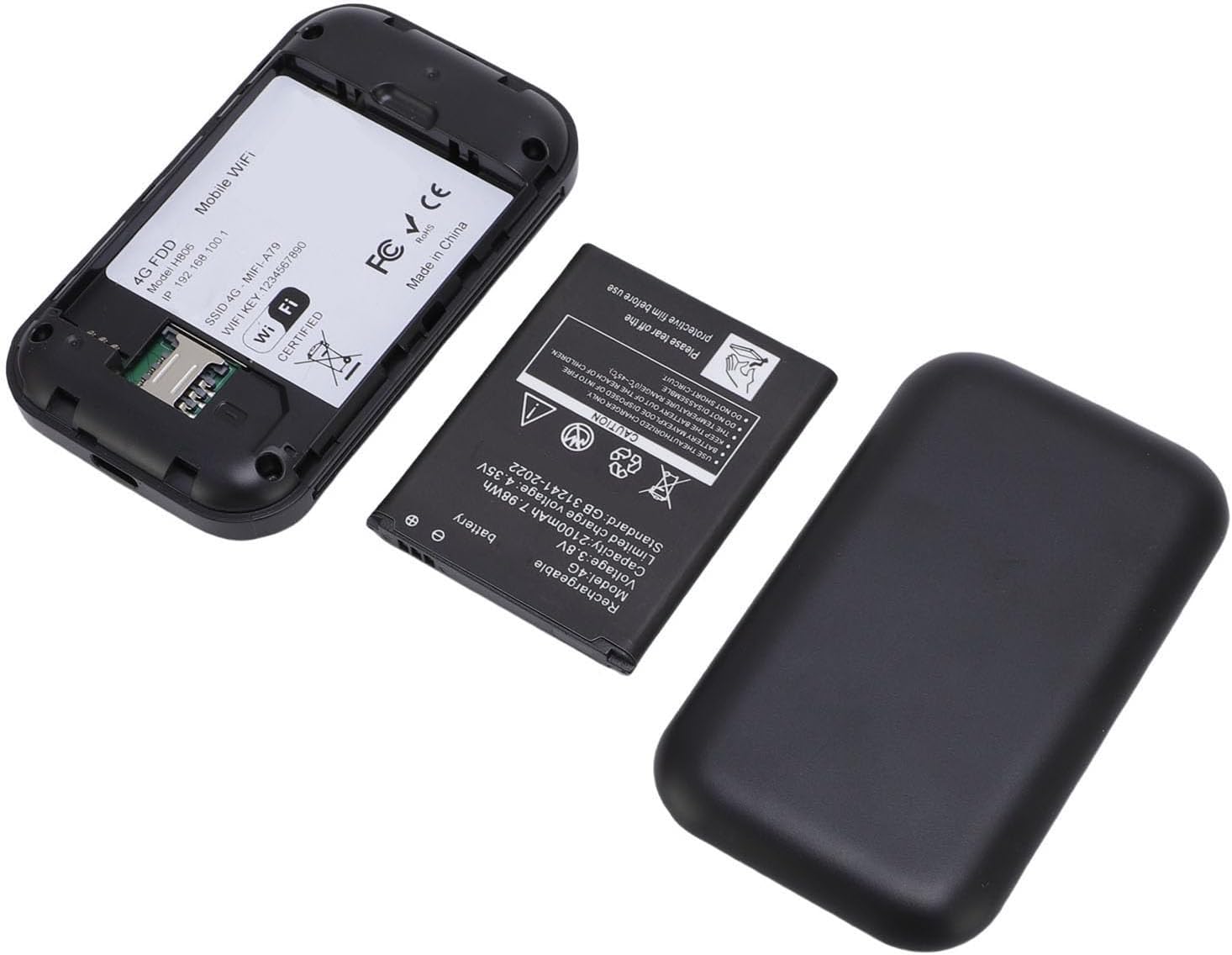
Figure 3: The internal view of the hotspot, showing the battery removed and the SIM card slot for easy insertion.
5.2 Powering On and Initial Connection
- Press and hold the power button on the device until the screen illuminates.
- The device will begin registering with the network. This may take a few moments.
- Once registered, the screen will display network status, remaining data, and Wi-Fi details.
- On your smartphone, tablet, or laptop, search for available Wi-Fi networks.
- Select the network name (SSID) displayed on your hotspot's screen.
- Enter the Wi-Fi password (Key) shown on the hotspot's screen to connect.
Video 1: A short demonstration of unboxing the mobile hotspot and inserting the SIM card, followed by powering on the device.
6. Operating Instructions
6.1 Connecting Multiple Devices
The hotspot supports simultaneous connections for up to 10 devices. Follow the initial connection steps (Section 5.2) for each device you wish to connect.
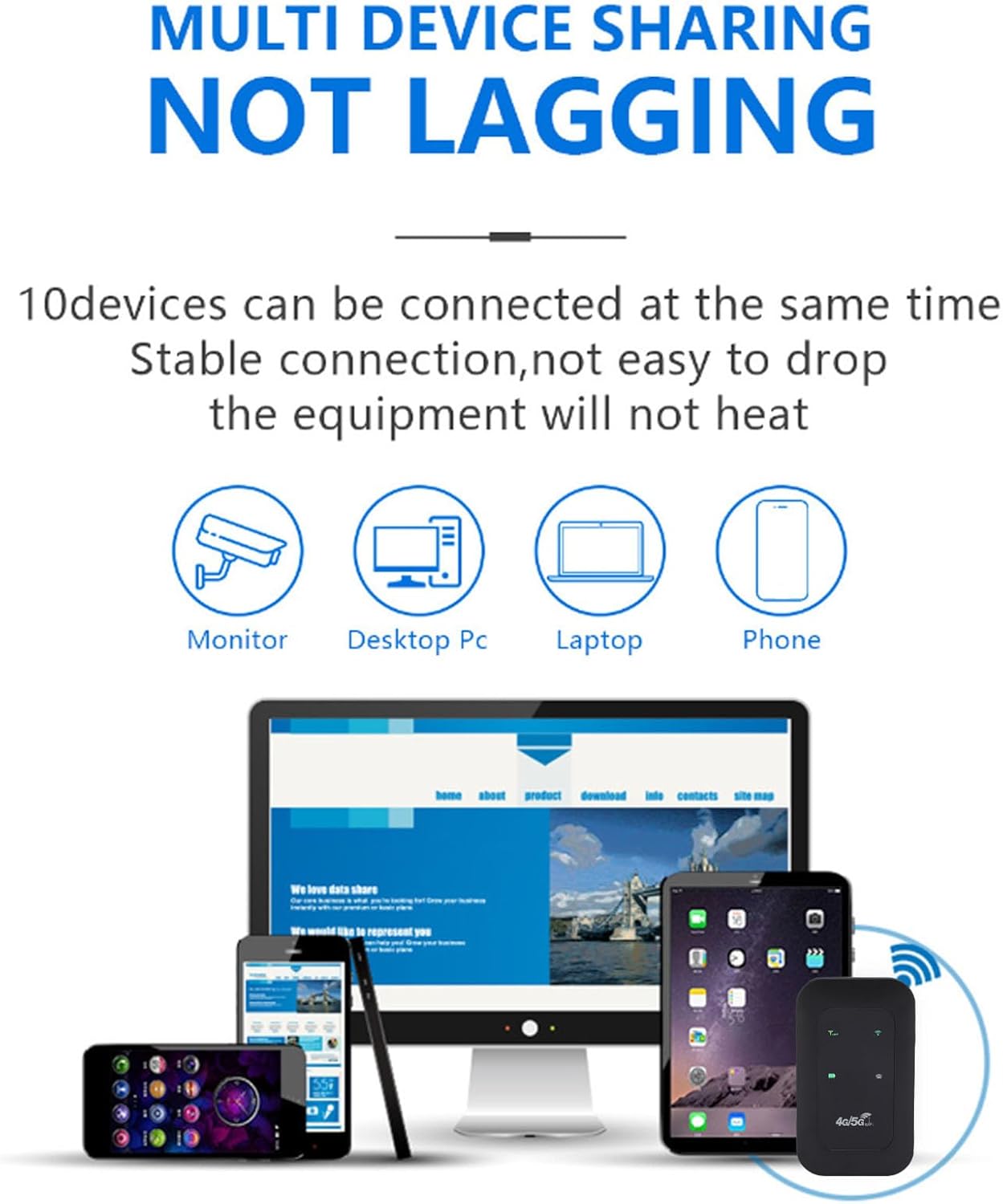
Figure 4: The hotspot providing stable internet to various devices including a monitor, desktop PC, laptop, and smartphone.
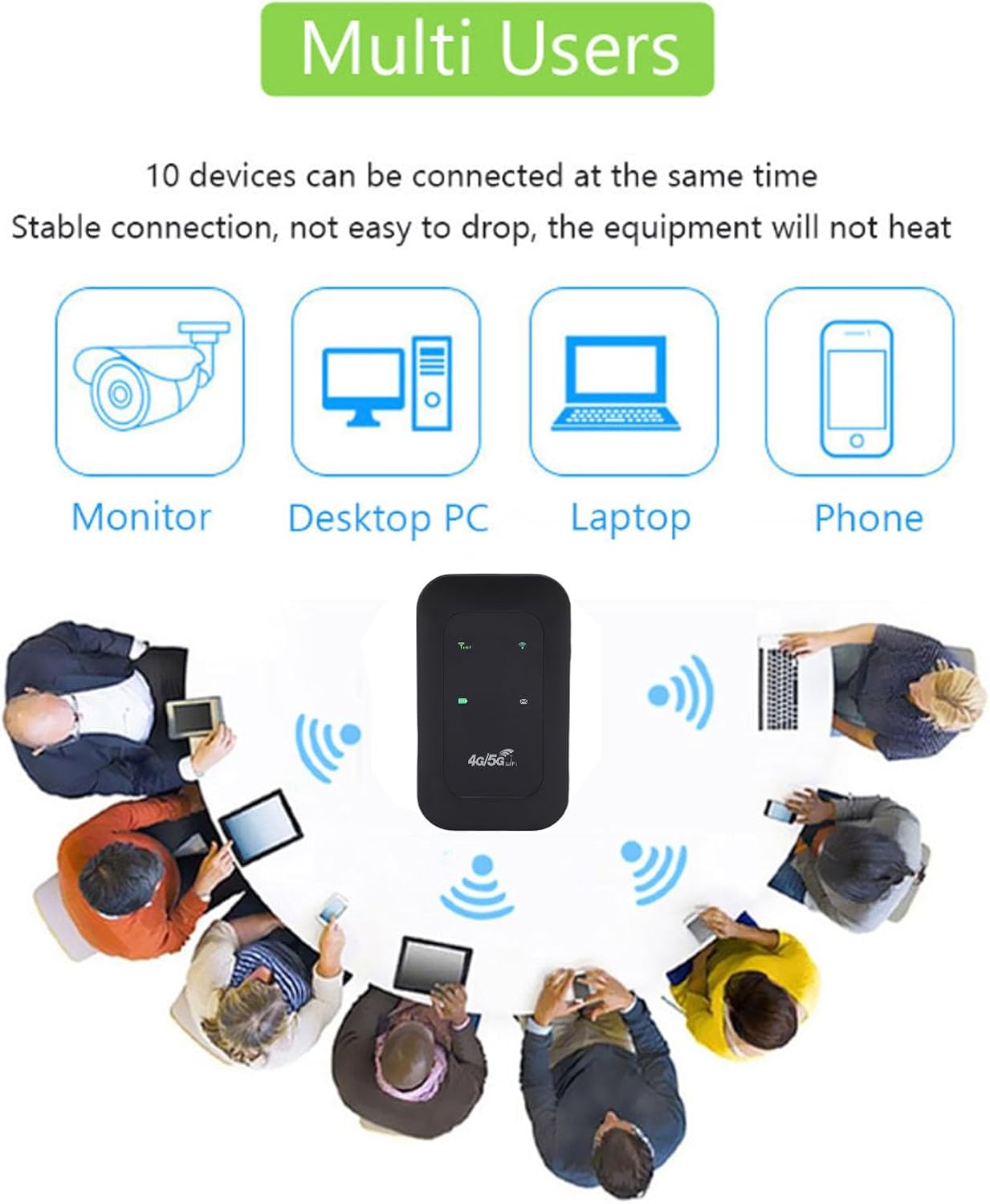
Figure 5: The mobile hotspot facilitating internet access for several individuals and their devices, emphasizing its multi-user capability.
6.2 Understanding Indicators
The device's display provides real-time information about its status:
- Signal Strength: Bars indicate the strength of the 4G/5G cellular signal.
- Wi-Fi Status: An icon indicates if Wi-Fi is active and broadcasting.
- Battery Level: An icon shows the current battery charge.
- Data Usage: Displays remaining and total data usage (if applicable to your SIM plan).

Figure 6: The hotspot's ability to provide smooth network speed and accurate reception of high-frequency signals within a home environment.
7. Maintenance
7.1 Battery Care
- Charge the device fully before first use.
- Avoid completely draining the battery regularly to prolong its lifespan.
- If storing the device for an extended period, charge it to about 50% and store in a cool, dry place.
7.2 Cleaning and Storage
- Wipe the device with a soft, dry cloth. Do not use liquid cleaners.
- Store the hotspot in a protective pouch or case when traveling to prevent scratches or damage.
8. Troubleshooting
8.1 No Internet Connection
- Ensure the SIM card is correctly inserted and activated with a data plan.
- Check the signal strength indicator on the hotspot. If signal is weak, move to an area with better reception.
- Restart the hotspot device and your connected device.
- Verify that your data plan has not been exhausted.
8.2 Slow Connection Speed
- Reduce the number of connected devices.
- Ensure you are in an area with good 4G/5G coverage.
- Check for any background applications consuming bandwidth on connected devices.
8.3 Device Not Powering On
- Ensure the battery is charged. Connect the device to a power source using the USB-C cable.
- Try using a different USB-C cable and power adapter.
Video 2: An instructional video demonstrating how to set up tethering, which can be a useful alternative connection method or troubleshooting step.
9. Specifications
| Feature | Detail |
|---|---|
| Item Type | Portable Hotspot |
| Material | ABS + electronic components |
| Network Bands | LTE: B1/B3/B5/B40, WCDMA: B1 |
| Wi-Fi Support | 802.11 b/g/n Wireless Network |
| Transmission Frequency | Up to 300Mbps |
| SIM Card Slot | 1 (not included) |
| Battery Type | Built-in 3200mAh Lithium-ion Battery |
| Connectivity Protocol | 4G LTE, 5G |
| Compatible Devices | Laptop, Smartphone |
| Security Protocol | WPA2-PSK |
| Model Number | Tangxiwbt2r4vmkc |
10. Warranty Information
This product comes with a manufacturer warranty for 90 days from the date of purchase. Please retain your proof of purchase for any warranty claims.
11. Support
For further assistance, product information, or to explore other Tangxi products, please visit the official Tangxi store:
Visit the Tangxi Store on Amazon
Manufacturer: Tangxi