
1. Getting Started: Unboxing and Initial Setup
Welcome to your new SUAAT S3 Android 15 Tablet! This section will guide you through unboxing and the initial setup process.
What's in the Box
Your SUAAT S3 tablet package includes the following items:
- S3 Android 15 Tablet
- Bluetooth Keyboard
- Mouse
- Foldable Protective Case
- Screen Protector
- 18W Charger
- USB Type-C Data Cable
- OTG Converter
- User Manual (this document)

Initial Power On and Basic Setup
Before first use, ensure your tablet is fully charged. Connect the provided 18W charger and USB Type-C cable to the tablet and a power outlet.
- Press and hold the Power button for 2-3 seconds to turn on the tablet.
- Follow the on-screen prompts to select your language and set up your Wi-Fi connection. The tablet supports Wi-Fi 6 (2.4/5GHz) for fast and stable connectivity.
- Sign in with your Google account to access the Play Store and sync your data.
- Optionally, apply the included screen protector for added display protection.
Connecting Accessories
The SUAAT S3 comes with a Bluetooth keyboard and mouse for enhanced productivity.
- Bluetooth Keyboard: Turn on the keyboard and enable Bluetooth on your tablet via Settings > Connected devices. Select the keyboard from the list of available devices to pair.
- Mouse: The mouse typically connects via a USB dongle. Insert the dongle into the tablet's USB Type-C port using the provided OTG converter if necessary.
- Protective Case: Install your tablet into the foldable protective case for protection and convenient viewing angles.

2. Operating Your SUAAT S3 Tablet
This section covers the various functions and features of your Android 15 tablet.
Basic Navigation and Interface
- Touchscreen Gestures: Navigate the Android 15 interface using standard touch gestures like tap, swipe, pinch-to-zoom, and long-press.
- Home Screen: Customize your home screen with widgets and app shortcuts.
- Quick Sidebar & Assistive Control: Utilize these intuitive Android 15 features for quick app launches and system control, enhancing productivity.

Multimedia and Entertainment
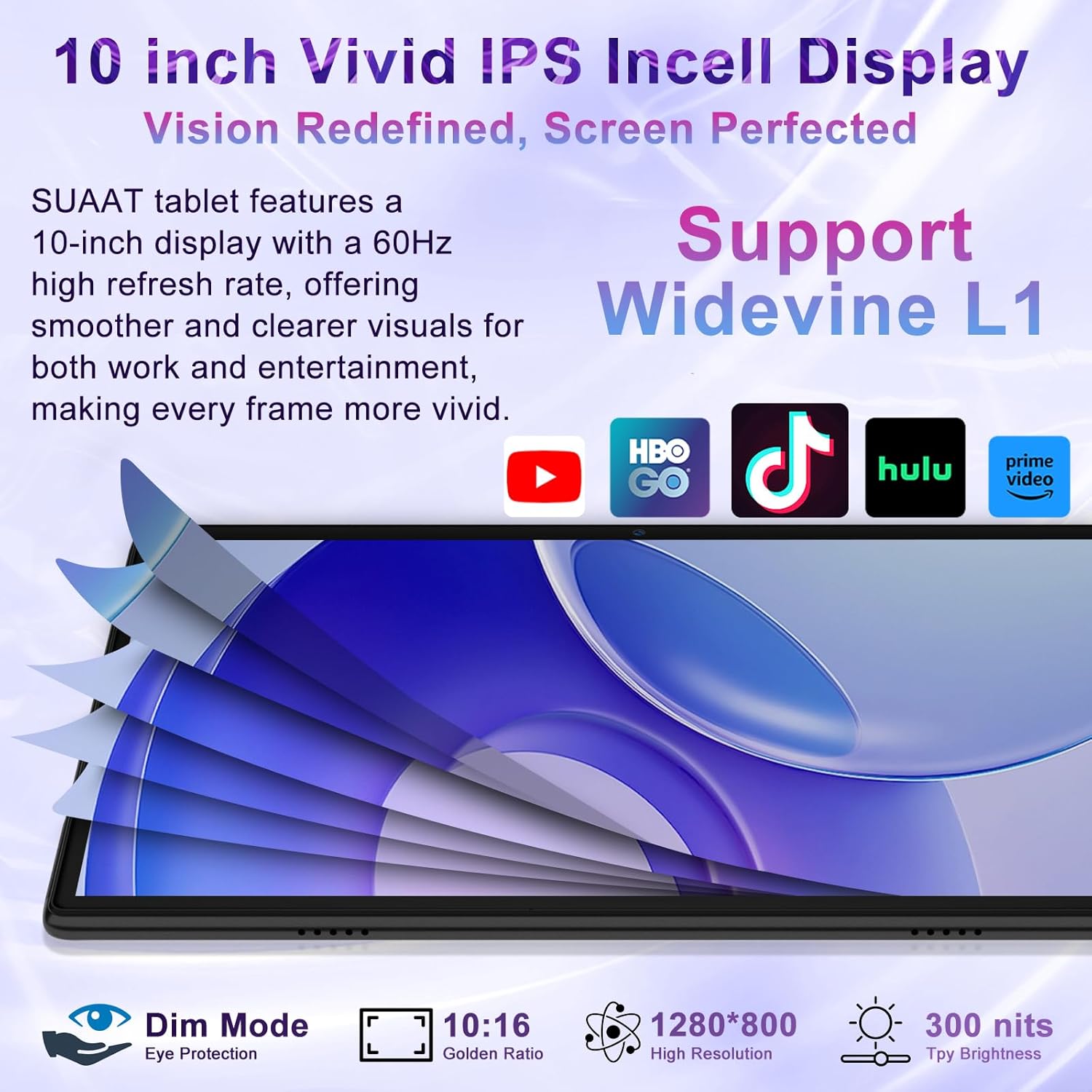
Enjoy a rich multimedia experience with your tablet's FHD display and dual speakers.
- Video Playback: The 10.1-inch IPS full-screen display with Widevine L1 certification allows for HD quality streaming from platforms like Netflix, HBO, Hulu, YouTube, and Amazon Prime Video.
- Audio: Dual stereo speakers provide immersive audio for movies, music, and games.
- Eye Protection Modes: The tablet features Dim Mode, Night Mode, and Natural Light Mode to reduce harmful blue light and protect your eyes during extended use.
Camera Features
Capture moments and conduct video calls with the integrated cameras.
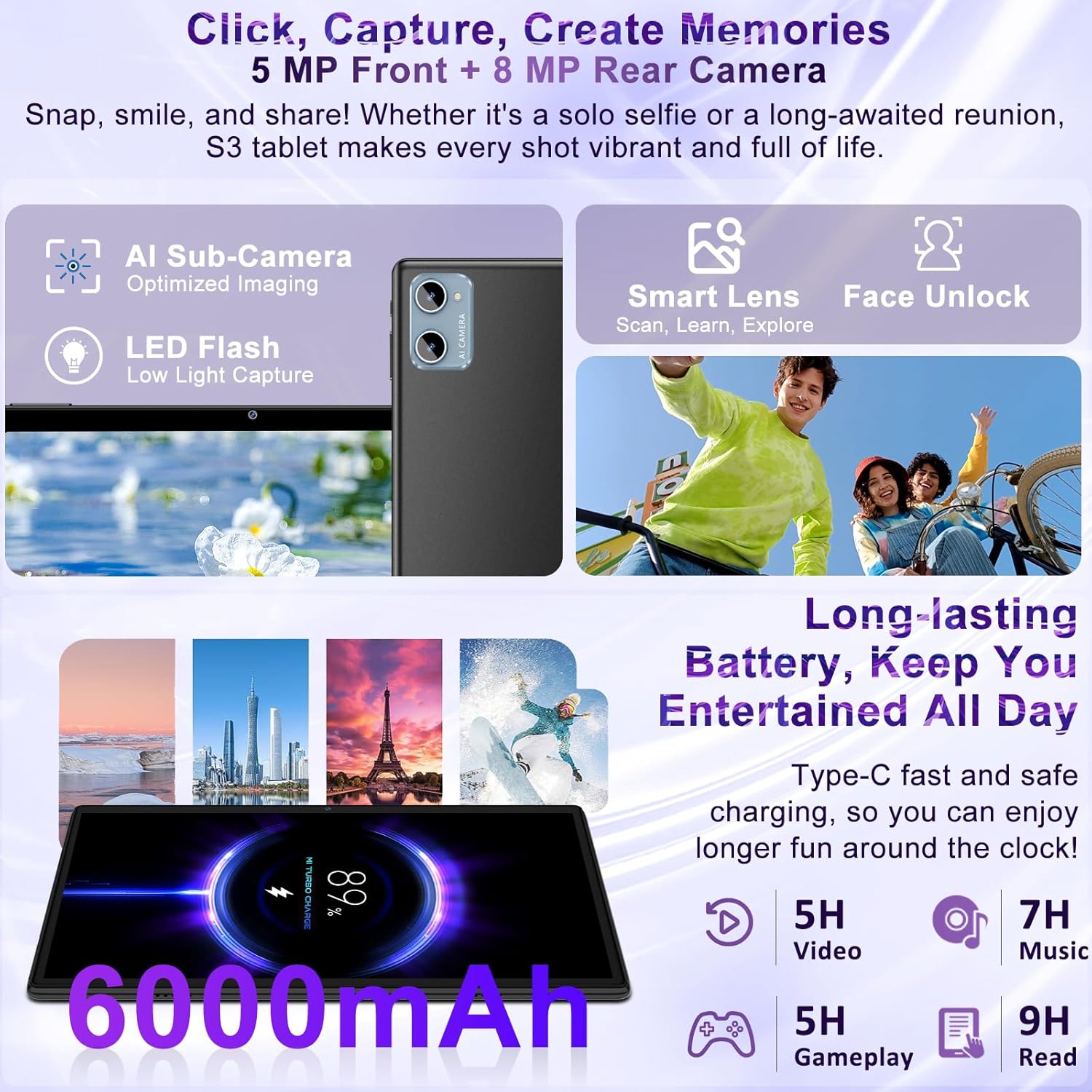
- Front Camera: 5MP for clear video calls and selfies.
- Rear Camera: 8MP AI camera with optimized imaging and LED flash for photos, document scanning, and creative projects.
- Face Unlock: Securely unlock your tablet using facial recognition.
Gemini AI and Productivity
Leverage the built-in Gemini AI for smarter interactions and enhanced productivity.
- AI Assistant: Gemini AI offers features like information retrieval, image analysis, intelligent assistance, and language learning.
- Split-screen: Multitask efficiently by running two applications side-by-side.
- Wi-Fi Screen Casting: Share your tablet's screen wirelessly to compatible displays.

Parental Control and Privacy
Android 15 offers robust features to manage usage and protect privacy.
- Parental Control: Filter content by age, customize learning objectives, and control screen time for children.
- Privacy Protection: Utilize the 'Private Space' feature to encrypt sensitive apps and files, making them invisible on the main interface.
3. Maintenance
Proper maintenance ensures the longevity and optimal performance of your SUAAT S3 tablet.
Battery Care
- Charging: Use only the provided 18W charger and USB Type-C cable. Avoid using damaged cables or chargers.
- Battery Life: The 6000mAh battery supports all-day use. For optimal battery health, avoid fully discharging the battery frequently.
- Temperature: Avoid exposing the tablet to extreme temperatures, as this can affect battery performance and lifespan.
Storage Management
- Internal Storage: Your tablet comes with 64GB of built-in storage. Regularly clear unnecessary files and apps to maintain performance.
- Expandable Storage: Expand storage up to 1TB using a microSD card. Insert the microSD card into the designated slot.

Screen and Device Care
- Cleaning: Use a soft, lint-free cloth to clean the screen and body. Avoid harsh chemicals.
- Protection: Always use the provided protective case and screen protector to guard against scratches and minor impacts.
4. Troubleshooting
If you encounter any issues with your SUAAT S3 tablet, refer to the following common solutions.
- Tablet Not Turning On: Ensure the tablet is charged. Connect the charger and wait a few minutes before attempting to power on again. If unresponsive, press and hold the power button for 5 seconds for a forced shutdown, then restart.
- Slow Performance: Close unnecessary background apps. Clear cache from apps via Settings > Apps. Check available storage and free up space if needed.
- Wi-Fi Connectivity Issues: Ensure Wi-Fi is enabled and you are within range of a known network. Restart your router and tablet.
- Bluetooth Pairing Problems: Ensure Bluetooth is enabled on both the tablet and the accessory. Make sure the accessory is in pairing mode and within range.
- Screen Unresponsive: Restart the tablet. If the issue persists, perform a factory reset (backup your data first).
5. Specifications
Key technical specifications of the SUAAT S3 10-Inch Android 15 Tablet.
| Feature | Specification |
|---|---|
| Model Name | S3 |
| Operating System | Android 15 |
| Processor | 2.0GHz Octa-Core (Allwinner) |
| RAM | 30GB (8GB Physical + 22GB Virtual) |
| Internal Storage | 64GB |
| Expandable Storage | Up to 1TB via MicroSD |
| Screen Size | 10.1 Inches |
| Screen Resolution | 1280 x 800 pixels (FHD IPS) |
| Rear Camera | 8MP AI Camera |
| Front Camera | 5MP |
| Battery Capacity | 6000mAh |
| Connectivity | Wi-Fi 6 (802.11a/b/g/n/ac), Bluetooth 5.0 |
| Ports | USB Type-C, 3.5mm Headphone Jack |
| Weight | 1.03 pounds |
| Dimensions | 9.57 x 6.34 x 0.39 inches |

6. Warranty and Support
SUAAT is committed to providing professional technical support and ensuring customer satisfaction.
- For any technical assistance or product inquiries, please refer to the contact information provided in your product packaging or visit the official SUAAT website.
- Keep your purchase receipt for warranty claims.


