
1. Important Safety Information
Please read all instructions carefully before using the Genérico Pro 2.0 IPL Hair Removal Device. Failure to follow these safety guidelines may result in injury or device damage.
- Always wear the provided safety glasses during operation to protect your eyes from intense pulsed light.
- Do not use the device on tattooed areas, moles, birthmarks, or areas with skin diseases.
- Avoid direct exposure to the light window.
- Keep the device out of reach of children.
- Consult a doctor before use if you have any pre-existing medical conditions, are pregnant, or breastfeeding.
- Do not use on very dark skin tones as IPL may not be suitable and could cause adverse reactions.
The device is designed for hair removal. Do not use it for any other purpose.
2. Product Overview
The Genérico Pro 2.0 is an advanced Intense Pulsed Light (IPL) hair removal device designed for home use. It features a durable quartz lamp and offers multiple intensity levels for effective and long-lasting hair reduction.

Figure 2.1: Front view of the Genérico Pro 2.0 IPL Hair Removal Device, showing the display and control buttons.
2.1 Components
- Genérico Pro 2.0 IPL Device (Main Unit)
- Safety Glasses
- Power Adapter (EU Plug)
- User Manual (This document)
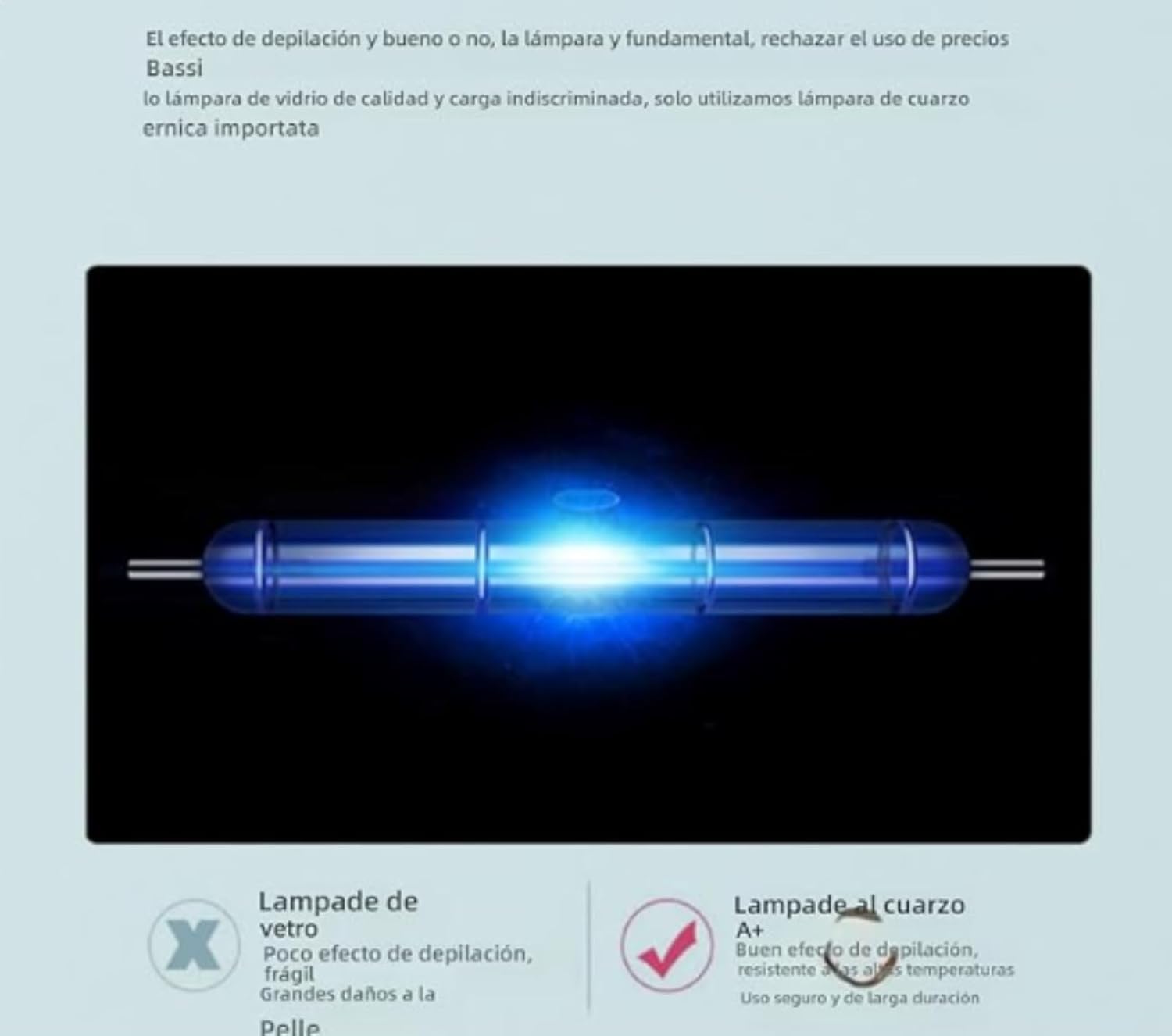
Figure 2.2: Illustration of the device's internal quartz lamp, which generates the pulsed light for hair removal.
2.2 Key Features
- IPL Technology: Utilizes Intense Pulsed Light for effective hair follicle targeting.
- Adjustable Intensity: 6 levels of energy intensity to suit various skin sensitivities and hair types.
- High Flash Capacity: Up to 999,999 flashes for long-term use.
- Dual Modes: Supports both Manual (precision) and Automatic (fast treatment) flash modes.
- LCD Display: Provides clear information on flash count, intensity level, and mode.
- Versatile Application: Suitable for various body areas including face, arms, legs, underarms, and bikini line.

Figure 2.3: Overview of device features, including 6 energy levels, hair removal mode, skin rejuvenation mode, manual and auto light emission, built-in security, high wattage, LCD screen, and quartz lamp.
3. Setup
Before your first treatment, ensure your skin is clean, dry, and free of any lotions or creams. Shave the area to be treated; do not wax or pluck as the hair follicle needs to be present for IPL to be effective.
- Connect Power: Plug the power adapter into the device and then into a wall outlet. The device will power on automatically or require a long press of the power button.
- Wear Safety Glasses: Put on the provided safety glasses to protect your eyes from the intense light.
- Select Intensity Level: Press the power button briefly to cycle through the 6 intensity levels. Start with level 1 for your first treatment and gradually increase as your skin tolerates it.
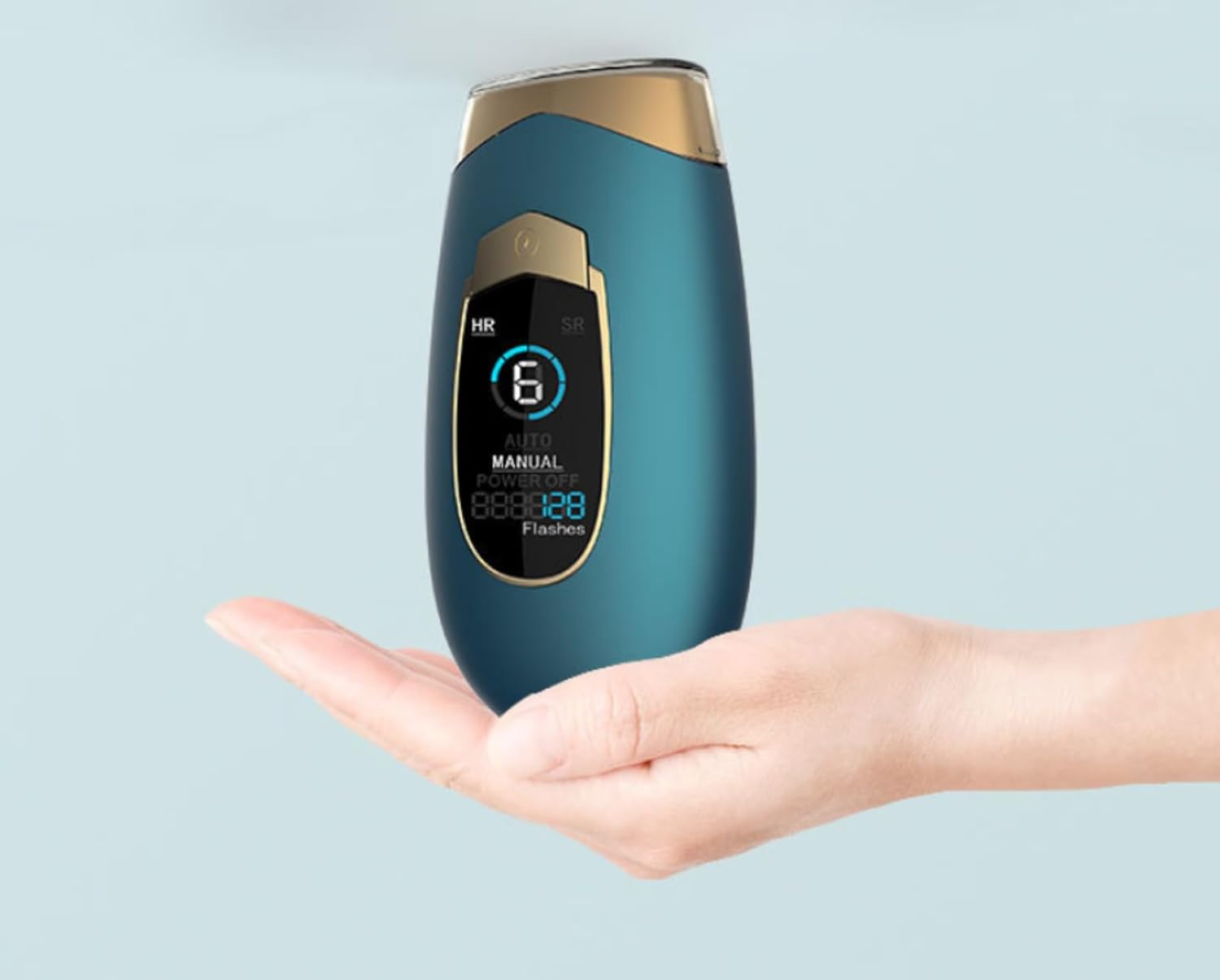
Figure 3.1: The Genérico Pro 2.0 device comfortably held in hand, illustrating its ergonomic design and readiness for use.
4. Operating Instructions
4.1 Treatment Modes
- Manual Mode: Press the flash button for a single flash. Ideal for small or sensitive areas like the face or bikini line.
- Automatic Mode: Hold down the flash button for 3 seconds to activate. The device will automatically flash when the light window is fully in contact with the skin. Ideal for larger areas like legs or arms.
4.2 Performing a Treatment
- Ensure the light window is fully in contact with your skin.
- Press the flash button (Manual Mode) or glide the device over the skin (Automatic Mode).
- Move the device to the next area, ensuring slight overlap to avoid missing spots.
- Treat each area once per session. Do not flash the same spot multiple times in one session.
4.3 Recommended Treatment Areas and Times
The device is suitable for various body parts. Approximate treatment times are provided below:

Figure 4.1: Diagram illustrating various body areas suitable for IPL treatment and their approximate session durations: Arm (1 min), Bikini (1 min), Lips (0.5 min), Face (2 min), Underarm (1.5 min), Legs (4 min).
4.4 Treatment Schedule
For optimal results, follow the recommended treatment schedule:

Figure 4.2: An 8-week treatment plan for clean, smooth, and lasting hair removal.
First Month (Weeks 0-4): Recommended 4-6 times (e.g., once a week).
Second Month (Weeks 4-8): Recommended 2-3 times (e.g., once every 2-3 weeks).
Third Month (Weeks 8-12): Recommended 1-2 times (e.g., once every 3-4 weeks).
After Fourth Month: Recommended once a month for maintenance.
5. Maintenance
5.1 Cleaning the Device
- Ensure the device is powered off and unplugged before cleaning.
- Use a soft, dry cloth to wipe the light window and the device body.
- Do not use abrasive cleaners, alcohol, or harsh chemicals.
- Do not immerse the device in water or any other liquid.
5.2 Storage
- Store the device in a cool, dry place, away from direct sunlight.
- Keep the device in its original packaging or a protective case to prevent damage.
6. Troubleshooting
If you encounter any issues with your Genérico Pro 2.0 device, please refer to the following common problems and solutions:
| Problem | Possible Cause | Solution |
|---|---|---|
| Device does not power on | Not properly plugged in; Power outlet issue | Ensure the power adapter is securely connected to the device and the wall outlet. Try a different outlet. |
| No flash emitted | Light window not in full contact with skin; Device in standby mode; Flash count depleted | Ensure the light window is fully pressed against the skin. Press the power button to wake the device. Check the LCD display for remaining flashes. |
| Skin irritation after use | Intensity level too high; Skin not suitable for IPL; Improper pre-treatment | Reduce the intensity level. Ensure your skin tone is suitable for IPL. Follow pre-treatment instructions carefully. Apply a soothing gel if irritation persists. Consult a doctor if severe. |
If the problem persists after trying these solutions, please contact customer support.
7. Specifications
- Brand: Genérico
- Model Number: Genéricoy79r
- Color: Off-white (other colors may be available)
- Material: ABS
- Power Mode: Charging (Plug-in operation)
- Flash Lifespan: 999,999 flashes
- Intensity Levels: 6 adjustable levels
- Display: LCD Screen
8. Warranty and Support
Information regarding product warranty and specific customer support contacts is not available in this manual. Please refer to the product packaging or the retailer's website for warranty details and contact information for support.