
1. Product Overview
The OUKITEL C3 is a feature-rich smartphone designed for everyday use. It combines powerful performance with a sleek design, offering a seamless user experience. This manual provides essential information on setting up, operating, and maintaining your device.
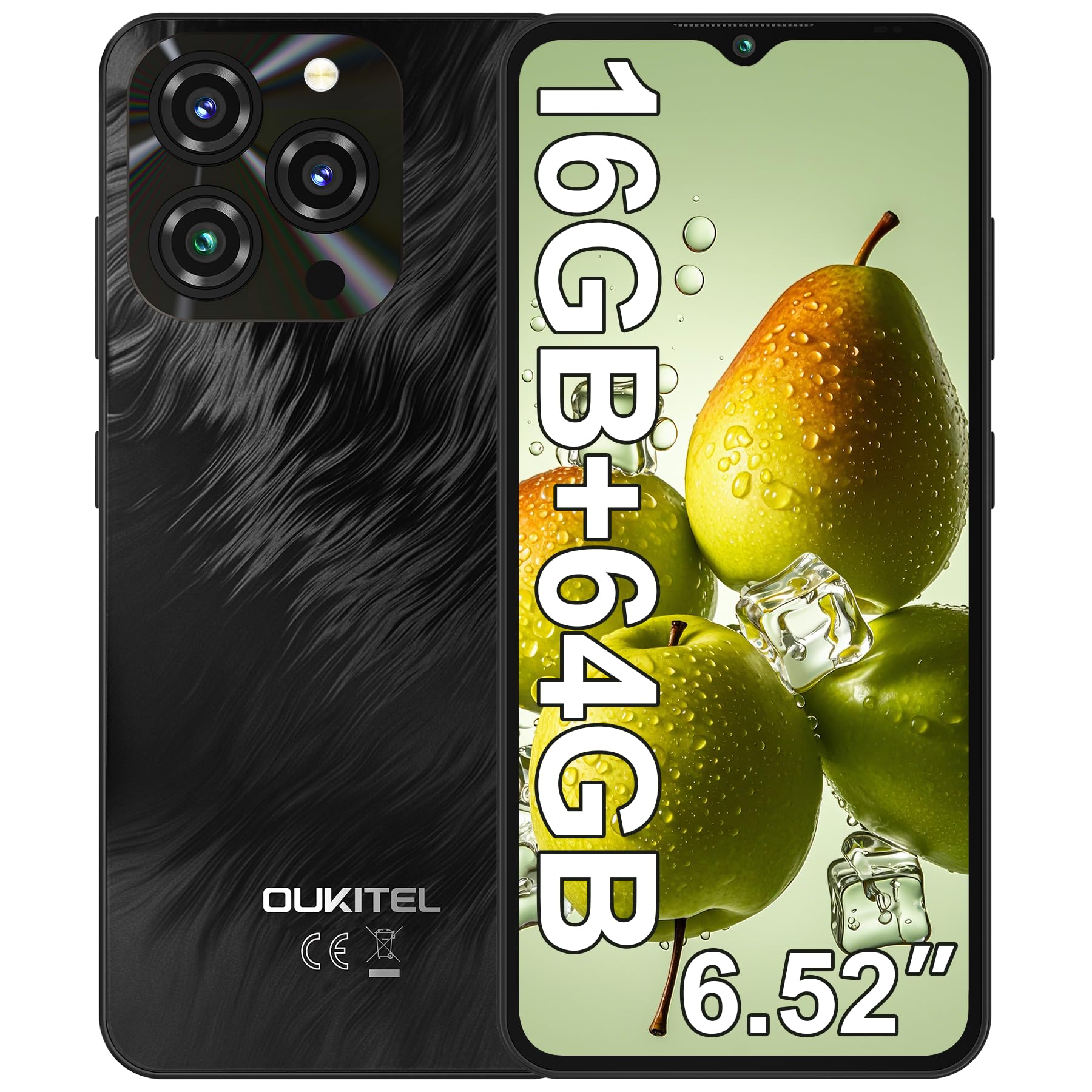
Image 1.1: OUKITEL C3 Smartphone in Grey. This image showcases the overall design of the phone.
2. What's in the Box
Upon unboxing your OUKITEL C3, please ensure all items listed below are present:
- 1x OUKITEL C3 Cell Phone
- 1x 10W Charger
- 1x Data Cable (USB-C)
- 1x Phone Case
- 1x User Manual (this document)
3. Setup Guide
3.1. SIM Card Installation
The OUKITEL C3 supports Dual SIM functionality, allowing you to use two Nano-SIM cards or one Nano-SIM and one TF (microSD) card up to 1TB for expanded storage.
- Locate the SIM card tray on the side of your device.
- Insert the provided SIM ejector tool into the small hole on the tray and press gently until the tray pops out.
- Place your Nano-SIM card(s) and/or TF card into the tray with the gold contacts facing down, ensuring they are correctly aligned.
- Carefully reinsert the tray into the phone until it clicks into place.

Image 3.1: Illustration of SIM card tray and other features like OTG, GPS, and Bluetooth. The SIM tray supports two Nano-SIMs or one Nano-SIM and one TF card.
3.2. Initial Power On
To power on your OUKITEL C3 for the first time, press and hold the Power button (located on the side) until the OUKITEL logo appears on the screen. Follow the on-screen prompts to complete the initial setup, including language selection and Wi-Fi connection.
3.3. Security Setup (Face ID)
Enhance your phone's security with Face ID. During initial setup or via Settings, you can register your face for quick and secure unlocking.
- Go to Settings > Security & privacy > Face unlock.
- Follow the on-screen instructions to register your face. Ensure you are in a well-lit area and hold the phone at eye level.

Image 3.2: Visual representation of Face ID and other hardware features like G-sensor, 3.5mm headphone jack, and USB-C charging port.
3.4. Network Connectivity
Your OUKITEL C3 supports 4G LTE networks. Please note that this device is compatible with T-Mobile carrier only and does not support AT&T, Verizon, or Metro PCS. Confirm carrier compatibility before use.
For Wi-Fi, go to Settings > Network & internet > Wi-Fi and select your desired network.

Image 3.3: OUKITEL C3 highlighting its T-Mobile carrier compatibility and supported frequency bands.
4. Operating Your OUKITEL C3
4.1. Basic Navigation (Android 14)
Your OUKITEL C3 runs on Android 14, offering an intuitive and secure user experience. Navigate using gestures or the traditional three-button navigation bar (configurable in Settings).
- Home Screen: Swipe left/right to access app pages.
- App Drawer: Swipe up from the bottom of the screen to view all installed applications.
- Notifications & Quick Settings: Swipe down from the top of the screen to access notifications and quick settings toggles.

Image 4.1: OUKITEL C3 showcasing the Android 14 interface with various apps and system features.
4.2. Camera Usage
Capture moments with the 13MP main camera and 5MP front camera.
- Open the Camera app.
- Select your desired mode (Photo, Video, Portrait, etc.).
- Tap the shutter button to take a photo or start/stop recording a video.

Image 4.2: Details of the 13MP main camera and 5MP front camera, highlighting their capabilities for photos and video calls.
4.3. Battery Management
The 5000mAh battery provides extended usage. To optimize battery life, adjust screen brightness, close unused apps, and enable battery saver mode in Settings > Battery.

Image 4.3: Visual representation of the 5000mAh battery capacity and its long-lasting performance.
4.4. Storage Management
Your device comes with 64GB of internal storage, expandable up to 1TB with a TF card. Regularly check your storage usage in Settings > Storage and clear unnecessary files to maintain optimal performance.

Image 4.4: OUKITEL C3 highlighting its 16GB RAM (4GB fixed + 12GB virtual) and 64GB ROM, expandable to 1TB.
4.5. Using Google Assistant / Gemini
Your OUKITEL C3 integrates with Google Assistant and Gemini for hands-free control and smart assistance. You can activate it by saying "Hey Google" or "Ok Google" when your screen is on.

Video 4.5: Demonstrates how to set up and use Gemini AI on an Android phone, including voice commands for tasks like writing notes, checking weather, and setting timers. This video is provided by a Seller and is relevant to the Android 14 system.
5. Maintenance
5.1. Charging Your Device
Use only the provided 10W charger and data cable to charge your OUKITEL C3. Connect the USB-C end of the cable to the phone's charging port and the USB-A end to the power adapter, then plug the adapter into a wall outlet.
5.2. Software Updates
Regularly check for software updates to ensure your device has the latest features and security patches. Go to Settings > System > System update.
5.3. Cleaning Your Phone
To clean your phone, power it off and gently wipe the screen and body with a soft, lint-free cloth. Avoid using harsh chemicals or abrasive materials.
6. Troubleshooting
| Problem | Solution |
|---|---|
| Phone not turning on | Ensure the battery is charged. Connect to the charger for at least 15 minutes, then try powering on again. |
| Apps crashing or freezing | Clear app cache (Settings > Apps > [App Name] > Storage > Clear cache) or restart the phone. |
| Poor network signal | Check SIM card installation. Ensure you are within T-Mobile's coverage area. Restart the phone. |
| Battery drains quickly | Reduce screen brightness, close background apps, or enable battery saver mode. |
7. Technical Specifications
| Feature | Detail |
|---|---|
| Model Name | OUKITEL C3 |
| Operating System | Android 14 |
| Processor | Unisoc T310 |
| RAM | 16GB (4GB fixed + 12GB virtual) |
| Internal Storage | 64GB |
| Expandable Storage | Up to 1TB (TF Card) |
| Display | 6.52" HD Waterdrop Screen, 540x1200 Resolution, 450nit Brightness |
| Main Camera | 13MP |
| Front Camera | 5MP |
| Battery Capacity | 5000mAh |
| Charging | 10W Fast Charging, OTG Reverse Charging |
| Connectivity | 4G LTE (T-Mobile only), Wi-Fi, Bluetooth 5.0, GPS, GLONASS, Beidou, Galileo |
| Security | Face ID |
| Audio Jack | 3.5mm |
| Dimensions | 7.51 x 4.05 x 1.96 inches (Package) |
| Weight | 14.9 ounces (Item) |
8. Warranty and Support
Your OUKITEL C3 smartphone comes with a standard manufacturer's warranty. Please refer to the warranty certificate included in your product packaging for detailed terms and conditions.
For technical support, troubleshooting assistance, or warranty claims, please contact OUKITEL customer service through their official website or the contact information provided in your warranty documentation.
You can also visit the OUKITEL Store on Amazon for more product information and support resources.