
1. Important Safety Information
Please read and understand all safety instructions before operating the Anker SOLIX C1000 Portable Power Station. Failure to follow these instructions may result in electric shock, fire, or serious injury.
- Do not disassemble, repair, or modify the unit.
- Keep the unit away from heat sources, direct sunlight, humidity, and water.
- Use only original or certified cables and accessories.
- Ensure proper ventilation during use to prevent overheating.
- Store the unit in a cool, dry place.
- Keep out of reach of children and pets.
- Do not operate in explosive atmospheres, such as in the presence of flammable liquids, gases, or dust.
2. Product Overview
The Anker SOLIX C1000 is a portable power station designed to provide reliable power for various applications, from home backup to outdoor adventures. It features a 1056Wh LiFePO4 battery and an 1800W AC output (up to 2400W with SurgePad technology).

Figure 2.1: Anker SOLIX C1000 Portable Power Station and included water-resistant bag.
2.1 Package Contents
- Anker SOLIX C1000 Portable Power Station
- Water Resistant Bag
- User Manual (this document)
- AC Charging Cable
- Car Charging Cable
- Solar Charging Cable (MC4 to XT-60)
3. Setup and Charging
3.1 Initial Charge
Before first use, it is recommended to fully charge the Anker SOLIX C1000. The unit supports UltraFast recharging, achieving 80% capacity in approximately 43 minutes and a full charge in under an hour via AC input when enabled through the Anker app.

Figure 3.1: The Anker SOLIX C1000 connected to an AC power supply for UltraFast recharging.
3.2 Solar Charging
The Anker SOLIX C1000 can be recharged using solar panels, supporting up to 600W fast solar recharging. A full charge can be achieved in approximately 1.8 hours under optimal sunlight conditions.

Figure 3.2: The Anker SOLIX C1000 being recharged by solar panels in an outdoor setting.
4. Operating Instructions
4.1 Powering Devices
The Anker SOLIX C1000 provides 11 versatile ports, including AC outlets, USB-A, and USB-C, to power a wide range of appliances. With SurgePad technology, it can deliver up to 2400W output, enabling it to power 99% of common appliances.
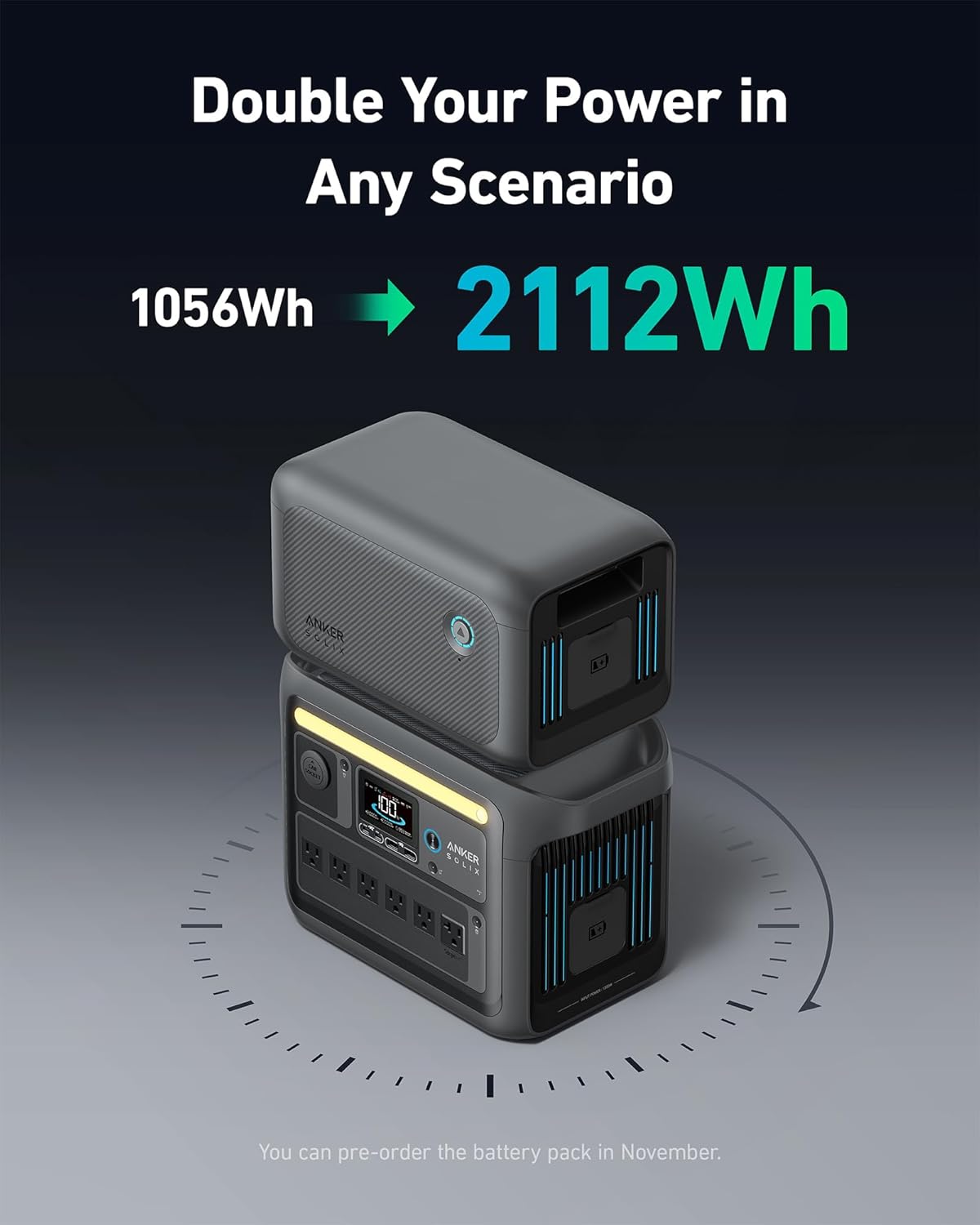
Figure 4.1: The Anker SOLIX C1000 providing power to a coffee maker, blender, and other devices on a table outdoors.
4.2 Using the Anker App
Control and monitor your Anker SOLIX C1000 remotely using the dedicated Anker app. The app allows you to customize AC charging speed, get low power alerts, check power status, and connect via Bluetooth or Wi-Fi.

Figure 4.2: A smartphone displaying the Anker app, showing battery level, input/output wattage, and settings for the SOLIX C1000.
4.3 Uninterruptible Power Supply (UPS) Function
The Anker SOLIX C1000 features a seamless UPS transfer function with less than 20ms switchover time. This ensures that connected devices continue to receive power without interruption during a power outage.

Figure 4.3: The Anker SOLIX C1000 connected to a desktop computer setup, illustrating its UPS capability during a power interruption.
4.4 Water-Resistant Bag Usage
The included water-resistant bag provides protection against rain and elevates the power station to keep it off soaked terrain. It features a velcro design for easy access to multiple outlets, allowing charging and recharging without removing the cover.

Figure 4.4: Demonstrating how to access the charging port of the Anker SOLIX C1000 while it is protected by its water-resistant bag.
5. Maintenance and Longevity
The Anker SOLIX C1000 is built with LiFePO4 batteries, offering exceptional longevity with 3,000 battery cycles over a 10-year lifespan under normal operating conditions. This technology, referred to as InfiniPower, ensures long-term reliability.

Figure 5.1: An illustration of Anker's InfiniPower technology, highlighting EV-class LiFePO4 batteries, unibody drop-proof design, smart temperature control, and industrial-grade electronic components, contributing to a 10-year lifespan.
5.1 Storage
- Store the power station in a cool, dry environment, away from direct sunlight and extreme temperatures.
- For long-term storage, charge the unit to approximately 50-60% every 3-6 months to maintain battery health.
- Ensure the unit is turned off when not in use.
5.2 Cleaning
- Use a dry, soft cloth to clean the exterior of the unit.
- Do not use abrasive cleaners or solvents.
- Keep vents clear of dust and debris.
6. Troubleshooting
If you encounter issues with your Anker SOLIX C1000, please refer to the following common troubleshooting steps:
| Problem | Possible Cause | Solution |
|---|---|---|
| Unit does not turn on | Battery depleted; Power button not pressed correctly. | Charge the unit; Press and hold the power button for 3 seconds. |
| No output from AC/DC ports | Output ports not activated; Overload protection triggered. | Ensure AC/DC output buttons are pressed; Reduce load, then restart the unit. |
| Slow charging speed | UltraFast charging not enabled; Environmental temperature too high/low. | Enable UltraFast charging in the Anker app; Charge within recommended temperature range (0°C-40°C). |
| App connectivity issues | Bluetooth/Wi-Fi off; Unit too far from device. | Ensure Bluetooth/Wi-Fi is enabled on both devices; Move closer to the unit. |
If the problem persists, please contact Anker customer support for further assistance.
7. Specifications
| Feature | Detail |
|---|---|
| Brand | Anker SOLIX |
| Model Name | Anker SOLIX C1000 |
| Model Number | A1761 |
| UPC | 194644246778 |
| Power Source | Battery Powered (LiFePO4) |
| Battery Capacity | 1056Wh |
| AC Output Wattage | 1800W (Rated), 2400W (SurgePad) |
| Product Dimensions | 14.8"L x 8.7"W x 10.5"H |
| Item Weight | 31.1 pounds |
| Color | Dark Gray |
| Battery Cycles | 3,000 cycles (to 80% capacity) |
| Lifespan | 10 years (under normal operating conditions) |
| Special Features | Portable, UltraFast Recharging, SurgePad Technology, UPS Function, Smart App Control, IP54 Water-Resistant Bag |
8. Warranty and Support
The Anker SOLIX C1000 Portable Power Station comes with a 5-year warranty, reflecting its durable design and long-lasting LiFePO4 battery technology, which is rated for 3,000 charge cycles over a 10-year lifespan.
For warranty claims, technical support, or additional product information, please visit the official Anker SOLIX website or contact their customer service directly. Details regarding extended protection plans may also be available from your retailer.
Manufacturer: Anker
Brand: Anker SOLIX
Website: www.anker.com/solix (Example link, actual link may vary)


