
LMBGM A9-1-BK
LMBGM A9 UHF Wireless In-Ear Monitor Pro System User Manual
Model: A9-1-BK
1. Introduction
This manual provides comprehensive instructions for the setup, operation, and maintenance of your LMBGM A9 UHF Wireless In-Ear Monitor Pro System. Designed for studio, band rehearsal, and live performance environments, this system delivers clear, stable audio monitoring. Please read this manual thoroughly before using the product to ensure optimal performance and longevity.
The A9 system features advanced circuit design, a UHF professional chip for full sound effects, and a stable reception signal without dead spots. It offers low latency, high-fidelity sound, and a wide frequency response, making it suitable for demanding audio applications.
2. Key Features
- Advanced Audio Performance: Adopts advanced circuit design and UHF professional chip for clear, full sound with distinct high, mid, and bass frequencies.
- Stable Wireless Transmission: Ensures stable reception without dead zones, providing reliable signal transmission.
- Durable Construction: Casing made of sturdy metal to protect against accidental drops during performances.
- Extended Battery Life: Offers 5-7 hours of battery life with a full charge in approximately 3 hours.
- Built-in Limiter: Features a built-in limiter circuit to prevent distortion from high input levels.
- Ultra-low Latency: Transmission latency of less than 5ms for real-time audio processing.
- High-fidelity Sound Quality: Supports 24-bit/96KHz high-definition audio resolution for detailed sound reproduction.
- Wide Frequency Response: Covers 20Hz-20kHz (±0.5dB), encompassing the full audible range.
- Excellent Signal-to-Noise Ratio: ≥94dB SNR ensures a pure background without noticeable noise.
- Flagship Dynamic Range: ≥103dB dynamic range, suitable for large dynamic music scenes.
- Comfortable Wear: Includes ear rests and headphones designed to reduce discomfort during prolonged use.
3. Packing List
Please check the contents of your package to ensure all items are present:
- XLR Transmitter (1 unit)
- Receiver (1 unit)
- Ear Rest Headphones (1 pair)
- 6.35mm Adapter (1 unit)
- Charging Cable (1 unit)
- User Manual (this document)
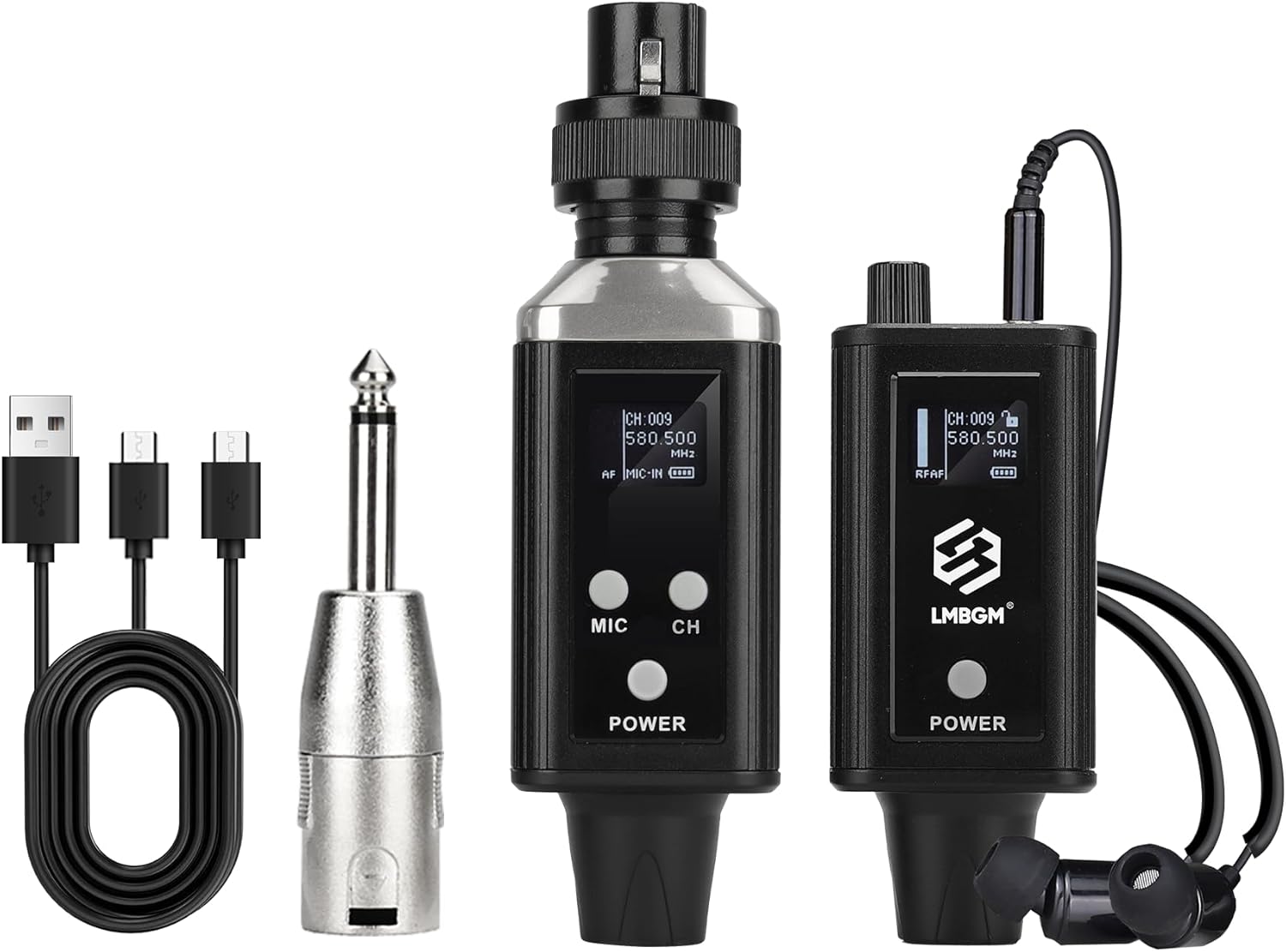
Image: All components included in the LMBGM A9 UHF Wireless In-Ear Monitor Pro System package.
4. Setup Guide
4.1 Charging the Devices
Before first use, fully charge both the transmitter and the receiver using the provided charging cable. Connect the charging cable to a standard USB power adapter (not included). A full charge takes approximately 3 hours.

Image: The transmitter and receiver units connected to charging cables, illustrating the rechargeable design.
4.2 Connecting the Transmitter
The transmitter can be connected to various audio sources:
- Dynamic Wired Microphone: Plug the transmitter directly into the XLR output of a dynamic microphone.
- +48V Condenser Microphone: The system supports condenser microphones with external +48V phantom power. Connect the microphone to an audio interface or mixer that provides phantom power, then connect the transmitter to the output of that device.
- Musical Instruments: Connect the transmitter to the output of musical instruments (e.g., guitar amplifier, keyboard) using the appropriate cables and adapters (e.g., 6.35mm adapter).
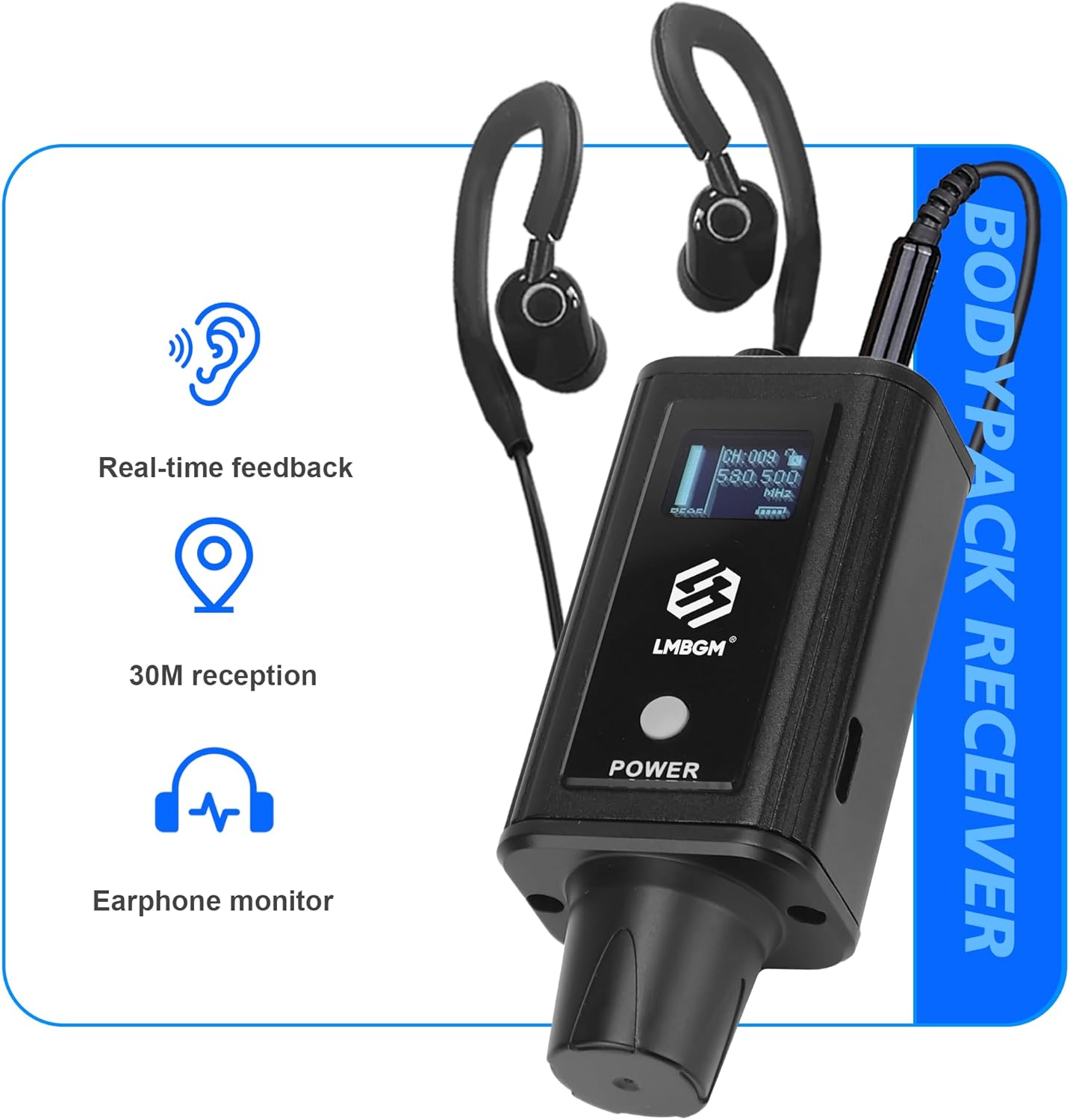
Image: The transmitter unit demonstrating its compatibility with dynamic wired microphones, condenser microphones (with external phantom power), and various musical instruments.
4.3 Connecting the Receiver and Headphones
Plug the included ear rest headphones into the 3.5mm headphone jack on the receiver unit. Ensure the connection is secure.

Image: The bodypack receiver with headphones attached, illustrating its function as an earphone monitor with real-time feedback and a 30-meter reception range.
5. Operating Instructions
5.1 Powering On/Off
Press and hold the POWER button on both the transmitter and receiver units to turn them on or off. The display will illuminate when the device is powered on.
5.2 Channel Selection and Pairing
The A9 system operates on UHF frequencies. To ensure optimal performance and avoid interference, select an available channel.
- On the transmitter, press the CH button to cycle through available channels. Observe the channel number displayed on the screen.
- On the receiver, press the CH button to select the same channel as the transmitter. The units will automatically pair once they are on the same frequency.
- The display on both units will show signal strength indicators (RF/AF) to confirm successful pairing and audio signal presence.

Image: The transmitter and receiver units displaying their current channel and frequency settings, illustrating the UHF transmission capability.
5.3 Adjusting Volume
Use the volume control on the receiver unit to adjust the monitoring level in your headphones. Start with a low volume and gradually increase it to a comfortable listening level to prevent hearing damage.
5.4 Wearing the Receiver and Headphones
The receiver is designed to be lightweight and comfortable. It can be clipped to a belt or pocket for ease of movement during performances. The ear rest headphones are designed for comfortable, long-term wear.

Image: Demonstrates how the bodypack receiver can be worn on a belt or in a pocket, and how the in-ear headphones are comfortably worn by a user.
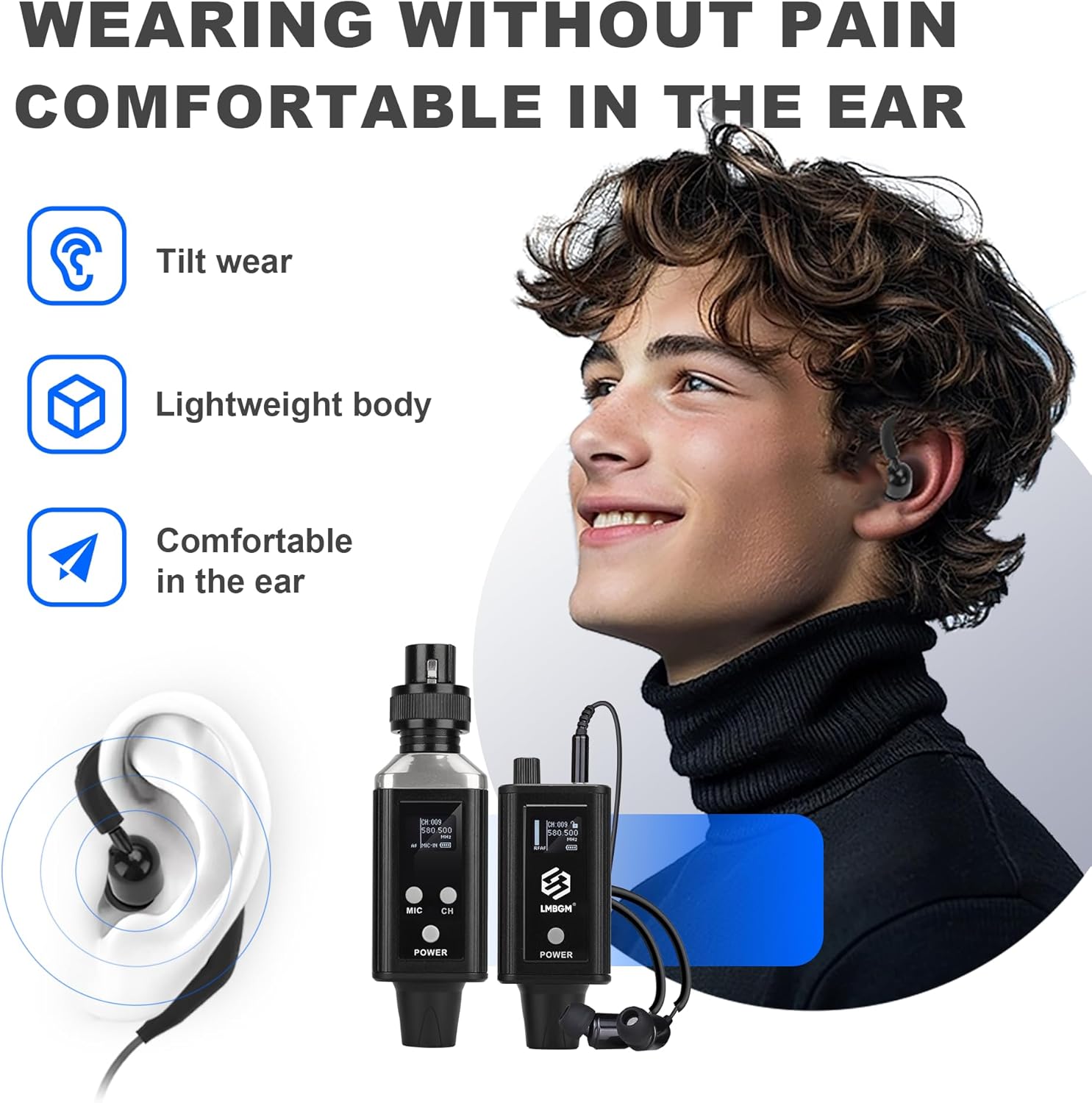
Image: A user wearing the in-ear headphones, emphasizing the comfortable and lightweight design for extended use.
6. Maintenance
Proper maintenance ensures the longevity and optimal performance of your LMBGM A9 system.
- Cleaning: Use a soft, dry cloth to clean the exterior of the transmitter and receiver. Do not use liquid cleaners or solvents.
- Storage: Store the system in a cool, dry place away from direct sunlight and extreme temperatures.
- Battery Care: To maintain battery health, avoid fully discharging the batteries frequently. If storing for an extended period, charge the devices to about 50% every few months.
- Cable Management: Avoid sharp bends or kinks in the charging cable and headphone cable to prevent internal damage.
7. Troubleshooting
| Problem | Possible Cause | Solution |
|---|---|---|
| No sound from headphones. |
|
|
| Interference or static in audio. |
|
|
| Short battery life. |
|
|
8. Specifications
| Feature | Specification |
|---|---|
| Model Name | A9 |
| Item Model Number | A9-1-BK |
| Brand | LMBGM |
| Connectivity Technology | Wireless (RF) |
| Noise Control | Active Noise Cancellation |
| Frequency Response | 20Hz-20kHz (±0.5dB) / 15 KHz (as per product spec) |
| Sensitivity | 78 dB |
| Headphones Jack | 3.5 mm Jack |
| Material | Metal |
| Specific Uses For Product | Professional |
| Recommended Uses For Product | Studio |
| Compatible Devices | Music Production Equipment |
| Control Type | Volume Control |
| Item Weight | 14.1 ounces |
| Package Dimensions | 7.48 x 6.89 x 2.17 inches |
| Batteries | 2 Nonstandard Battery batteries required. (included) |
| Color | Black |
| Ear Placement | In Ear |
| Form Factor | In Ear |
| Impedance | 16 Ohm |
| Transmission Latency | <5ms |
| Audio Resolution | 24-bit/96KHz |
| Signal-to-Noise Ratio (SNR) | ≥94dB |
| Dynamic Range | ≥103dB |
Note: Some specifications are derived from feature bullet points for clarity.

Image: Dimensions of the transmitter (12cm height, 3.5cm width) and receiver (8.1cm height, 3.5cm width) units.
9. Warranty and Support
For warranty information and technical support, please refer to the contact details provided with your purchase or visit the official LMBGM website. Keep your purchase receipt as proof of purchase for warranty claims.
The product is designed for professional use and is backed by the manufacturer's commitment to quality.
Related documentsA9-1-BK


Ask a question about this manual
Ask about setup, troubleshooting, compatibility, parts, safety, or missing instructions. Manuals+ will review the question and use this page’s manual context to help answer it.