
1. Introduction
Thank you for choosing the LETOUR Ocean Wave Projector Light. This versatile device is designed to transform any room into a serene and captivating environment with its dynamic ocean wave projections. Featuring 16 vibrant colors, 30 unique modes, and adjustable brightness, it creates a relaxing atmosphere perfect for bedrooms, nurseries, or any space needing a touch of magic. This manual provides essential information for safe and effective use of your projector light.
2. Safety Information
- This product is designed for indoor use only. Do not expose it to rain, moisture, or any liquids.
- The projector light is not waterproof. Avoid placing it near water sources or in damp environments.
- Ensure the product is placed on a stable, flat surface to prevent accidental falls.
- Keep the device away from direct sunlight, heat sources, and extreme temperatures.
- Do not attempt to disassemble or modify the product. This may void the warranty and pose safety risks.
- Use only the provided power cable. Ensure the power source matches the device's requirements.
- Keep out of reach of small children and pets to prevent accidental ingestion of small parts or damage to the device.
- The product is made from high-quality, non-toxic materials, ensuring safety for use in children's rooms.

3. Package Contents
Please check the package contents upon receipt to ensure all items are present:
- 1 x LETOUR Ocean Wave Projector Light
- 1 x Remote Control
- 1 x USB Power Cable
- 1 x User Manual
4. Product Features
- Dynamic Ocean Wave Projection: Creates a soothing and immersive ocean wave effect on walls and ceilings.
- 16 Vibrant Colors & 30 Modes: Choose from a wide spectrum of colors and dynamic lighting modes to suit any mood or occasion.
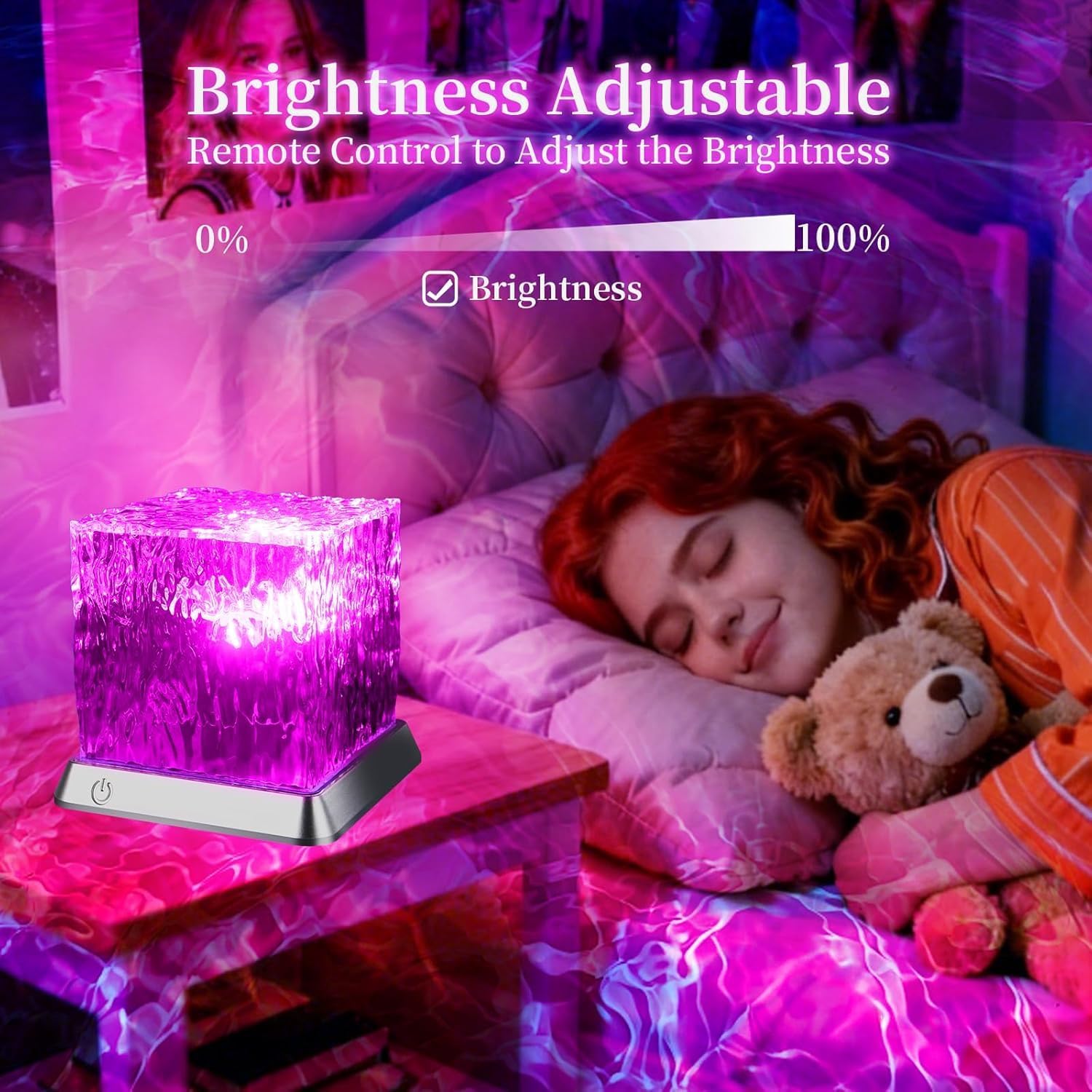
- Adjustable Brightness: Features 6 levels of brightness adjustment (15%, 30%, 45%, 60%, 80%, 100%) for optimal ambiance.
- Convenient Remote Control: Easily manage power, colors, modes, and brightness from a distance.
- Automatic Timer: Includes an automatic timer feature for convenient shut-off.
- Compact & Stylish Design: The cube lamp design is both functional and aesthetically pleasing, blending seamlessly with various decor styles.

5. Setup
- Unpack: Carefully remove all components from the packaging.
- Placement: Place the Ocean Wave Projector Light on a stable, flat surface in your desired location. For optimal projection, ensure there are no obstructions between the projector and the ceiling/walls.
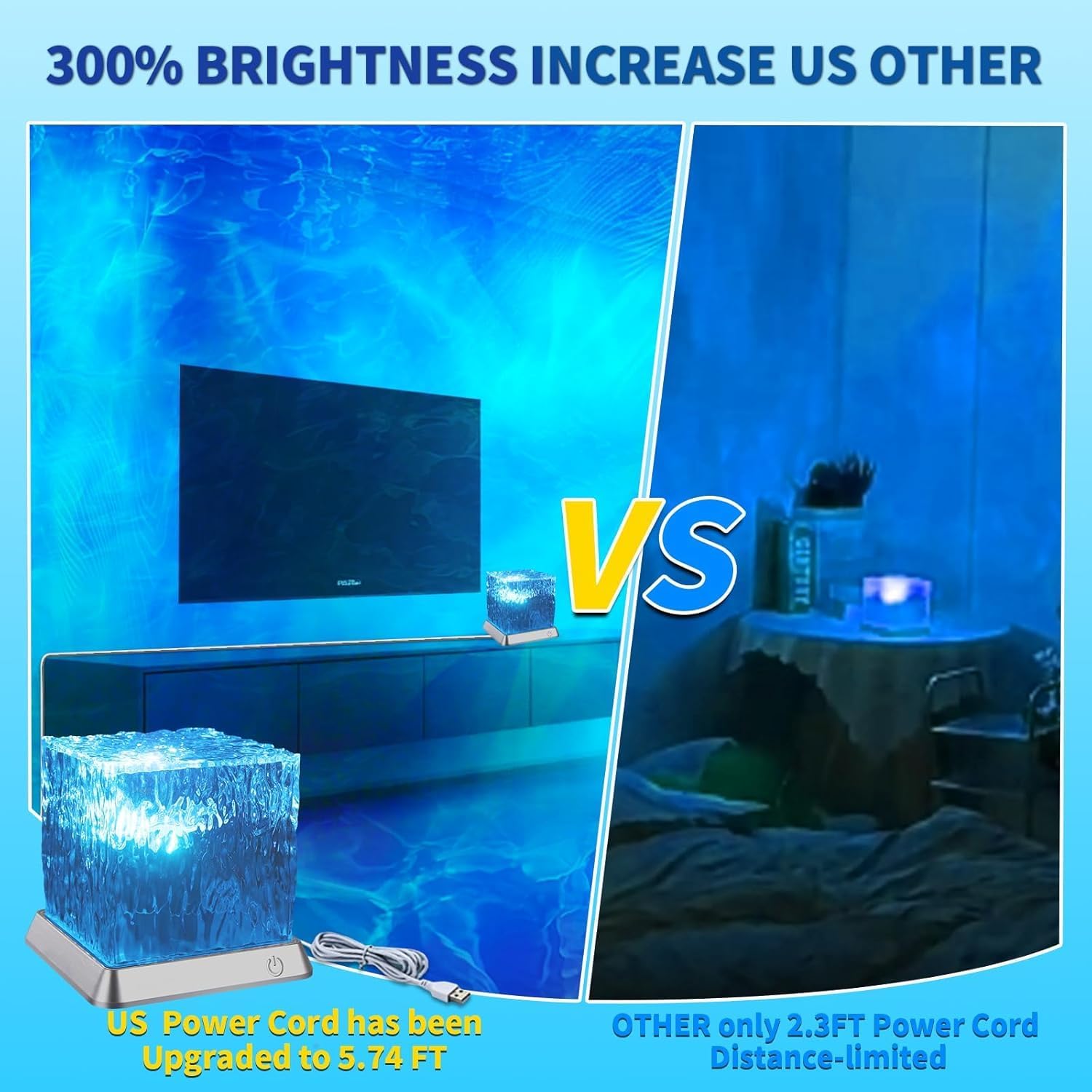
- Power Connection: Connect the provided USB power cable to the projector's power input port. Plug the other end of the USB cable into a compatible USB power adapter (not included) or a USB port on a device like a computer or power bank.
6. Operating Instructions
The Ocean Wave Projector Light can be operated using the touch button on the unit or the included remote control.
Using the Touch Button:
- Power On/Off: Press and hold the touch button on the base of the unit for 2-3 seconds to turn the light on or off.
- Change Color/Mode: Short press the touch button to cycle through different colors and modes.
Using the Remote Control:
- Power On/Off: Press the ON or OFF button.
- Color Selection: Use the individual color buttons (R, G, B, W, etc.) to select a static color.
- Brightness Adjustment: Use the brightness up () and brightness down () buttons to adjust the light intensity.
- Mode Selection: Use the mode buttons (FLASH, STROBE, FADE, SMOOTH) to activate dynamic lighting effects.
- Automatic Timer: The projector light features an automatic timer for convenience. Refer to the product packaging or specific model details for default timer settings.
Video: Official product demonstration of the LETOUR Ocean Wave Projector Light, showcasing various colors and effects.
Video: Another official product video demonstrating the dynamic lighting capabilities of the Ocean Wave Projector Light.
7. Maintenance
- Cleaning: Use a soft, dry cloth to gently wipe the surface of the projector light. Do not use abrasive cleaners, solvents, or harsh chemicals, as these may damage the finish.
- Dust Removal: Periodically check and clean any dust accumulation around the light projection area and ventilation openings to ensure optimal performance.
- Storage: When not in use for extended periods, store the projector light in a cool, dry place, away from direct sunlight and extreme temperatures.
8. Troubleshooting
- Light Does Not Turn On:
- Ensure the USB power cable is securely connected to both the projector and the power source.
- Verify that the power source (e.g., USB adapter, computer USB port) is functioning correctly. Try a different power outlet or USB port.
- Press and hold the power button on the unit or remote for 2-3 seconds.
- Remote Control Not Responding:
- Check the battery in the remote control and replace it if necessary (requires 1 Nonstandard Battery).
- Ensure there is a clear line of sight between the remote control and the projector light.
- Move closer to the projector light when using the remote.
- Projection is Dim or Unclear:
- Adjust the brightness settings using the remote control.
- Ensure the room is sufficiently dark for the best projection effect.
- Clean the projection lens with a soft, dry cloth if there is any dust or smudges.
- Light Flickers or Behaves Erratically:
- Disconnect and reconnect the power cable.
- Try a different power source.
9. Specifications
| Feature | Specification |
|---|---|
| Product Dimensions | 3.74"D x 3.74"W x 3.74"H |
| Item Weight | 3.2 ounces |
| Material | Plastic, Acrylic (Shade) |
| Light Source Type | LED |
| Power Source | Corded Electric |
| Wattage | 3 watts |
| Switch Type | Remote |
| Indoor/Outdoor Usage | Indoor |
| Included Components | Remote Control |
| Finish Type | Polished |
| Bulb Base | Wedge |
| Lamp Type | RGB |
| Color | RGB (Red, Green, Blue) |
| Is Waterproof | False |

10. Warranty and Support
The LETOUR Ocean Wave Projector Light comes with a 1-year manufacturer's warranty from the date of purchase. This warranty covers defects in materials and workmanship under normal use.
For warranty claims, technical support, or any questions regarding your product, please contact LETOUR customer service through the retailer where you purchased the item or visit our official website for contact information.
Please retain your proof of purchase for warranty purposes.