
HOUSBAY KW244
Housbay KW244 Sound Machine with Magnetic Wireless Charger User Manual
Model: KW244
1. Introduction
The Housbay KW244 is a versatile device combining a sound machine with a magnetic wireless charger, designed to enhance your sleep environment and reduce nightstand clutter. This manual provides comprehensive instructions for its safe and effective use.
2. Important Safety Information
- Do not use this product without adult supervision.
- The magnetic wireless charger is intended for use with iPhones only.
- Keep the product and charger away from water and other liquids.
- Do not use the product if the power cord or charger is damaged.
- Always follow the instructions provided with the product.
3. Package Contents
Verify that all items are present in the package:
- Housbay KW244 Sound Machine with Magnetic Wireless Charger
- USB-C Charging Cable (Note: Wall adapter may not be included)
- User Manual
4. Setup
- Placement: Place the Housbay KW244 on a stable, flat surface, such as a nightstand, away from direct sunlight or heat sources.
- Power Connection: Connect the provided USB-C charging cable to the Type-C port on the device. Plug the other end into a compatible USB power adapter (not always included) and then into a wall outlet.
- Initial Charge: Allow the device to charge fully before first use. The indicator lights will show charging status.
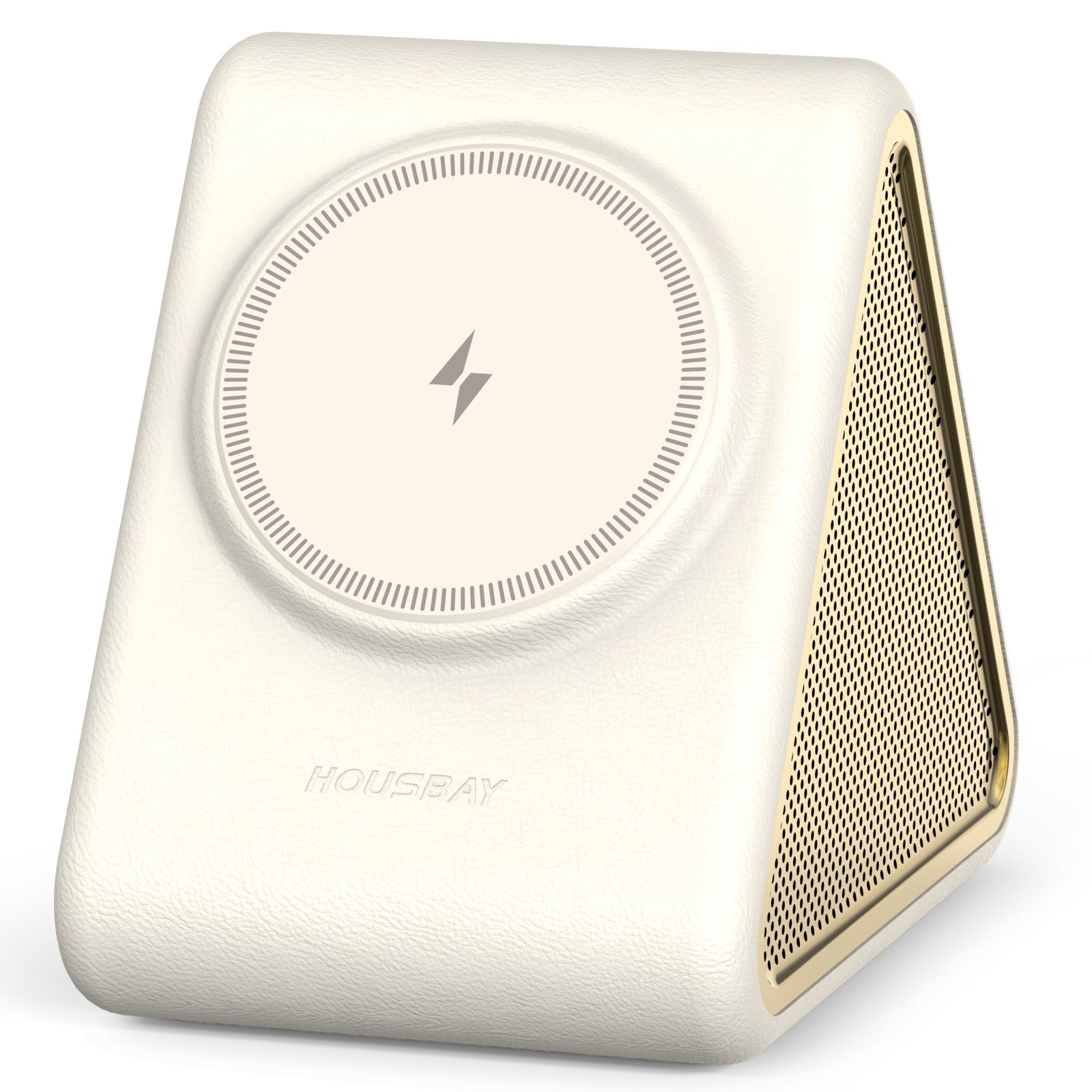
Image: The Housbay KW244 device, showcasing its compact design and magnetic charging pad.
5. Operating Instructions
5.1 Power On/Off
- To Power On: Press the power button (usually located on the back or side) to turn on the device.
- To Power Off: Press and hold the power button until the device turns off.
5.2 Sound Selection and Volume Control
- Sound Selection: Press the sound button (often integrated with the main control knob) to cycle through the 31 available sounds.
- Volume Adjustment: Use the volume buttons or rotate the control knob (if applicable) to adjust the sound level.

Image: The sound machine displaying various sound categories like Cat Purring, Distant Train, Fireplace & Wind, and Mountain Air.
5.3 Sleep Timer Function
- Setting the Timer: Press the timer button to set the duration for 0.5, 1, 2, or 3 hours. The sound will gradually fade out after the selected time.
- Continuous Play: To play sounds all night, do not select a timer option.
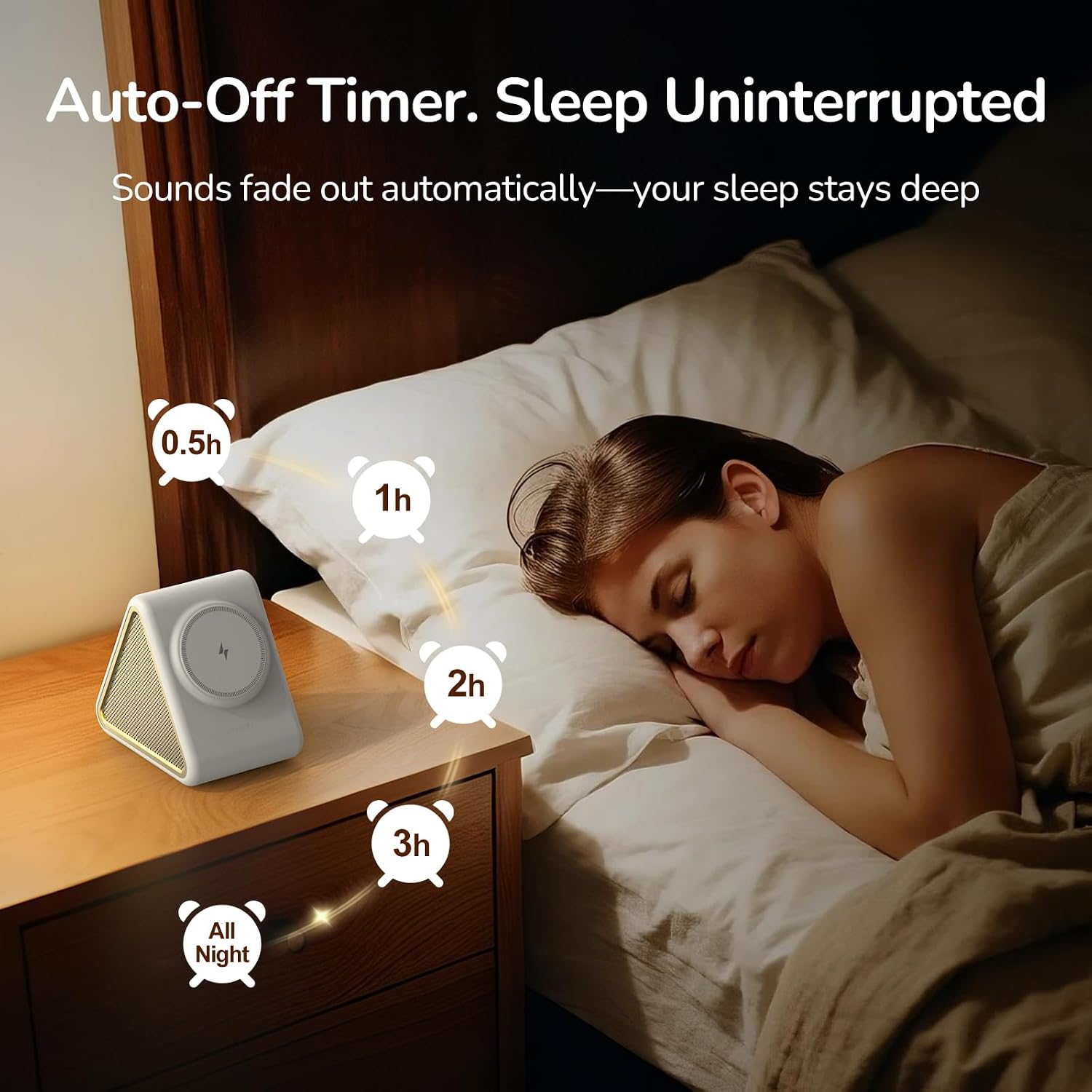
Image: Visual representation of the auto-off timer settings (0.5h, 1h, 2h, 3h, All Night) with the device on a nightstand.
5.4 Magnetic Wireless Charging
- Compatibility: The magnetic wireless charger is designed for iPhone 12-17 series. Ensure your iPhone is compatible.
- Charging: Simply place your compatible iPhone onto the magnetic charging pad. The phone should snap into place, indicating a secure connection.
- Case Compatibility: For optimal charging, use a MagSafe-compatible case. Non-MagSafe cases, card holders, or cases with metal rings may interfere with charging.
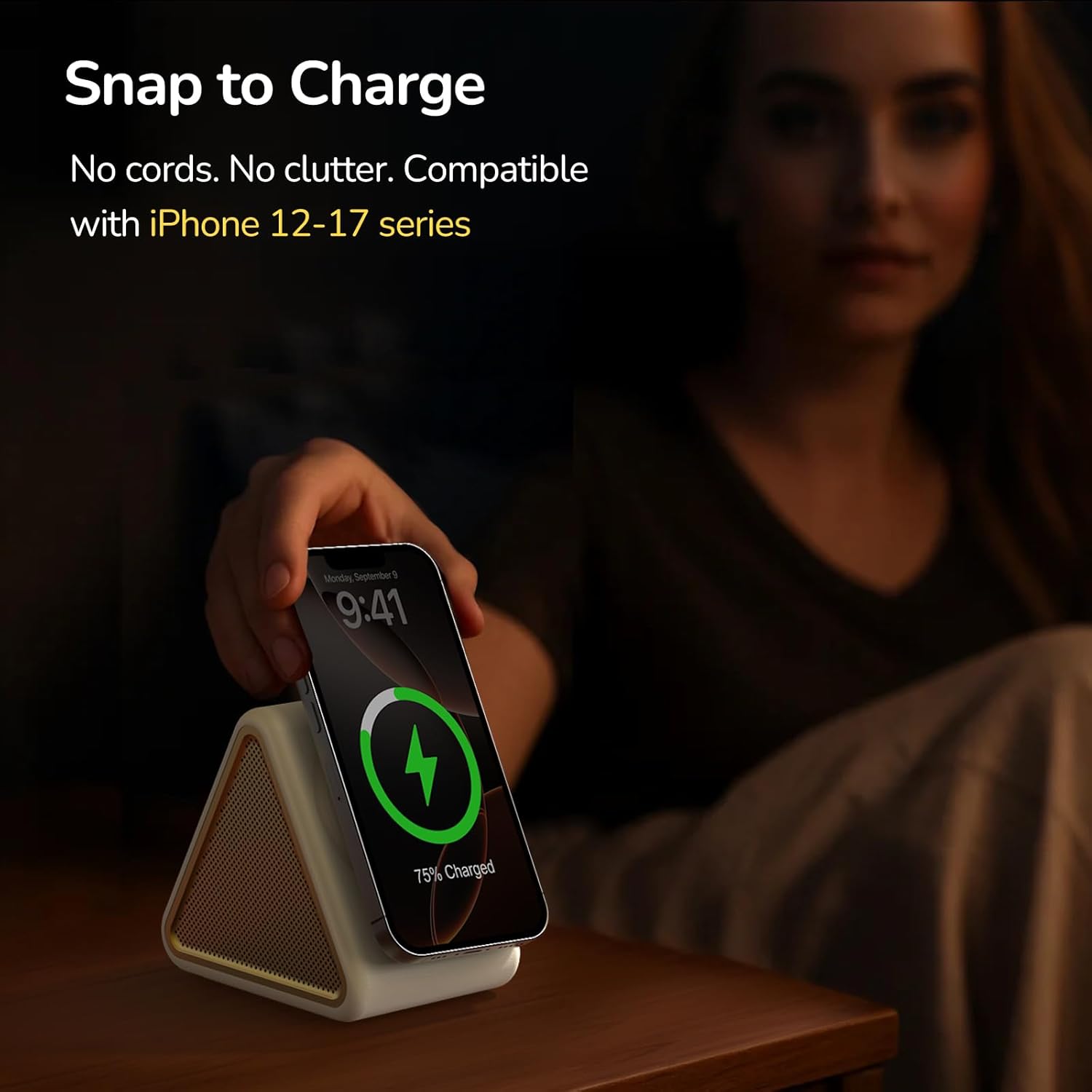
Image: A hand placing an iPhone onto the magnetic charging pad of the Housbay KW244, showing the charging indicator on the phone screen.

Image: A diagram illustrating compatible (MagSafe-compatible) and incompatible (non-MagSafe, card holder, metal ring) phone cases for wireless charging.
6. Maintenance
- Cleaning: Wipe the device with a soft, dry cloth. Do not use abrasive cleaners or solvents.
- Storage: Store the device in a cool, dry place when not in use.
- Cable Care: Avoid bending or crimping the charging cable excessively to prevent damage.
7. Troubleshooting
| Problem | Possible Cause | Solution |
|---|---|---|
| Device does not power on. | No power, low battery. | Ensure the device is properly plugged into a power source and fully charged. |
| No sound or low volume. | Volume too low, incorrect sound selected. | Adjust the volume using the control knob/buttons. Cycle through sounds to find a suitable one. |
| iPhone not charging wirelessly. | Incompatible iPhone model, non-MagSafe case, improper alignment. | Verify iPhone compatibility (iPhone 12-17 series). Use a MagSafe-compatible case or remove the case. Ensure the iPhone is correctly aligned on the magnetic pad. |
| Sound quality is poor. | Obstruction, device placement. | Ensure speakers are not obstructed. Adjust device placement for optimal sound projection. |
8. Specifications
- Model Number: KW244
- Brand: HOUSBAY
- Color: Cream
- Material: Leather
- Item Weight: 0.83 Kilograms
- Item Dimensions (L x W x H): 3 x 4.5 x 4.3 inches
- Sound Options: 31 unique sleep sounds
- Timer Settings: 0.5h, 1h, 2h, 3h, or continuous play
- Wireless Charging: Magnetic, compatible with iPhone 12-17 series
9. Warranty and Support
For warranty information or technical support, please refer to the official HOUSBAY website or contact their customer service directly. Keep your purchase receipt for warranty claims.
HOUSBAY Customer Service: Visit the HOUSBAY Store on Amazon
Related documentsKW244


Ask a question about this manual
Ask about setup, troubleshooting, compatibility, parts, safety, or missing instructions. Manuals+ will review the question and use this page’s manual context to help answer it.