
1. Introduction
Thank you for choosing the ROCAM CR1030 Emergency Solar Hand-Crank AM/FM Radio. This versatile device is designed to provide reliable communication, light, and power in various situations, including outdoor activities and emergencies. Please read this manual thoroughly before use to ensure optimal performance and safety.
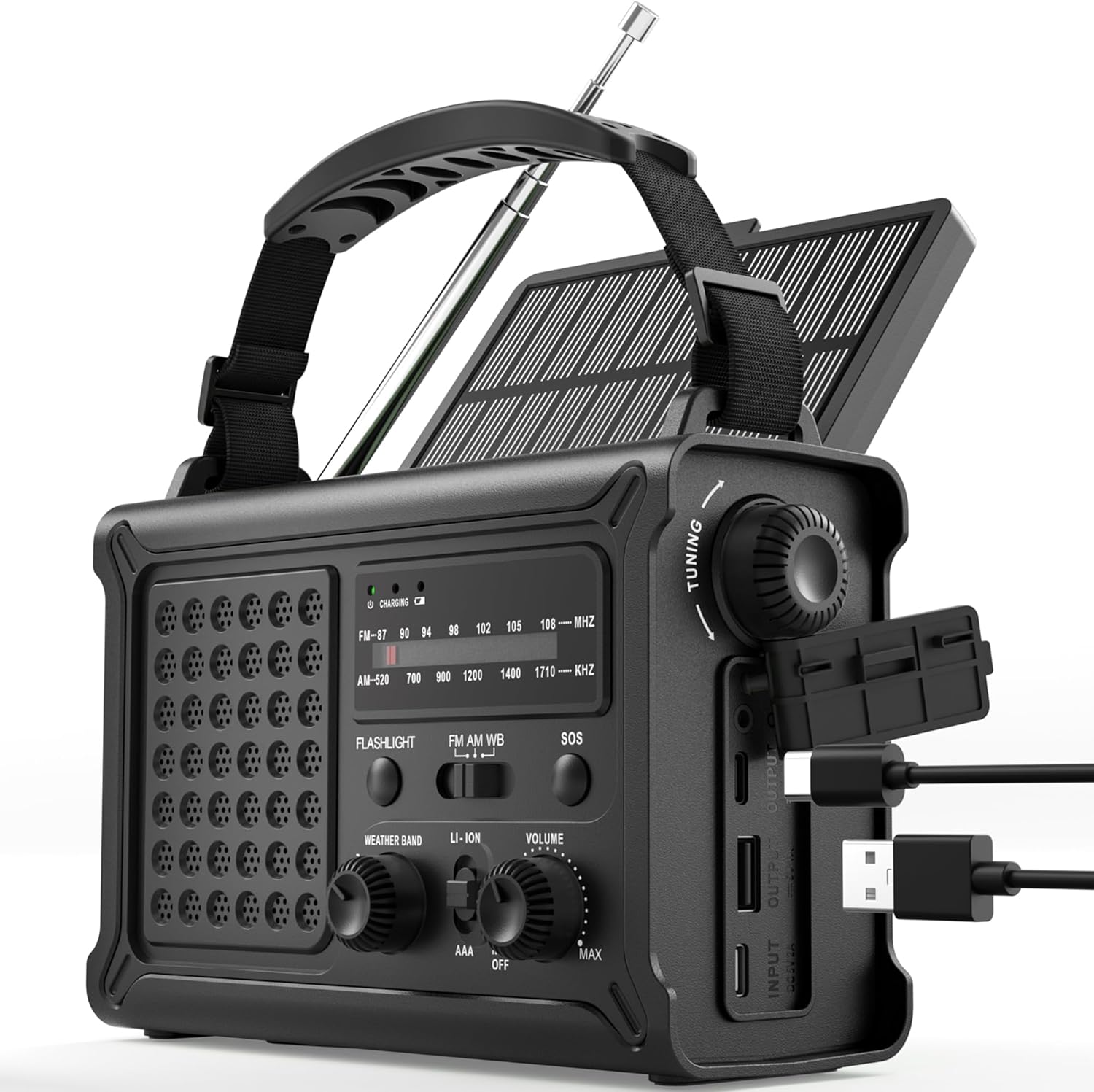
The ROCAM CR1030 Emergency Solar Hand-Crank AM/FM Radio, featuring its robust design and multiple functionalities.
2. Package Contents
Ensure all items are present in your package:
- ROCAM CR1030 AM/FM Radio
- Portable Strap
- Type-C Charging Cable
- User Manual
3. Setup and Initial Use
3.1 Charging the Internal Battery
Before first use, fully charge the internal 12000mAh battery using the provided Type-C cable.
- Connect the Type-C charging cable to the radio's Type-C input port.
- Connect the other end of the cable to a USB power adapter (not included) or a computer USB port.
- The charging indicator light will illuminate. The radio is fully charged when the indicator turns solid.
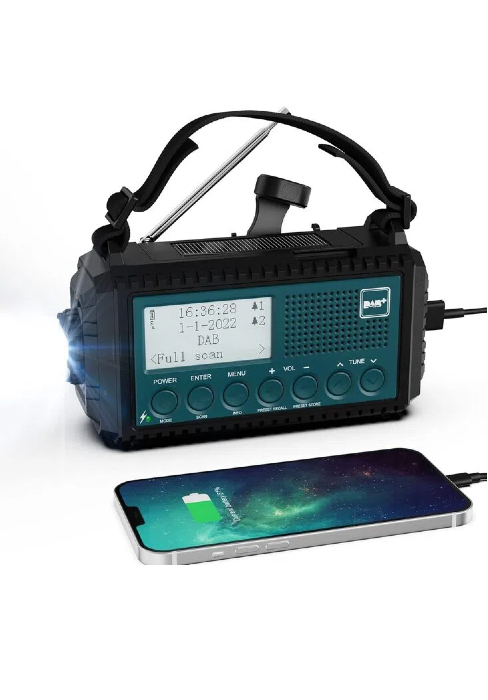
The ROCAM CR1030 radio connected to a power source via its USB-C port for charging.
3.2 Installing AAA Batteries (Backup Power)
For additional backup power, you can install 3 AAA batteries (not included).
- Locate the battery compartment on the back of the radio.
- Open the compartment cover.
- Insert 3 AAA batteries, ensuring correct polarity (+/-).
- Close the battery compartment cover securely.
4. Operating Instructions
4.1 Powering On/Off and Volume Control
Rotate the VOLUME knob clockwise to turn the radio on and increase volume. Rotate counter-clockwise to decrease volume and turn off.
4.2 Radio Operation (AM/FM)
- Extend the telescopic antenna for optimal reception.
- Select the desired band (AM or FM) using the BAND switch.
- Rotate the TUNING knob to scan for stations. The frequency display will show the current station.
- Adjust the VOLUME knob to your preferred listening level.
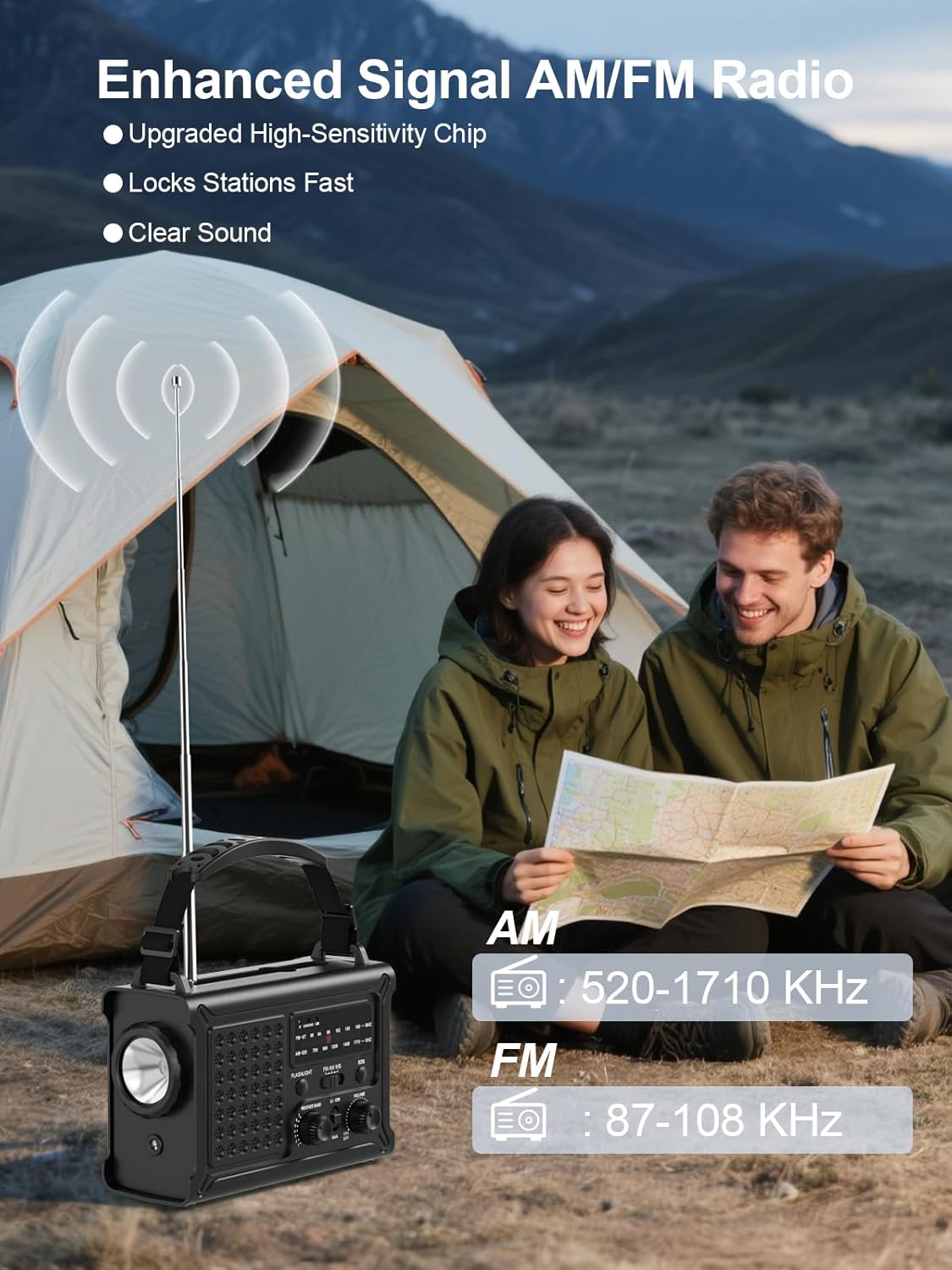
The ROCAM CR1030 radio with its antenna extended, demonstrating its AM/FM reception capabilities.
4.3 Lighting Functions
The radio features two lighting modes:
- Flashlight: Press the FLASHLIGHT button to turn on the front LED flashlight. Press again to turn off.
- Reading Lamp: Lift the solar panel to reveal the reading lamp. Press the LIGHT button (located under the solar panel) to turn on the 12 LED reading lamp. Press again to turn off.

The ROCAM CR1030 providing illumination with its flashlight and reading lamp in different outdoor settings.
4.4 SOS Alarm
In an emergency, activate the SOS alarm:
- Press and hold the SOS button. The radio will emit a loud 120dB siren and a flashing red light.
- Release the button to deactivate the alarm.

The ROCAM CR1030 highlighting its SOS alarm, 12000mAh power bank, and ability to keep users informed during emergencies.
4.5 Charging External Devices (Power Bank)
The 12000mAh internal battery can charge your mobile devices:
- Connect your device's charging cable to the radio's USB-A output port or Type-C output port.
- The radio will begin charging your device.
4.6 Solar Charging
The integrated solar panel provides a supplementary charging method:
- Place the radio with the solar panel facing direct sunlight.
- The solar charging indicator will light up.
- Solar charging is most effective in strong, direct sunlight and is primarily intended for maintaining battery charge or for emergency top-ups.

The ROCAM CR1030 demonstrating its dual power upgrades: a large solar panel and an efficient hand crank for charging.
4.7 Hand-Crank Charging
When no other power source is available, use the hand crank:
- Unfold the hand crank handle from the back of the radio.
- Rotate the crank clockwise or counter-clockwise at a steady pace (approximately 130-150 RPM) for 3-5 minutes to generate enough power for basic functions (radio, light).
- The charging indicator will light up during cranking.

A detailed view of the high-torque hand crank mechanism on the ROCAM CR1030 radio.
5. Maintenance
5.1 Cleaning
Wipe the radio with a soft, damp cloth. Do not use harsh chemicals or abrasive cleaners. Ensure all ports are dry before use or charging.
5.2 Storage
Store the radio in a cool, dry place away from direct sunlight and extreme temperatures. If storing for extended periods, ensure the internal battery is charged to at least 50% and recharge every 3-6 months to prolong battery life. Remove AAA batteries if not used for a long time.
5.3 Water Resistance (IPX6)
The ROCAM CR1030 is IPX6 waterproof, meaning it can withstand powerful water jets. It is not designed for submersion. Ensure all port covers are securely closed to maintain water resistance.
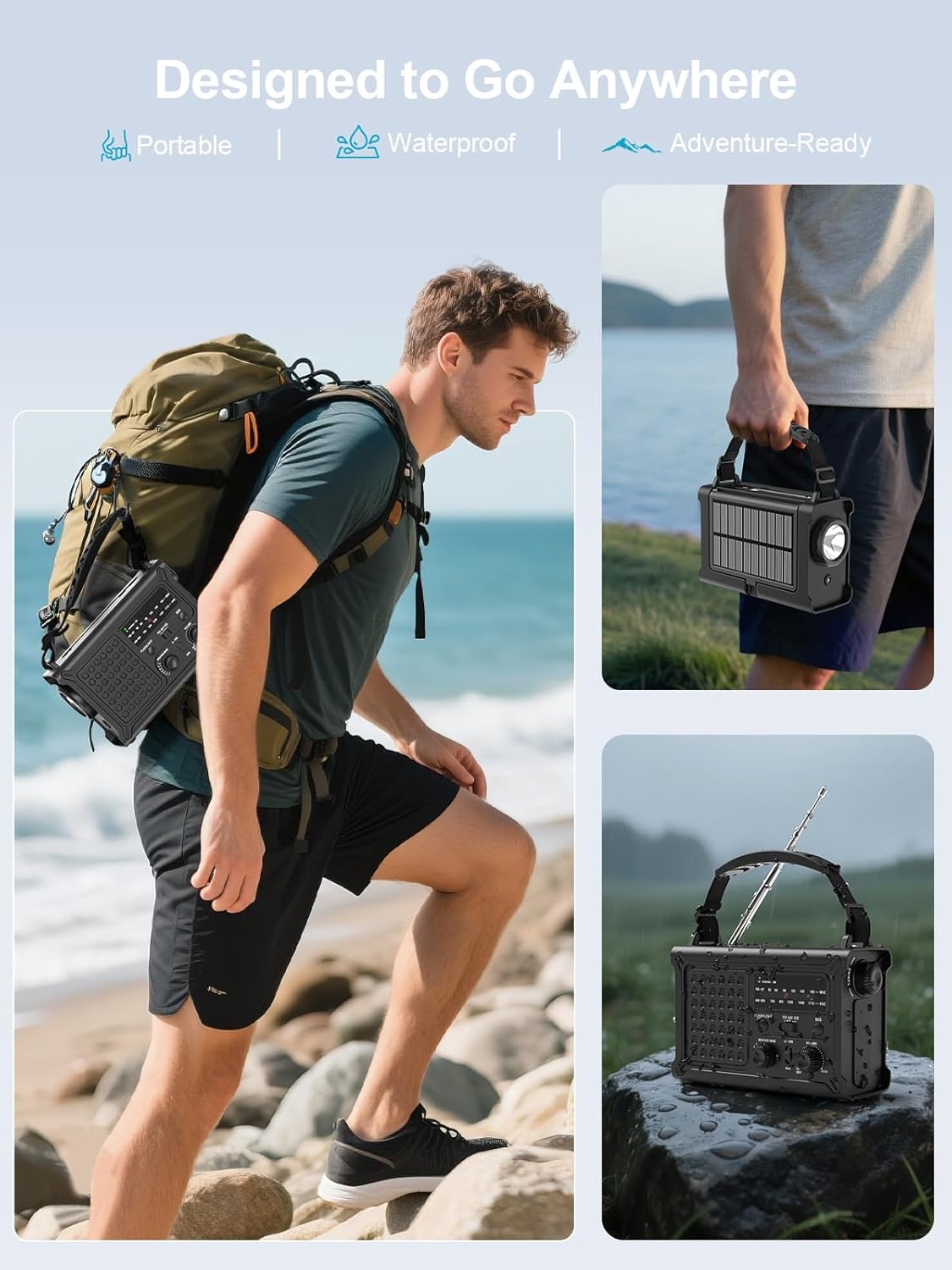
The ROCAM CR1030 is designed for outdoor use, being portable and waterproof (IPX6 rated).
6. Troubleshooting
| Problem | Possible Cause | Solution |
|---|---|---|
| Radio does not turn on. | Internal battery is depleted. AAA batteries are depleted or incorrectly installed. | Charge the internal battery via USB-C, solar, or hand-crank. Check and replace AAA batteries if used. |
| Poor radio reception. | Antenna not extended. Weak signal area. Interference. | Fully extend the telescopic antenna. Reposition the radio. Move away from electronic devices causing interference. |
| Cannot charge external device. | Radio's internal battery is low. Cable is faulty. Device is incompatible. | Ensure the radio's internal battery is sufficiently charged. Try a different charging cable. |
| Solar charging is slow. | Insufficient sunlight. Panel is dirty. | Place the radio in direct, strong sunlight. Clean the solar panel. Note that solar charging is supplementary. |
| Hand-crank charging is ineffective. | Cranking too slowly or inconsistently. | Maintain a steady cranking speed of 130-150 RPM. |
7. Specifications
| Feature | Detail |
|---|---|
| Brand | ROCAM |
| Model Number | CR1030 |
| Color | Black |
| Connectivity Technology | USB |
| Special Features | 12000 mAh Battery, Ergonomic Design, Large 8500 mm² Solar Panel, 57 mm Speaker, 650 mA Hand Crank |
| Compatible Devices | Headphones, Smartphone |
| Product Dimensions | 12.1L x 17.2W x 7.4H centimeters |
| Tuning Technology | AM/FM |
| Power Source | Solar Powered, Battery Powered, Electric Cord, Hand Crank, Type-C Input, Rechargeable Battery, 3 AAA Batteries |
| Supported Radio Bands | AM, FM |
| Included Components | Portable Strap, Type-C Charging Cable, User Manual, AM/FM Radio |
| Water Resistance | IPX6 |
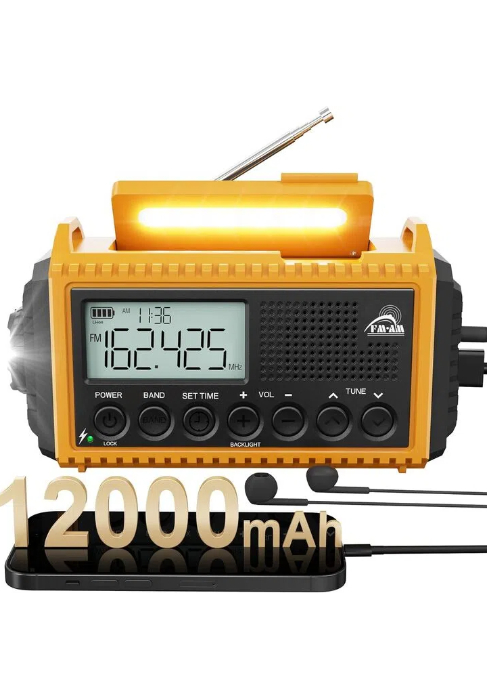
The ROCAM CR1030 radio, highlighting its 12000mAh battery capacity.
8. Warranty and Support
ROCAM products are designed for reliability and performance. For warranty information or technical support, please refer to the contact details provided on the product packaging or the official ROCAM website. Keep your purchase receipt as proof of purchase.
9. Product Overview Video
Watch this video for a quick overview of the ROCAM CR1030 Emergency Solar Hand-Crank AM/FM Radio's features and functions.
This video demonstrates the key features of the ROCAM CR1030 radio, including its charging methods, radio functionality, and lighting options.


