
1. Introduction
This manual provides instructions for the proper setup, operation, and maintenance of your Polaring S10 Handheld Game Console. Please read this manual thoroughly before using the device to ensure optimal performance and longevity.
2. Product Overview
2.1. Key Features
- Game Library: Includes a collection of 520 classic games for diverse gameplay experiences.
- Display: Features a 2.4-inch HD color screen for clear visuals.
- Multiplayer Support: Designed for two-player interaction.
- TV Output: Connects to a television for a larger display.
- Battery: Equipped with a 1020mAh lithium battery, providing approximately 3-4 hours of continuous gameplay.
2.2. Package Contents
Verify that all items are present in your package:
- Polaring S10 Handheld Game Console
- Charging Cable
- AV Output Cable
- TF Card (pre-installed or included separately)
- User Manual (this document)
2.3. Console Components
Refer to the image below for an overview of the console and its accessories.

Figure 1: Polaring S10 Handheld Game Console and Accessories
The console features a D-pad, action buttons (A, B, X, Y), Start, Select, Volume controls, and a built-in screen. Speakers are integrated into the controller grips.

Figure 2: Console Dimensions
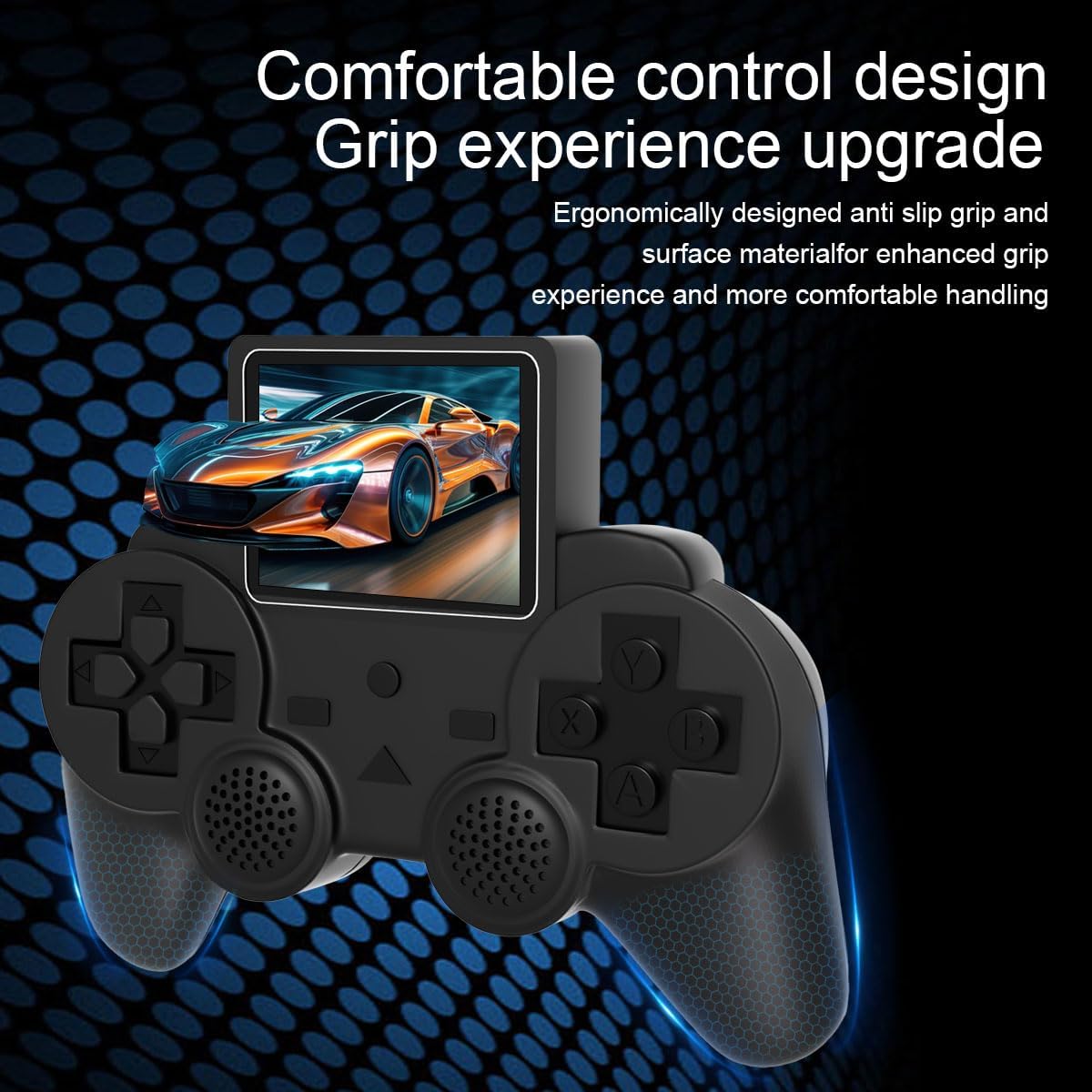
Figure 3: Ergonomic Design of the Console
3. Setup
3.1. Initial Charging
Before first use, fully charge the console. Connect the provided charging cable to the console's charging port and a compatible USB power source (e.g., computer USB port, USB wall adapter). The charging indicator light will typically show charging status and turn off or change color when fully charged.
3.2. Powering On/Off
- To Power On: Press and hold the Power button (usually located on the console) for a few seconds until the screen illuminates.
- To Power Off: Press and hold the Power button until the screen shuts down.
3.3. Language Selection
Upon initial startup, you may be prompted to select a language. Use the D-pad to navigate and the 'A' button to confirm your selection (e.g., English).
4. Operating Instructions
4.1. Menu Navigation
Use the D-pad (directional pad) to move through menu options. The 'A' button typically confirms a selection, while the 'B' button acts as a back or cancel function.
4.2. Game Selection and Play
- From the main menu, navigate to the game list.
- Use the D-pad to scroll through the available games.
- Press the 'A' button to select and start a game.
- During gameplay, use the D-pad for movement and the A, B, X, Y buttons for actions as defined by the specific game.
- The 'Start' button typically pauses the game or confirms selections within a game. The 'Select' button may offer additional in-game options or functions.
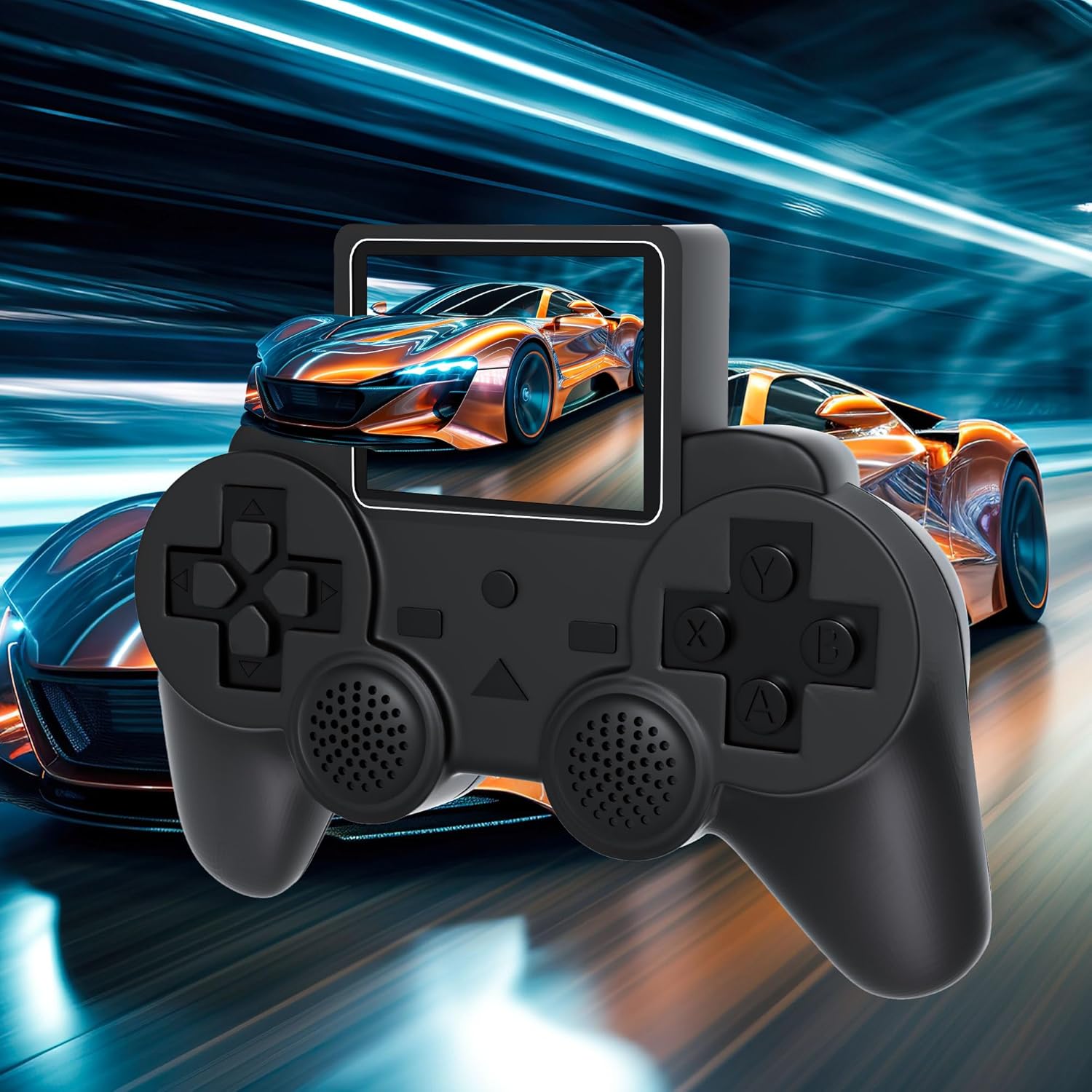
Figure 4: Console Displaying a Game
4.3. Volume Control
Adjust the game volume using the dedicated Volume buttons (VOL+/-) located on the console.
5. Game Library
The Polaring S10 console includes a built-in library of 520 classic games. These games are pre-loaded on the included TF card. The game list can be navigated using the D-pad.
6. TV Output
The console supports connection to a television for a larger screen experience. Use the provided AV output cable to connect the console to your TV's AV input ports (yellow for video, white/red for audio).
- Ensure both the console and TV are powered off.
- Connect one end of the AV cable to the console's AV output port.
- Connect the other end of the AV cable to the corresponding AV input ports on your television.
- Power on your TV and select the correct AV input source.
- Power on the Polaring S10 console. The game display should now appear on your television screen.
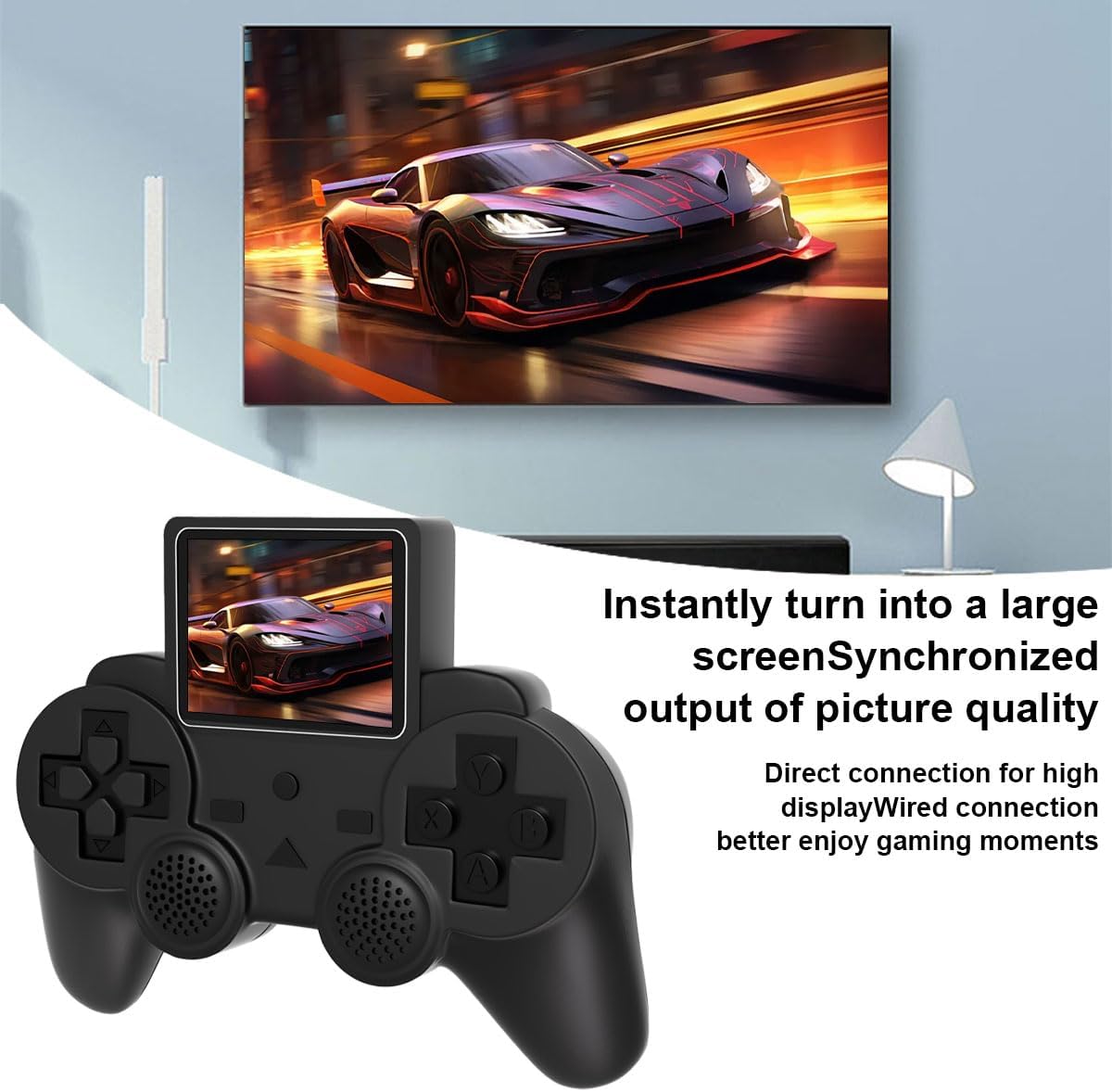
Figure 5: Console Connected to TV
7. Battery Information
The Polaring S10 is powered by a built-in 1020mAh lithium battery. A full charge provides approximately 3-4 hours of gameplay. To prolong battery life, avoid fully discharging the battery frequently and store the device in a cool, dry place when not in use for extended periods.
8. Maintenance
- Cleaning: Use a soft, dry cloth to clean the console's exterior. Do not use liquid cleaners or abrasive materials.
- Storage: Store the console in a dry environment, away from direct sunlight and extreme temperatures.
- Handling: Avoid dropping the console or subjecting it to strong impacts, as this may damage internal components or the screen.
9. Troubleshooting
| Problem | Possible Cause | Solution |
|---|---|---|
| Console does not power on. | Low battery; faulty charging cable/adapter. | Charge the console for at least 30 minutes. Try a different charging cable or adapter. |
| No image on TV when connected. | Incorrect TV input selected; loose AV cable connection. | Ensure the TV is set to the correct AV input. Check that the AV cable is securely connected to both the console and the TV. |
| Games are slow or unresponsive. | Software issue; console overheating. | Restart the console. Allow the console to cool down if it feels warm. |
| No sound. | Volume too low; mute activated. | Increase the volume using the VOL+ button. Ensure the console is not muted. |
10. Specifications
| Feature | Detail |
|---|---|
| Model | S10 |
| Screen Size | 2.4 Inches |
| Display Type | LCD |
| Power Source | Battery Powered |
| Battery Type | 1020mAh Lithium (1 A battery required, included) |
| Battery Life | Approximately 3.5 Hours |
| Material | Plastic |
| Form Factor | Handheld |
| Product Dimensions | 3.1 x 5.1 x 1.2 inches |
| Item Weight | 8.4 ounces |
| UPC | 717382548623 |
| Manufacturer Minimum Age | 18 months and up |
11. Warranty and Support
For warranty information and customer support, please refer to the contact details provided with your purchase or visit the official Polaring website. Keep your proof of purchase for any warranty claims.