
1. Introduction
The Nerf Fortnite DG Dart Blaster is inspired by the blaster featured in the popular video game Fortnite. This blaster is designed for dart-blasting action with a 15-dart rotating drum and pump-action firing. It comes with 15 Official Nerf Elite darts, providing a full load for the drum. This manual provides essential information for safe and effective use of your blaster.
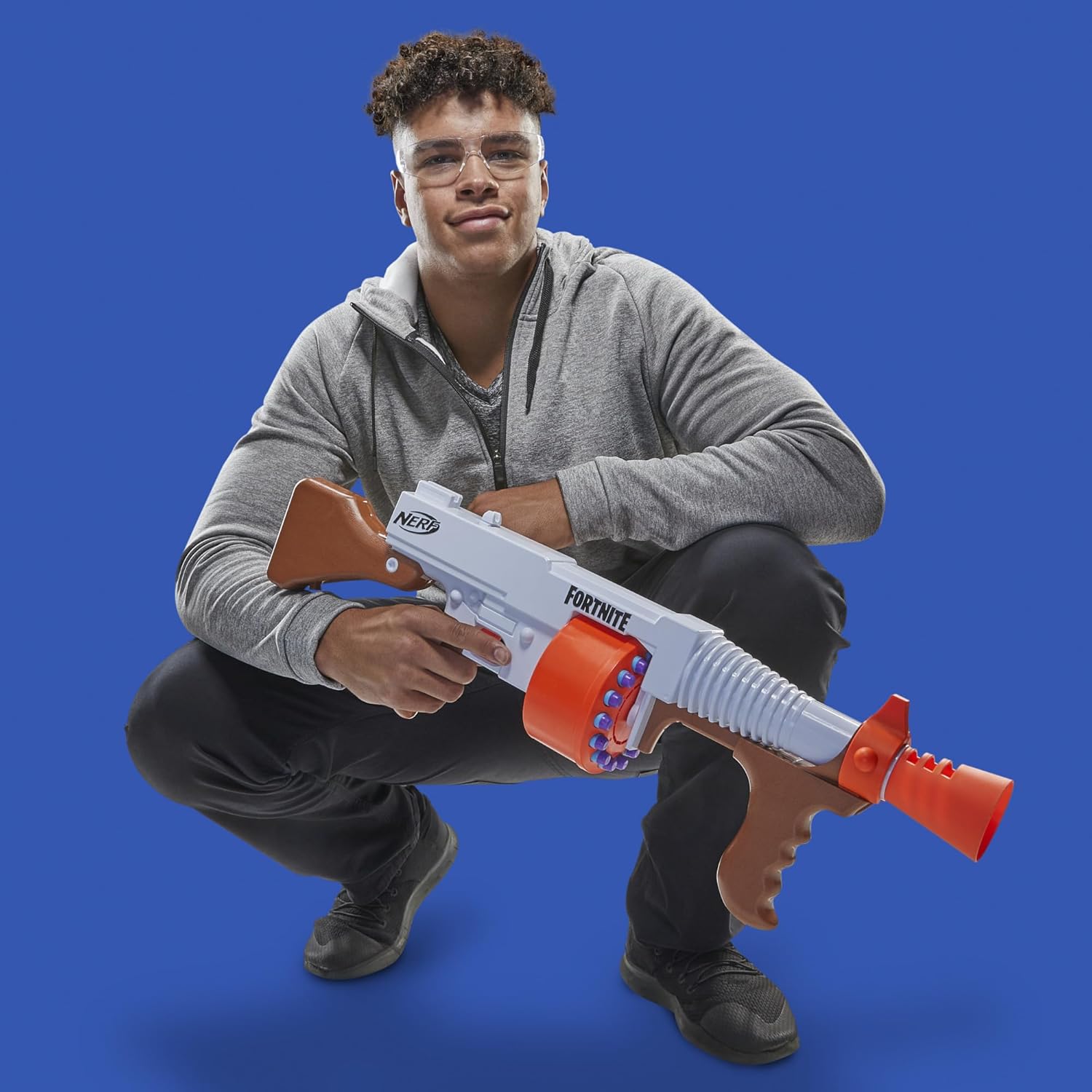
Image 1.1: The Nerf Fortnite DG Dart Blaster in use.
2. What's in the Box
Verify that all components are present before beginning assembly or operation:
- Nerf Fortnite DG Blaster
- 15-Dart Rotating Drum
- 15 Official Nerf Elite Darts
- Instruction Manual (this document)

Image 2.1: Packaging of the Nerf Fortnite DG Dart Blaster, illustrating included items.
3. Setup
- Unpack Components: Carefully remove the blaster, drum, and darts from the packaging.
- Load Darts into Drum: Insert one Official Nerf Elite dart into each of the 15 chambers of the rotating drum. Ensure darts are fully seated.

Image 3.1: Demonstrating how to load darts into the blaster's rotating drum.
4. Operating Instructions
4.1 Single-Shot Firing
- Hold the Blaster: Grip the blaster firmly with both hands.
- Prime the Blaster: Pull the priming grip located on the front of the blaster backward completely, then push it forward until it clicks into place. This action prepares a dart for firing.
- Fire a Dart: Aim at your target and press the trigger to fire one dart.
- Repeat: To fire another dart, repeat the priming and firing steps.

Image 4.1: Priming the blaster by moving the front grip.
4.2 Slam-Fire Action
The slam-fire feature allows for rapid dart blasting:
- Hold the Trigger: Press and hold the trigger down.
- Pump Rapidly: While holding the trigger, rapidly pump the priming grip backward and forward. This will continuously fire darts until the drum is empty.
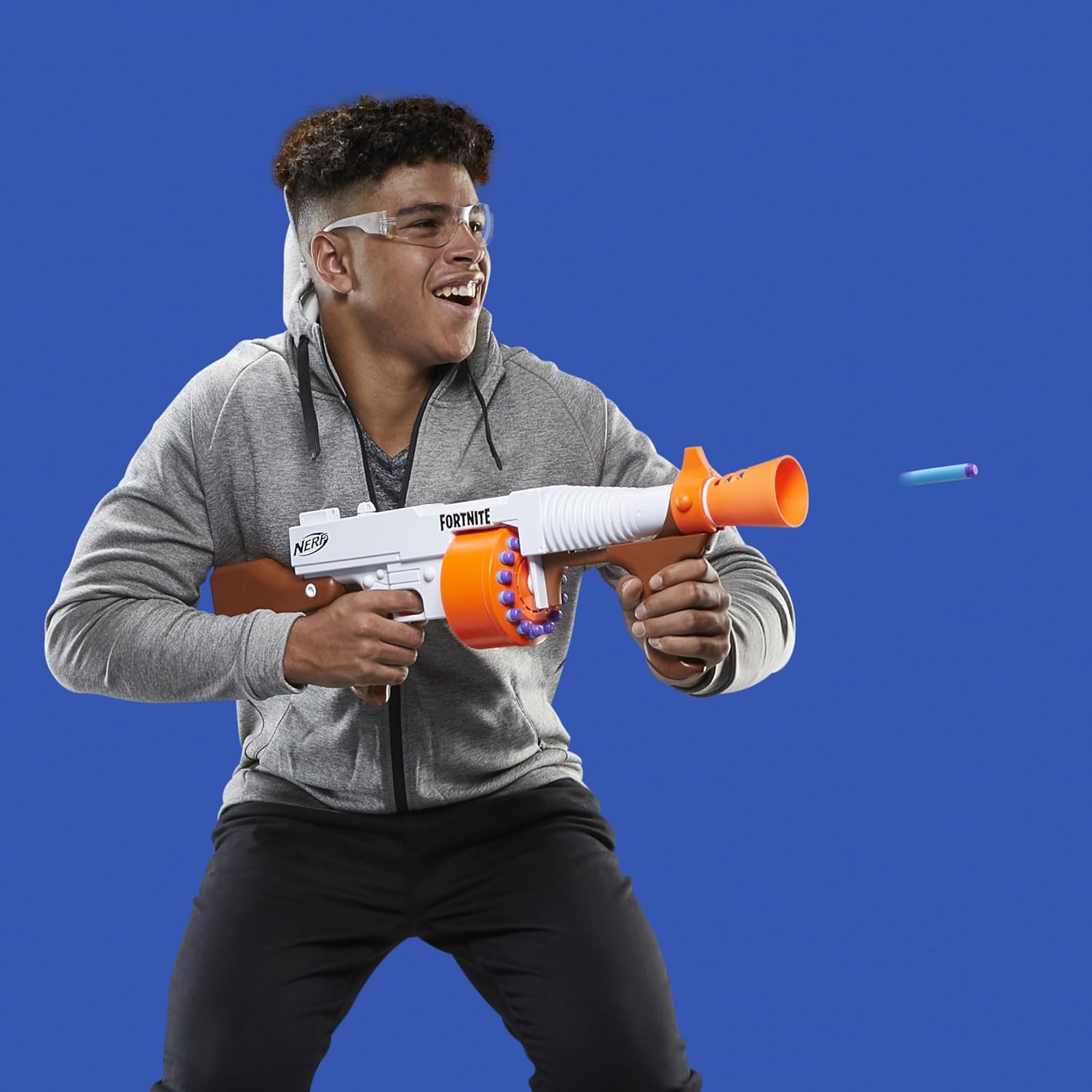
Image 4.2: A dart being fired from the blaster.
4.3 Official Product Video
Video 4.3: Official demonstration of the Nerf Fortnite DG Dart Blaster's features, including dart loading and firing mechanisms.
5. Maintenance
- Dart Care: Use only Official Nerf Elite darts. Inspect darts regularly for damage. Damaged darts can affect performance and potentially cause jams.
- Cleaning: Wipe the blaster with a damp cloth to remove dust and debris. Do not submerge the blaster in water or use harsh chemicals.
- Storage: Store the blaster and darts in a cool, dry place away from direct sunlight and extreme temperatures.
6. Troubleshooting
| Problem | Possible Cause | Solution |
|---|---|---|
| Dart does not fire or fires weakly. | Blaster not fully primed; damaged dart; non-Official Nerf dart. | Ensure priming grip is pulled back and pushed forward completely until it clicks. Replace damaged darts. Use only Official Nerf Elite darts. |
| Darts jam in the drum or barrel. | Damaged darts; improper dart loading; foreign object in barrel. | Remove all darts and inspect for damage. Ensure darts are loaded correctly. Check barrel for obstructions and carefully remove if found. |
7. Specifications
- Model Number: E7521
- Product Dimensions: 28.74 x 3.39 x 9.61 inches
- Item Weight: 3.67 pounds
- Dart Capacity: 15 Official Nerf Elite Darts
- Operation: Hand-powered, Pump-action
- Recommended Age: 8 years and up
- Manufacturer: Hasbro
8. Safety Information
- WARNING: CHOKING HAZARD - Small Parts. Not for children under 3 years.
- WARNING: Do not aim at eyes or face.
- EYEWEAR RECOMMENDED: Always wear eyewear when using this blaster (eyewear not included).
- Use only Official Nerf darts. Other darts may not meet safety standards. Do not modify darts or blaster.
9. Warranty and Support
For warranty information or product support, please refer to the contact details provided on the product packaging or visit the official Nerf website. Keep your purchase receipt for warranty claims.
For additional information, you may visit the Nerf Store on Amazon.


