
1. Introduction
Thank you for choosing the Force Play big_n22_35483 Bluetooth ANC/ENC Over-Ear Headphones. This manual provides essential information for setting up, operating, and maintaining your headphones to ensure optimal performance and longevity. Please read this manual thoroughly before use and retain it for future reference.
2. Product Overview
2.1 Key Features
- Extended Battery Life: Enjoy up to 60 hours of listening with the integrated 500 mAh rechargeable battery.
- Active Noise Cancellation (ANC): Reduces unwanted external noise for an immersive audio experience. Ideal for music and calls in noisy environments.
- Environmental Noise Cancellation (ENC): Equipped with dual microphones to effectively suppress background noise during calls, ensuring clear communication.
- Total Sound Immersion: Over-ear design fully encloses your ears, blocking external sounds and providing optimal comfort for extended use.
- Voice Control: Seamless integration with Siri and Google Assistant for hands-free control.
- Compact and Comfortable Design: Features a foldable headband for portability, rotatable earcups, and an extensible headband for a comfortable fit.
- Fast and Stable Connection: Utilizes Bluetooth 5.3 technology for quick pairing and a reliable wireless connection.
2.2 Package Contents
Please check that all items are present in your package:
- Force Play big_n22_35483 Over-Ear Headphones
- USB Charging Cable
- 3.5mm Audio Cable
- User Manual
2.3 Product Diagram
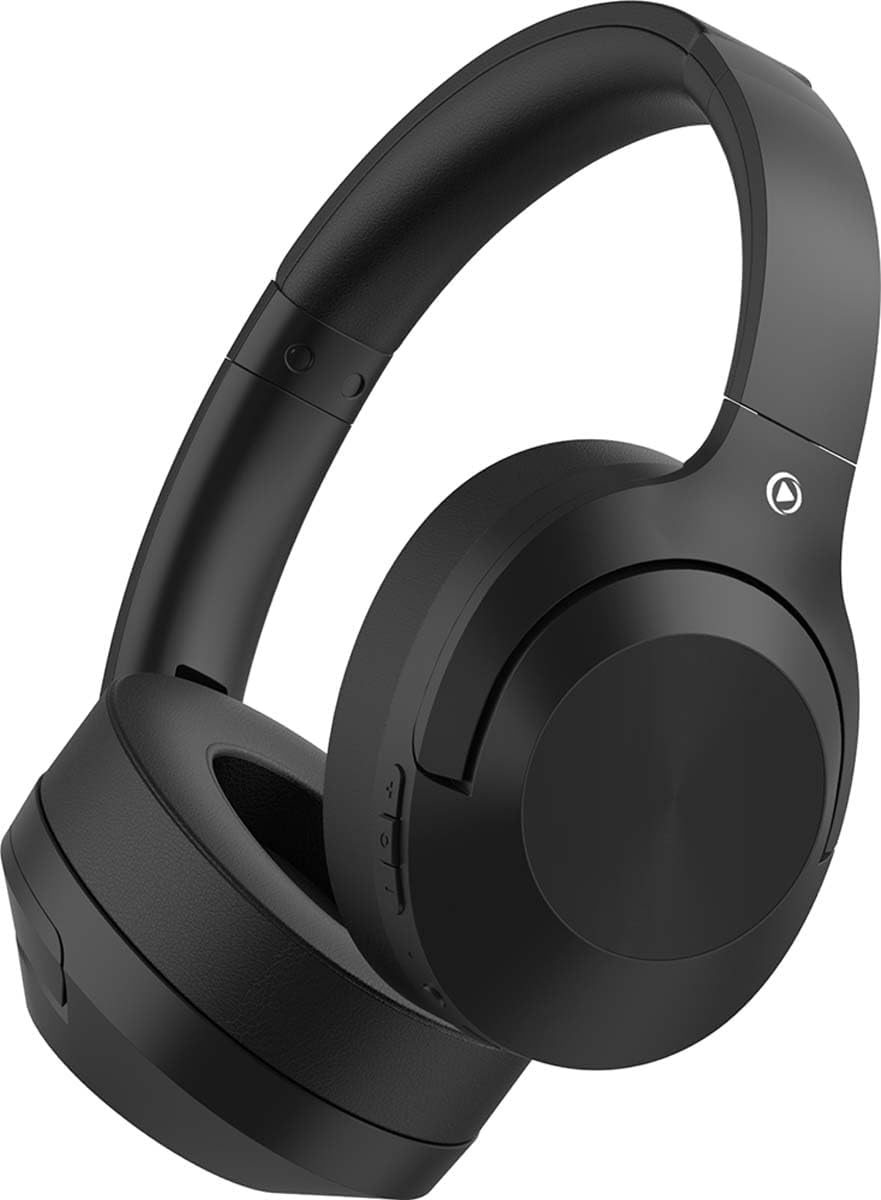
Figure 1: Front-side view of the Force Play big_n22_35483 Over-Ear Headphones. This image displays the sleek black design and the comfortable earcups.
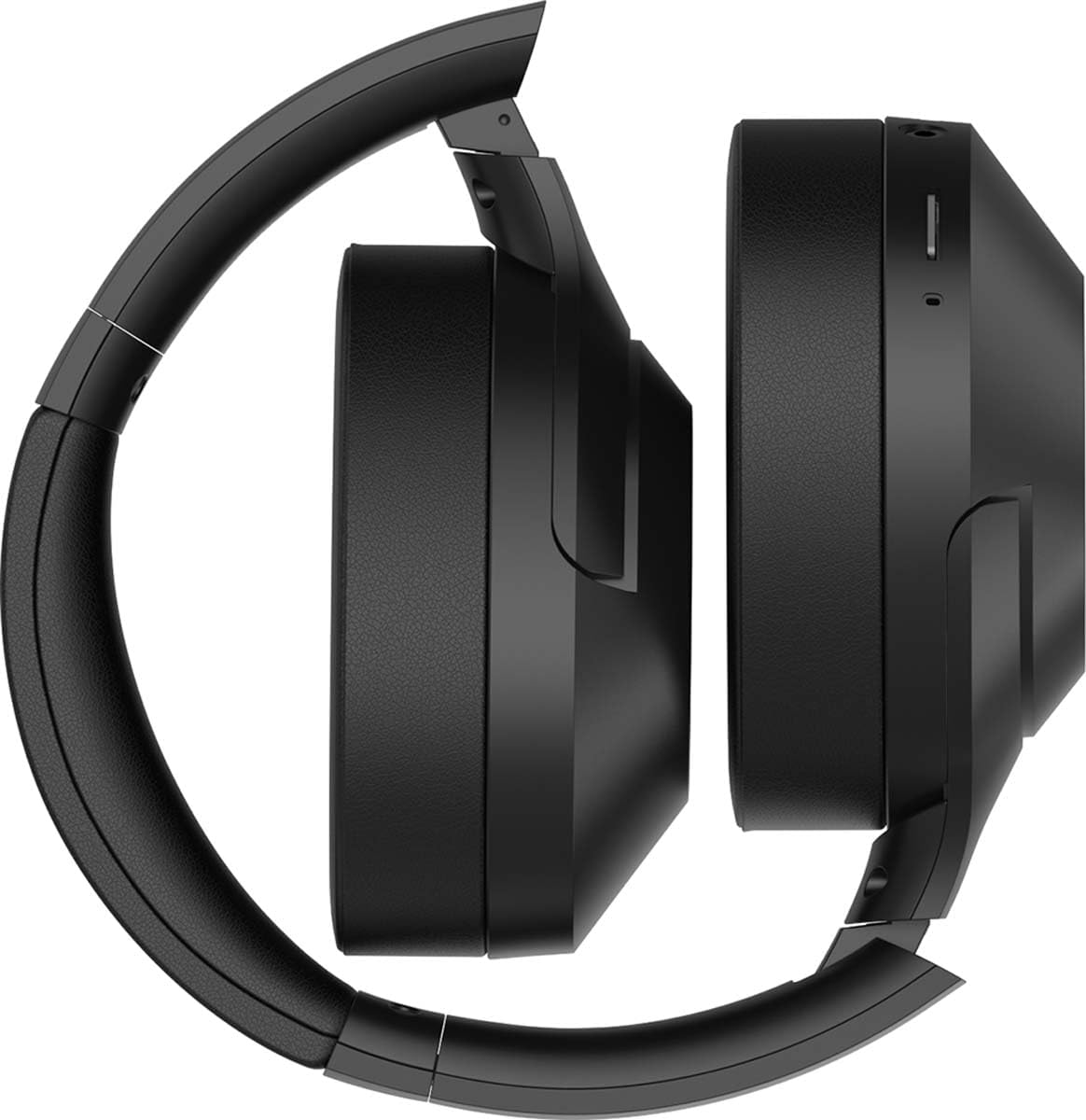
Figure 2: The headphones folded into a compact form, demonstrating their portability. The earcups are rotated inwards, and the headband is collapsed.
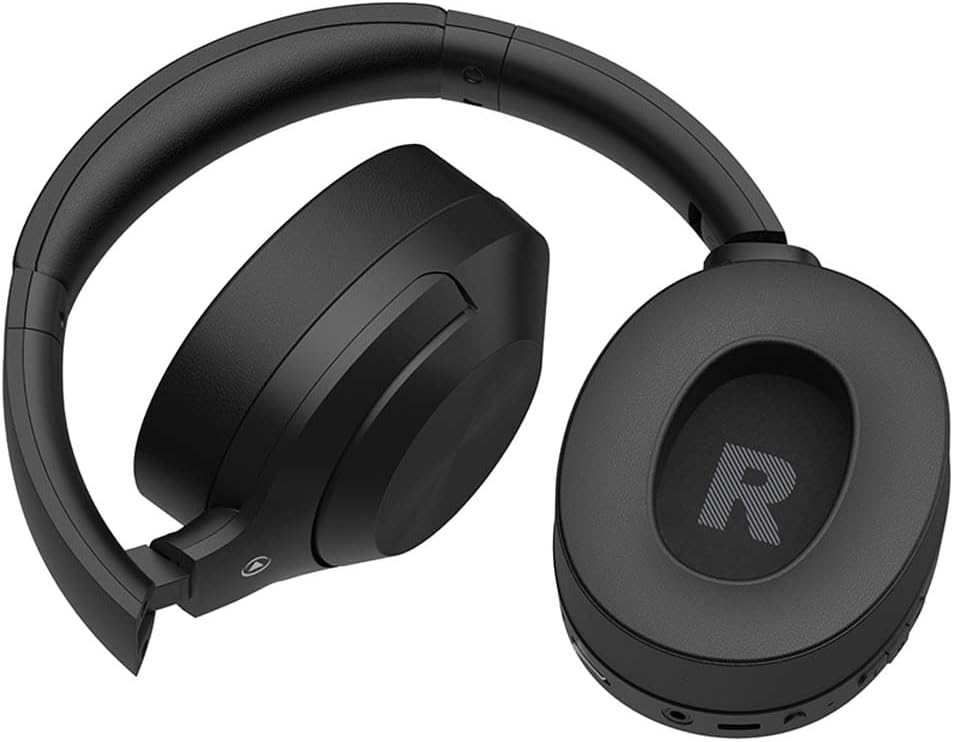
Figure 3: A view of the headphones in their folded state, with the right earcup clearly showing the 'R' indicator and some control buttons on the bottom edge.
3. Setup
3.1 Charging the Headphones
- Connect the small end of the USB charging cable to the charging port on the headphones.
- Connect the larger end of the USB charging cable to a USB power adapter (not included) or a computer's USB port.
- The LED indicator on the headphones will illuminate to show charging status. It will typically turn off or change color once fully charged.
- A full charge takes approximately 2-3 hours.
3.2 Bluetooth Pairing
- Ensure the headphones are fully charged.
- Press and hold the Power button on the headphones for approximately 3-5 seconds until the LED indicator flashes blue and red, indicating pairing mode.
- On your device (smartphone, tablet, computer), enable Bluetooth and search for available devices.
- Select "Force Play big_n22_35483" from the list of found devices.
- Once paired, the LED indicator will flash blue slowly or remain solid blue.
- The headphones will automatically reconnect to the last paired device when powered on, if Bluetooth is enabled on the device.
4. Operating Instructions
4.1 Power On/Off
- Power On: Press and hold the Power button for 2 seconds. The LED indicator will flash blue.
- Power Off: Press and hold the Power button for 3 seconds. The LED indicator will flash red and then turn off.
4.2 Music Playback
- Play/Pause: Press the Multi-function button (often the Power button or a dedicated play/pause button) once.
- Next Track: Press and hold the Volume Up (+) button for 2 seconds.
- Previous Track: Press and hold the Volume Down (-) button for 2 seconds.
- Volume Up: Press the Volume Up (+) button briefly.
- Volume Down: Press the Volume Down (-) button briefly.
4.3 Call Management
- Answer/End Call: Press the Multi-function button once.
- Reject Call: Press and hold the Multi-function button for 2 seconds.
- Redial Last Number: Double-press the Multi-function button.
4.4 Active Noise Cancellation (ANC) / Environmental Noise Cancellation (ENC)
- Activate/Deactivate ANC: Press the dedicated ANC button (if present) or a specific combination of buttons as indicated by the LED. Refer to the headphone's physical controls for exact button location.
- ENC is automatically active during phone calls to enhance voice clarity.
4.5 Voice Assistant
- Activate Voice Assistant (Siri/Google Assistant): Triple-press the Multi-function button or press and hold a dedicated Voice Assistant button (if present) for 2 seconds.
4.6 Wired Mode
- To use the headphones in wired mode, connect the supplied 3.5mm audio cable to the audio input port on the headphones and to your audio source.
- In wired mode, Bluetooth functionality is typically disabled, and the headphones operate passively. ANC may still be available if the headphones have battery power.
5. Maintenance
5.1 Cleaning
- Wipe the headphones with a soft, dry, lint-free cloth.
- Do not use abrasive cleaners, alcohol, or chemical solvents.
- Avoid getting moisture into any openings.
5.2 Storage
- Store the headphones in a cool, dry place, away from extreme temperatures and direct sunlight.
- When not in use for extended periods, store them in their folded position (if applicable) to save space and protect them.
5.3 Battery Care
- To preserve battery life, charge the headphones at least once every three months, even if not in regular use.
- Avoid fully discharging the battery frequently.
6. Troubleshooting
| Problem | Possible Cause | Solution |
|---|---|---|
| Headphones do not power on. | Low battery. | Charge the headphones fully. |
| Cannot pair with device. | Bluetooth not enabled on device; headphones not in pairing mode; too far from device. | Ensure Bluetooth is on. Put headphones in pairing mode (flashing blue/red). Move headphones closer to device. Forget device on your phone and re-pair. |
| No sound. | Volume too low; headphones not connected; incorrect audio output selected on device. | Increase volume on headphones and device. Reconnect Bluetooth. Check device's audio output settings. |
| ANC not working effectively. | ANC feature not activated; type of noise not fully cancellable. | Ensure ANC is activated. ANC is most effective on low-frequency, constant noises. |
| Poor call quality. | Weak Bluetooth connection; excessive background noise. | Move closer to your device. Ensure ENC is active during calls. |
7. Specifications
- Model: big_n22_35483
- Brand: Force Play
- Connectivity: Bluetooth 5.3
- Battery Capacity: 500 mAh
- Playback Time: Up to 60 hours
- Charging Time: Approx. 2-3 hours
- Noise Cancellation: Active Noise Cancellation (ANC), Environmental Noise Cancellation (ENC) with dual microphones
- Design: Over-ear, foldable, rotatable earcups, extensible headband
- Voice Assistant Support: Siri, Google Assistant
- Color: Black
8. Warranty and Support
Force Play products are designed and manufactured to the highest quality standards. For information regarding warranty coverage, technical support, or customer service, please refer to the warranty card included with your purchase or visit the official Force Play website. Please have your model number (big_n22_35483) and proof of purchase ready when contacting support.
Note: Product specifications and appearance are subject to change without prior notice.