
1. Introduction
Thank you for choosing the APPECK Smart RGBICW Landscape Lighting System. This manual provides essential information for the safe and efficient installation, operation, and maintenance of your new landscape lights. Please read this manual thoroughly before use and retain it for future reference.
2. Safety Information
- Ensure all electrical connections comply with local codes and regulations.
- Disconnect power before installation, maintenance, or cleaning.
- Do not attempt to modify the product. Any modifications may void the warranty and pose safety risks.
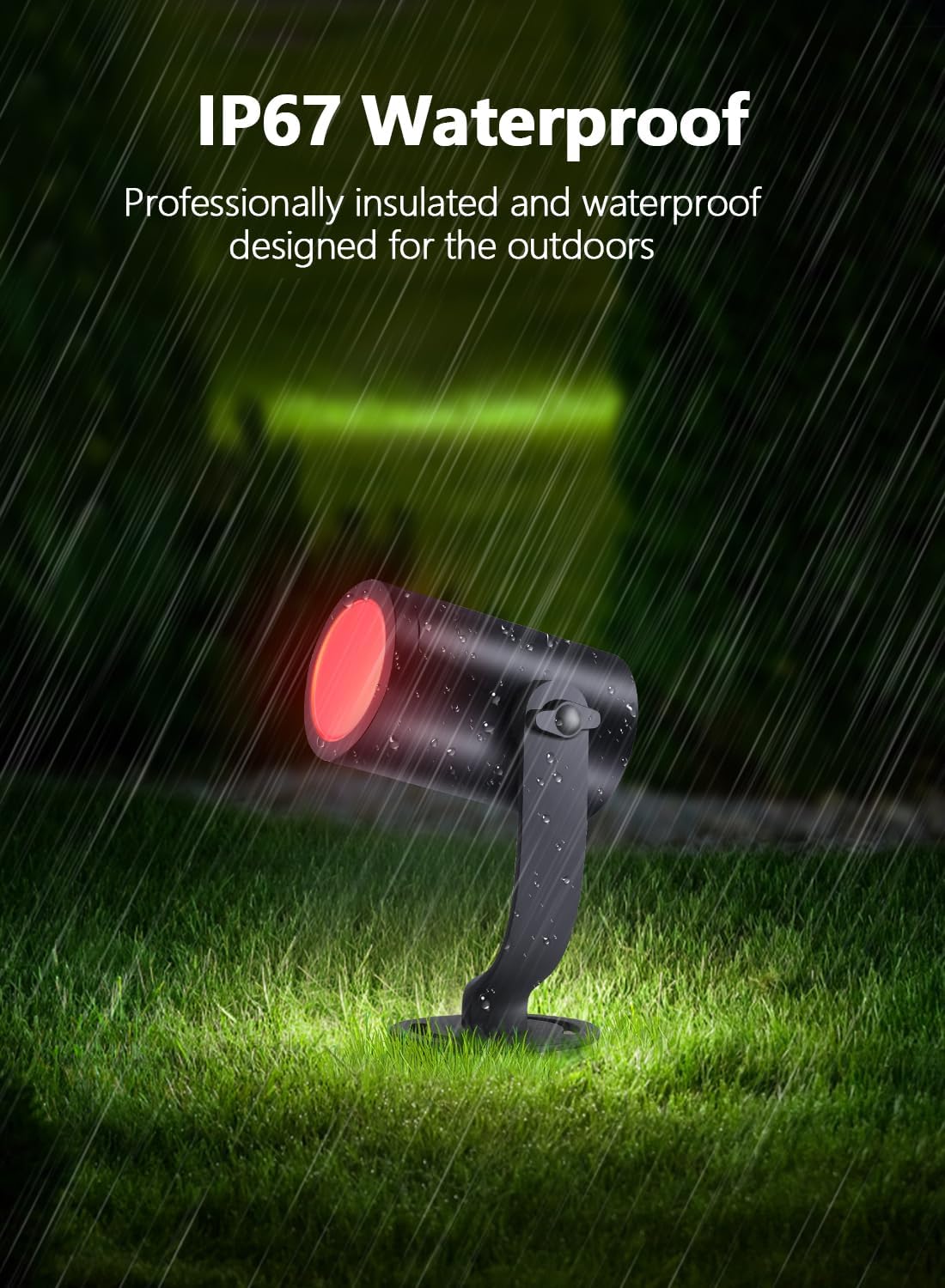
- This product is designed for outdoor use and has an IP67 waterproof rating. However, ensure all connections are secure to prevent water ingress.
- Keep children and pets away from the installation area during setup.
- The remote control requires one CR2025 battery (not included).
3. Package Contents
Verify that all components are present in your package:
- 4 x RGBICW Landscape Spotlights
- 1 x Power Adapter
- 1 x Controller
- 1 x Remote Control (CR2025 battery not included)
- 4 x Ground Stakes
- Mounting Screws and Wall Anchors
- User Manual

4. Product Features
- RGBICW Technology: Offers 16 million color options and individual control for each spotlight.
- Durable Construction: Aluminum material with IP67 waterproof rating for all-weather performance.
- Multiple Control Methods: Control via "Smart Life" APP, remote control, or voice commands (Amazon Alexa, Google Assistant).
- Versatile Lighting Modes: 54 scene modes, music sync, countdowns, and DIY customization.
- Easy Installation: Two mounting options (ground stake or wall mount) for flexible placement.
- Low Voltage: Designed for safe and efficient low voltage LED landscape lighting.
5. Setup and Installation
5.1 Initial Connection
- Connect the power cord connector to the controller connector.
- Plug the power adapter into a suitable outdoor power outlet.
- Ensure the connection is secure and sealed to maintain the IP67 waterproof rating.

5.2 Mounting Options
The APPECK landscape spotlights offer two primary mounting options:
- Ground Stake Installation: Attach the ground stake to the bottom of each spotlight. Insert the stake firmly into the ground in your desired location.
- Wall/Surface Mount Installation: Use the provided screws and wall anchors to secure the spotlight base to a wall or other flat surface. The spotlight head is 360-degree adjustable for optimal light direction.
5.3 Cable Management
Ensure cables are routed safely to avoid tripping hazards and damage. The system includes sufficient cable length for typical outdoor setups.

6. Operating Instructions
6.1 Remote Control Operation
The included remote control allows for basic functions. Insert a CR2025 battery (not included) into the remote before use. Point the remote directly at the controller for optimal response.
- Color Selection: Press the color buttons (R, G, B, W, and other color dots) to change the light color.
- Brightness Adjustment: Use the brightness up/down buttons to adjust light intensity.
- Mode Selection: Cycle through various pre-set lighting modes.
- Speed Adjustment: Adjust the speed of dynamic lighting modes.
- AUTO: Activates an automatic color-changing sequence.
- ON/OFF: Turns the lights on or off.
6.2 Smart APP Control (Smart Life App)
For advanced control and customization, download the "Smart Life" app from your smartphone's app store. The app supports 2.4 GHz Wi-Fi networks only.
- Download & Register: Download the "Smart Life" app and register an account.
- Add Device: Follow the in-app instructions to add your APPECK landscape lights. Ensure your phone is connected to a 2.4 GHz Wi-Fi network.
- Individual Control: The RGBIC technology allows you to control each spotlight's color and brightness independently within the app.
- Scene Modes: Choose from 54 pre-programmed scene modes to match your mood or occasion.
- Music Sync: Synchronize your lights with music for dynamic visual effects.
- DIY Mode: Create and save your own custom lighting effects and color sequences.
- Timer & Schedule: Set schedules for your lights to turn on/off automatically at specific times.


6.3 Voice Control (Alexa/Google Assistant)
Integrate your APPECK lights with Amazon Alexa or Google Assistant for convenient voice control. Ensure your Smart Life account is linked to your voice assistant app.
- Linking Account: Follow the instructions in your Alexa or Google Home app to link the "Smart Life" skill/service.
- Voice Commands: Use commands such as "Alexa, turn on the spotlight" or "Hey Google, change the landscape lights to blue."

7. Maintenance
Regular maintenance ensures optimal performance and longevity of your landscape lights.
- Cleaning: Periodically wipe the light fixtures with a soft, damp cloth to remove dirt and debris. Do not use harsh chemicals or abrasive cleaners.
- Connection Check: Annually inspect all cable connections for tightness and signs of wear or damage. Ensure waterproof seals are intact.
- Position Adjustment: Re-adjust the spotlight angle as needed to maintain desired illumination.
8. Troubleshooting
If you encounter issues with your APPECK landscape lights, refer to the following troubleshooting guide:
| Problem | Possible Cause | Solution |
|---|---|---|
| Lights do not turn on. | No power, loose connection, faulty power adapter. | Check power outlet. Ensure all cables are securely connected. Test with another power source if possible. |
| Remote control not working. | Dead battery, remote out of range, obstruction. | Replace CR2025 battery. Ensure remote is pointed directly at the controller and within range. Remove any obstructions. |
| App cannot connect to lights. | Incorrect Wi-Fi band, weak signal, pairing mode not active. | Ensure your router is 2.4 GHz compatible and your phone is connected to the 2.4 GHz network during pairing. Move closer to the lights/router. Re-enter pairing mode as per app instructions. |
| Lights flicker or change colors unexpectedly. | Unstable power, loose connection, interference. | Check power supply stability. Secure all connections. Minimize interference from other electronic devices. |
9. Specifications
| Feature | Detail |
|---|---|
| Brand | APPECK |
| Model Name | C6605-C |
| Color | Multicolor (RGBICW) |
| Material | Aluminum |
| Light Source Type | LED |
| Wattage | 24 watts (total for 4 lights) |
| Brightness | 400 lumens (per light) |
| Voltage | 12 Volts (Low Voltage) |
| Water Resistance Level | IP67 Waterproof |
| Connectivity Protocol | Wi-Fi (2.4 GHz only) |
| Control Method | App, Remote, Voice (Alexa, Google Assistant) |
| Product Dimensions | 7.8"L x 7"W x 6.6"H |
| Item Weight | 4.66 pounds |
| Number of Items | 4 Pack |
| Remote Battery Required | 1 CR2025 battery (not included) |
10. Warranty and Support
Specific warranty details are not provided in this manual. For warranty information, technical support, or any questions regarding your APPECK Smart RGBICW Landscape Lighting System, please refer to the product packaging or contact APPECK customer service through their official channels or the retailer where the product was purchased.